How to Remove an Object from an Image
ImageStretcher
How to remove an object from an image: brush the distraction, generate a fill, download. When a hole-fill beats crop, and how to do it on ImageStretcher.
The photograph is already the right one. A coiled orange extension cord is lying on a pale birch pegboard, and an empty brass hook is screwed in to the left of it. To remove an object from an image you mark that cord and fill the patch, so the holes and the hook stay in a file that is still 1248×832. Remove object from image is the page for that job. Crop would throw away the left side of the board to get the cord out of a tighter rectangle. AI Image Expander would invent new pegboard past the edges. Stretch on the home page would pull the round holes into ovals. None of those three is a hole inside the picture you already have.
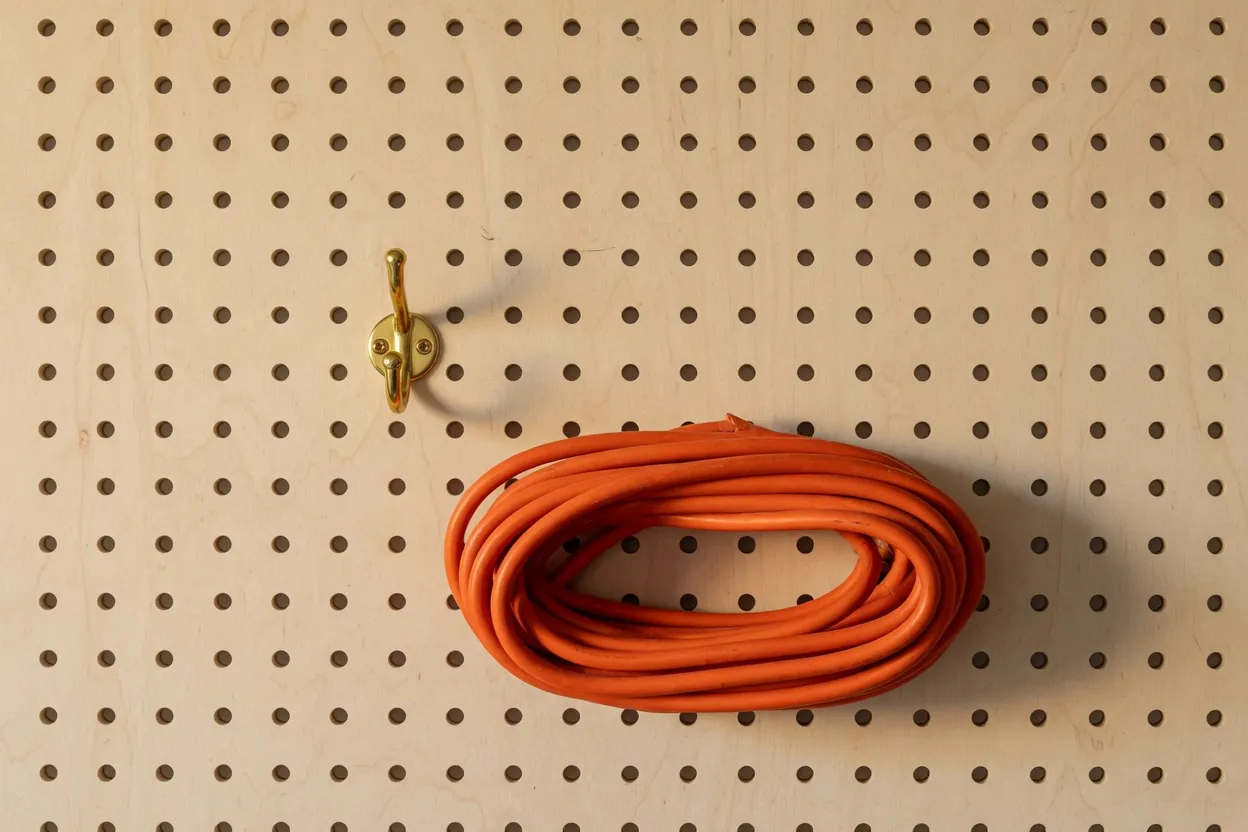
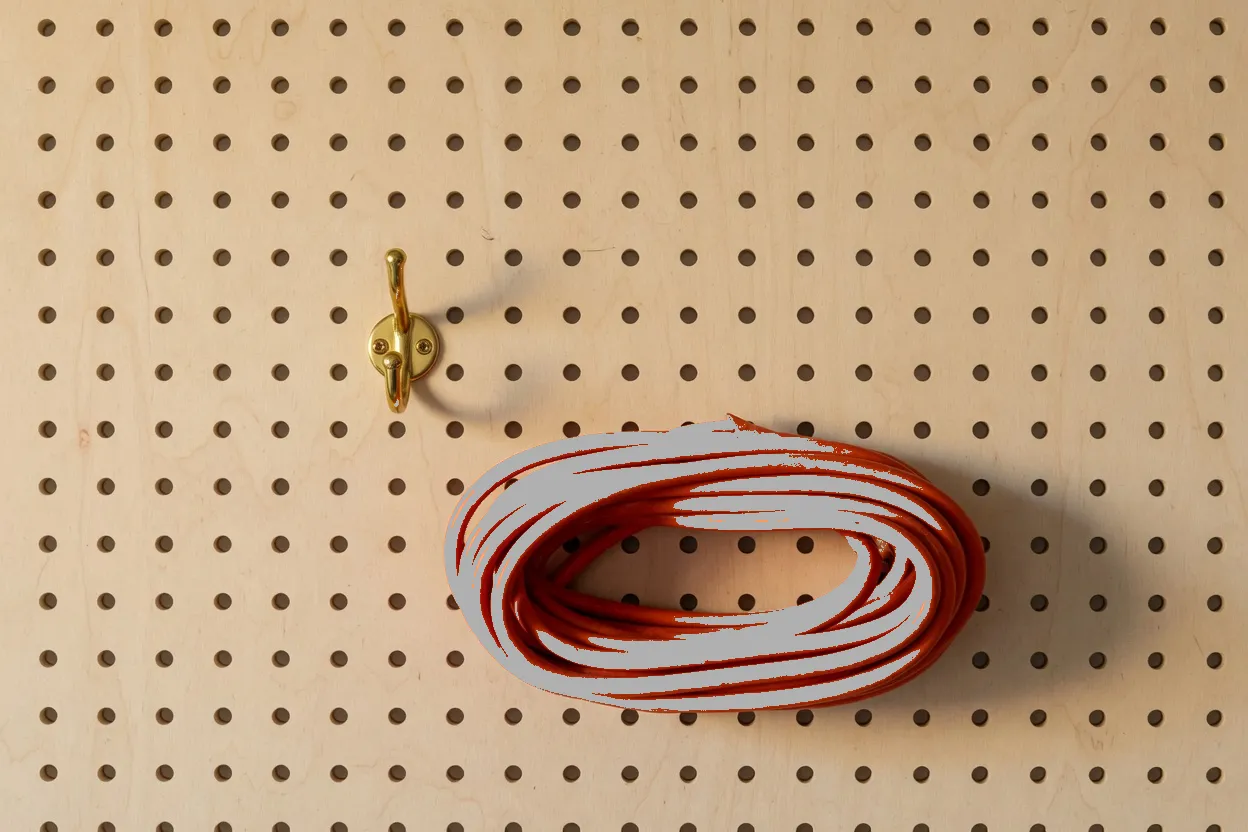
The bright face of the cord is 57,422 pixels inside that 548×443 box. The box itself is 242,764 pixels, so most of the rectangle is the wood showing through the middle of the coil and the gaps between loops. A brush that paints the whole rectangle paints that wood. A brush that paints only the bright pixels leaves the darker orange of each loop sitting beside the gray.
The gray has to cover the dark loops
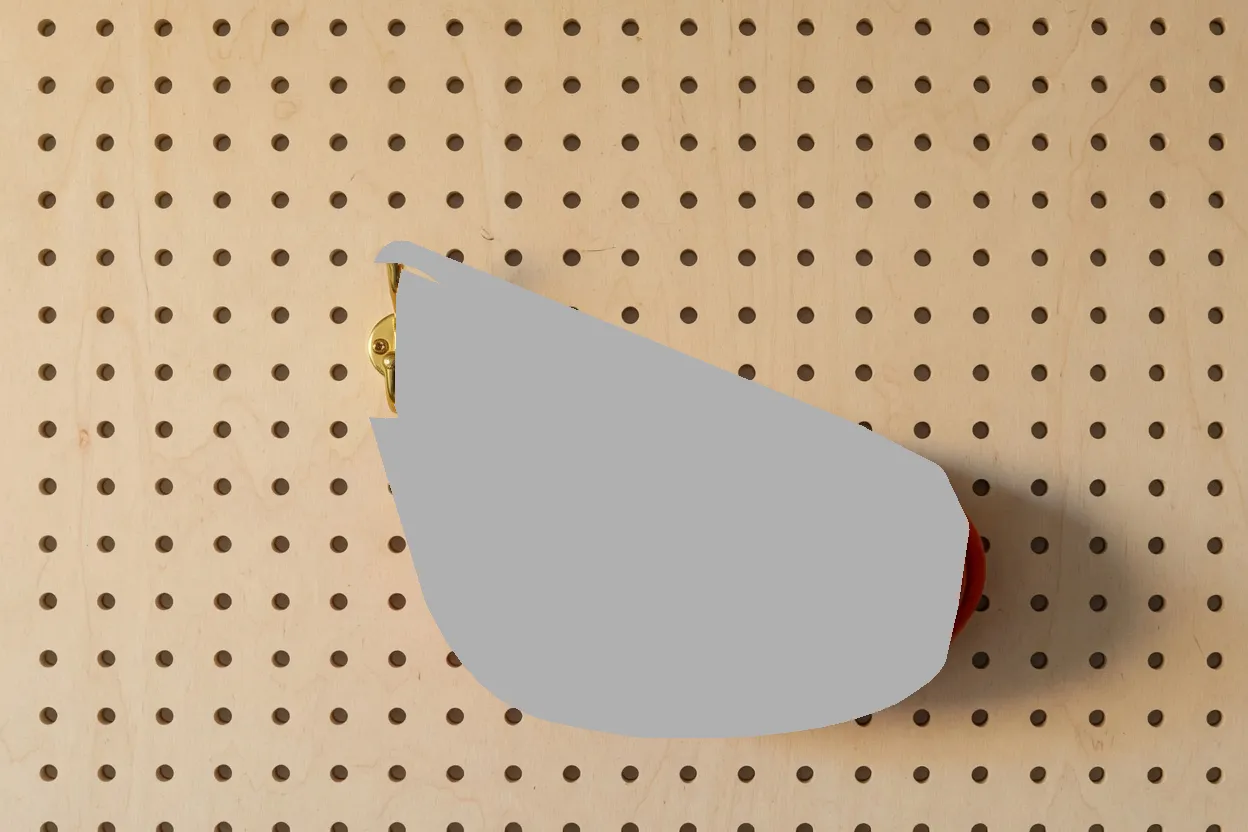
The tight file below is that miss. It paints the same 57,422 bright pixels and stops. The loops that face away from the light stay orange, so the hole has a halo before anyone generates. The wider gray next to it is not a second photograph. It is one rectangle of #B0B0B0 from x=378, y=232, 870×600, which is half the frame (522,000 of 1,038,336 pixels). The hook’s bright metal starts at x=372 and is 49 pixels wide, so this rectangle begins 6 pixels into the brass. The sliver you can still see on the left edge of the gray is the rest of the hook. A fill of that rectangle has to rebuild the hook, the shadow, and a large run of holes, which is a different request from “take the cord away.”
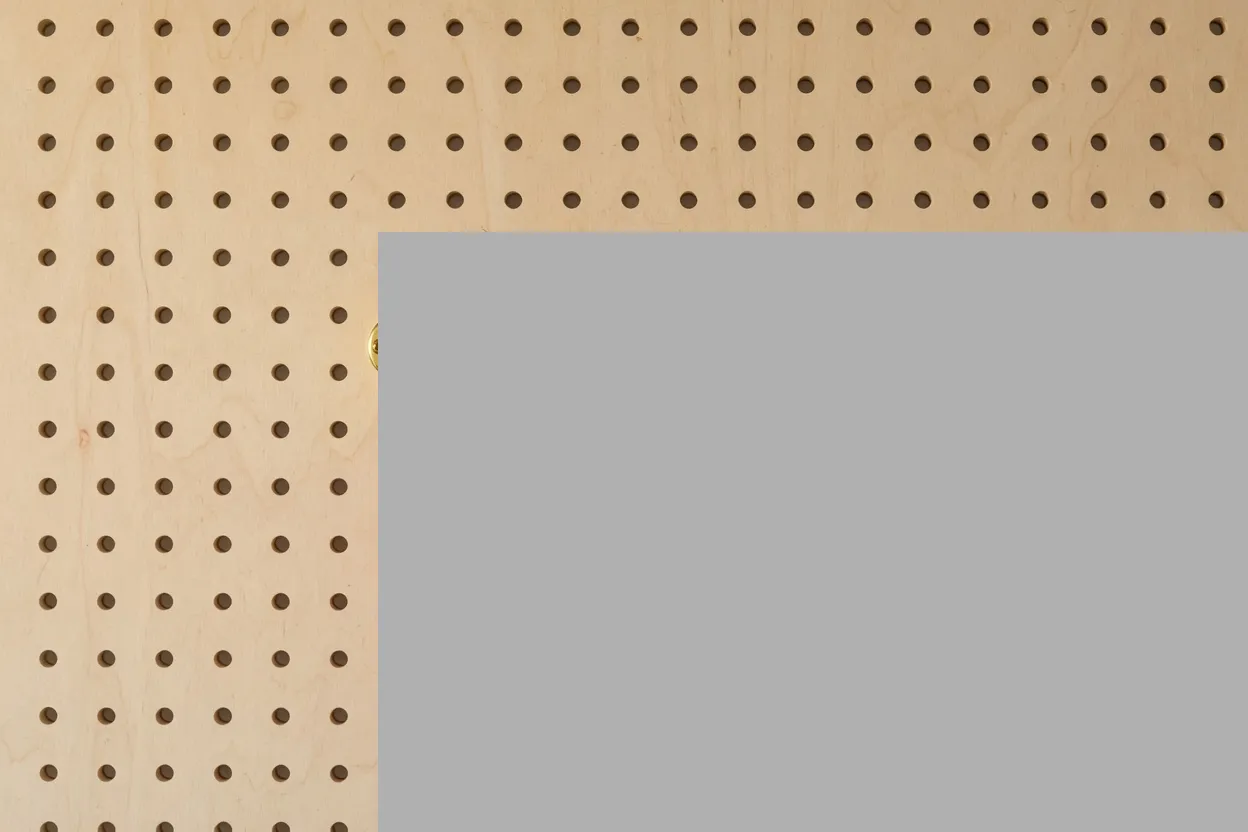
The margin brush in the first row is the one that matches the cord. Its gray box is 601×498 at x=369, y=240, about 28 pixels outside the bright cord on the top and the right. The left edge stops at x=369. The hook highlight starts at x=372, and 4 of its 351 highlight pixels fall under the gray. The brass is still the brass. That is the margin you want: wood around the coil, and the thing you mean to keep left almost entirely alone.
The frame does not change size
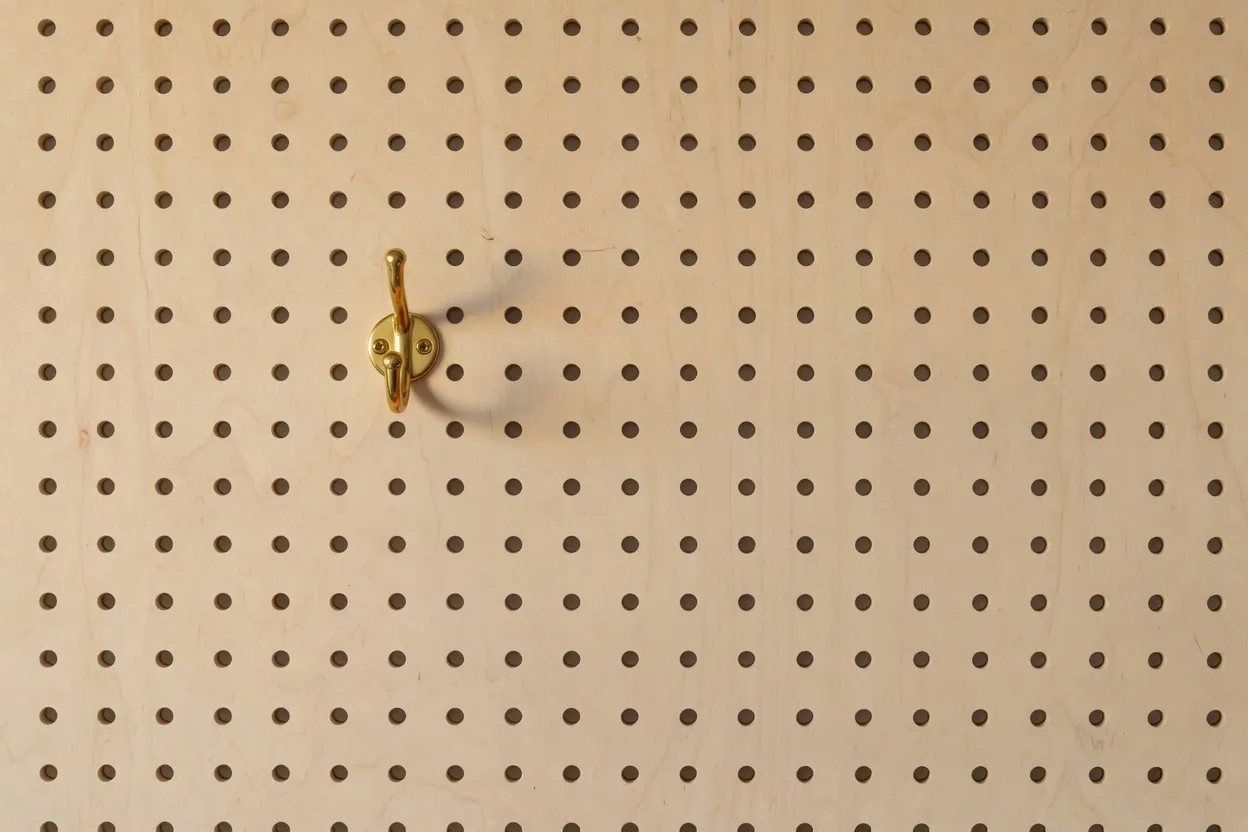
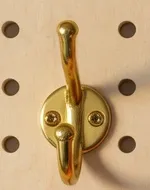
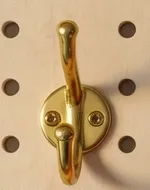
Both the upload and the fill are 1248×832. Generate fits a canvas so the short side is at least 512 and the long side is at most 1536. This board is already inside that range, so the fit does not scale it. The two crops under this paragraph are the same window, x=328, y=228, 150×190. The bright center of the hook is at (385, 340) on the upload and (384, 337) on the fill. Across that window the average channel change is about 3, which is the same order of change as an empty corner of the board. The fill redrew the wood a little everywhere. It did not move the hook, and it did not add a border.
On remove object from image the steps for this board are short.
- Open the page and drop in the photo. Nothing leaves the browser until you generate.
- Paint the cord plus a thin margin of wood, and paint the shadow it throws. The request turns those pixels #B0B0B0 and leaves every other pixel as the photograph. A hint, if you type one, applies only inside that gray. On this board the hint is to keep the birch and the holes.
- Generate. The tool sends a smaller copy of that one image, not a second mask file. A signed-in generate spends 3 credits. A new account starts at 0 credits, and the balance is not refilled each month. There is no guest generate. Buy credits on Pricing when the balance is empty.
- Check the hook and a hole that used to sit under the cord, then download PNG, JPEG, or WebP. Share link is a separate step and adds a small site mark.
Stretch, crop, and a plain download on the other tools stay on the device the whole way. Generate is the step that sends the picture.
The 1248×832 upload is already inside the fit, so the copy that leaves is this board, not a resized cousin of it. Judge the file that comes back on the hook window and on the 280×180 seam, not on a feeling that the picture looks cleaner. If the brass plate moves, or a hole under the old coil turns into a smear, the mask was the wrong size. The tight file is the small miss: 57,422 gray pixels with the darker orange still sitting in the loops. The wide file is the large one: 870×600, half the board, and the hook is inside the rectangle. The margin file sits between them, at 200,066 gray pixels, with 4 highlight pixels of the hook caught and the other 347 left as brass.
A product photo has the same shape of problem. The room, the table, and the thing that gives scale are the picture. The sticker, the pole, the bin, or this cord is the patch. Brush that patch, keep the scale. Cropping the hook off this board to “solve” the cord would spend the fill and then throw away the reason the frame was worth keeping. Wires and poles are this cord with a longer box: paint the object, paint the shadow, leave the wall. The canvas size still does not change.
The shadow is part of the cord
The cord throws a soft shadow to its lower right. A fill that lifts the orange and leaves that shadow still shows where the object was. The two windows here are the same crop of the upload and of the fill: x=900, y=445, 335×294. The cord’s right edge is x=941, so the left of the first window is still the coil. The dark wood beside it is the shadow. In that region, 37,466 pixels are dark on the upload and light again after the fill. The second window is holes and grain, with no coil and no shadow.
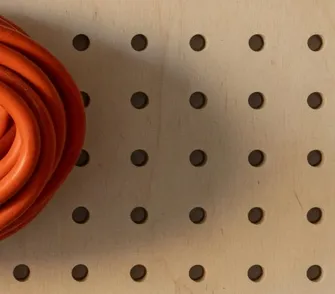
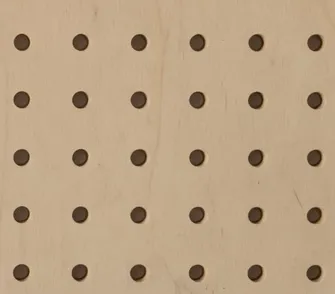
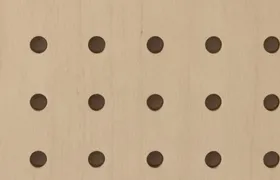
This patch is taken from the middle of the old coil, on the filled file only. It holds no orange. 3,132 of its 50,400 pixels are the dark holes. Those holes are the check: a weak fill smears the grain, paints a second cord, or leaves the gray sitting in the hole. This one gives the birch back.
If the first generate smears, clear the brush and paint a smaller piece of the cord instead of stacking another pass on a bad mask. Dense grain, which this pegboard is, often wants that second, smaller stroke along the boundary. The wide rectangle above is the version of “more brush” that makes the smear more likely, because the model then has to invent the hook as well as the wood.
A person is the same hole
Brushing a person is the same fill as brushing this cord. ImageStretcher does not ship a separate remove-person page, and this article does not put a person in the pixels. Cover the figure and the shadow on the ground. A leftover shadow is the tell that the object left and the light did not, which is what the 335×294 window is measuring on the cord. Clothing edges and hair want the same margin the dark loops wanted: a little wood, or floor, past the silhouette, not a hairline that leaves a halo.
Letters are a different page when the whole job is writing. You can paint a date stamp or a mark on the object page when it sits on a simple surface. A watermark, a price, or the chrome of a screenshot belongs on remove text from image. Same brush, a prompt aimed at letter-shaped holes. This pegboard has no writing on it, so the fill is holes and grain.
After the cord is gone, the board is still the wrong shape for a story frame or a print. That is a later pass. Stretch or crop can run on the download, on this device, once the hole is actually filled. The removal did not do that reshaping. It put the birch back where the cord was, and it left the file at 1248×832.