Image stretcher
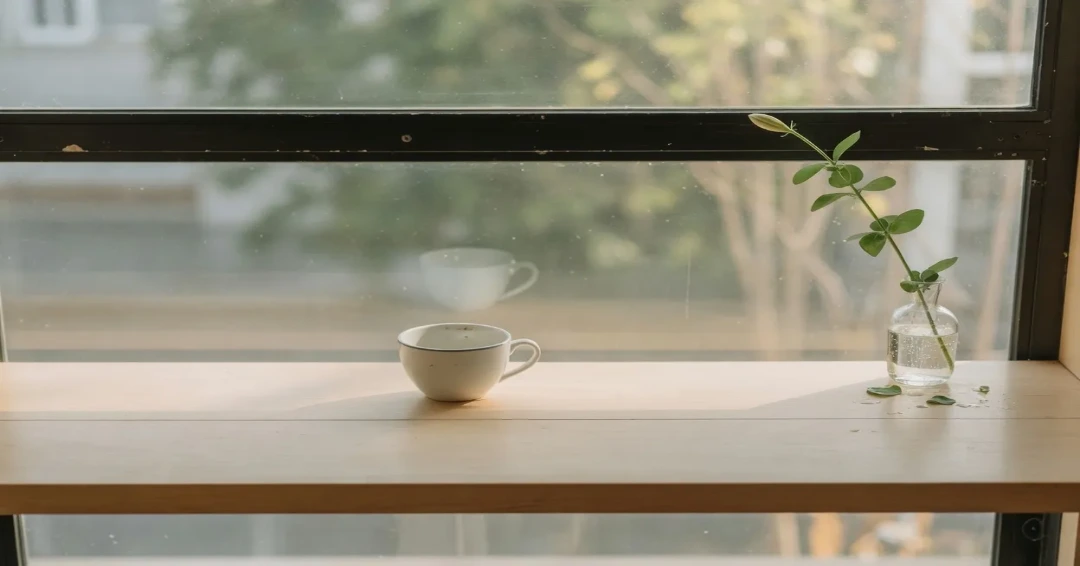
Stretch an Instagram landscape post to 1080×566
The landscape post on this page is 1080×566, shorter than a 16:9 still at the same width. The feed keeps a 1080×1350 portrait, and the profile grid cuts that to a center square. Story and Reels share 1080×1920, with buttons over the lower third.
Instagram post, grid, and Reels boxes
Each chart row is its own file. Portrait, landscape, Story, and profile do not share an export.
Size chart
Pixel width, height, and the reduced ratio for every template on this page.
| Template | Width | Height | Ratio |
|---|---|---|---|
| Story | 1080 | 1920 | 9:16 |
| DP | 320 | 320 | 1:1 |
| Profile | 320 | 320 | 1:1 |
| Reels | 1080 | 1920 | 9:16 |
| Post | 1080 | 1080 | 1:1 |
| Post (portrait) | 1080 | 1350 | 4:5 |
| Post (landscape) | 1080 | 566 | 540:283 |
| Reels Cover | 1080 | 1920 | 9:16 |
What the grid does to a 1080×1350 post
A portrait post is 1080×1350 in the feed. The profile grid keeps a center square, 1080×1080, and drops 135 pixels from the top and 135 from the bottom. The next figure is that center alone. Stretching the whole window to 1080×1080 is a different file: the rail is squeezed, not cut, and that square comes later. Nine center squares in a 3×3 do not meet. A rail across the picture breaks at every row. The newest post sits at the top left, so publish the bottom-right tile first.
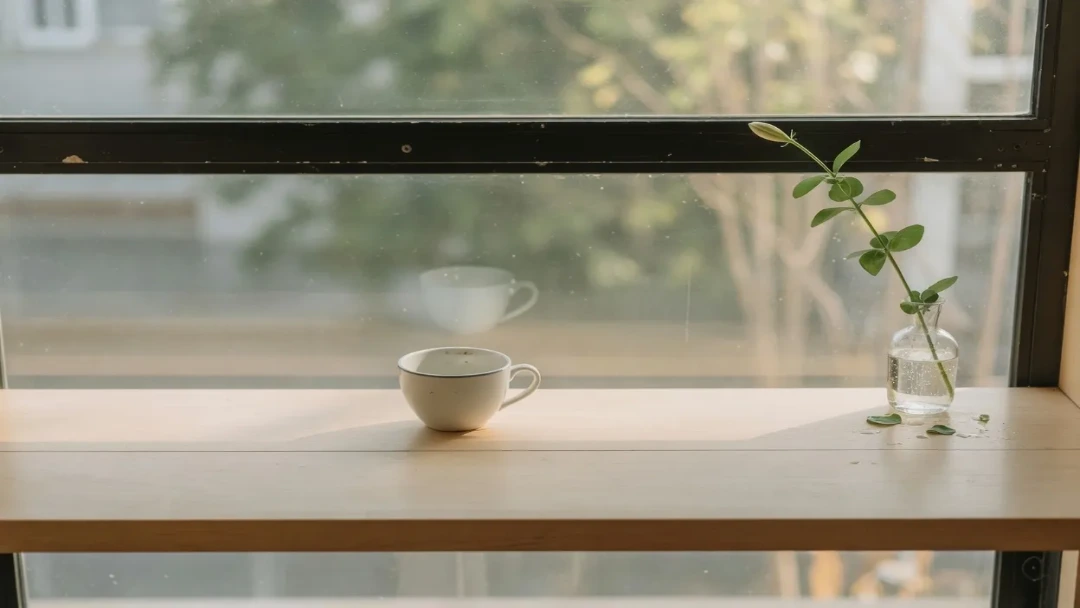
The landscape post on this page is 1080×566. A 1920×1080 still brought down to 1080 wide is 608 pixels tall in the figure beside it, 42 pixels taller than this row. Stretch the landscape file on its own. It is a different picture from a 16:9 thumbnail.
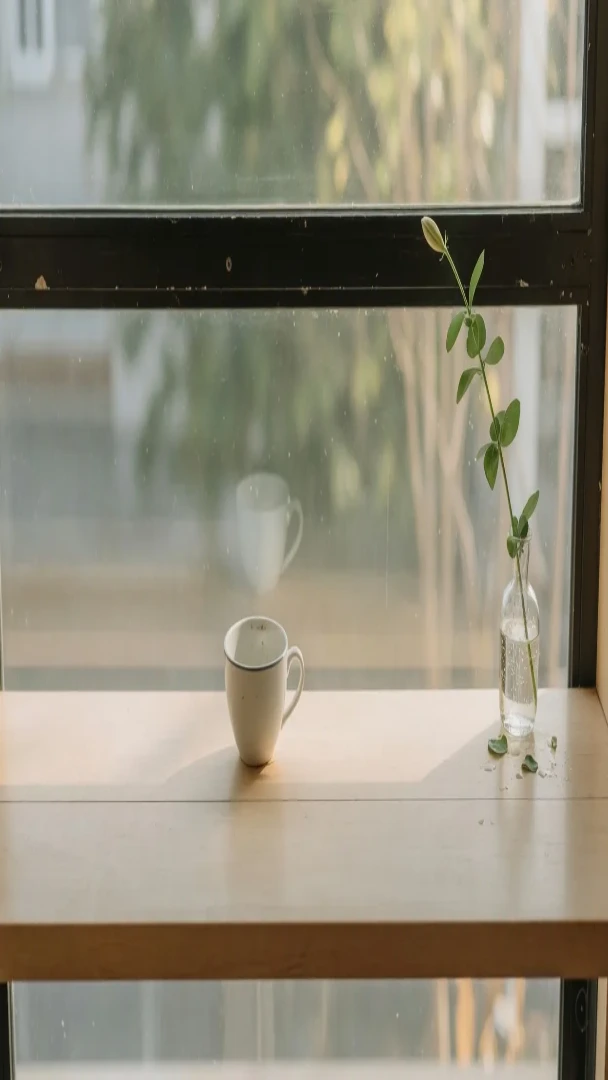
Story and the Reels cover are both 1080×1920. A Reel paints the username, the caption, and the buttons over the lower third, the dark band on the tall figure. A line on the bottom of a Story is hidden on the Reel. Profile and DP are a 320×320 circle. The round figure covers the corners of the square post, and shrinking that post does not make the avatar.
One window, every Instagram row
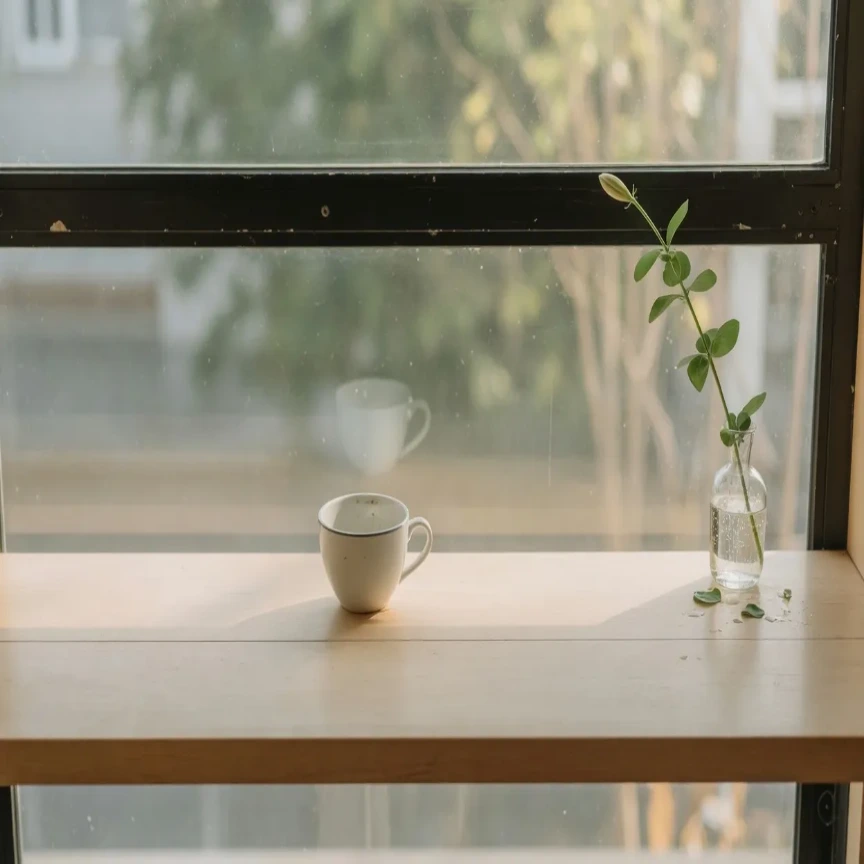
The first four figures are one window: the camera file, the 4:5 stretch, the center the grid keeps, and that center as a 3×3. Those tiles are crops, not the square post.
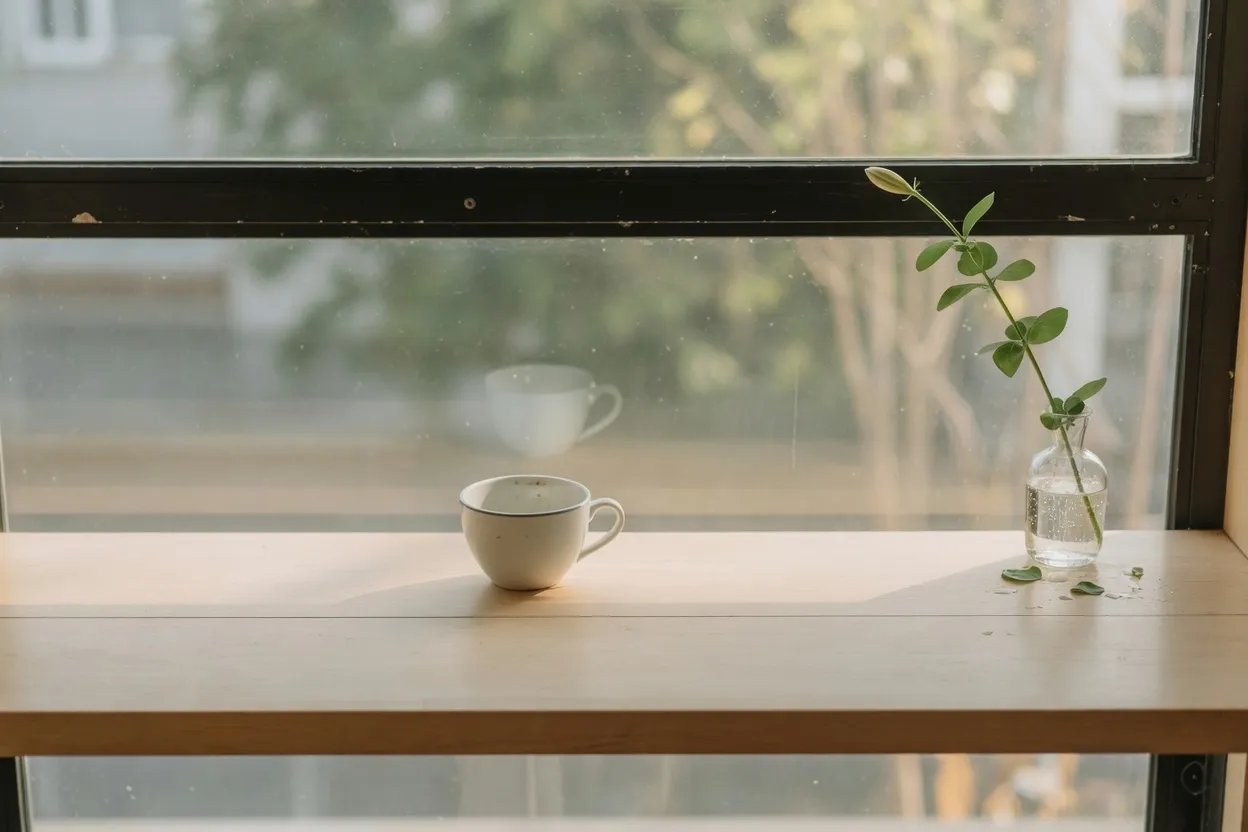
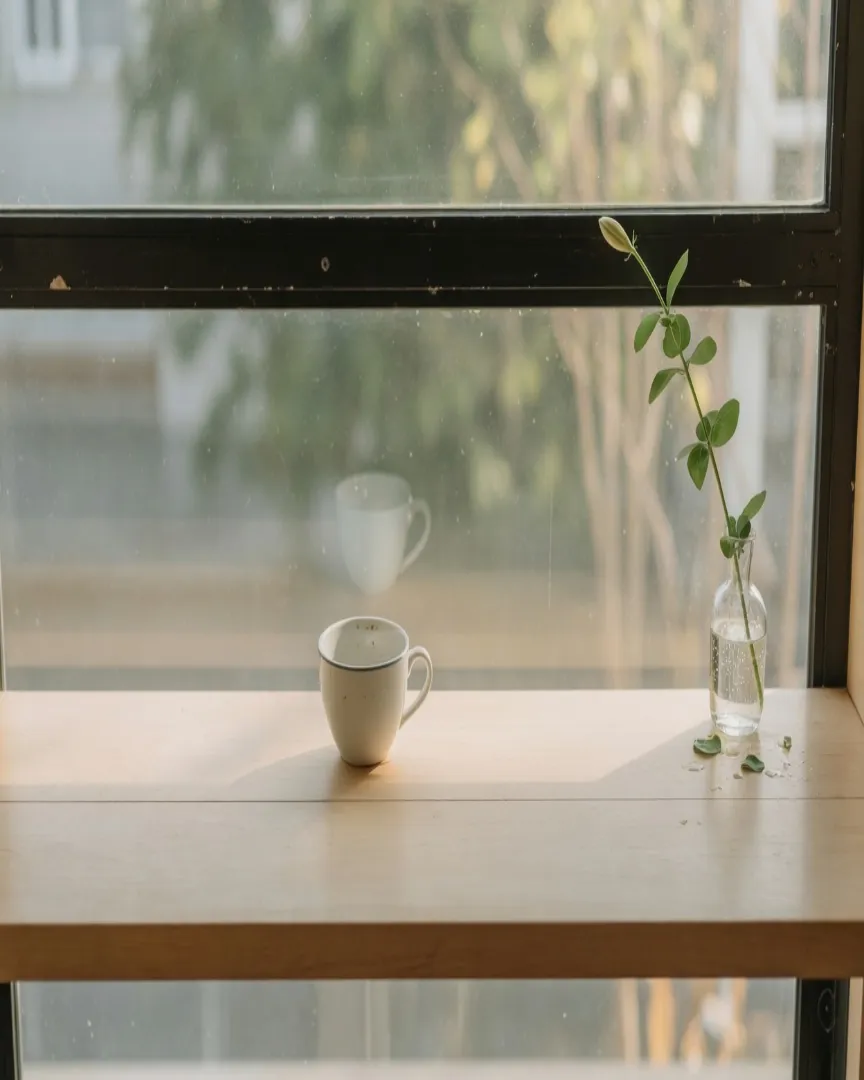
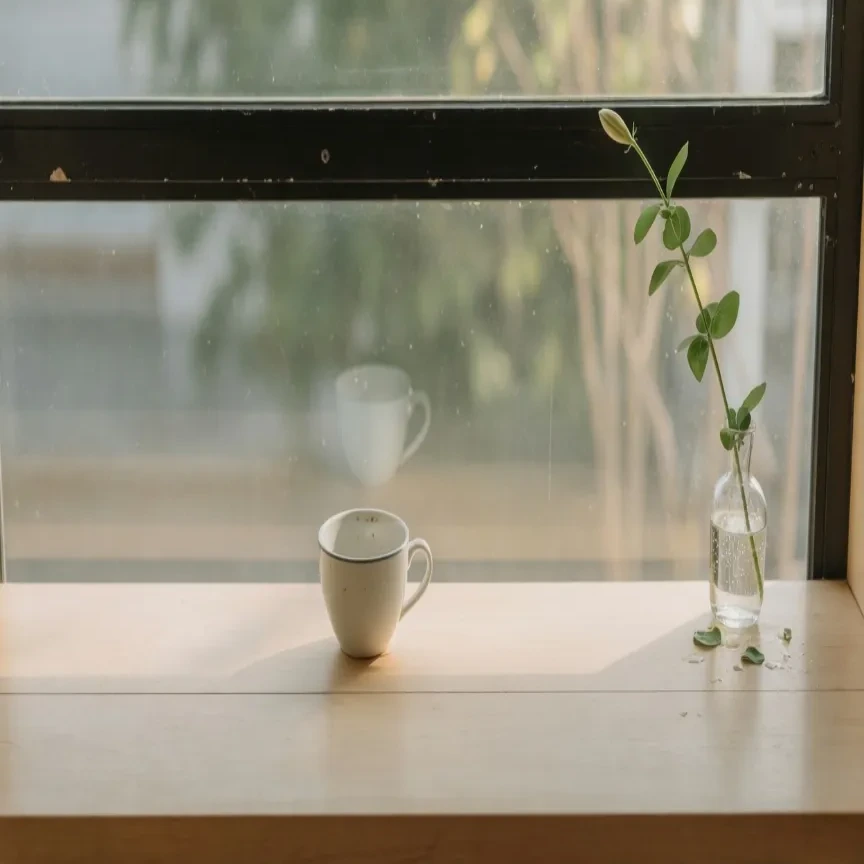
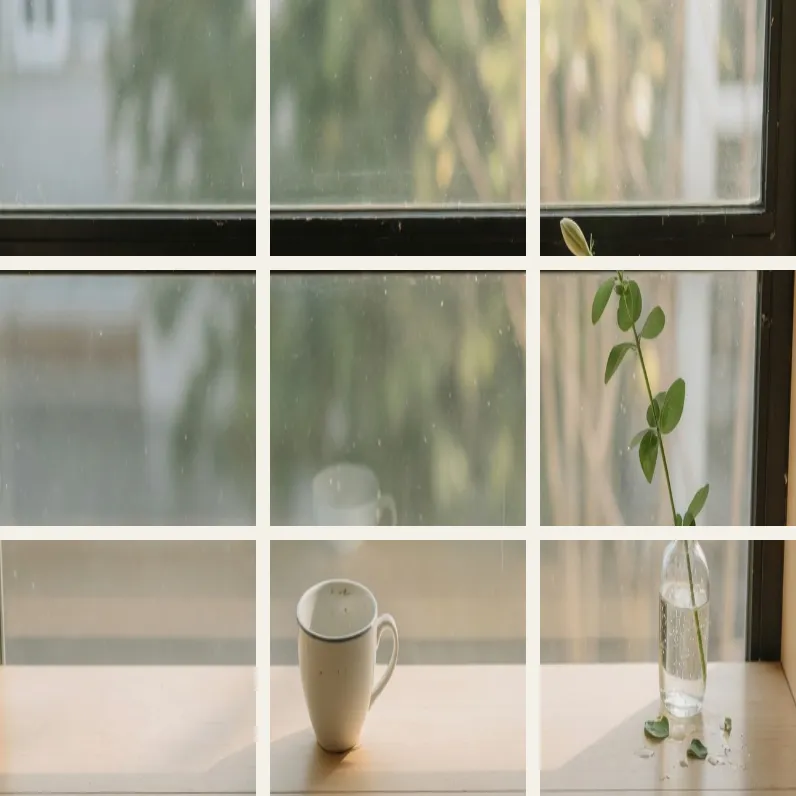
Landscape and 16:9 share a width, and 16:9 is taller. The square stretches the whole window, the Story covers the lower third, and the last figure hides that square's corners.
Start from the camera file
The feed, the grid, and a Reel keep different parts of one file. Pick the chart row, then download that export.
- Step 1
Open the original
A Story export is a bad source for the grid. Open the camera file. 1080×1920, 1080×1350, and 1080×566 each throw away a different edge.
- Step 2
Pick the row you will post
Landscape post is 1080×566. Portrait post is 1080×1350. Square post is 1080×1080. Story, Reels, and Reels Cover are 1080×1920. Profile and DP are 320×320. Each row is its own export.
- Step 3
Read the nine tiles before a grid
The seam between tiles is already gone in the nine-tile figure. Publish the bottom-right tile first. The newest post lands at the top left.
- Step 4
Keep type out of the Reel band
Put words above the dark band. The username sits on the lower third of the 1080×1920 Reel. JPEG or WebP for the photo, PNG for a flat tile.
Instagram jobs that do not share a file
Each job is one row in the chart and one figure further down. None of them is a resize of the others.
A grid of portrait posts
The feed shows the full portrait and the profile does not. Post the bottom-right tile first, or a line across the set breaks on the grid.
A landscape post
Export the short figure. At the same width, 16:9 is still taller than 1080×566.
A Reel cover that started as a Story
Both rows are 1080×1920. A caption on the Story's lower edge fails once the Reel buttons cover that third.
A square post from a wide photo
1080×1080 is what you post when the grid tile should be square. Stretching the whole window compresses the height. The center tile is a crop of the portrait, the same shape and a different picture. Crop first when the rail has to stay level.
A round profile
Profile and DP are 320×320, drawn as a circle, so the corners go away. Shrinking the 1080×1080 post does not make that avatar.
Four files from one window
The grid is a crop
The nine-tile figure has already dropped the top and bottom. Edges a collage needs will not survive the profile.
The Reel shares the Story file
One tall file serves the Story and the Reel. Words in the dark band stay on the Story and disappear under the Reel buttons.
The landscape row is its own stretch
The short figure and the 16:9 figure start from the same window. Only the short one is 1080×566.
The profile is a circle
The round figure starts from the square post and hides the corners. The center tile of the grid is a third picture, cropped rather than stretched.
JPEG for the photo, PNG for a flat tile
JPEG or WebP for a photograph. PNG when a tile is type, because the letter edges matter. Exporting the portrait does not stop the grid from cropping it.
A 1080×1920 Reel cover holds up as JPEG or WebP. A flat graphic stays PNG.
A 16:9 still does not fill 1080×566. The 320×320 profile is small, and a tiny source goes soft if you stretch it up to a 1080 feed post.
Instagram 1080×566 and Reels FAQ
- Which Instagram sizes can I stretch on this page?
- Square post 1080×1080, portrait post 1080×1350, landscape post 1080×566, Story and Reels and Reels Cover 1080×1920, profile and DP 320×320. Each row in the chart is one of those files.
- Does the Instagram grid show my full portrait post?
- No. The feed can show the full 1080×1350. The profile shows a center 1080×1080, so 135 pixels leave the top and the bottom. The newest post sits at the top left, so publish the bottom-right tile first.
- Are Story and Reels the same file here?
- Both are 1080×1920. A caption on the dark band reads on a Story and sits under the Reel's username and buttons.
- Why is the landscape post not 16:9?
- 1080×566 is shorter than 16:9. At 1080 wide the 16:9 figure is 608 pixels tall, so a scaled thumbnail is still too tall.
- What should I download for Instagram?
- JPEG or WebP for a photograph. PNG when the tile is type. A 320×320 profile goes soft if you stretch it up to 1080.