Free photo tool
Photo Stretcher
A 6000×4000 camera still is 3:2. Pulling that shape to 9:16 multiplies height by 8/3. Unlock the axes, preview the warp, and download on this device.
A 3:2 still pulled until the moon is an ellipse
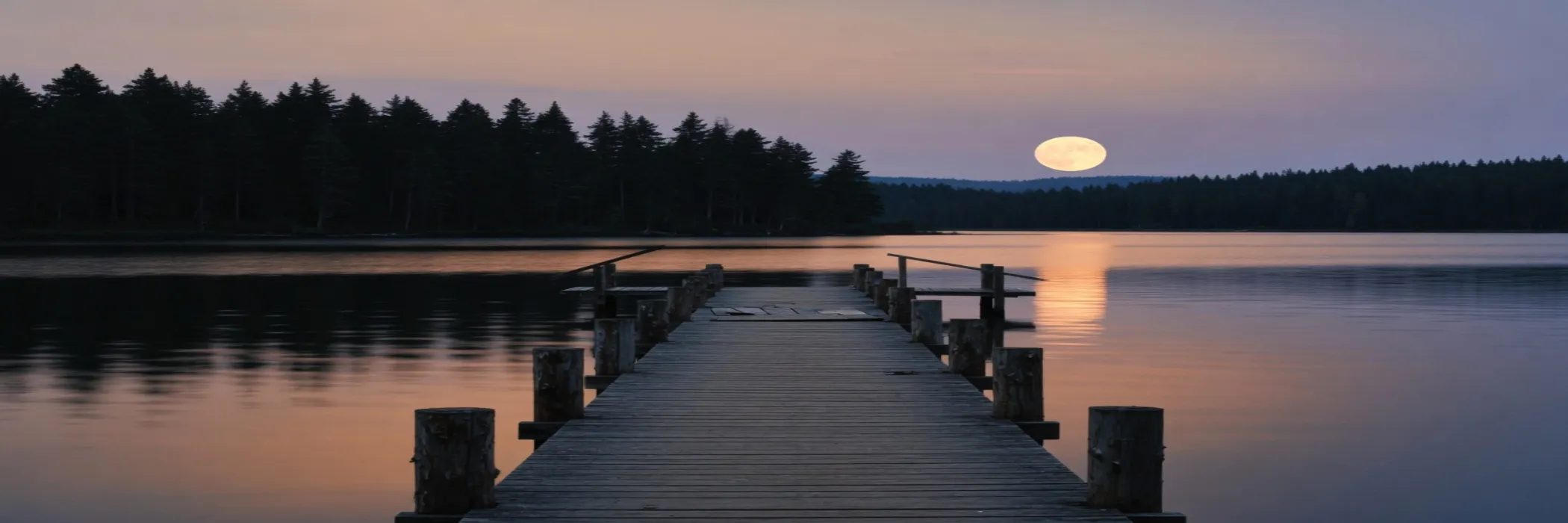
2100×700. The moon is already an ellipse.
The strip above is the lake at 2100×700, a 3:1 cover. Width grew and height shrank, so the moon is a wide ellipse and the pier boards are short. A locked resize would have kept the 3:2 and left empty bars on the sides.
Open a camera JPEG, or a phone PNG, WebP, or GIF. Export PNG when the edges should stay crisp, or JPEG or WebP when the download should stay light enough to post. JPEG and WebP include a quality slider.
Print sheets and passport frames have their own pixel charts, linked above. This page is the still. Stretch when the paper must be full. Crop when a circle must stay round.
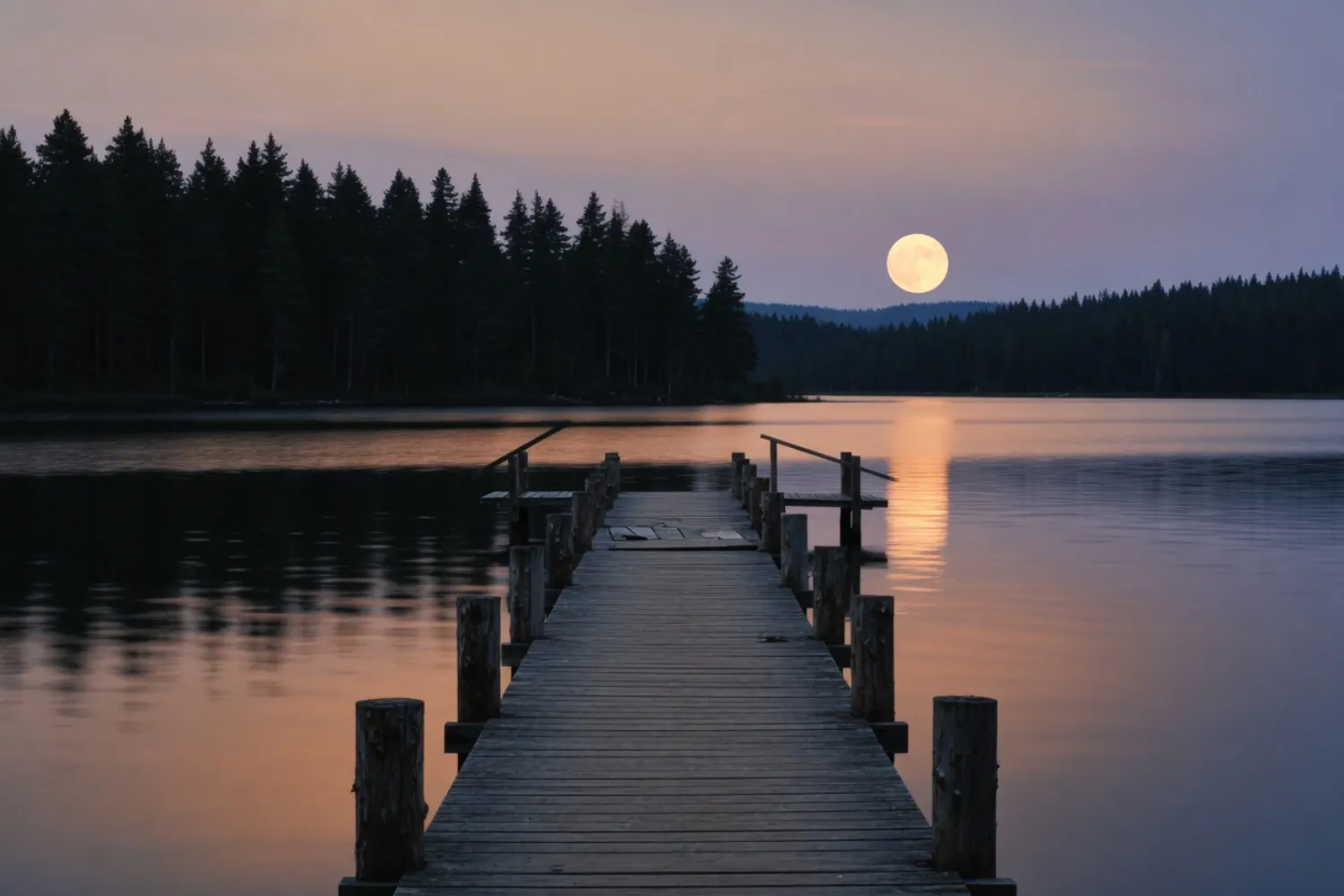
1500×1000. Nothing pulled yet.
The wide frame in this row is the camera still, 1500×1000, still 3:2. Nothing has been pulled. A full 24-megapixel 3:2 file is 6000×4000; the preview here is the same shape at a size the browser can hold.
Stretch and download never leave this device. Share link is the only upload, and that copy carries the site mark on a public page.
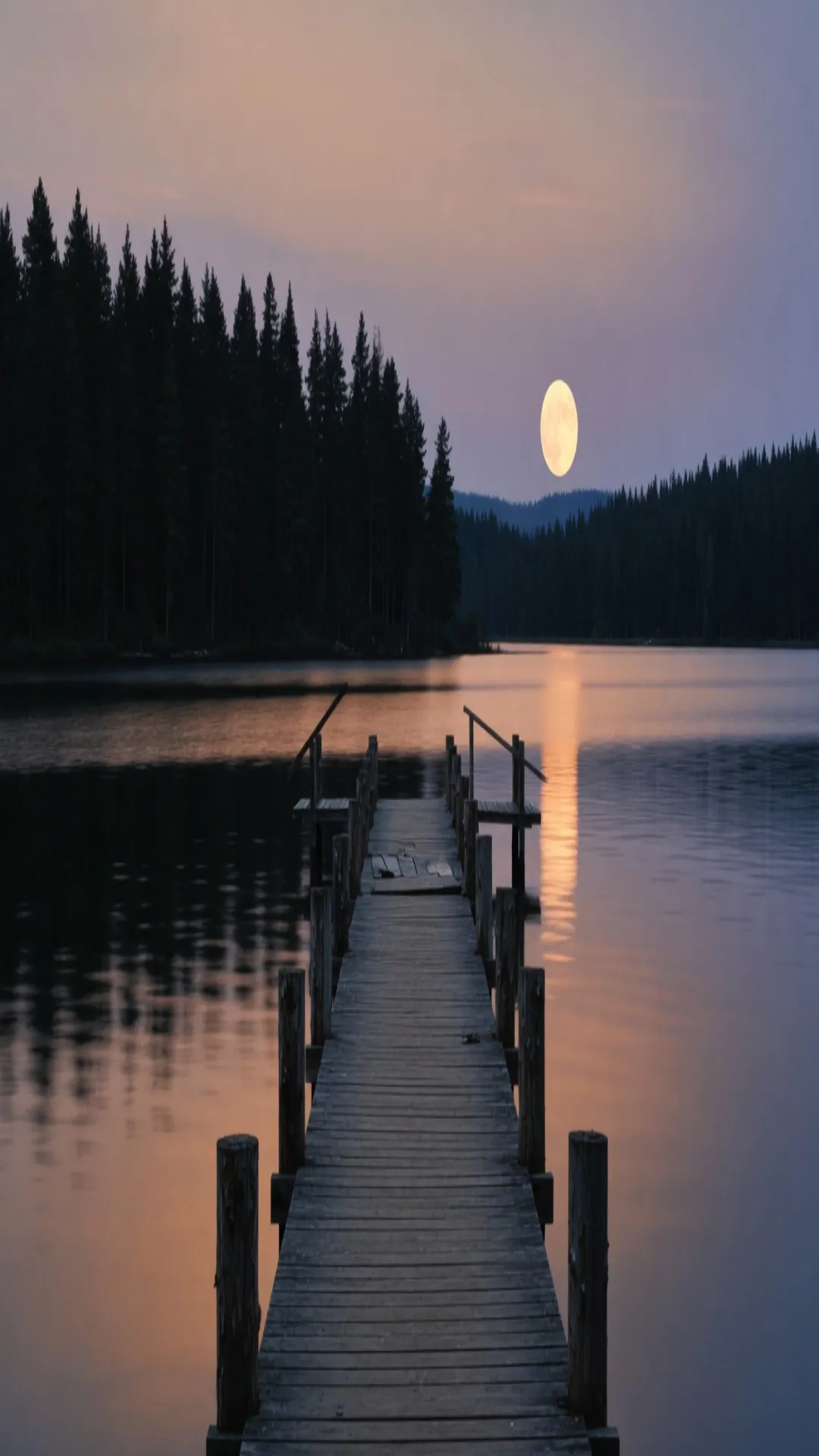
1080×1920. The moon is a tall ellipse.
The narrow file is 1080×1920. Holding the width and pulling a 3:2 up to 9:16 multiplies height by 8/3. The moon becomes a tall ellipse. The horizon stays a straight line, because the pull is axis scale, not a liquify smear.
Watch the canvas before you download. There is no dialog that blocks an ugly export. If the moon or a face has gone too far, step back and crop.
Crop keeps the pier. Stretch keeps the shores.
A 9:16 window on the same 3:2.
The dark window is a 9:16 crop of the same 3:2. It keeps the pier and the moon and throws away both shores. Use that when a face, a logo, or any other circle has to stay a circle.
The stretch beside that window.
The file beside the window is the stretch, not the crop. Both shores stay in the picture, and the moon pays for it. If the window was the picture you wanted, crop first and do not pull.
Leave the page and the in-memory preview is gone unless you downloaded a file. We do not keep the photograph.
A circle becomes an ellipse on both axes
The lake is a place filling a frame. This row is the geometry. One wheel, three files, one height on a wide screen.
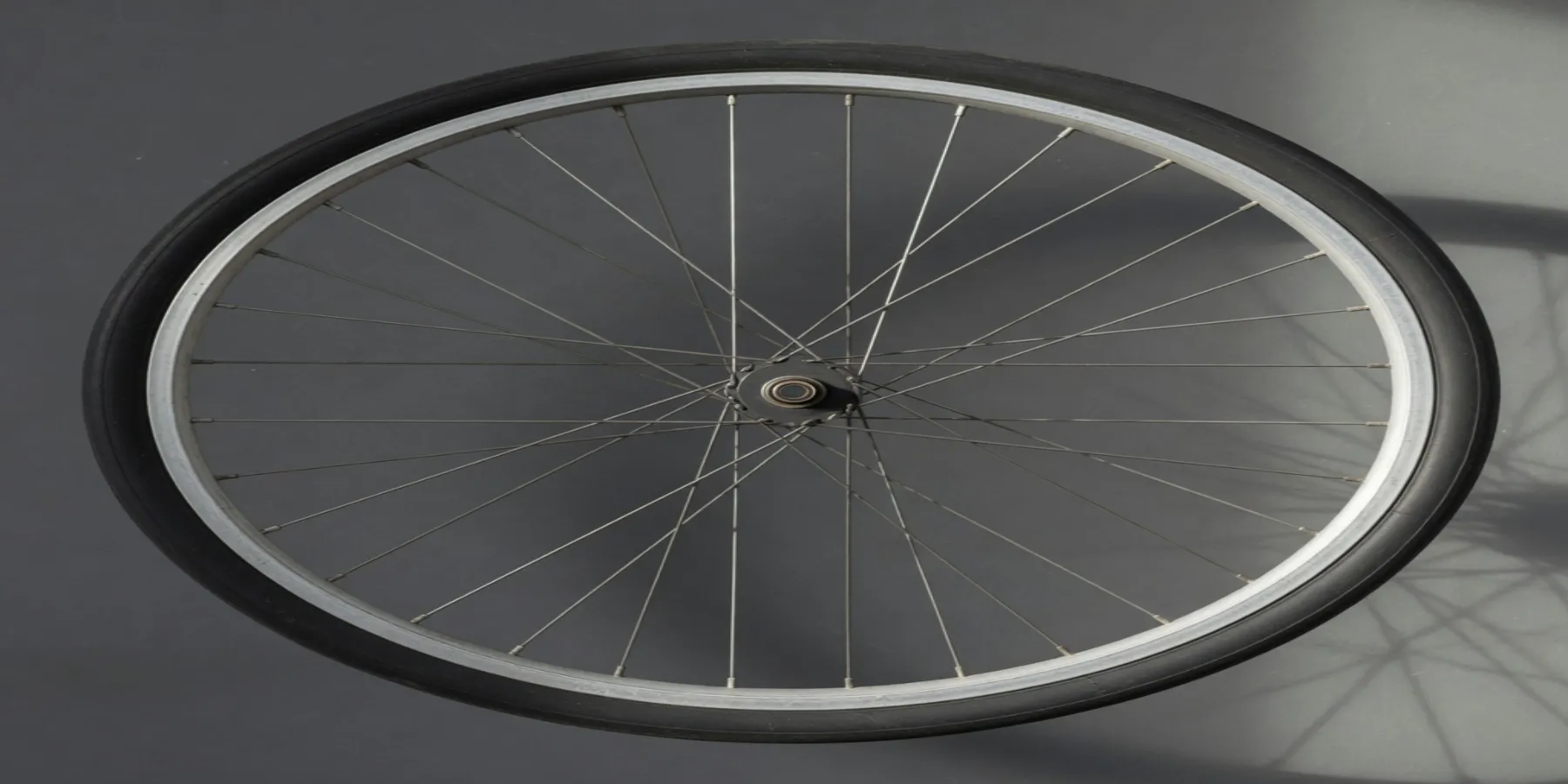
1800×900. The rim is a wide ellipse.
The rim was a circle. This file is 1800×900, so the rim is a horizontal ellipse and the spokes stay straight. A logo in that circle would flatten the same way.
A tight headshot pulled into a wide banner is this wheel pulled sideways. Do that on your own file, on this device, and stop when the face is no longer a face.
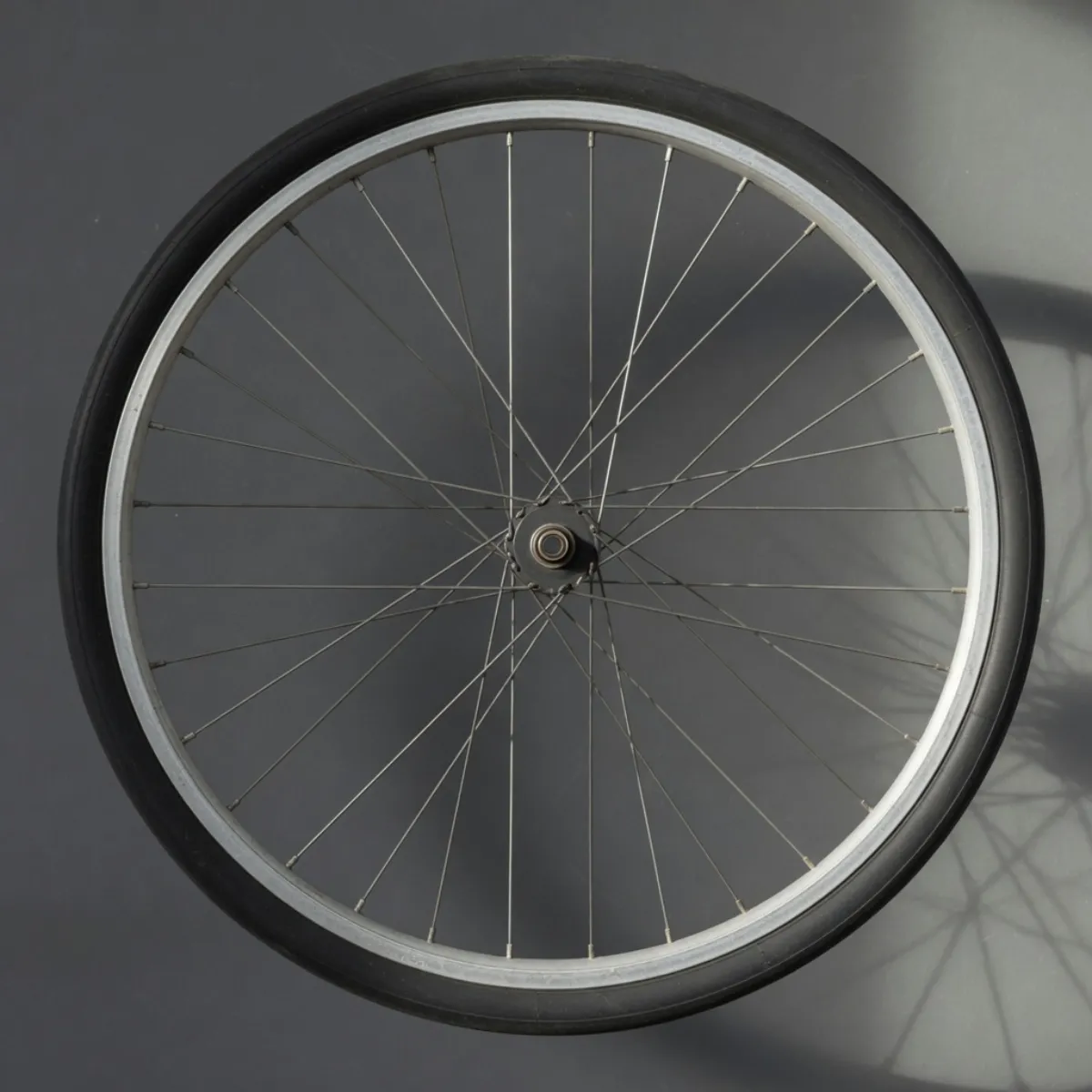
1200×1200. The rim is still a circle.
This is the second photograph, unstretched, 1200×1200. It is not the lake. The lake shows a place filling a frame. The wheel shows the geometry a portrait would lose.
Phone photos are usually 4:3. Locking the axes keeps that ratio, so a 9:16 story gets bars instead of a filled box. Unlocking fills the frame and stretches whatever was round.
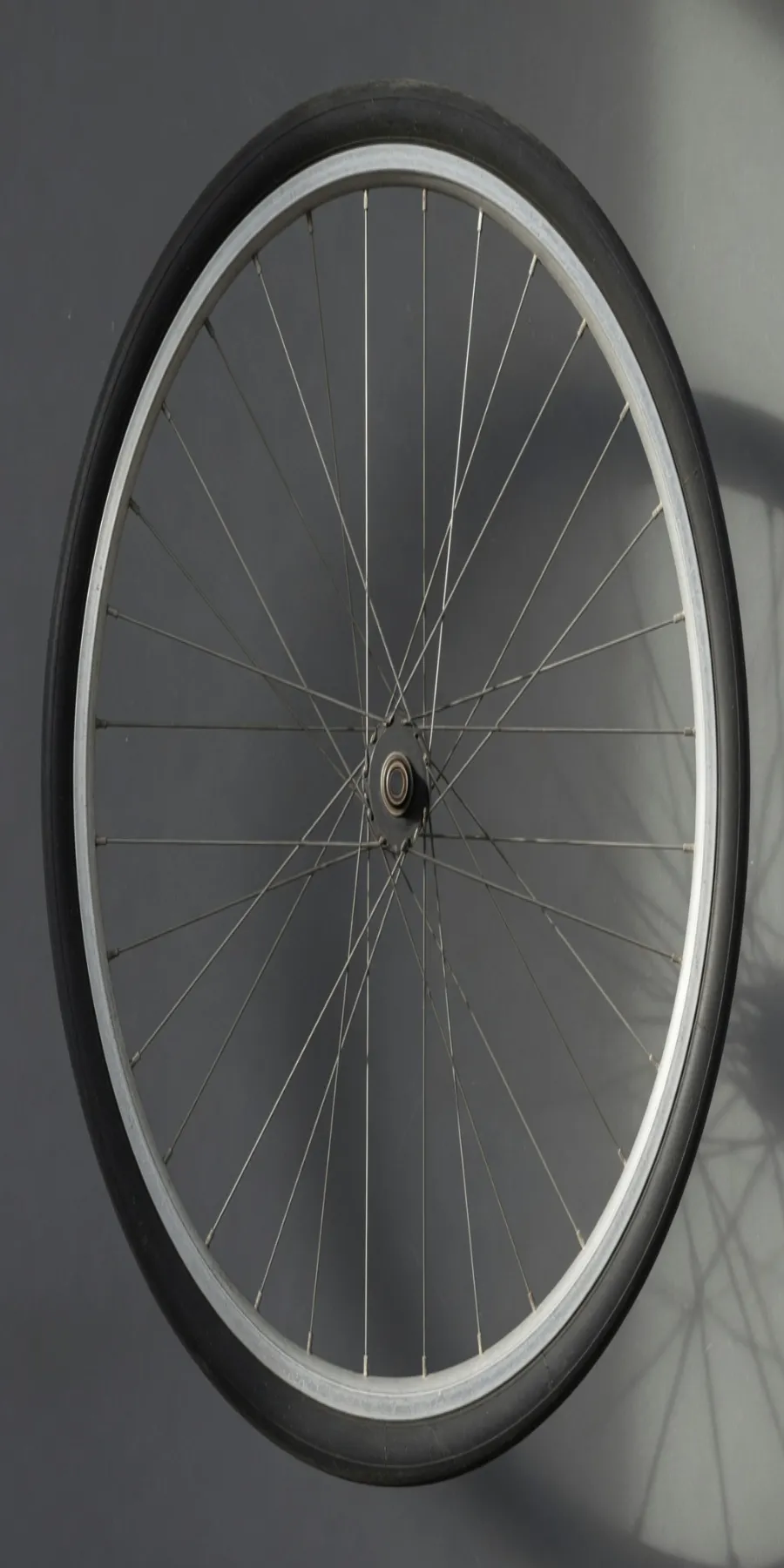
900×1800. The rim is a tall ellipse.
900×1800 turns the same rim into a vertical ellipse. Height moved and width did not. That is the portrait failure, shown on an object with no face in the file.
The same lake pulled until the moon is a dash
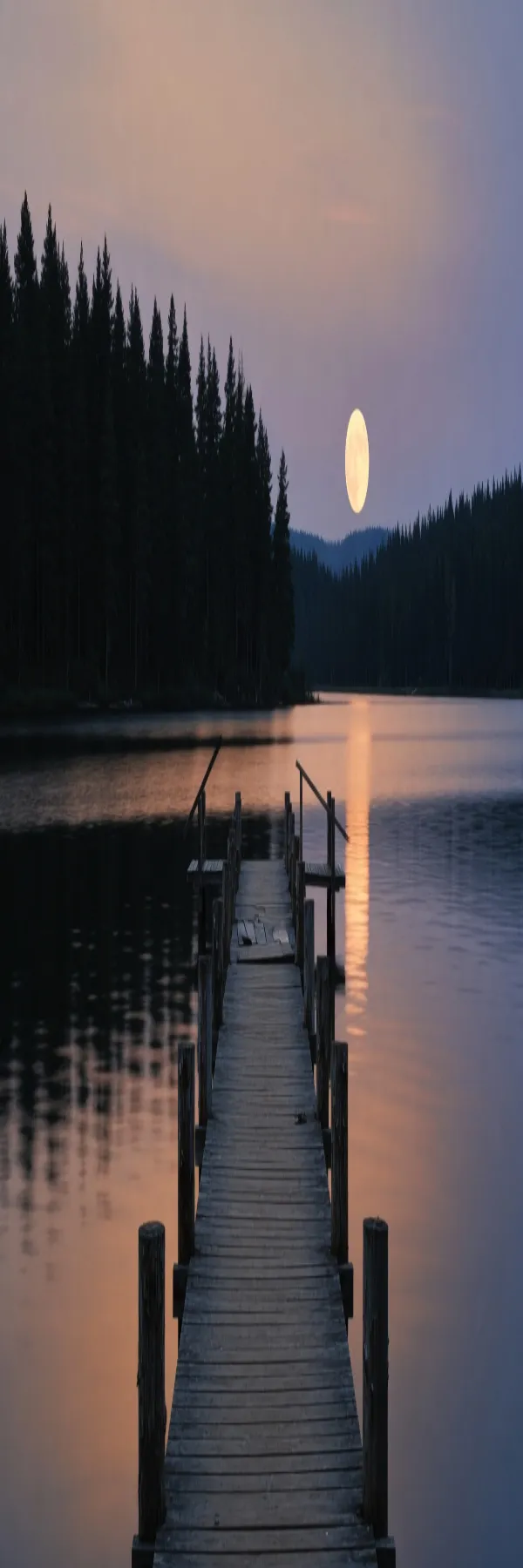
600×1800. Not a story size.
This strip is 600×1800, a 1:3 ribbon. It is not a story size and it is not a row on a platform chart. The horizon is still straight. The moon is a vertical dash. Export this only when the exaggeration is the point.
Screenshots, UI mocks, and flat graphics belong on the image stretcher. This page is the shorter path when the file is a photograph and the axes have to move apart.
How to stretch a photo online
Four steps from the camera roll to a file on disk. The flow runs in the browser. Open the photo stretcher above, set the axes, and save without an account.
- Step 1
Open a photo
Drop a JPEG, PNG, WebP, or GIF from your camera roll, pick a file on this device, paste from the clipboard, or paste a public image URL. Opening a file never sends it to us. A URL is fetched once so the photo can load here; we do not store it.
- Step 2
Unlock width and height
Enter a pixel size or nudge horizontal and vertical scale. Unlock aspect ratio so each axis moves alone. Lock it when you only want a proportional resize of the camera shape.
- Step 3
Watch the preview
The canvas updates as you drag. If the crop window is the picture you wanted, crop first and stop. Stretch only when the frame has to stay full and the subject can change shape.
- Step 4
Download on this device
Export PNG when edges should stay crisp, or JPEG or WebP when the file should stay small. JPEG and WebP include a quality slider. The original stays on disk.
Photo stretcher FAQ
- What is a photo stretcher?
- A photo stretcher changes a camera photo's width and height on their own. A 3:2 landscape pulled to 9:16 multiplies height by 8/3, and round things become ellipses. Screenshots belong on the image stretcher. This page is the photograph.
- Is the photo stretcher free?
- Yes. Stretching a photo here does not require an account or a payment. Open a file, set the size, and download.
- Do you upload my photos?
- Stretch, crop, and download stay on this device. We only receive a file if you click Share link, and that copy is marked.
- Can I stretch photo width without changing height?
- Yes. Unlock aspect ratio, then change width or the horizontal scale. Height and the vertical scale move the other axis. Watch the preview so a circle does not flatten further than you want.
- What formats can I download?
- PNG, JPEG, or WebP. JPEG and WebP include a quality slider so a camera still can stay small enough to post.
- What's the difference between a photo stretcher and an image stretcher?
- Same canvas, different file. The homepage is the image stretcher for screenshots, graphics, and any bitmap. This page starts from a camera still — a 24-megapixel 3:2 is 6000×4000 — and from the phone photos people actually post.
- How do I stretch a photo online?
- Open the tool at the top, unlock aspect ratio, set width and height, and download PNG, JPEG, or WebP. A phone still is often 4032×3024. Locking that 4:3 leaves bars on a story; unlocking it fills the frame and stretches the subject.