Batch Stretch Images — Stretch Multiple at Once
Drop up to 20 images, set one width and height, and download a ZIP. Free, no account — the files stay on your device.
Batch applies the same output size to every image. Share link stays off. Switch to Single when you only have one file.
The folder arrives as three shapes
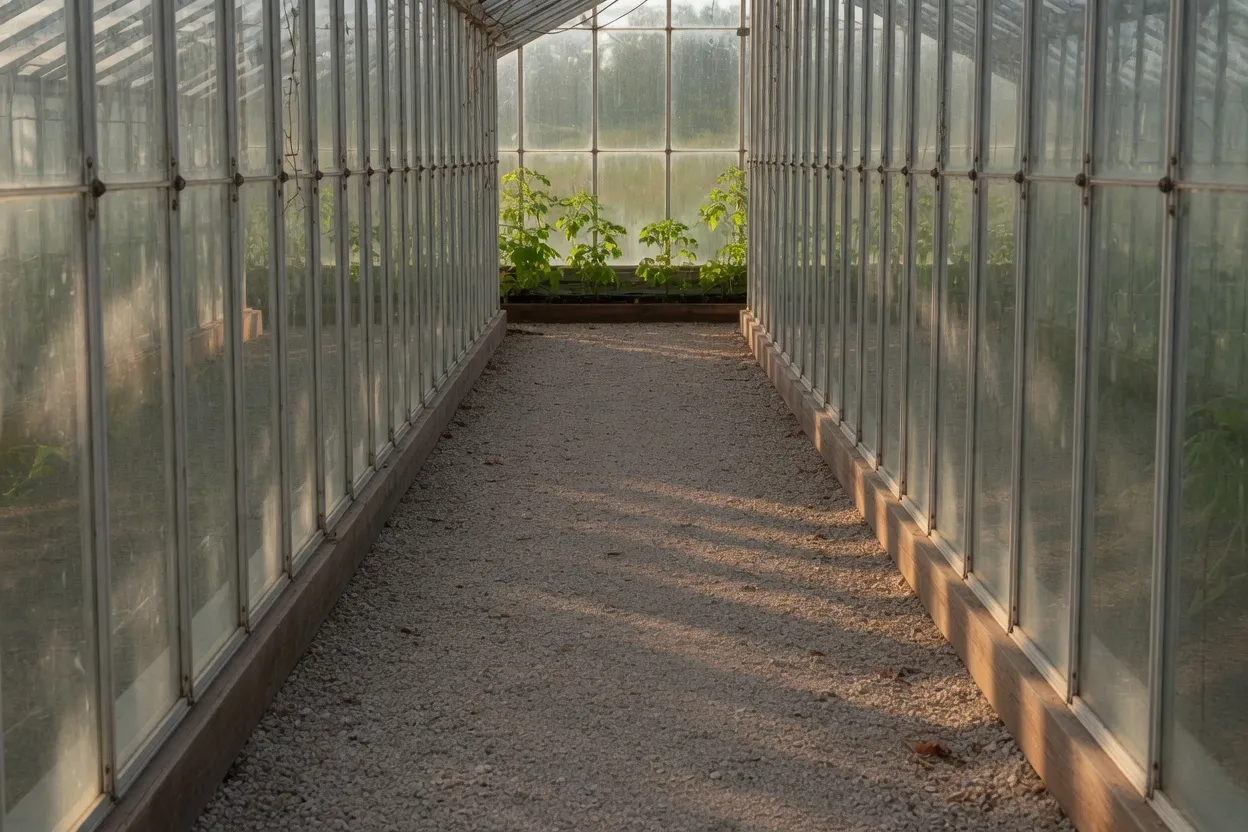
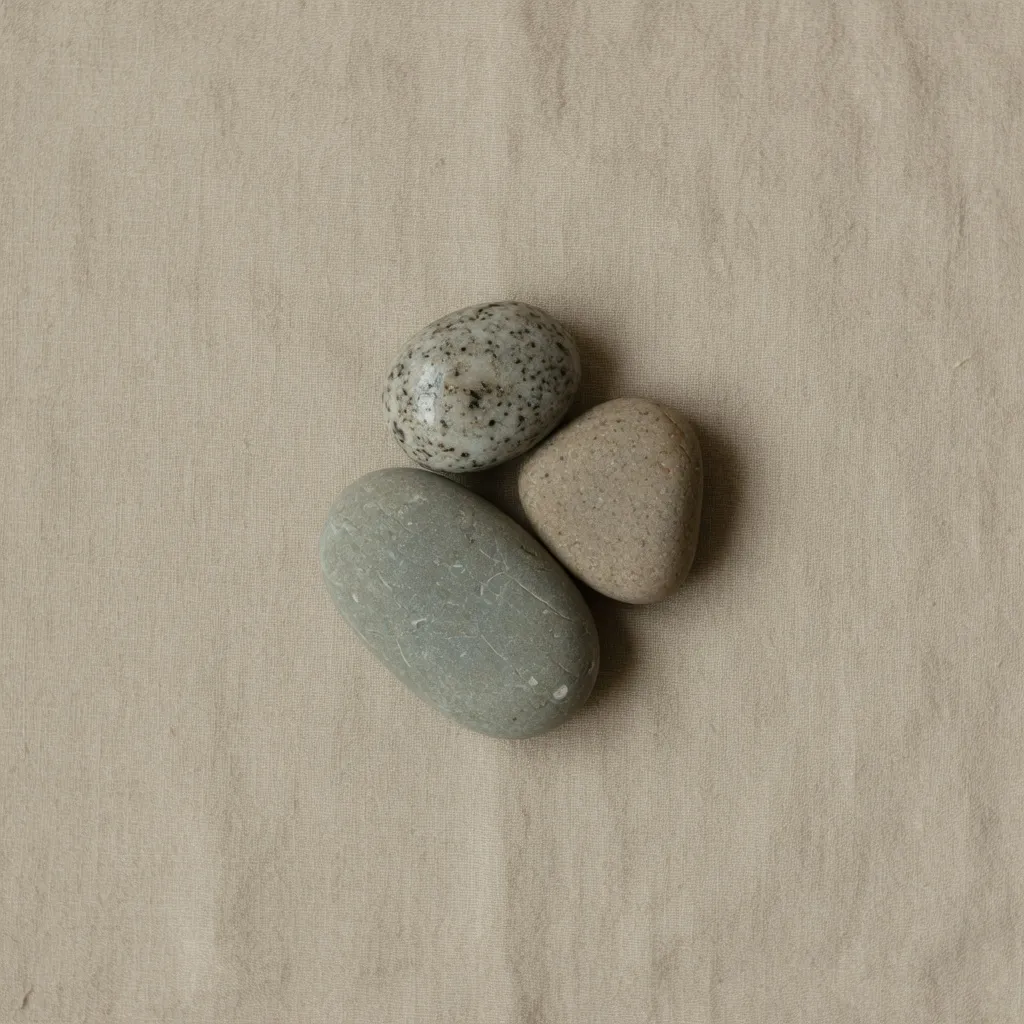
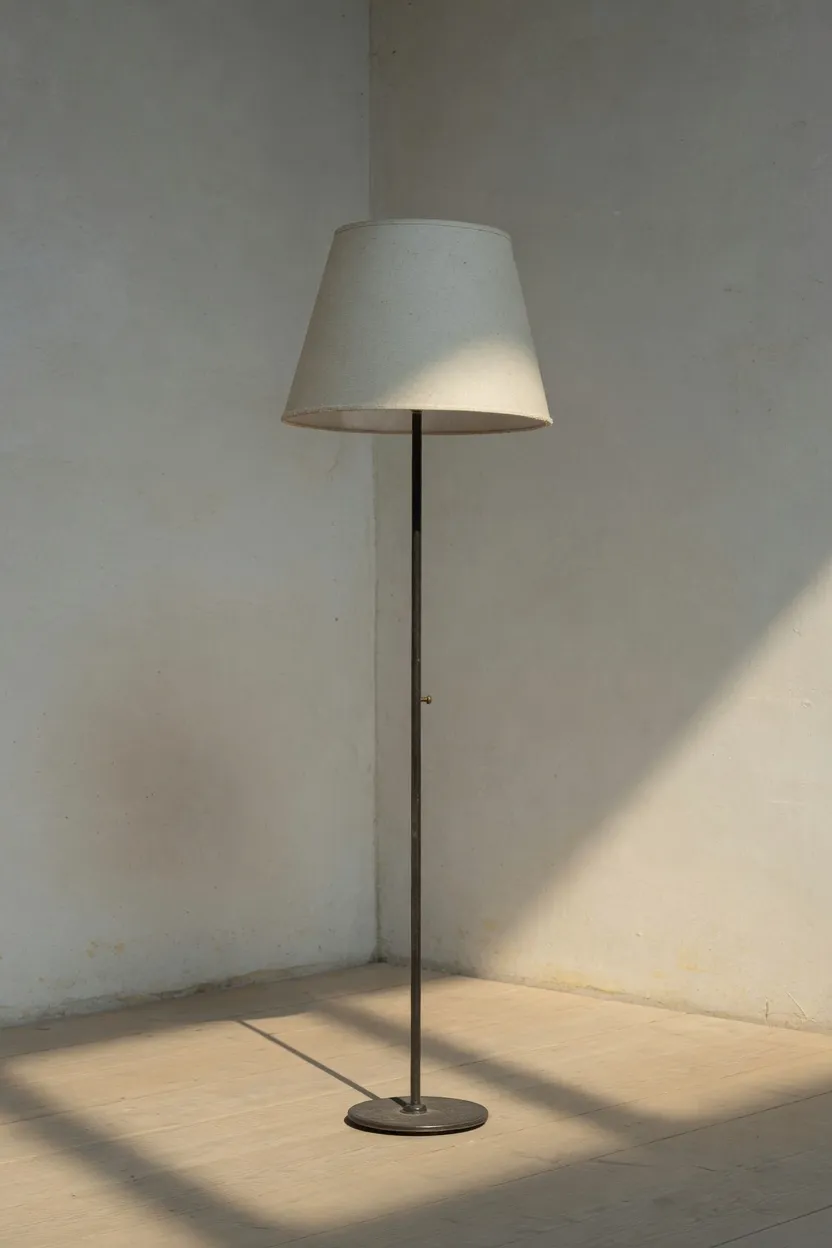
One square for the whole queue
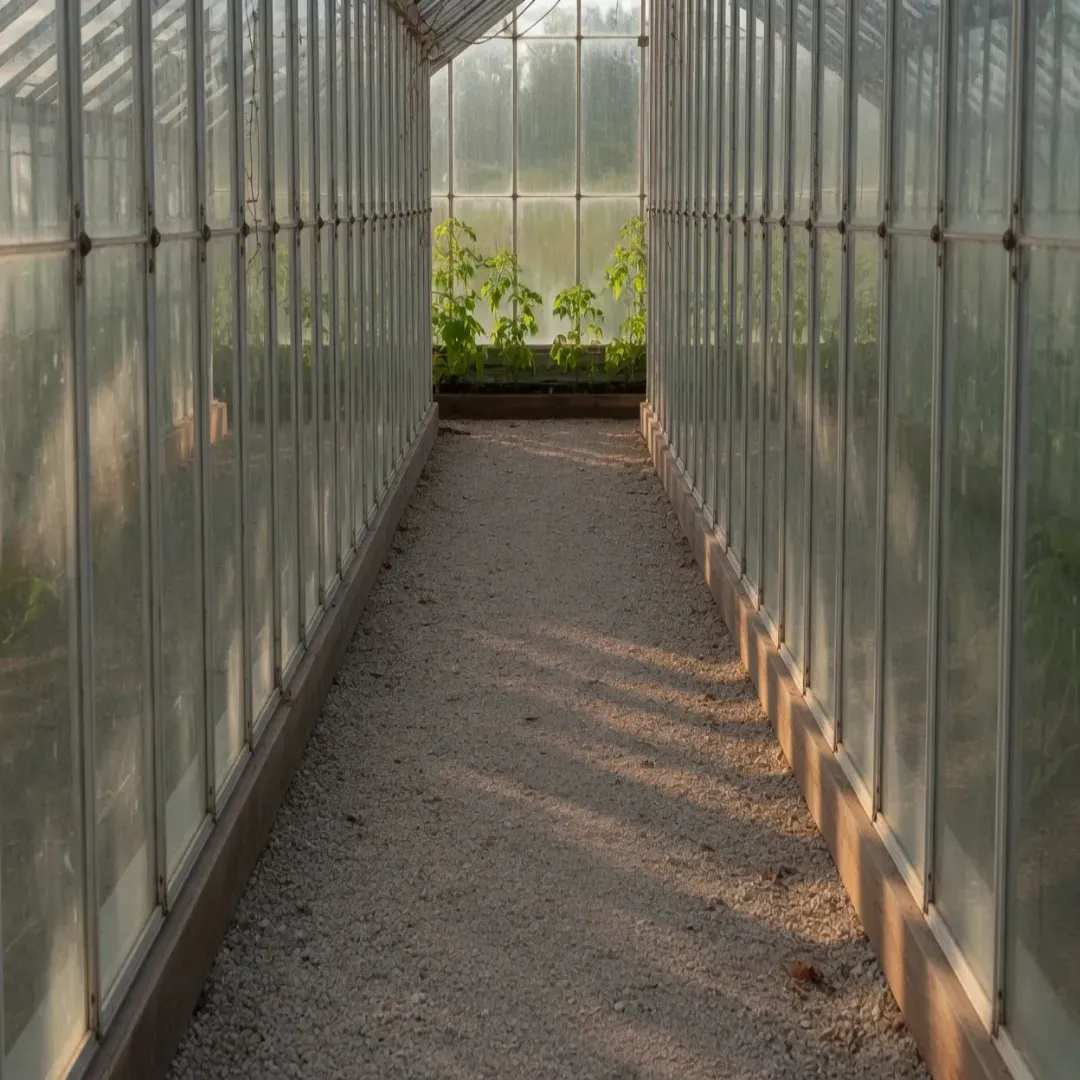
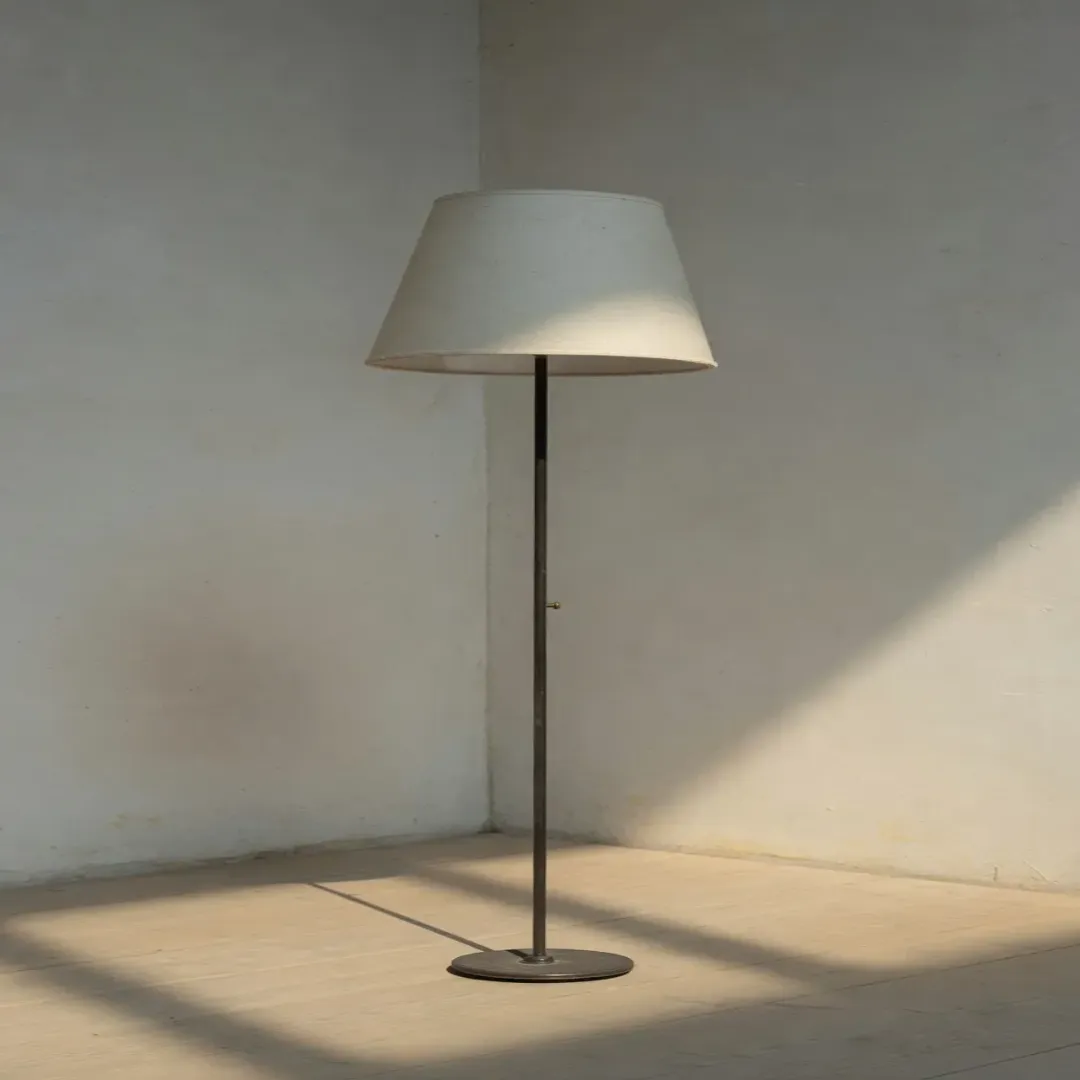
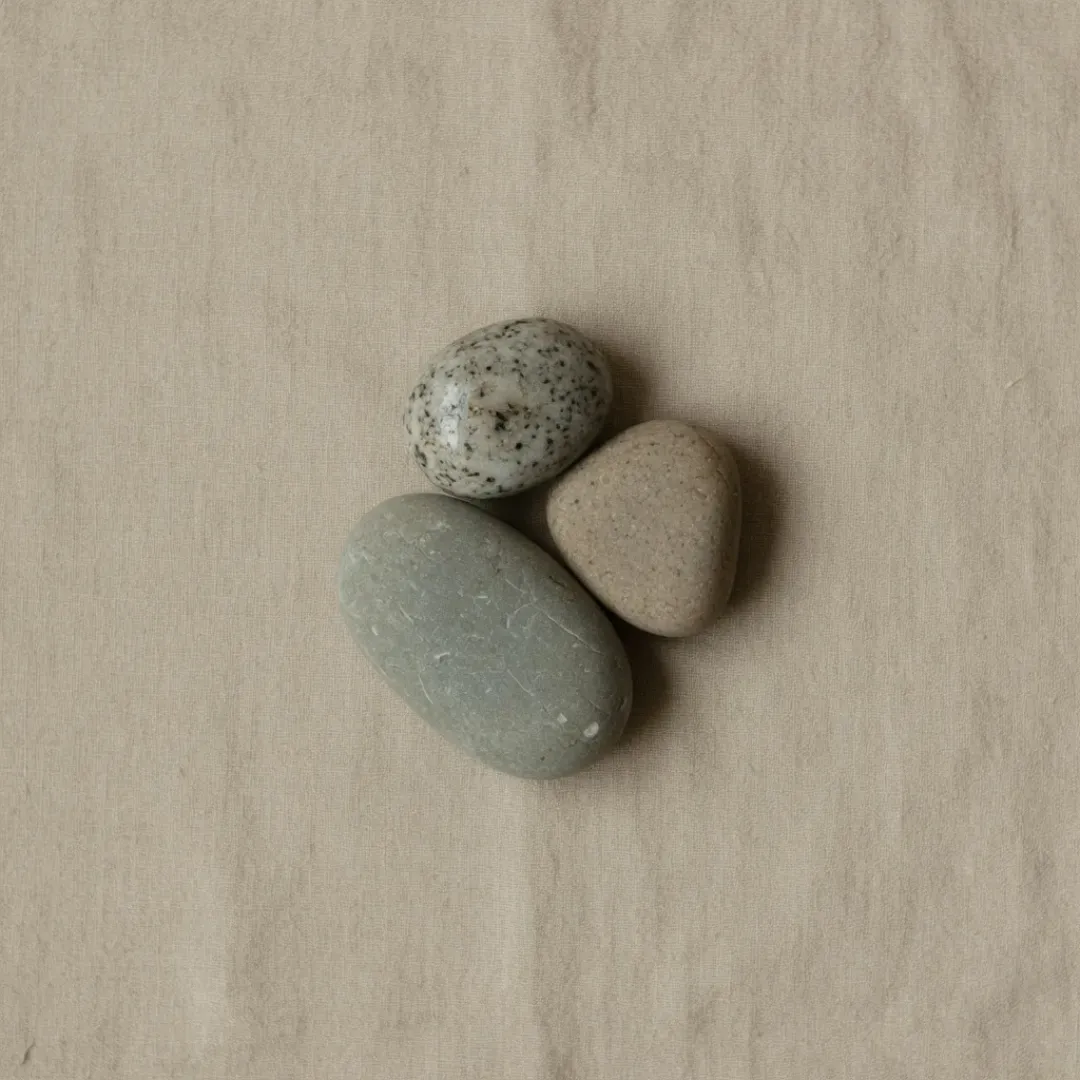
Crop stays on the frame you picked
Download writes one ZIP
These three squares are the archive: the greenhouse, the lamp, and the stones, in queue order. Download writes one ZIP, not three saves. The archive name uses the local time, and each file keeps its stem plus a timestamp, so the next set does not overwrite this one. Twenty is the cap for one pass. Share link stays off in Batch, so this archive never leaves the device as a public page.
How to stretch multiple images at once
Four steps from a folder to a ZIP. This page is already in Batch — no extra toggle unless you switched away.
- Step 1
Drop a set of images
Add up to 20 JPG, PNG, or WebP files. The filmstrip under the preview lets you switch, remove, or add more. Paste and URL still add one at a time.
- Step 2
Set one size for the queue
Pick a template, lock an aspect, or type width and height. Every image in the batch uses those controls. Crop and Replace apply to the selected frame only.
- Step 3
Check the selected preview
The canvas shows the image you have selected. Flip through the strip if a tall shot and a wide shot need a second look before you commit the ZIP.
- Step 4
Download the ZIP
Download writes one archive. Files keep their stems plus a timestamp. Leave Target File Size empty unless the slot also has a KB cap.
Batch stretch images FAQ
- What is a batch stretch images tool?
- A batch stretch images tool remaps a set of photos onto one width and height in a single pass. ImageStretcher’s free page takes up to 20 files, applies the same controls, and downloads a ZIP.
- Is this batch stretch images tool free?
- Yes — no account required. Drop files, set a size, and download the ZIP on this page.
- Do you upload or store my images?
- No. Batch stretch and ZIP download stay on your device. Share link is hidden in Batch so a public copy is not an accidental tap.
- How many images can I stretch at once?
- Up to 20 in one batch. If you have more, download the first ZIP, then drop the next set. Single is still there for one file at a time.
- Batch stretch vs Single on ImageStretcher?
- Same stretch, different queue. Batch shares one size across many files and downloads a ZIP. Single is one image, and it can create a Share link. Use Batch for a set; use Single to fine-tune one picture.
- Does each image keep its own aspect ratio?
- No. The queue shares the output box you set. A tall shot and a wide shot both land on that width and height. Switch to Single when two files need different boxes.
- Can I use templates in batch?
- Yes. Select Template still prefills width and height. Copy template link from Batch includes mode=batch so the next visit opens the queue.
- Can I stretch multiple images without an account?
- Yes. This free online batch stretch images tool works in your browser with no sign-up.