Image stretcher
Stretch a YouTube banner to 2560×1440
YouTube keeps one banner file for every screen. A television can show all of a 2560×1440 image, and other devices crop that same file. On the 2048×1152 minimum, the text-safe area is 1235×338, so the stretch fills the television frame and the words stay in that center.
YouTube banner, thumbnail, and Shorts
The banner is 2560×1440 so a television can show it whole. The thumbnail is 1280×720. Shorts on this page are 1080×1920.
Size chart
Pixel width, height, and the reduced ratio for every template on this page.
| Template | Width | Height | Ratio |
|---|---|---|---|
| Banner | 2560 | 1440 | 16:9 |
| Thumbnail | 1280 | 720 | 16:9 |
| Shorts | 1080 | 1920 | 9:16 |
| Profile | 800 | 800 | 1:1 |
| Post | 1080 | 1080 | 1:1 |
| Watermark | 150 | 150 | 1:1 |
Why the banner is 2560×1440
A television can show this whole file. Stretch the storefront out to the banner. Do not start from a thumbnail you already squeezed down.
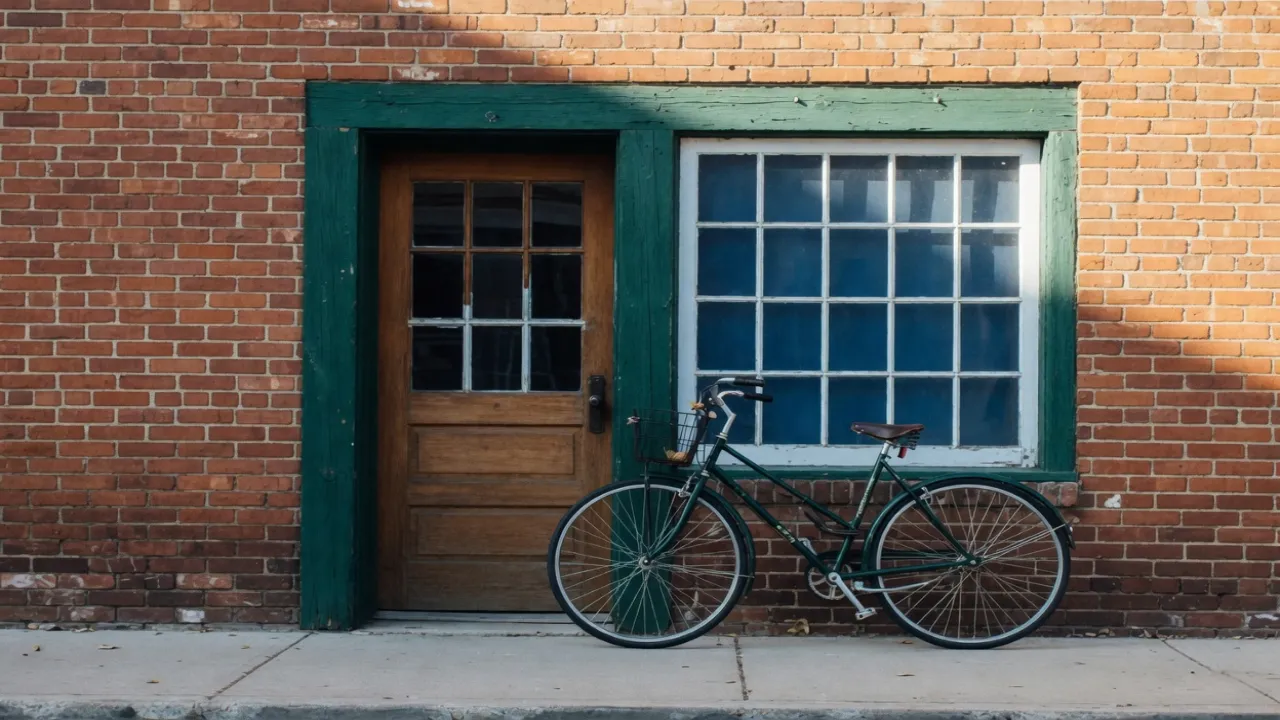
Words and logos stay in the bright center. The dimmed area is still in the file a television shows.
Set the type after the stretch, at the final size, so the letters are not pulled with the photograph. Skip shadows, borders, and frames in the file.
The home feed swaps a vertical video’s thumbnail
Start from the storefront. A thumbnail that has already been compressed is a poor source for the banner.
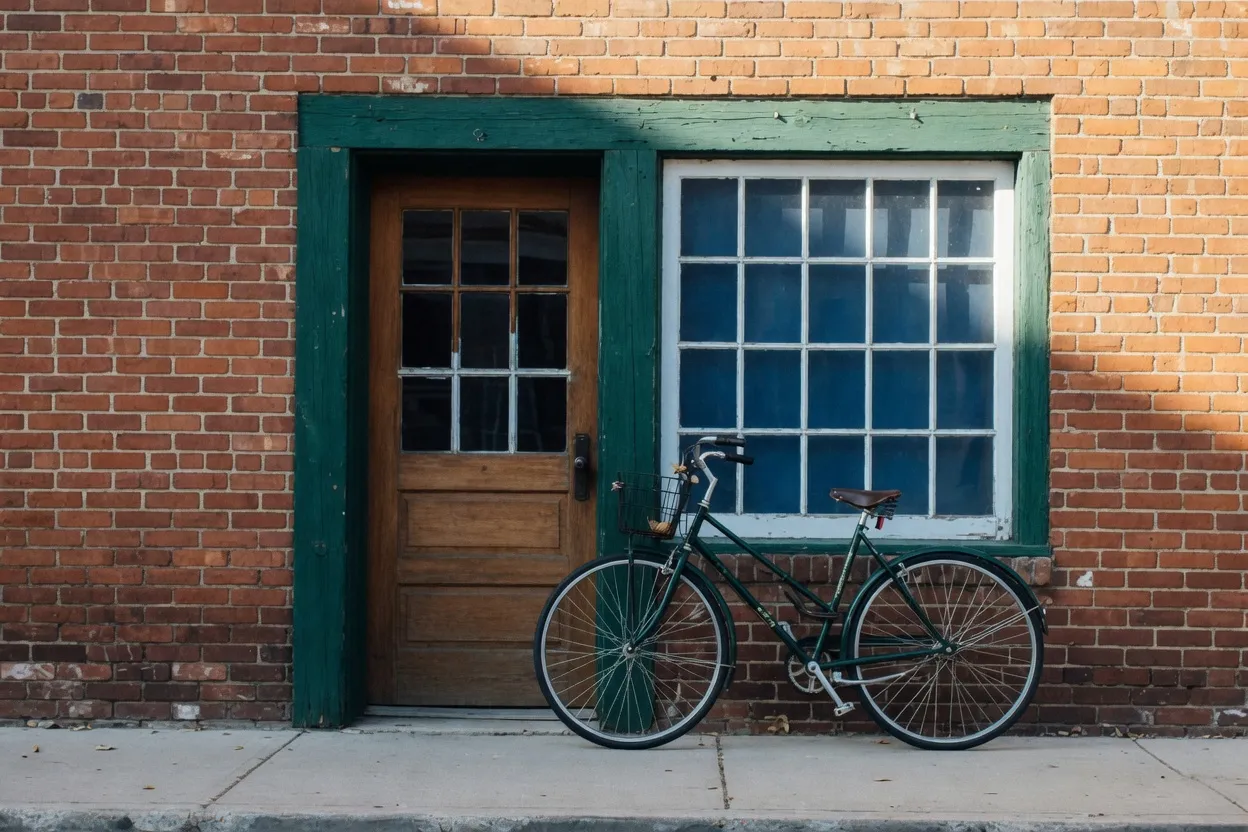
When the video itself is vertical, YouTube does not keep the wide thumbnail on Home, Explore, or Subscriptions. It puts up a taller frame instead.
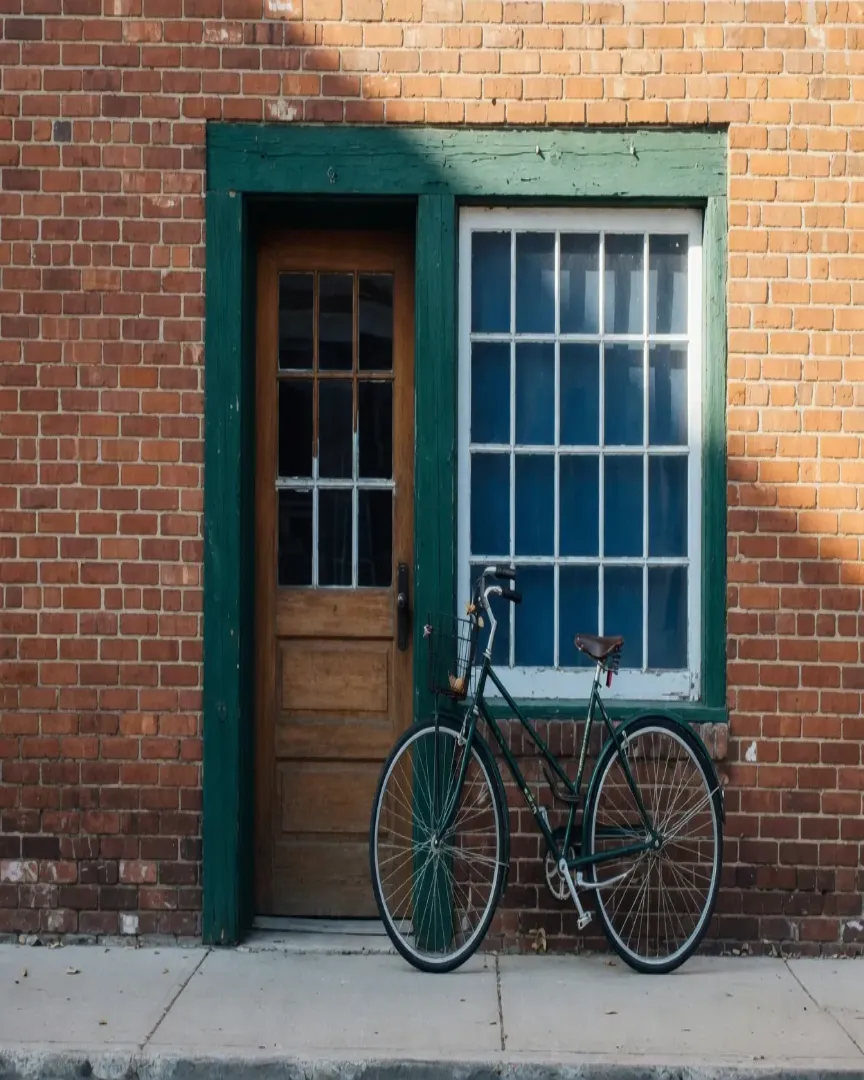
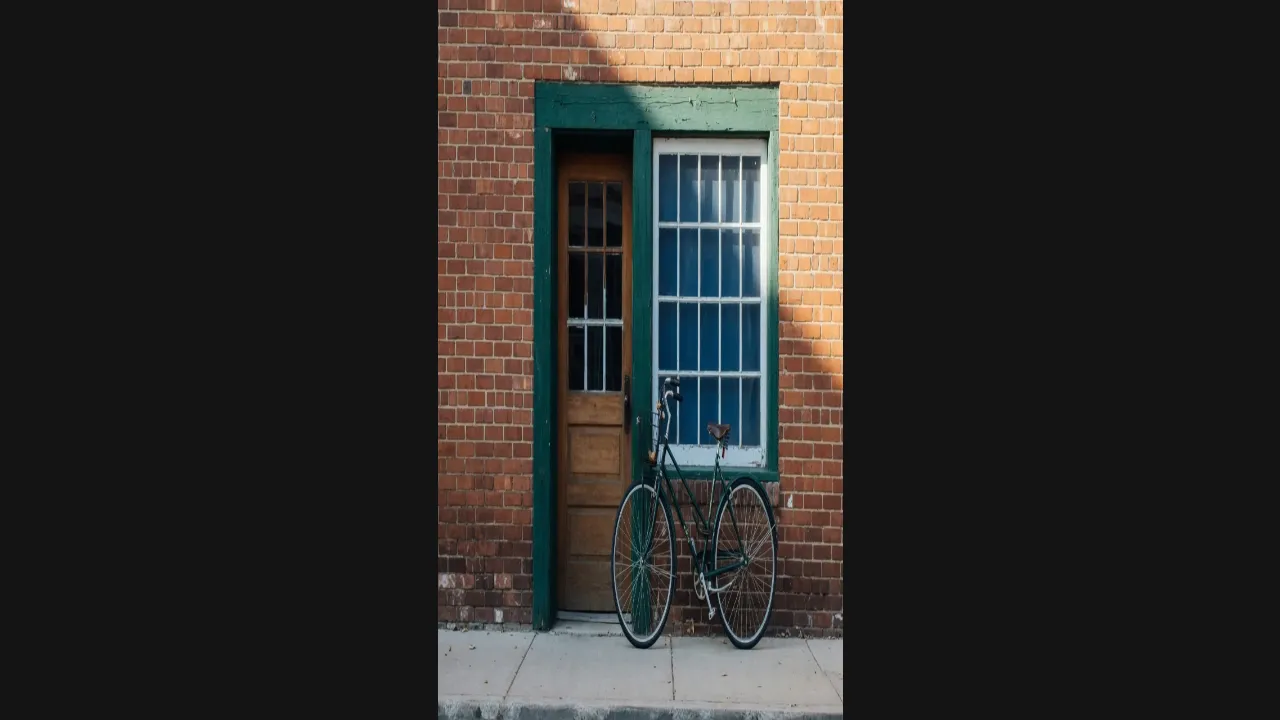
On a computer the tall file is not stretched wide to fill the player. The player leaves bars on either side.
How to stretch an image for a YouTube frame
A channel banner, a thumbnail, and a Short are not one 16:9 file at three scales.
- Step 1
Open the artwork, not a compressed thumbnail
Drop the original into the tool on this page. A file you already exported as a thumbnail is the wrong source for the banner.
- Step 2
Select the YouTube row
Banner is 2560×1440. Thumbnail is 1280×720. Shorts are 1080×1920. Profile is 800×800. Community post is 1080×1080. Watermark is 150×150.
- Step 3
Keep the banner’s safe middle in mind
Stretch the picture to the full banner, then set type inside the bright center at the final size.
- Step 4
Export the thumbnail separately
The thumbnail row is a second export at the same shape. It will not fill a Short, and a vertical video’s wide thumbnail is replaced on Home, Explore, and Subscriptions.
A Short is padded, and the icon is a separate file
These exports are not crops of the banner.
The vertical file on this page is its own stretch. Turning the banner on its side does not make it.
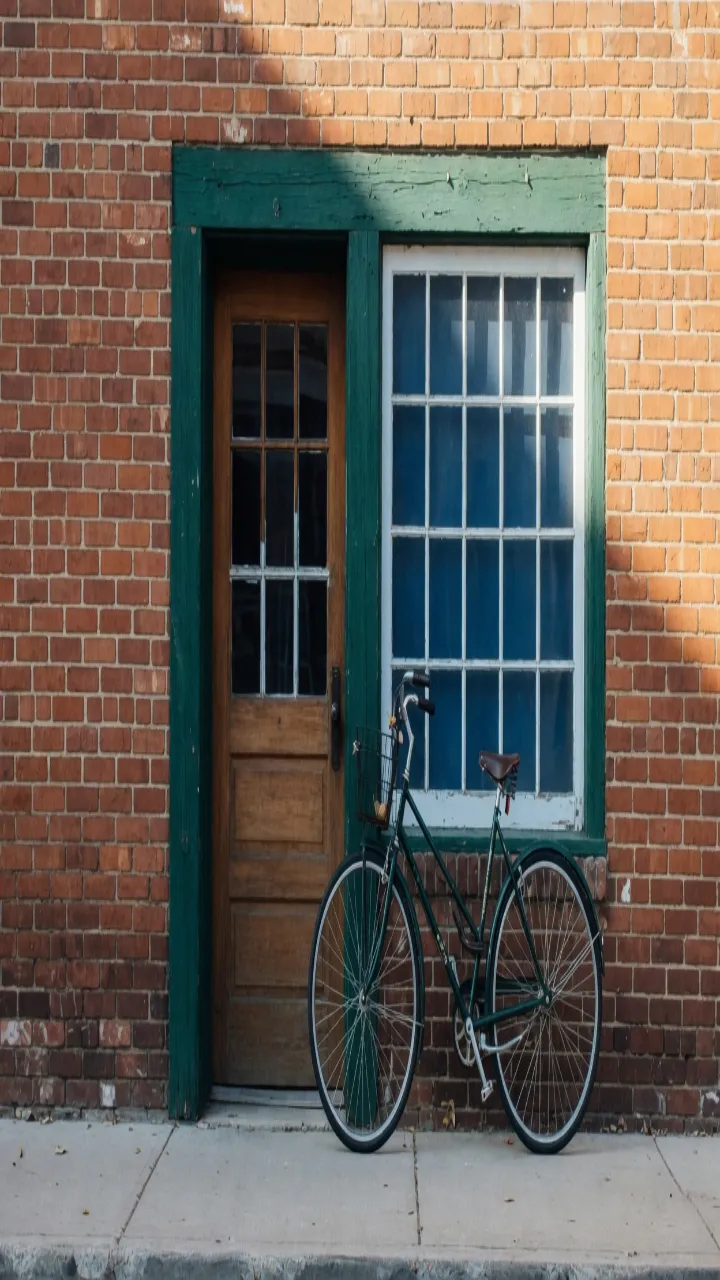
The post is a square made by stretching the whole storefront. It is not a window cut out of the banner.
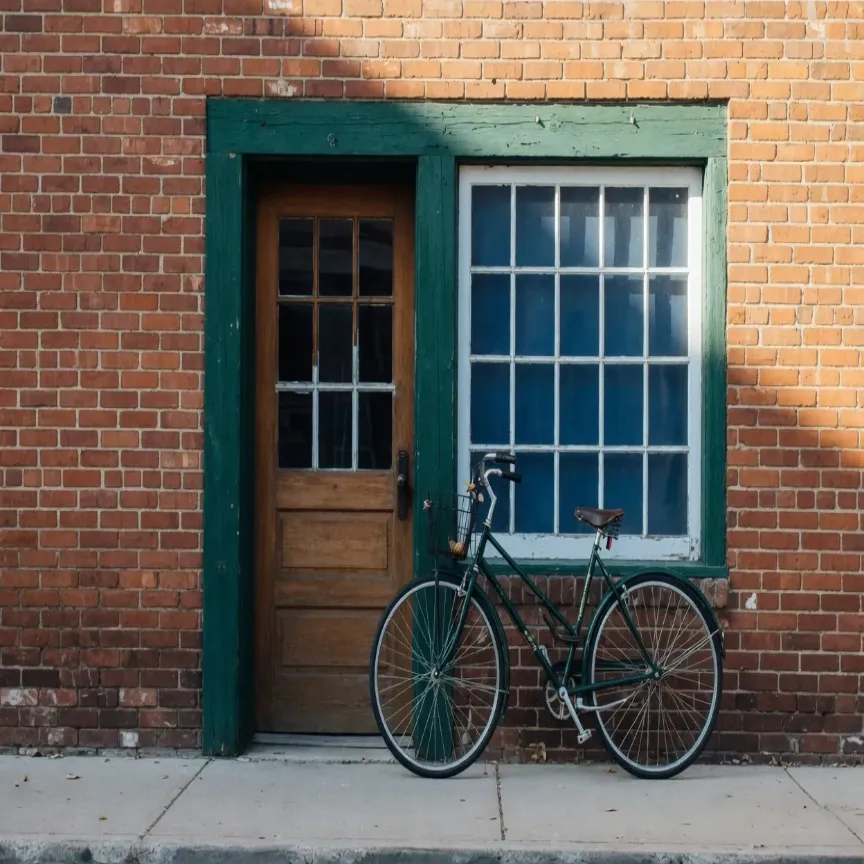
The icon covers the corners of that square. YouTube shows the picture small. The help page does not require this upload size, and it is not a slice of the banner.
The mark sits on landscape playback as a second file. It is not the banner shrunk down.
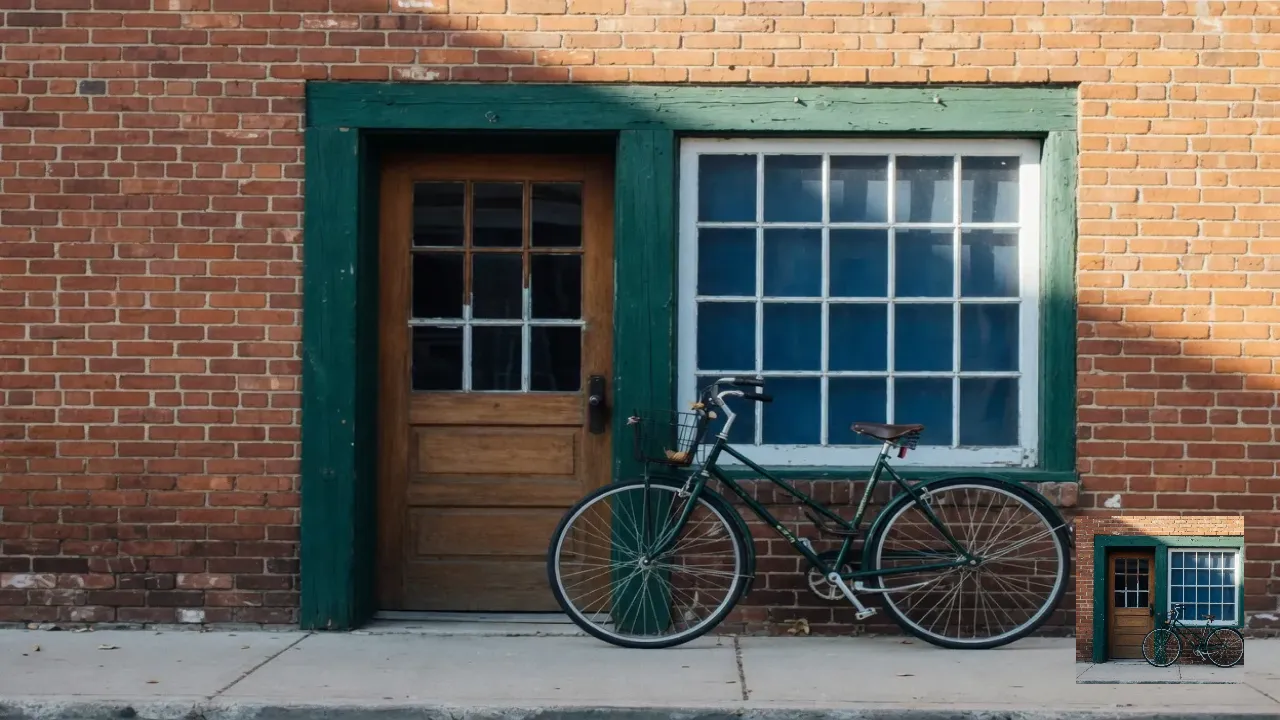
Save a photographic banner or thumbnail as JPEG. Save the watermark as PNG so the edges stay sharp. The banner stays under 6MB, and the thumbnail stays under 2MB.
YouTube 2560×1440 banner FAQ
- Which YouTube sizes can I stretch on this page?
- Banner 2560×1440, thumbnail 1280×720, Shorts 1080×1920, profile 800×800, post 1080×1080, watermark 150×150.
- Is the YouTube banner just a big thumbnail?
- No. The thumbnail is 1280×720. The banner is 2560×1440 so television can show the whole frame. Text stays in the 1235×338 box measured on the 2048×1152 minimum. Stretch the banner from a larger source.
- Can I reuse a Short as the thumbnail?
- Only after a second export. 1080×1920 does not fill 1280×720. On Home, Explore, and Subscriptions, YouTube replaces a vertical video’s 16:9 thumbnail with an automatic 4:5.
- What happens if I stretch type on a thumbnail?
- The letters get wider or taller with the photo. For a 1280×720 thumbnail, stretch the picture, then add type at the final size so the words stay square.
- What should I download for YouTube?
- JPEG for the 1280×720 thumbnail and the photo banner. PNG for the 150×150 watermark and for flat channel art.