Image stretcher
Stretch a WhatsApp business cover to 1640×856
A WhatsApp status and cover photo are 1080×1920. A business cover is 1640×856, a wide frame, not a status crop. The profile picture and DP are 800×800, the group icon is 500×500, and a sticker is 512×512.
WhatsApp status, business cover, and profile
Status is 1080×1920. A business cover is 1640×856. The profile picture is 800×800.
Size chart
Pixel width, height, and the reduced ratio for every template on this page.
| Template | Width | Height | Ratio |
|---|---|---|---|
| Profile picture | 800 | 800 | 1:1 |
| DP | 800 | 800 | 1:1 |
| Status | 1080 | 1920 | 9:16 |
| Group icon | 500 | 500 | 1:1 |
| Cover photo | 1080 | 1920 | 9:16 |
| Business cover | 1640 | 856 | 205:107 |
| Sticker | 512 | 512 | 1:1 |
The business cover is a wide shop header
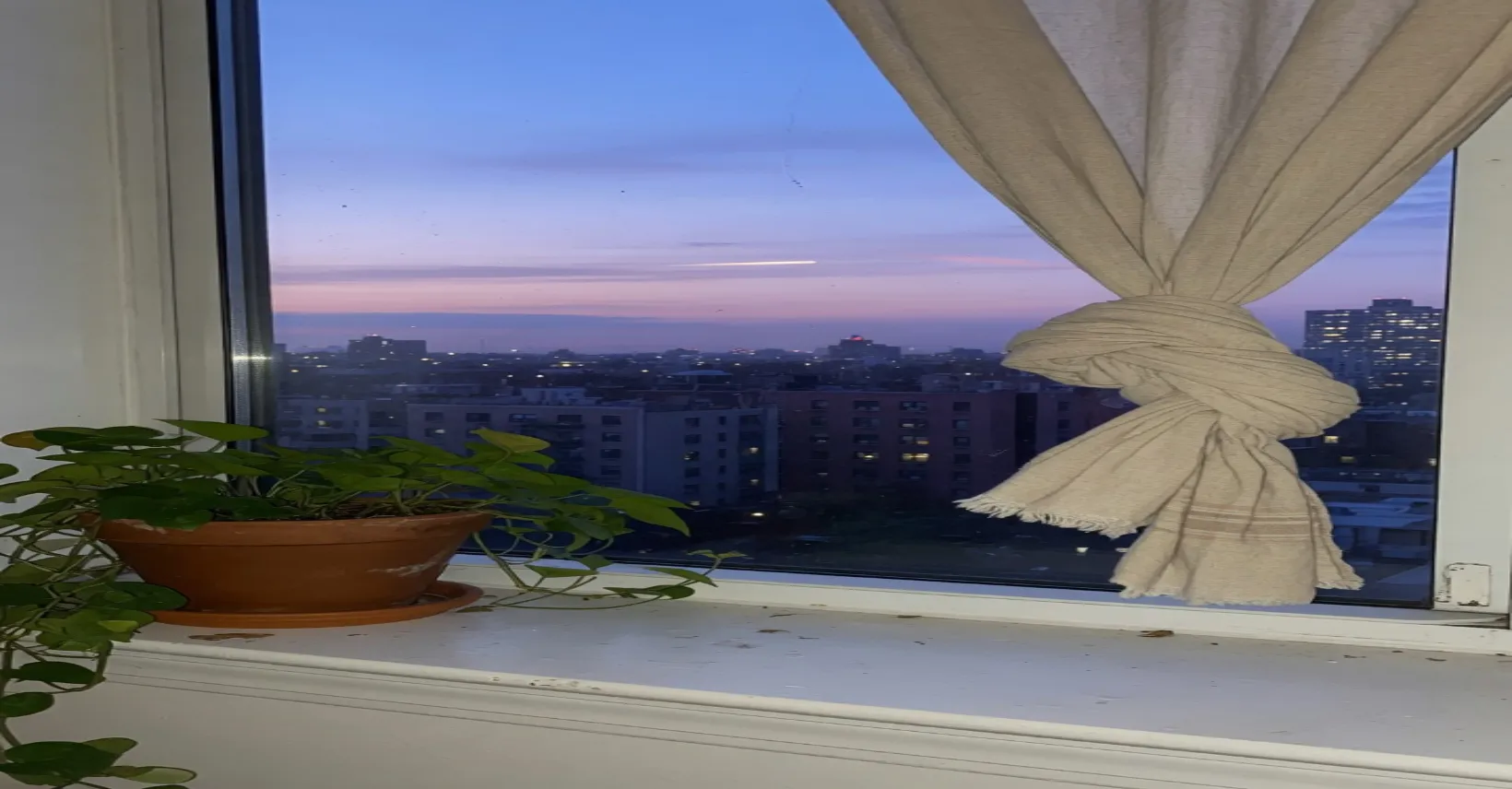
This file is the business cover, 1640×856.
This is the window pulled sideways. The pot and the curtain knot widen, and the dusk sky becomes a band. A status still will not sit in this header.
The chat draws circles. The sticker keeps its margin.
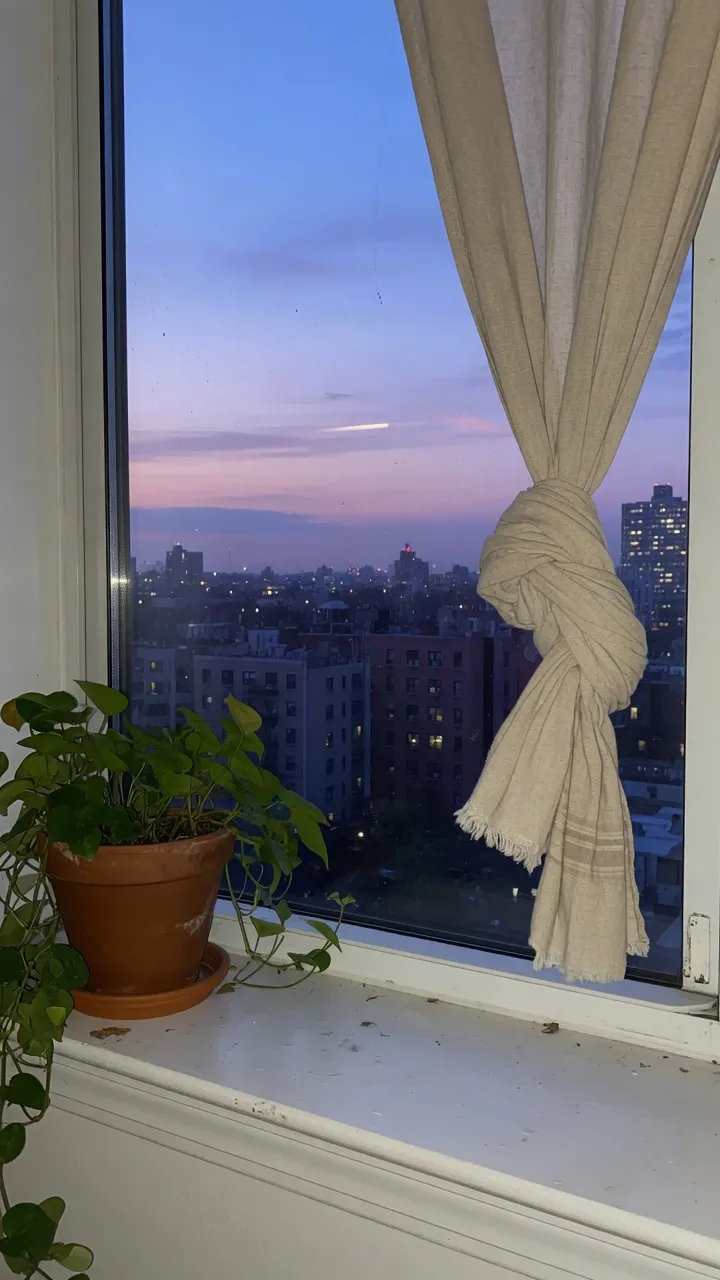
This file is the status, 1080×1920.
Status is this window, full height. The name sits across the top and the reply bar sits across the bottom, so the plant and the knot in the middle are what people actually see.
The cover photo row uses this same file. It is not the wide business cover above.
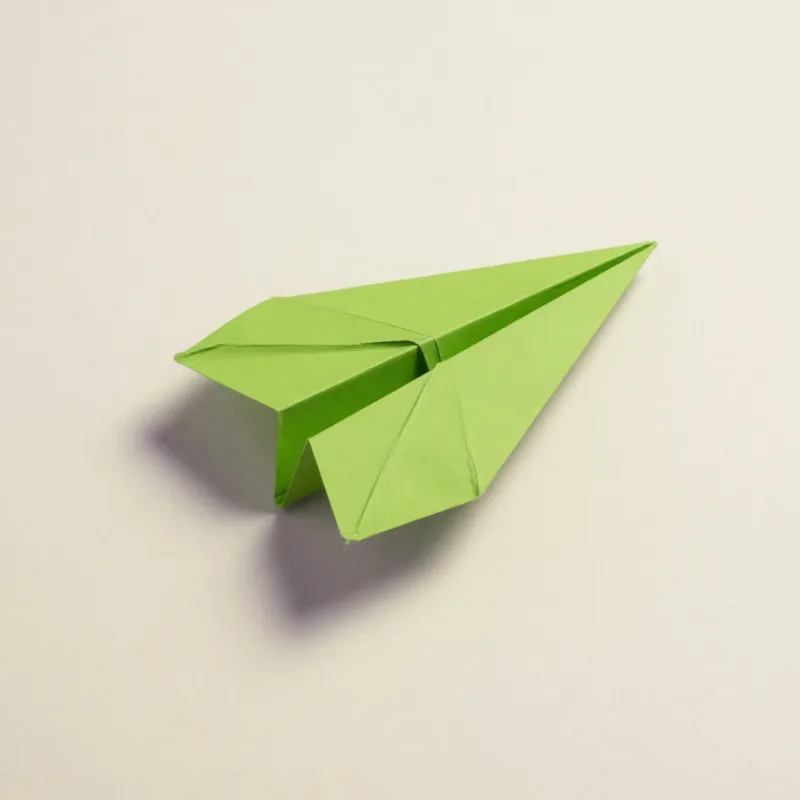
This file is the profile and the DP, 800×800.
Profile and DP are this paper plane, drawn as a circle in the chat list. The corners of the square sit outside the circle, so the list never shows them.
The same file, shown as the square the circle was cut from.
Open the contact and the same file is the square. The list never shows that square. The group icon is a smaller circle of this drawing, not a crop of the window.
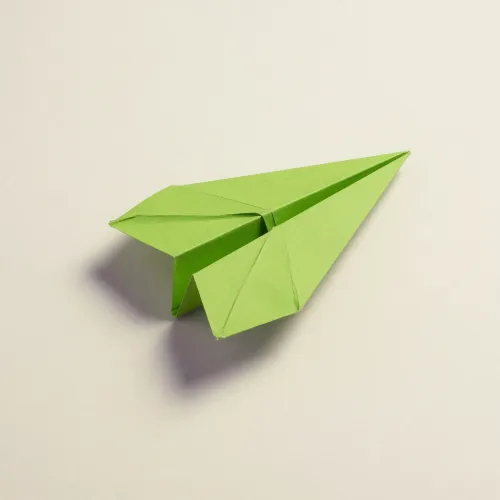
This file is the group icon, 500×500.
The group icon is a smaller circle of the paper plane. Detail that is clear on the profile turns muddy here, and the corners still disappear.
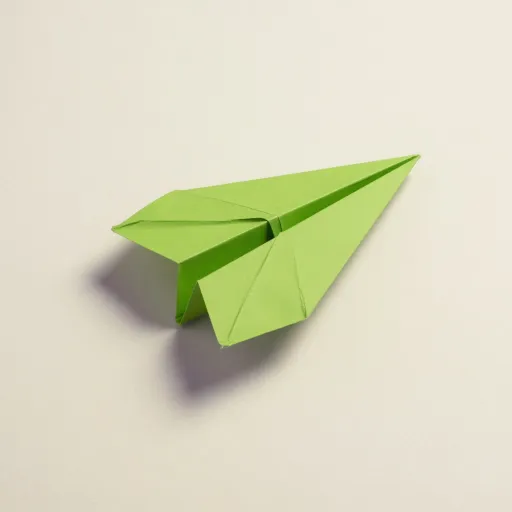
This file is the sticker, 512×512.
A photographic status can be JPEG. The sticker stays PNG, with the plane kept off the outer edge. JPEG fringes show around a sticker.
The same status file, cropped by the chat bubble.
Send this status file inside the thread and the bubble cuts it down to a chat photo. The top of the curtain and the sill go. That crop is still not the business cover.
How to stretch an image for a WhatsApp frame
Status and the cover photo on this page share one tall file. The business cover is a wide header. The sticker is a square with padding.
- Step 1
Open the status still
Status and the cover photo are 1080×1920. A group icon stretched up to that frame is the wrong direction: you would be enlarging a small square.
- Step 2
Choose the WhatsApp row
Profile picture and DP are 800×800. Status and cover photo are 1080×1920. Group icon is 500×500. Business cover is 1640×856. Sticker is 512×512.
- Step 3
Business cover is not a status
Pick the business cover row when the header has to be wide. The status row will not fill that header, and the header will not fill a status.
- Step 4
Stickers need margin
512×512 is the sticker file. Keep the art inside the middle so the edges can stay empty. Download PNG. JPEG halos show around a sticker.
WhatsApp 1640×856 business cover FAQ
- Which WhatsApp sizes can I stretch on this page?
- Profile and DP 800×800, status and cover photo 1080×1920, group icon 500×500, business cover 1640×856, sticker 512×512.
- Is the WhatsApp business cover a status image?
- No. Those two rows are different frames. Pulling the tall window sideways is how the wide header is made.
- Do status and cover photo match here?
- Yes. Those two rows share one file. The group icon does not.
- How should a WhatsApp sticker be exported?
- PNG, with the drawing away from the edges. Stretching a photo to the corners leaves no empty margin.
- What should I download for WhatsApp?
- JPEG for a photographic status. PNG for the sticker, the group icon, and a type-led business cover.