Image stretcher
Stretch a Tumblr photo post to 1280×1920
A Tumblr image post is 1280×1920. On the dashboard that file is previewed at 540×405, so the top and bottom of the post are what disappear. A portrait photo is 1024×1536, the same 2:3 with fewer pixels. A square photo post is 1280×1280, a landscape photo is 1280×720, a link card is 540×540, and the profile picture is 128×128.
Tumblr photo post, photoset, and dashboard thumbnail
Seven rows. The tall post and the portrait are one shape. The dashboard row is the 4:3.
Size chart
Pixel width, height, and the reduced ratio for every template on this page.
| Template | Width | Height | Ratio |
|---|---|---|---|
| Profile Picture | 128 | 128 | 1:1 |
| Photo Post | 1280 | 1280 | 1:1 |
| Portrait Photo | 1024 | 1536 | 2:3 |
| Landscape Photo | 1280 | 720 | 16:9 |
| Dashboard Thumbnail | 540 | 405 | 4:3 |
| Link Card Image | 540 | 540 | 1:1 |
| Image Post | 1280 | 1920 | 2:3 |
The dashboard keeps a 4:3 band of the tall post
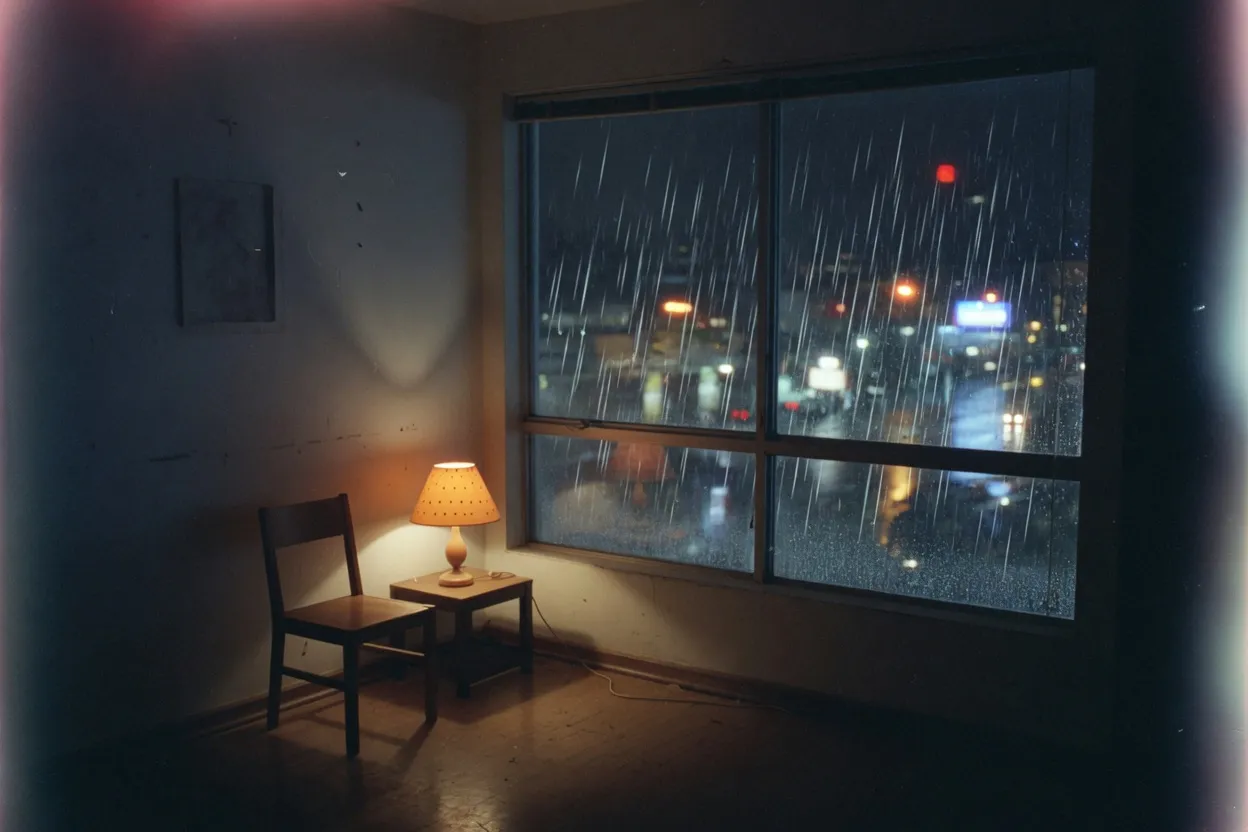
This is the room, 3:2, before a Tumblr box is applied.
This is the room before a Tumblr box is applied. The chair, the lamp, and the rainy window are still in the camera's 3:2. The tall post, the landscape, and the square below are this same night, pulled. The camera on the sill further down is the next frame on the roll, and it is not this file.
The room is one photograph. Stretching it does not invent the camera on the sill. That second frame has to be opened on its own.
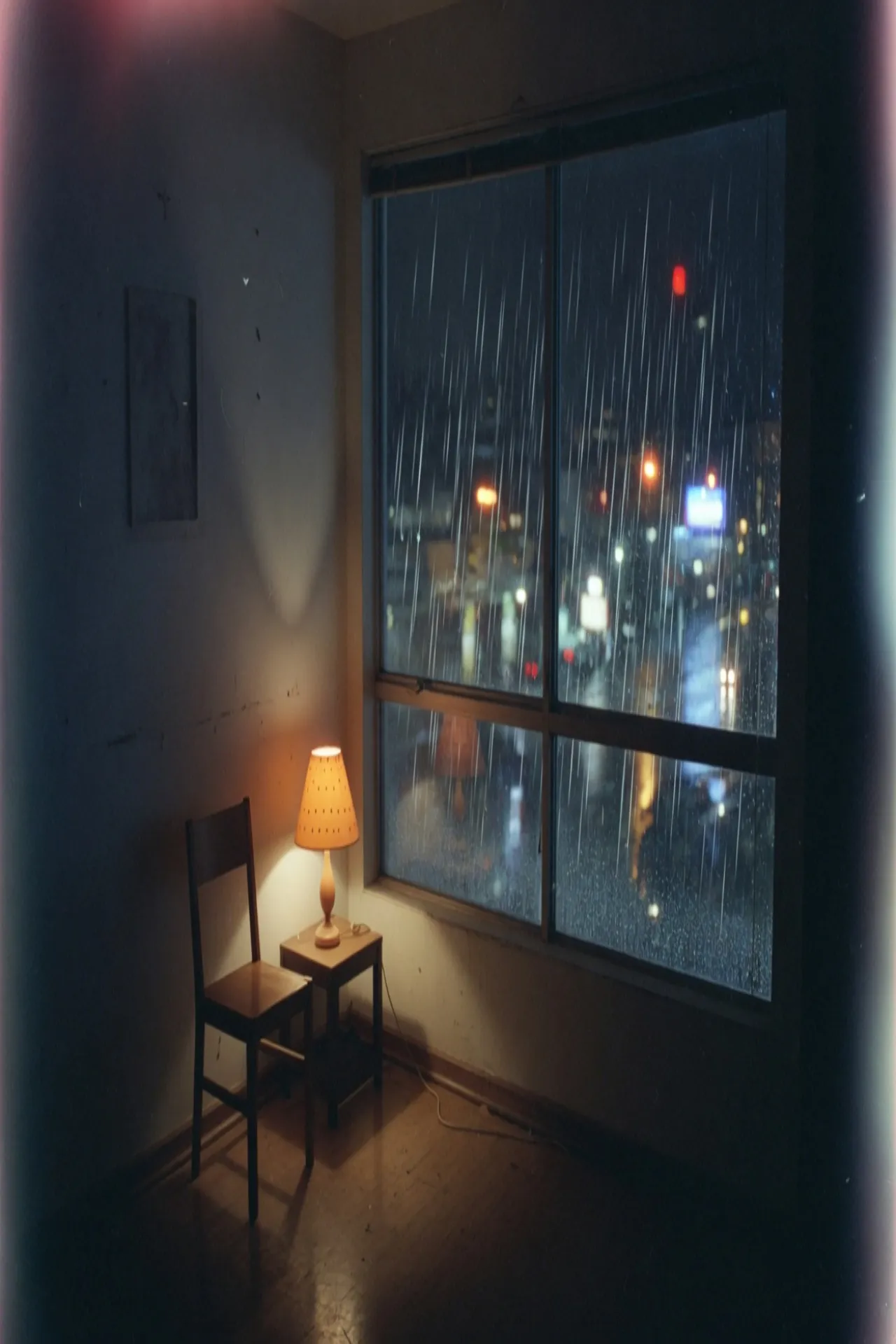
This file is 1280×1920. The blog shows this height.
The image post is 1280×1920. Open it and the window runs the full height: rain at the top of the glass, the chair still in the lower left. Tumblr stores this file. The dashboard does not show all of it.
The bright band is the middle of that same 1280×1920 file.
The dark bands are the dashboard's cut, not a second export. Half the height of this 2:3 post stays bright, and that middle band is 4:3. The ceiling and the floor go dim. A reader scrolling past sees the lamp and the middle of the window, then has to open the post for the chair and the upper panes.
The bright band is half the post. Nothing was re-exported to make the ceiling go dark. The pixels outside the band are still in the file.
This file is 540×405. The room has been pulled into 4:3.
This file is the room forced into the dashboard's 4:3. The chair is wider than it was, and the window is shorter. That is a stretch. The dark bands above are a crop of the tall post, and they leave the chair's shape alone. Make this squat file only when the preview itself should be 4:3.
Do not lock the tall post to 4:3 and call the result a dashboard thumbnail. The dashboard crops. The squat file is what you get when the stretch itself changes the shape.
A photoset stacks three shapes from one night
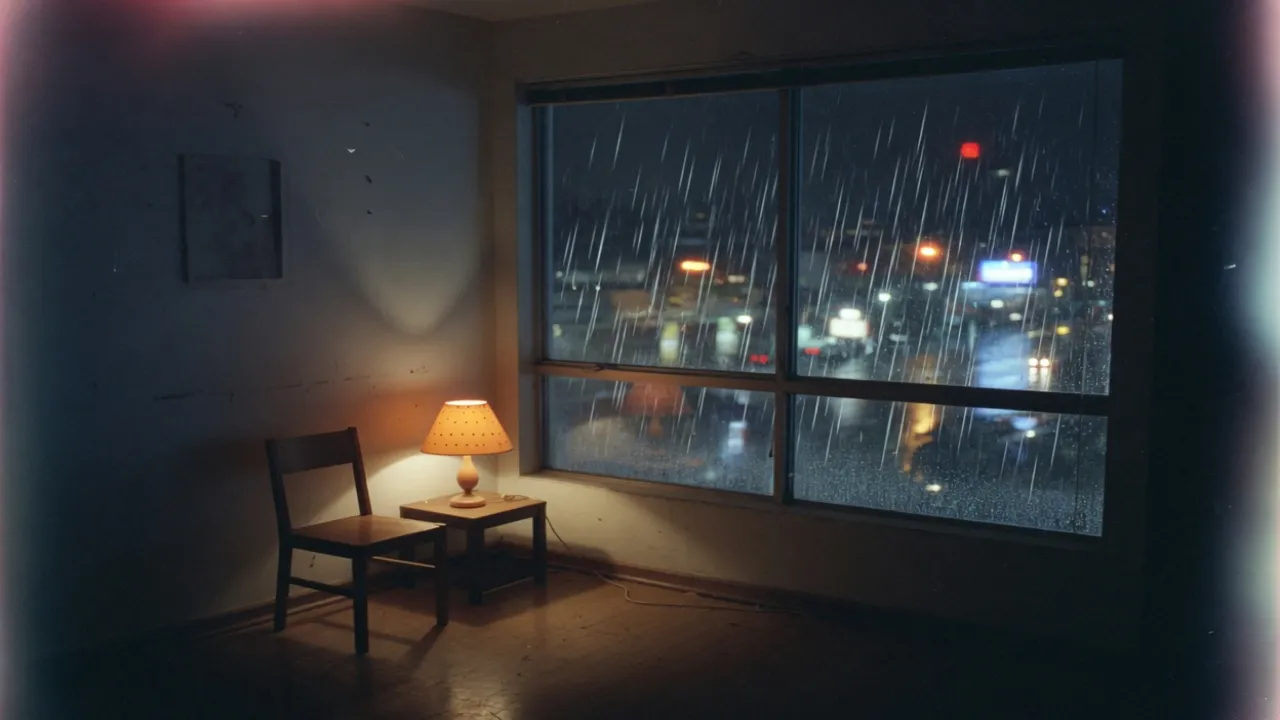
This file is 1280×720. The window is now a strip.
The landscape photo pulls the window sideways until the four panes become a strip, and the chair is shorter than it is in the room. A portrait stretched sideways to hit this row flattens the subject the same way. In a photoset this strip sits on top, full width, and the two frames under it do not match its ratio.
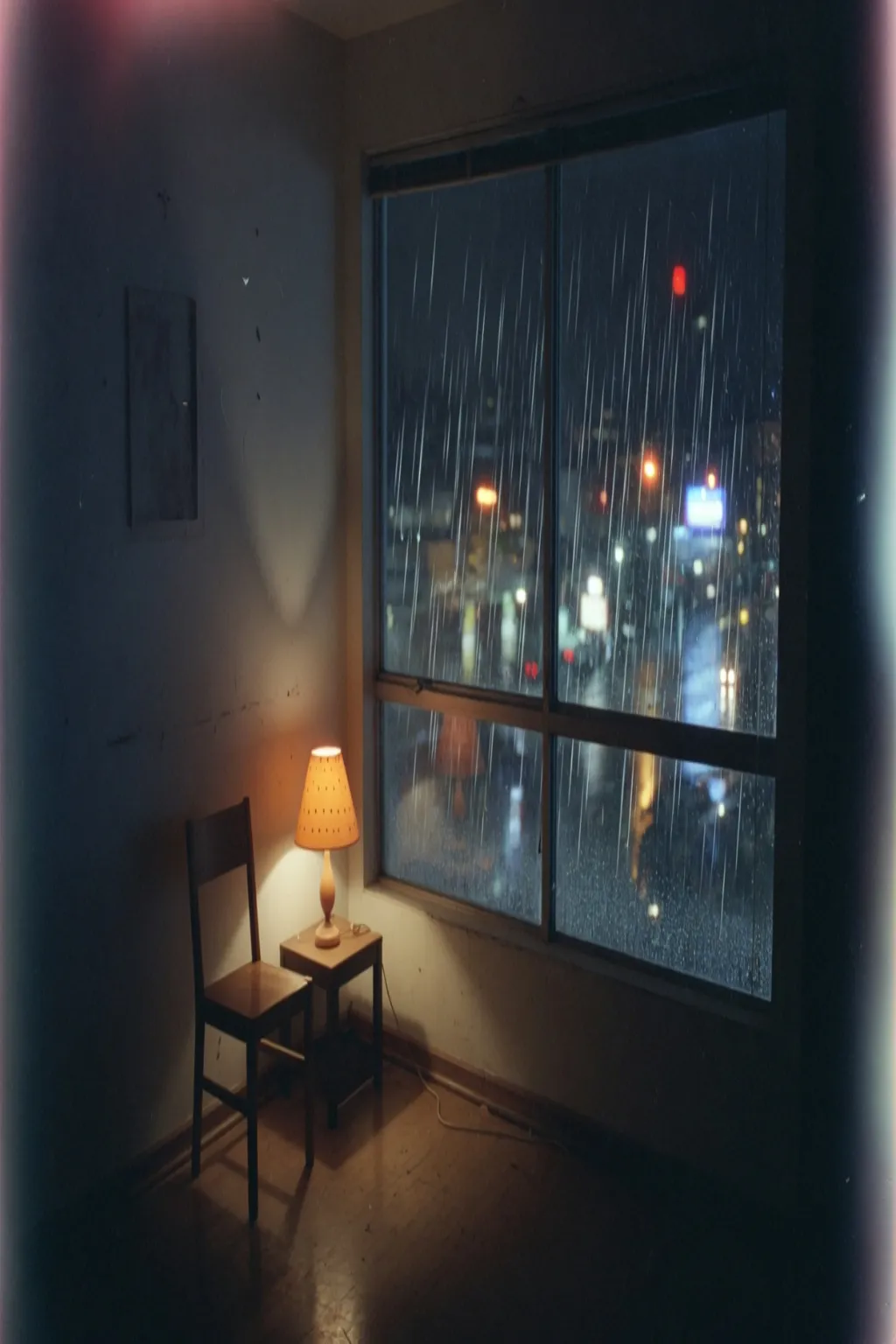
This file is 1024×1536. Same 2:3 as the post, fewer pixels.
The portrait is the same 2:3 as the image post, drawn smaller here so the pixel gap shows. The chair and the window keep their shape. Uploading the portrait where the post belongs does not change the crop the dashboard will take. It only gives Tumblr fewer pixels to scale.
A 2:3 at the portrait size is not a new ratio. It is the image post with less detail, which is why it is drawn smaller beside the square.
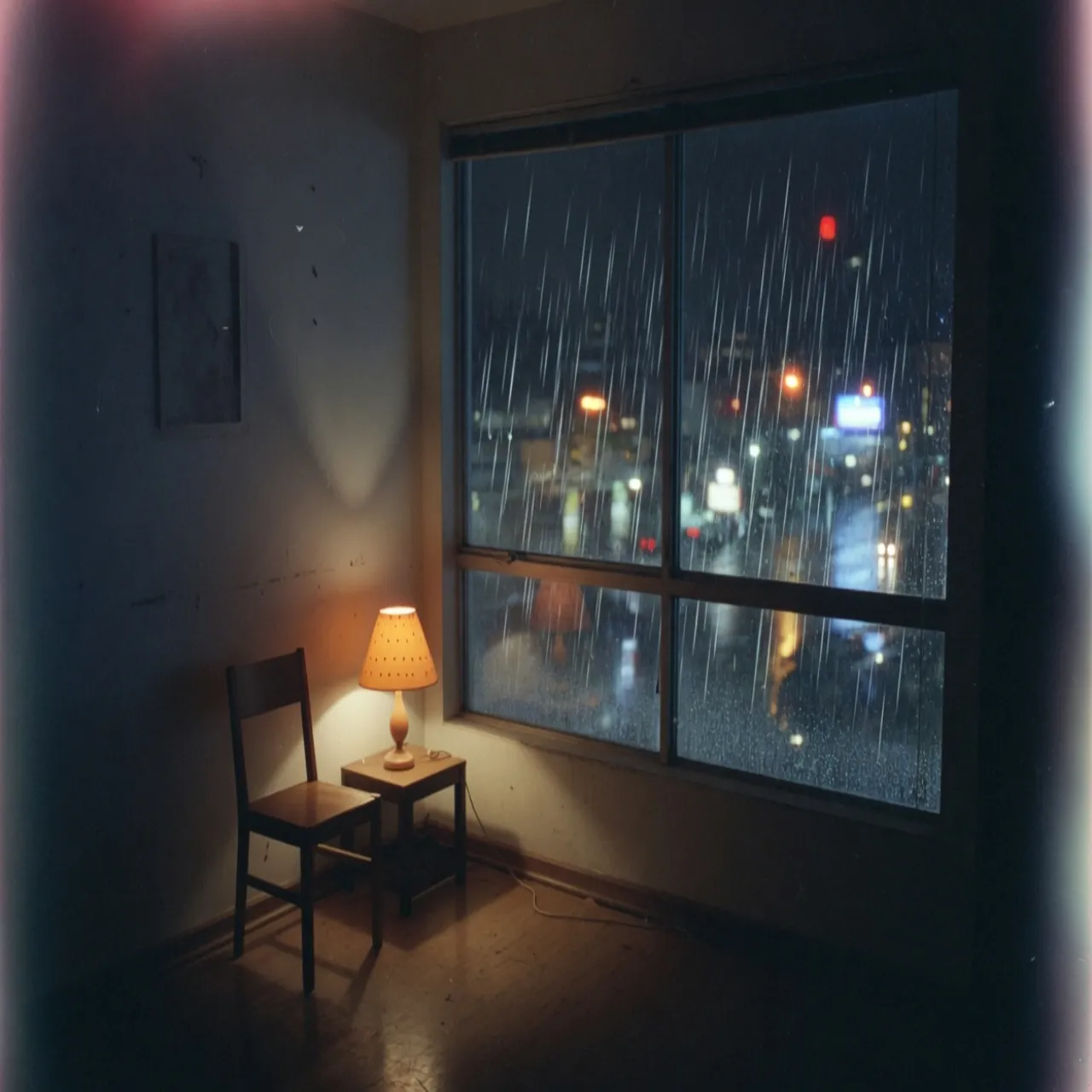
This file is 1280×1280. The photo-post square.
The photo post is a square of the room. The window loses some of its width and the floor comes up. In the photoset it sits to the right of the portrait, tops aligned, and it ends before the portrait does.
Tumblr lays a photoset from the top. The landscape is the first row. The portrait and the square share a top edge and not a bottom edge, which is why the square's note starts higher on a wide screen.
The link card and the avatar are a second frame
The post is the room. The small files are the camera on the sill. A line of type set in the tall post will not survive in the circle.
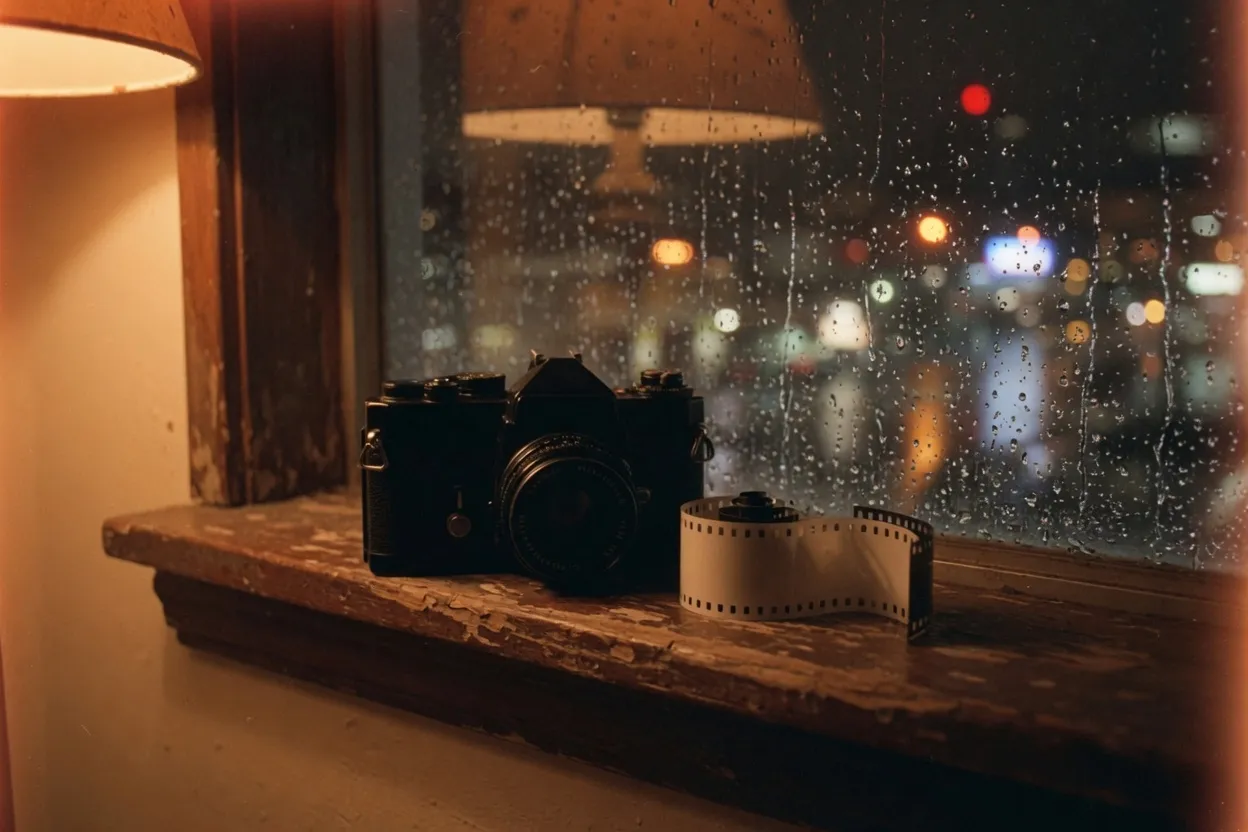
This is the sill, a second frame. The link card and the avatar start here.
This is the next exposure: the same rain, the same lamp, a camera and a blank strip of film on the sill. The link card and the profile picture start here. Shrinking the room into the avatar would turn the chair into a blot.
This file is 540×540, from the sill.
A link preview is square, and it is a stretch of the sill. It is not the dashboard thumbnail, and it is not a tile of the photoset. Type drawn for the tall post will not sit cleanly in this box.
Square is not one size on Tumblr. The photo post, the link card, and the profile picture are three files, and only the last two come from the sill.

This file is 128×128. The circle is the profile picture.
The profile picture sits beside the blog name, about the size of this circle. The lens and the film strip are already soft. A caption set for the wide post is gone. Leave this one tiny on purpose.
The sill is a second photograph. The link card and the profile picture are stretches of that frame. They are not crops of the rainy room, and a circle made from the room would hide the chair.
Pick the Tumblr row that matches the post
The chart is seven rows. The tall post and the portrait share a shape. The avatar does not share a file with either of them.
- Step 1
Open the frame you are publishing
The room feeds the post, the portrait, the landscape, and the square photo. The sill feeds the link card and the avatar. Open the photograph that matches the row, not the other one.
- Step 2
Use the chart, not the avatar, for a post
The image post row is the tall one. The dashboard thumbnail row is the 4:3. The profile row is the tiny square. Publishing the avatar dimensions as the post makes a blot.
- Step 3
Lock the ratio only to change the pixel count
The portrait and the image post are both 2:3. Locking the ratio moves between those two pixel counts. It does not produce the landscape, the square, or the dashboard thumbnail.
- Step 4
Export the avatar on its own
The profile picture wants PNG. A photographic post wants JPEG. The circle beside the note is already the size the blog name sits next to.
Tumblr post and dashboard FAQ
- Which Tumblr sizes can I stretch on this page?
- Profile 128×128, photo post 1280×1280, portrait 1024×1536, landscape 1280×720, dashboard thumbnail 540×405, link card 540×540, image post 1280×1920.
- Is the Tumblr portrait the same ratio as the image post?
- Yes. Both are 2:3. The portrait is 1024×1536 and the image post is 1280×1920. The portrait is the same shape with fewer pixels.
- What does the dashboard do with a tall post?
- It keeps a 4:3 band. 540×405 is that preview. The top and the bottom of a 1280×1920 post drop out until the post is opened.
- Should I stretch type in a Tumblr post?
- The letters stretch with the photo. Set captions after the picture is 1280 wide. The profile picture is too small for that type.
- What should I download for Tumblr?
- JPEG for the photographic post and the portrait. PNG for the 128×128 avatar and for a flat link card.