Image stretcher
Stretch a Pinterest Idea Pin to 1080×1920
A Pinterest Idea Pin on this page is 1080×1920, so a landscape photo has to grow in height to fill it. The board cover is a separate 600×600 square. The profile photo is 165×165, small enough that fine type disappears.
Pinterest Idea Pin, board, and profile
An Idea Pin is 1080×1920. A board cover is 600×600. The profile photo is 165×165.
Size chart
Pixel width, height, and the reduced ratio for every template on this page.
| Template | Width | Height | Ratio |
|---|---|---|---|
| Idea Pin | 1080 | 1920 | 9:16 |
| Board Cover | 600 | 600 | 1:1 |
| Profile Photo | 165 | 165 | 1:1 |
The tall column is the Idea Pin
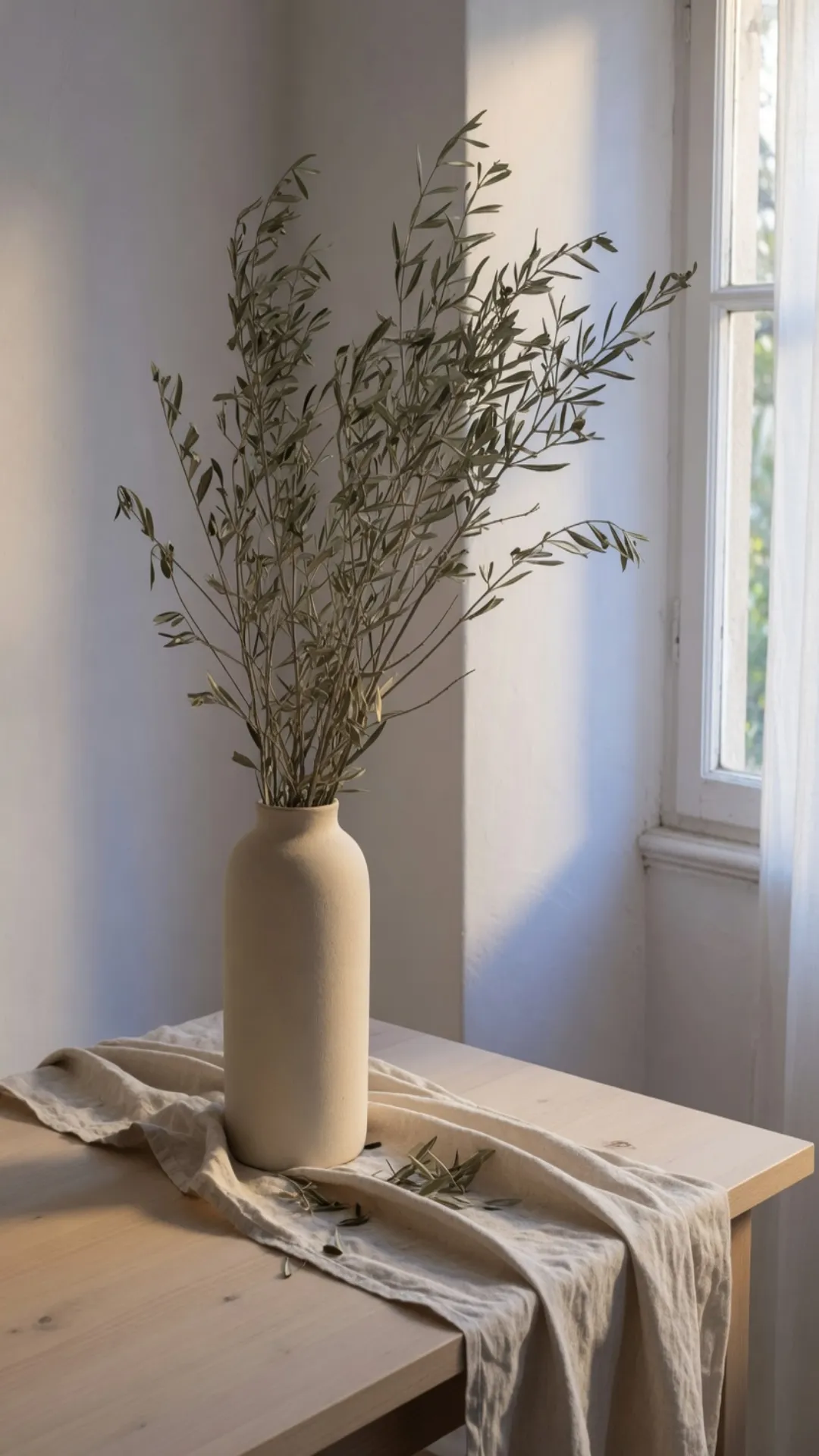
This file is the Idea Pin, 1080×1920.
The left file is already 1080×1920. On this row the photograph is the card, edge to edge. A title under a normal pin is a separate line. This tall row does not keep a bar across the picture, so the vase has to carry the frame by itself. The branches were composed for that height, and the ceramic stays a bottle instead of a smear.
If the pin carries a label, the letters stretch with the photo. They do not sit in a band this page can measure. They sit on the vase. Lock the ratio and crop when the label has to stay even, and keep the tall frame for a scene that can grow.
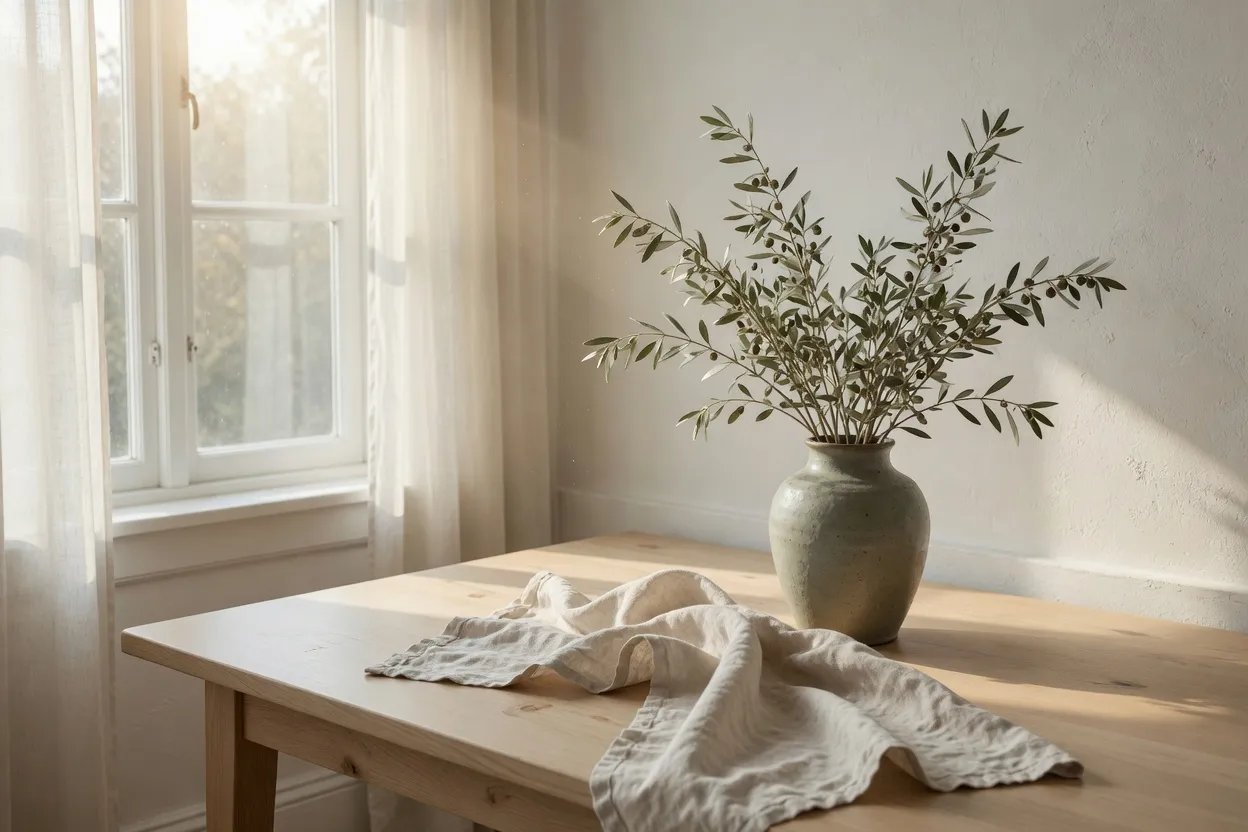
This file is the landscape, still at its own ratio.
This is the landscape at its own ratio. The window and the linen are still themselves, and nothing here has been asked to become a tall card. Set it in the column and the card ends early.
A board ends at three different heights
The same Idea Pin, held in the column.
In the column the same tall file is the card people scroll past. It keeps going after the landscape beside it has already ended. Branches composed for the height stay branches. A landscape dropped into this column without a new frame only fills the width, and the card is short.
The same landscape, as a short card.
The landscape, set to the same column width, ends high. The cloth still drops off the near edge, and the window is still a window. The feed gives that photo less of the scroll than the tall file beside it, so the next pin arrives sooner.
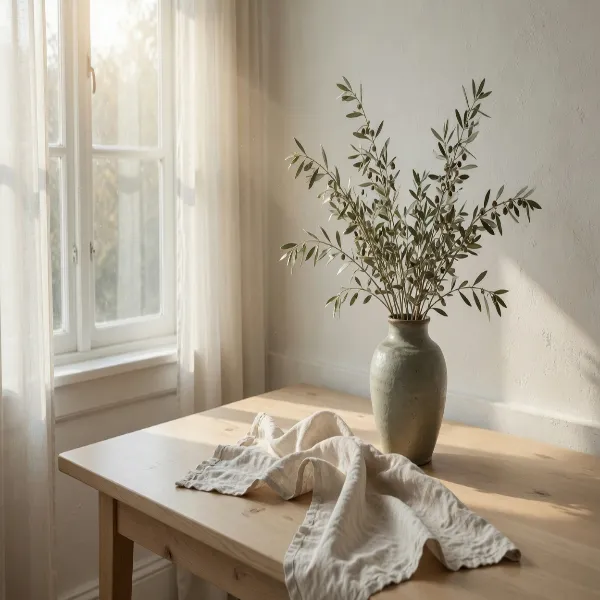
The landscape pulled into a 600×600 square.
The board cover is 600×600. Pulling the landscape into that square squeezes the window and the cloth, and the window is still the subject. That file is not the cover. The board wants the overhead, where the fig and the napkin were placed for a square.
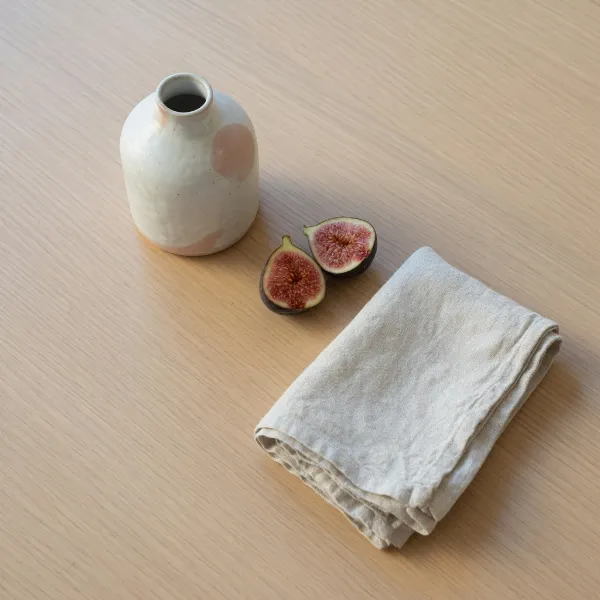
This file is the board cover, 600×600.
The overhead is the board's face. Open the board and this square is the tile people see before any pin. It stands for the collection, not for the tall vase. The fig and the napkin are the subject because that photo was made square.
A photographic Idea Pin can be JPEG. The board cover is a photograph of the same kind of table, so JPEG still fits the overhead. A flat mark that must survive at 165×165 belongs in PNG.
The same board file, drawn as a circle.
The profile photo is 165×165. This larger circle is the same board file, and you can still separate the fig from the napkin. The next circle is the profile itself. The seeds give up, and a word set on the vase would already be gone.
The same circle at the profile's 165×165.
Shrink the same overhead to the profile and the seeds in the fig stop reading. The pink spot on the vase is a smudge. Use a simple mark when the circle is the only thing left.
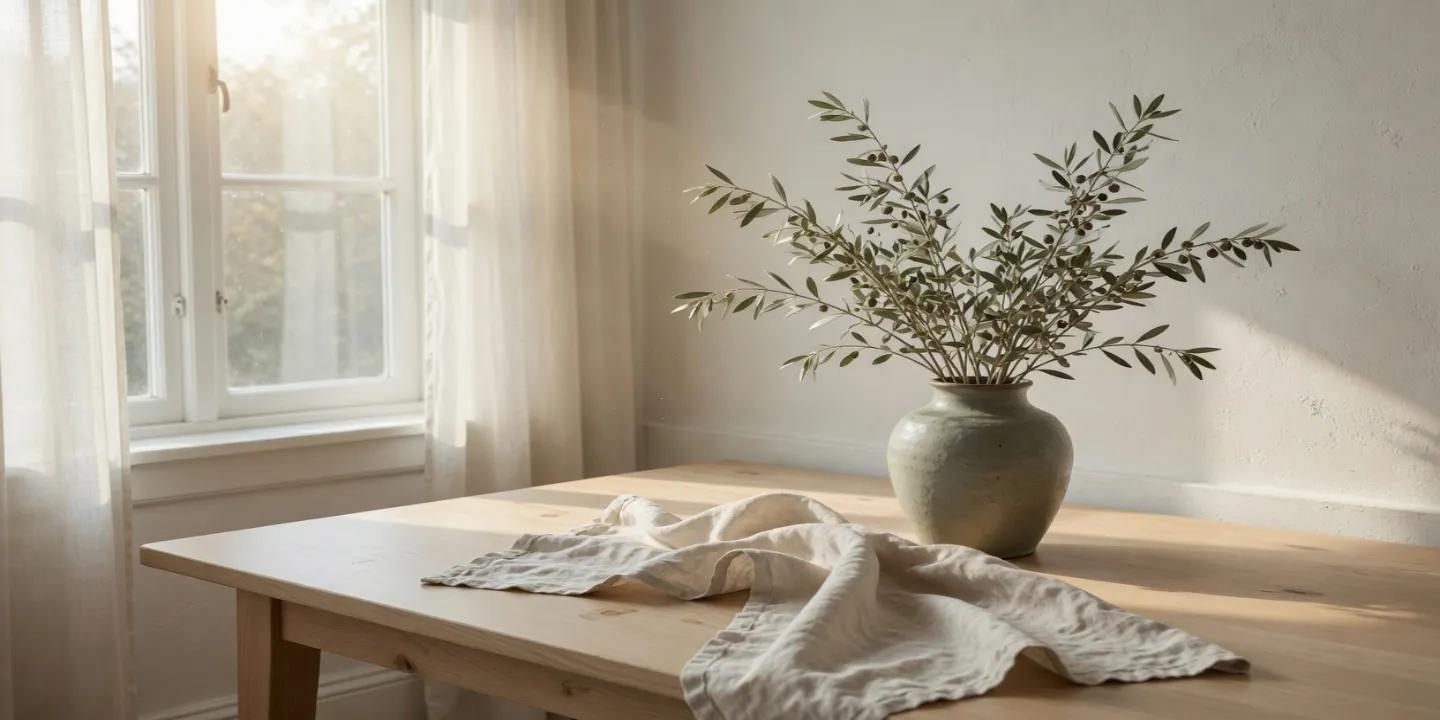
The landscape pulled sideways. This file is not a Pinterest row.
The wide file is the landscape pulled sideways. The vase is broader than the bottle in the tall file, and the window has been pulled with it. It is not a row on this page. The tall pin is a separate photograph, and neither of them is the overhead.
Download JPEG when the Idea Pin is a photograph. The tall file of the vase is that case. PNG is the other export when the pin is a flat graphic instead of this table.
How to stretch an image for a Pinterest frame
Pick the row you are uploading. The tall pin, the board, and the profile do not share a file. A landscape that looks right on the table becomes a short card, a squeezed square, or a wide strip, and none of those three is the Idea Pin.
- Step 1
Start from the photo you already have
A landscape of the table stays a short card if you only scale it down. The Idea Pin was framed tall on its own. Stretching the landscape up to match that height pulls the vase, and the cloth and the window stretch with it. If the vase has to stay a vase, start from the tall photograph.
- Step 2
Select the Pinterest row
Idea Pin is 1080×1920. Board cover is 600×600. Profile photo is 165×165.
- Step 3
Keep the board on its own square
The overhead of the fig is the board cover. A slice of the tall pin centers the branches. The landscape squeezed square still leads with the window. Neither one is the tile.
- Step 4
Export the profile from a simple mark
Save the pin, the board, and the profile as three files. JPEG fits the photographic pin. PNG fits a flat mark that still has to read when the circle is small.
Pinterest Idea Pin and board cover FAQ
- Which Pinterest sizes can I stretch on this page?
- Idea Pin is 1080×1920. Board cover is 600×600. Profile photo is 165×165.
- Should every Pinterest image be 1000×1500?
- Not on this page. The tall row is the Idea Pin. The board cover is square. Stretch the row you are uploading.
- Will a square photo fill an Idea Pin?
- Only by stretching the height or by cropping the sides. Stretching makes the subject taller, the way a square vase would grow into the tall column. Cropping drops whatever sat at the left and the right.
- Can the board cover be the pin?
- It can be a crop of the pin, not the same file. The overhead and the tall vase are two photographs. Using the pin as the tile centers the branches, not the fig.
- What should I download for Pinterest?
- JPEG for the photographic pin and the board. PNG when the profile is a flat mark rather than the overhead.