Image stretcher
Stretch a Facebook cover to 820×360
A Facebook cover, page cover, and banner on this page are 820×360. The phone app keeps the middle and cuts the sides. A story is 1080×1920, and a link post is 1200×630.
Facebook frames on this page
Cover is 820×360. Story is 1080×1920. A 1200×630 post fills neither.
Cover
820 × 360 pxApply sizePage Cover
820 × 360 pxApply sizeBanner
820 × 360 pxApply sizePost
1200 × 630 pxApply sizeProfile picture
320 × 320 pxApply sizeDP
320 × 320 pxApply sizeStory
1080 × 1920 pxApply sizeAds
1080 × 1080 pxApply sizePost (square)
1080 × 1080 pxApply sizePost (portrait)
1080 × 1350 pxApply sizeEvent Cover
1920 × 1005 pxApply sizeGroup Cover
1640 × 856 pxApply size
Size chart
Pixel width, height, and the reduced ratio for every template on this page.
| Template | Width | Height | Ratio |
|---|---|---|---|
| Cover | 820 | 360 | 41:18 |
| Page Cover | 820 | 360 | 41:18 |
| Banner | 820 | 360 | 41:18 |
| Post | 1200 | 630 | 40:21 |
| Profile picture | 320 | 320 | 1:1 |
| DP | 320 | 320 | 1:1 |
| Story | 1080 | 1920 | 9:16 |
| Ads | 1080 | 1080 | 1:1 |
| Post (square) | 1080 | 1080 | 1:1 |
| Post (portrait) | 1080 | 1350 | 4:5 |
| Event Cover | 1920 | 1005 | 128:67 |
| Group Cover | 1640 | 856 | 205:107 |
What an 820×360 cover loses on a phone
Cover, page cover, and banner are the same file. The first picture is that header with both ends of the table still in the picture. The second picture is the same file after a phone drops the sides, so faces and words belong in the bright middle.
Both ends of the table stay in this header. The bowl can sit in the middle while the fruit and the pitcher still read as part of the cover.
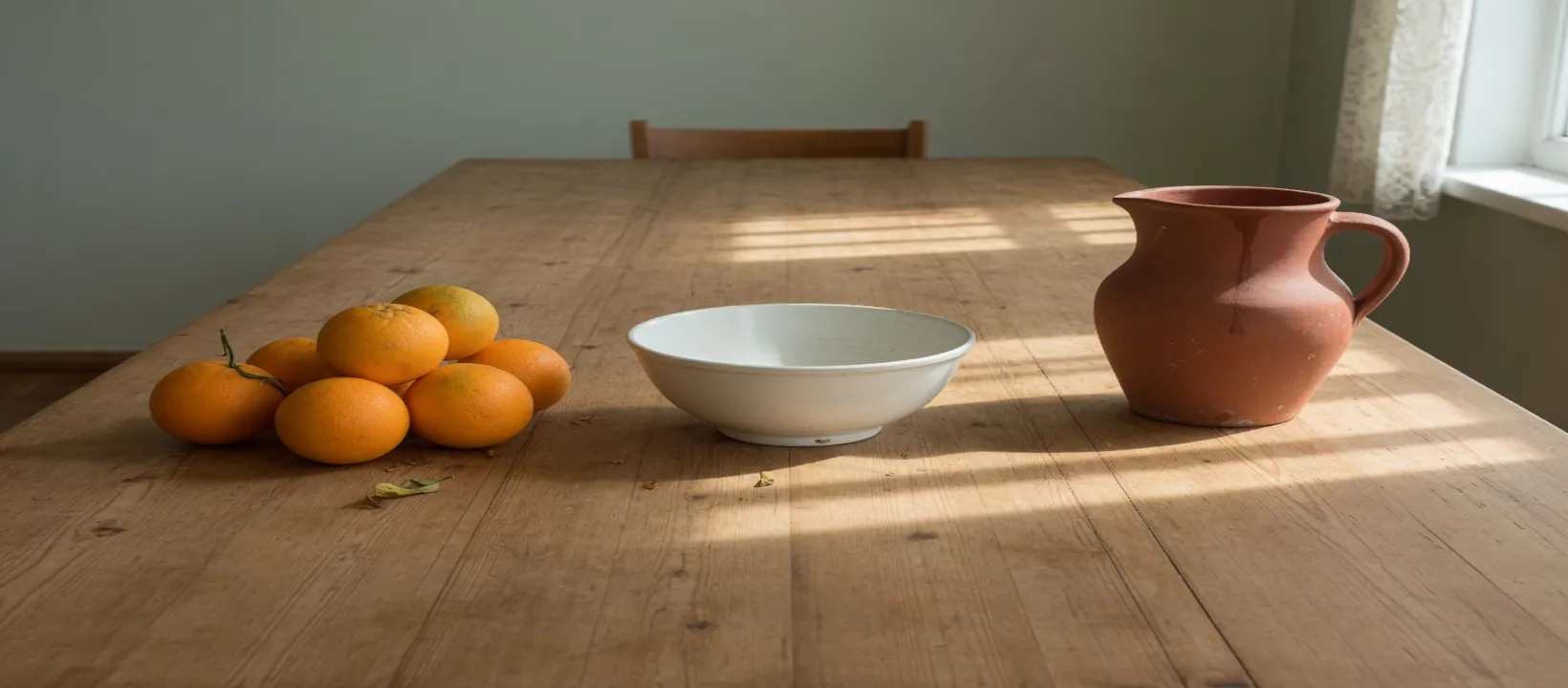
The dark bands match because the cut is centered, and the height of the file stays whole. Fruit or a pitcher left at the edge is already outside the phone header.
The profile circle sits on the cover
Profile and DP are a square drawn as a circle, and that circle sits on the lower left of the cover, over the fruit. The corner under it never shows. Stretching the wide cover down into the square pinches the bowl and still loses the corners.
The circle is a separate square laid on the lower left of the cover. A link image you already exported has been pulled wide once, and this square would pull it again.
The table is still at its own shape in this file. The cover in this section is that same table pulled wide.
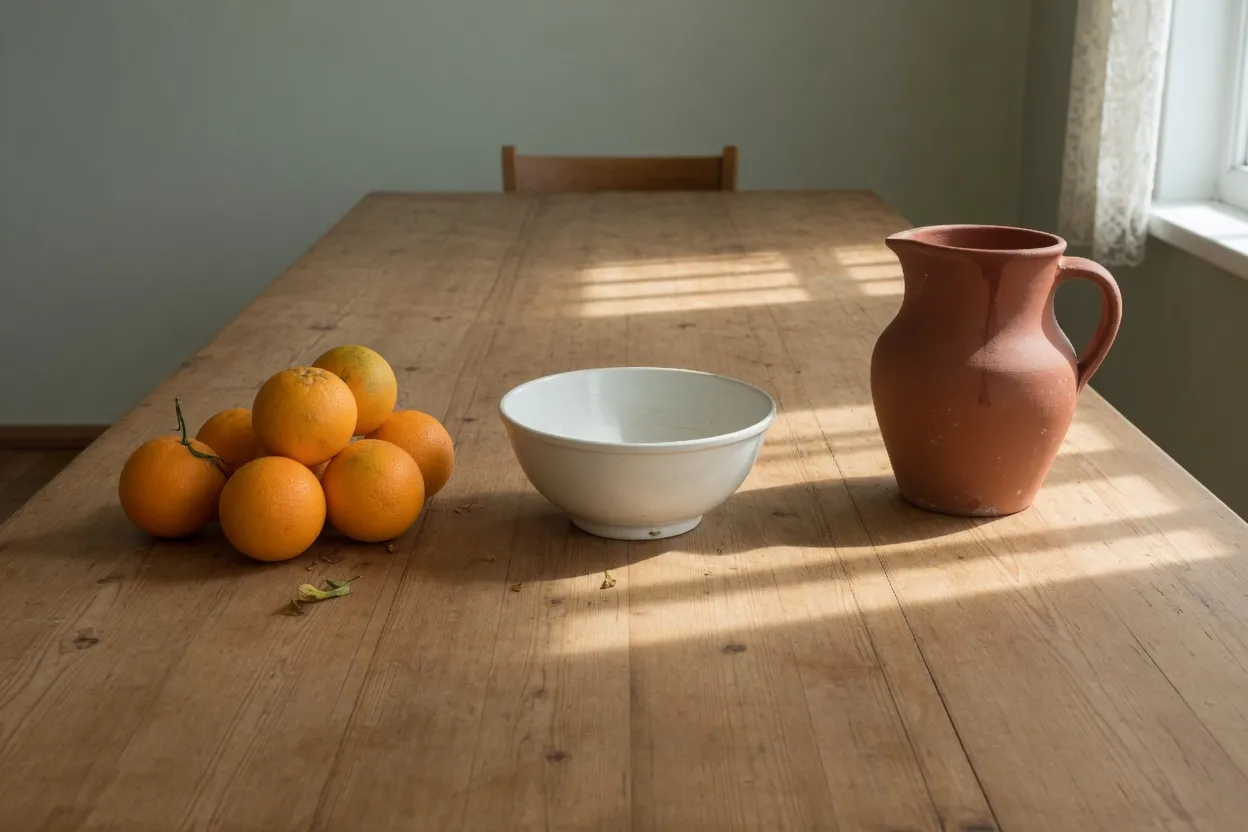
Profile and DP are the same square. The circle cuts off the corners of that square, which is a different loss from the phone cutting the sides of the cover.
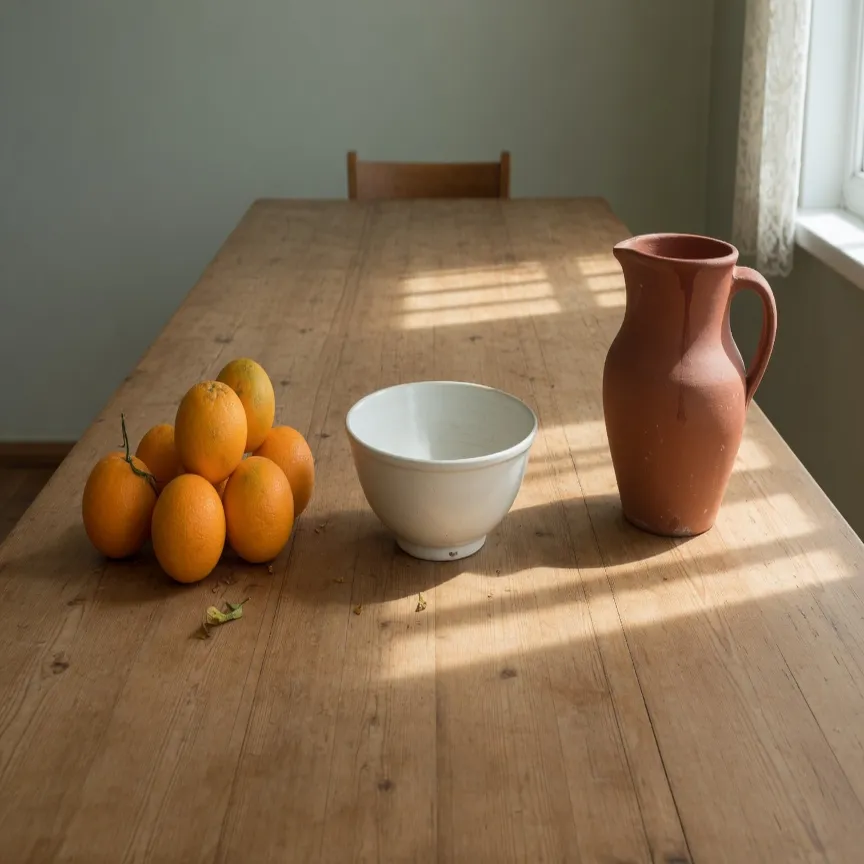
The link post, the event cover, and the group cover
These three sit in one narrow family of ratios. Each file below is still its own export, and the sentences say what changed in the table.
The three wide files below are lined up at the same height so the pinch is what you compare. They are still three exports, and the story under that row is a fourth shape.
This is the link post, the flattest of the three. A square ad is 1080×1080 and a portrait post is 1080×1350. Those two are separate exports, so this link file does not fill them.
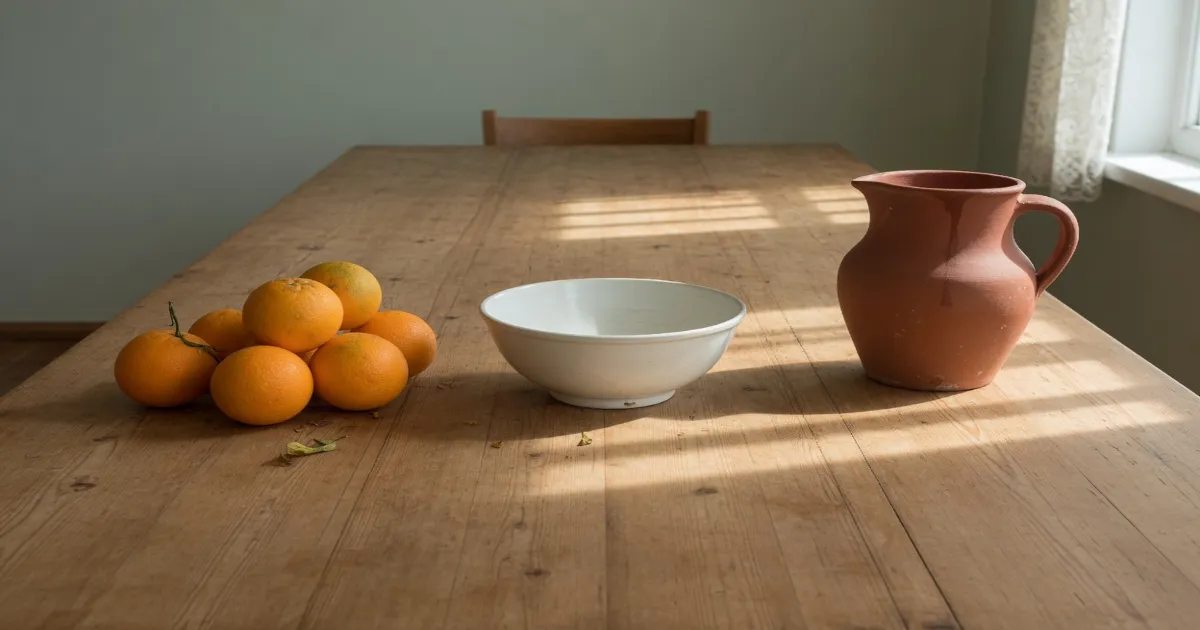
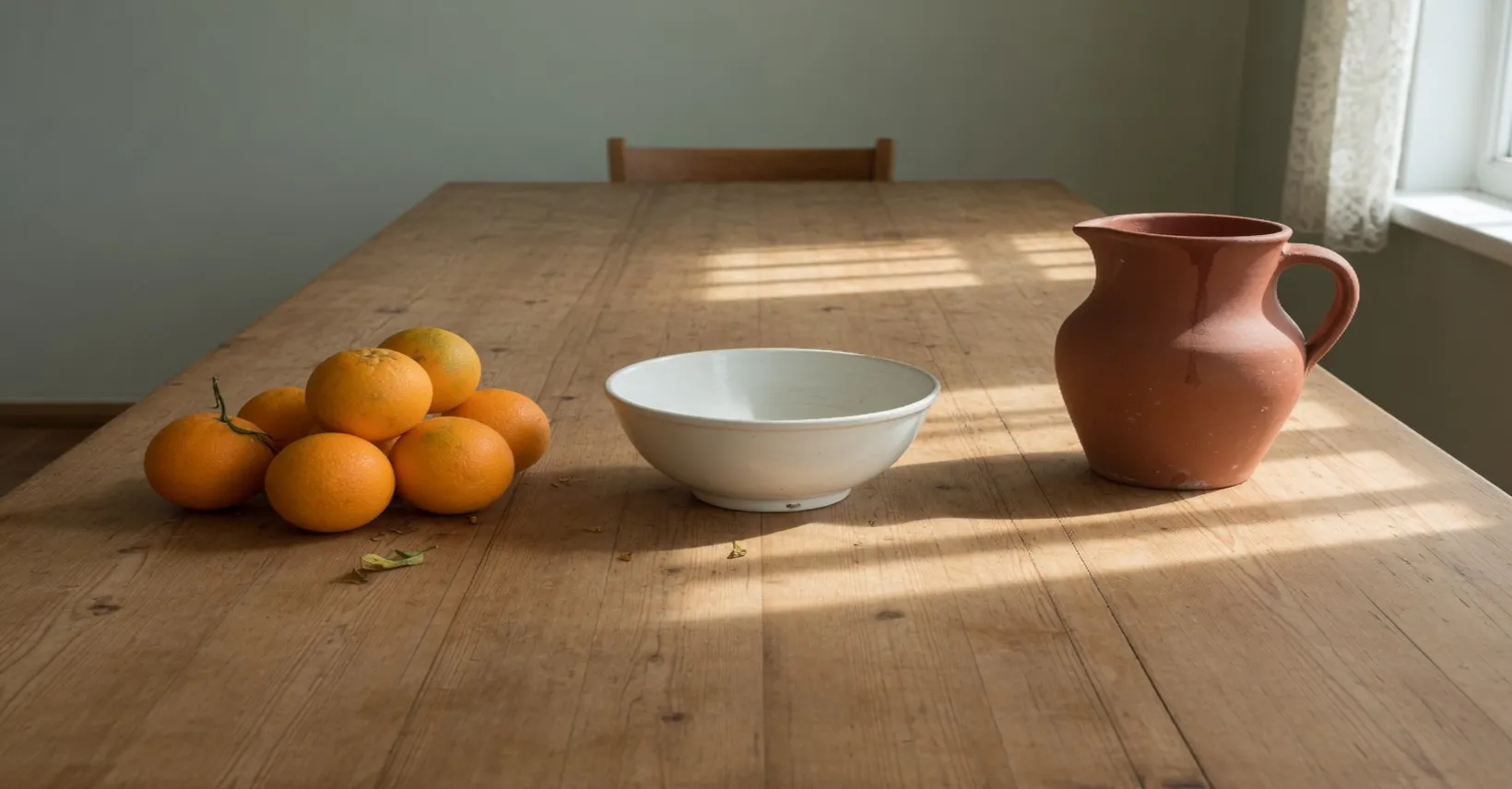
The event cover is a little taller than the link post, so the bowl is less flattened. A date and a title have to live in that short height, on the part of the table a page cover would still show in the middle.
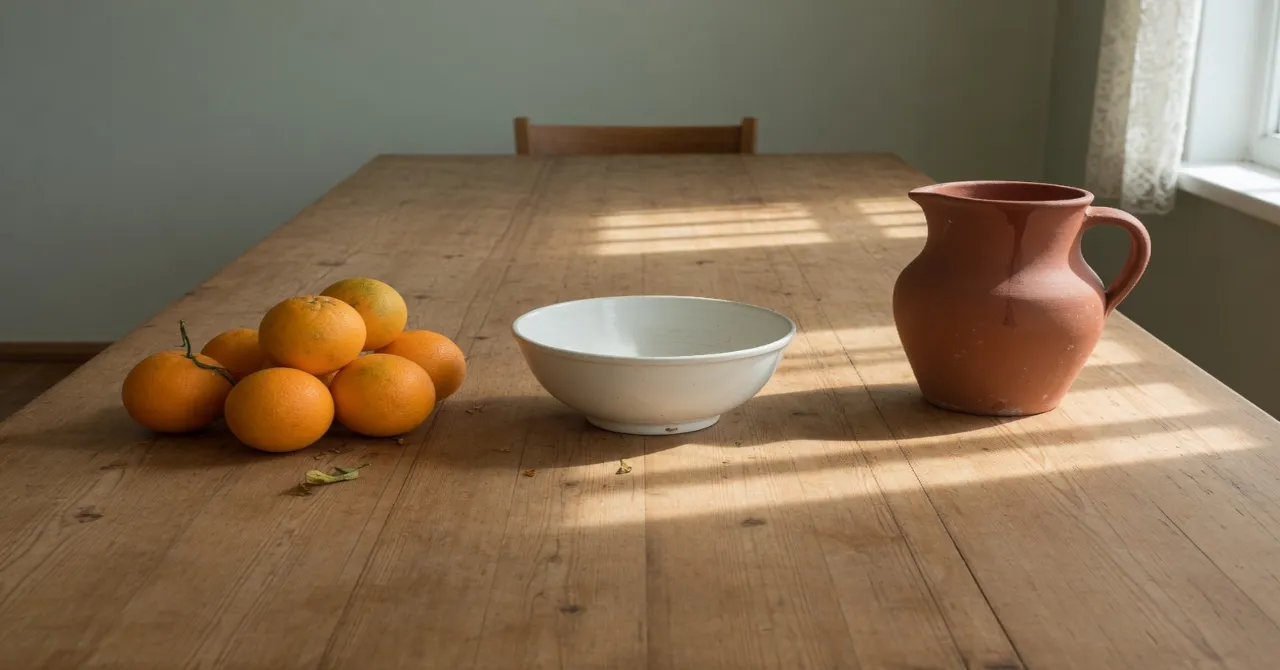
The group cover is the tallest of the three, so the pitcher stands a little more upright. The page cover and the event header remain their own files.
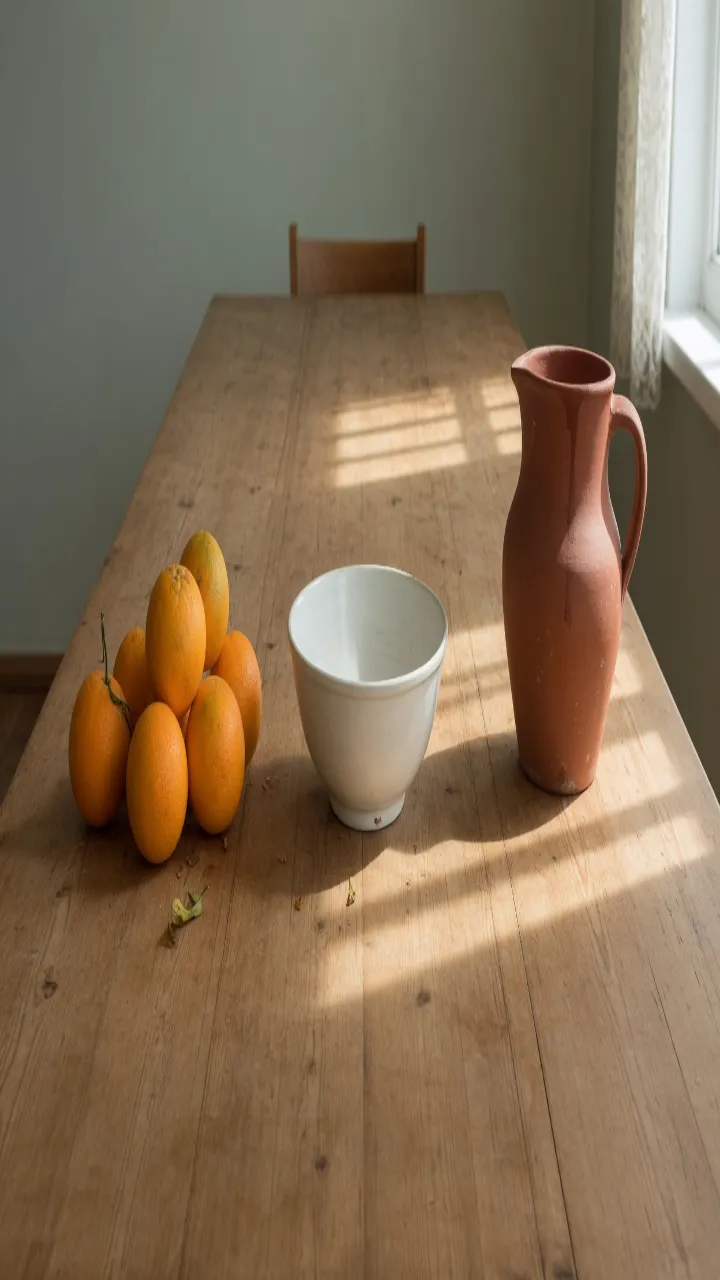
The story pulls the table the other way: the bowl goes tall and the fruit stacks. Stretching only the height of the cover until it reaches a story makes a second, thinner picture. Export this one from the original table.
How to stretch an image for a Facebook frame
Facebook keeps several boxes on this page, and they do not share a shape. A 1200×630 link image will not become an 820×360 cover by locking the ratio.
- Step 1
Open the photo you will post
Drop the file into the tool on this page. A cover, a story, and a profile picture are three exports, so start from the original rather than from a file you already squeezed into 1200×630.
- Step 2
Pick the Facebook row, not a nearby social size
Cover, Page Cover, and Banner on this page are 820×360. Story is 1080×1920. Post is 1200×630. Event Cover is 1920×1005 and Group Cover is 1640×856. Tap the row that matches the slot you are filling.
- Step 3
Check the phone crop before you download the cover
On a phone, Facebook keeps the middle of an 820×360 cover and cuts the left and right. Stretch the width only after faces and words sit in that center band. A 320×320 profile is drawn as a circle, so the corners of that square never show.
- Step 4
Export, then let Facebook compress once
Save a cover or a 1080×1080 ad as PNG when edges are flat color. Save a photo post as JPEG. Facebook compresses again after upload, so a file that is already mushy gets worse on the feed.
Facebook 820×360 cover FAQ
- Which Facebook sizes can I stretch on this page?
- Cover, Banner, and Page Cover are 820×360. Story is 1080×1920. Post is 1200×630, with a 1080×1080 square and a 1080×1350 portrait. Event Cover is 1920×1005 and Group Cover is 1640×856. Profile and DP are 320×320.
- Why does my Facebook cover look cropped on a phone?
- The file is 820×360, and the phone app shows a center slice. Put the subject in the middle, then stretch. Stretching the sides back in after the crop will not restore what the app already hid.
- Can one Facebook export fill the cover and the story?
- No. 820×360 and 1080×1920 are different boxes. Export the cover, then stretch the original again for the story.
- Should a Facebook profile be stretched?
- Only when you accept a distorted face. The file is a 320×320 square shown as a circle. Cropping to the head is usually the better first move.
- What should I download for a Facebook photo post?
- JPEG or WebP for a photographic 1200×630 or 1080×1350 post. PNG for a flat 1080×1080 graphic. The quality slider on JPEG and WebP is there because Facebook will compress the upload again.