Image stretcher
Stretch a Twitch channel cover to 380×1200
A Twitch channel cover is the tall file, 380×1200. Beside it, the channel banner is a short strip. Pulling the desk from one shape into the other turns a wide scene into a column.
Twitch banner, panel, and cover
The pictures below use one desk for the wide strip, the player, and the tall column. Chat marks are separate files.
Emote
112 × 112 pxApply sizeChannel Points
112 × 112 pxApply sizeSub Badge
72 × 72 pxApply sizeBadge
72 × 72 pxApply sizePanel
320 × 160 pxApply sizeChannel Banner
1200 × 480 pxApply sizeProfile Picture
800 × 800 pxApply sizeThumbnail
1280 × 720 pxApply sizeOffline Banner
1920 × 1080 pxApply sizeProfile Banner
1200 × 480 pxApply sizeChannel Cover
380 × 1200 pxApply size
Size chart
Pixel width, height, and the reduced ratio for every template on this page.
| Template | Width | Height | Ratio |
|---|---|---|---|
| Emote | 112 | 112 | 1:1 |
| Channel Points | 112 | 112 | 1:1 |
| Sub Badge | 72 | 72 | 1:1 |
| Badge | 72 | 72 | 1:1 |
| Panel | 320 | 160 | 2:1 |
| Channel Banner | 1200 | 480 | 5:2 |
| Profile Picture | 800 | 800 | 1:1 |
| Thumbnail | 1280 | 720 | 16:9 |
| Offline Banner | 1920 | 1080 | 16:9 |
| Profile Banner | 1200 | 480 | 5:2 |
| Channel Cover | 380 | 1200 | 19:60 |
The channel cover is a column. The banner is a strip.
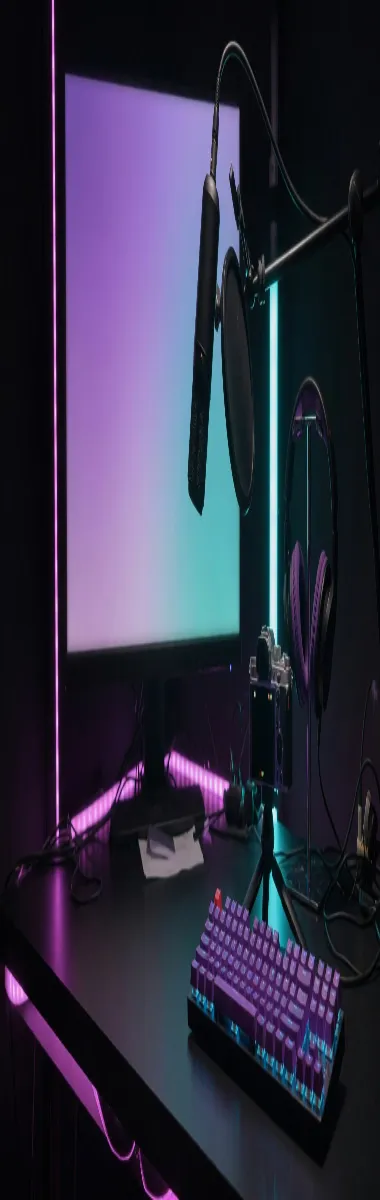
Channel cover, 380×1200.
This column is the channel cover, 380 wide and 1200 tall. It is the same night desk as the banner, pulled until the monitor becomes a tower. A banner file placed in this frame is stretched. It is not rotated onto its side.
The tall file and the short banner are two exports of one desk. The pixels are pulled into each frame. Turning the banner onto its side is a different picture from the column on this page.
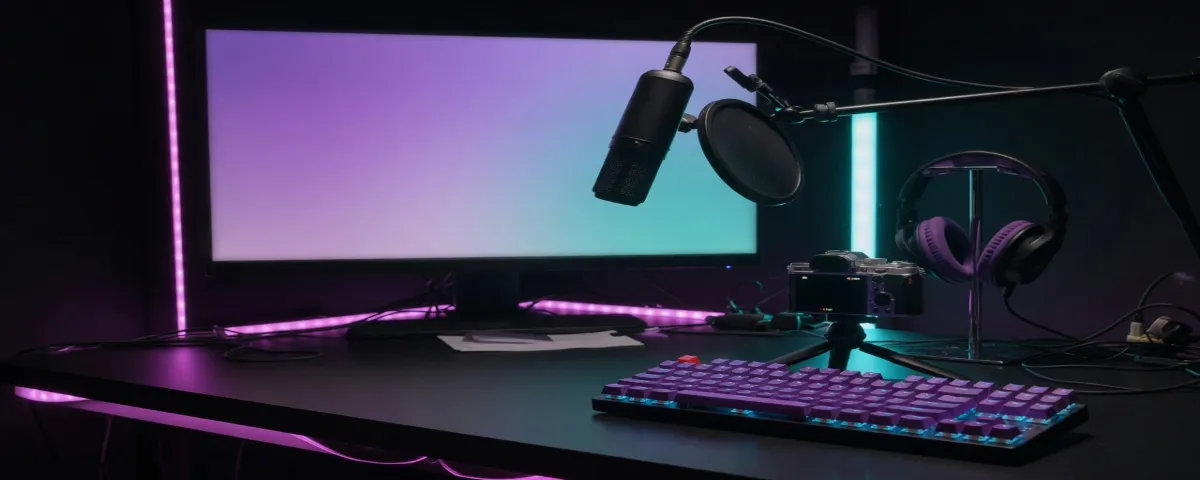
Channel banner, 1200×480.
The channel banner and the profile banner on this chart are both 1200×480. The desk stays wide: the microphone, the keyboard, and the monitor still read left to right. On a narrow window the sides of this strip leave first, so the mic belongs near the middle.
Nothing else on this chart is 2.5:1. The profile banner uses the same pixels as the channel banner. The tall column on the left is the other export.
The offline screen fills the player. The thumbnail is the same 16:9.
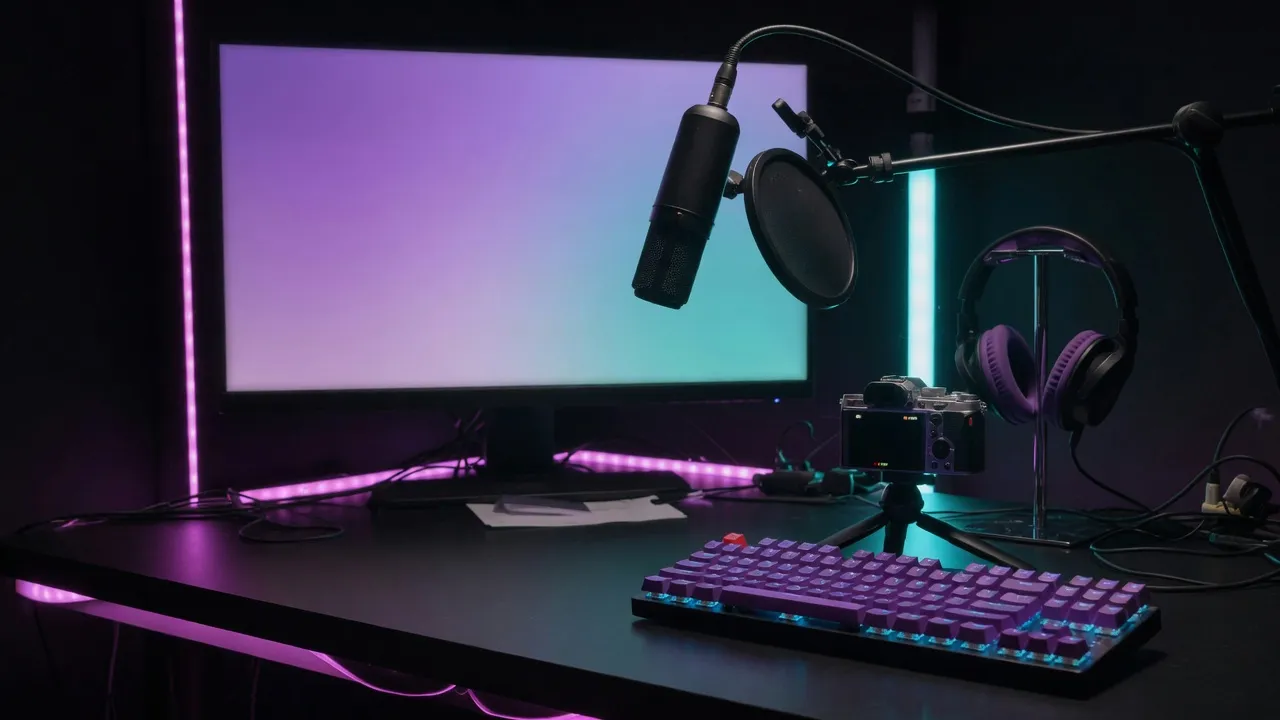
Offline screen, 16:9. The upload row is 1920×1080.
The offline banner fills the player when the channel is not live. The upload is 1920×1080. This file is the desk at 16:9, the shape of that player. The short banner above is a different row.
Viewers see this 16:9 frame inside the player while the channel is offline. The banner stays above the player. Uploading the banner into the player slot leaves a short picture in a wide hole.
Profile picture, 800×800, drawn as a circle.
The profile picture on this chart is 800×800, and the channel draws it as a circle. This circle is the emote file, set on the player's top-left corner, half above the frame. The square's corners are what the circle cuts away.
Thumbnail, 1280×720.
The thumbnail is 1280×720. The offline upload is 1920×1080. Both are 16:9, so this smaller frame is the same desk. Squashing the banner into the thumbnail changes the shape.
Emotes and badges are drawn at chat size
The square you upload is not the square chat paints.
Emote and channel points, 112×112.
Emotes and channel points on this chart are both 112×112. This is that master: a simple mark with empty margin, the file you upload. A photograph of the desk pulled into this square turns the microphone into a blur.
The same emote, drawn at 28×28.
Chat paints that same emote at 28×28, and at 56×56 between those two. The file does not change. A mark that only reads at the master size disappears beside a username.
Twitch keeps three emote sizes: 28, 56, and 112. Uploading the large square lets Twitch scale it. Type painted into the emote breaks at the small size.
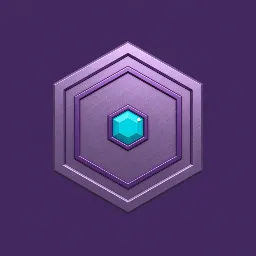
Badge and sub badge, 72×72.
Badges and sub badges on this chart are 72×72. This hex is a separate file from the emote. It has one shape and a plain field, because a badge sits in front of a name.
The 72×72 badge and the 112×112 emote are separate PNG files. Pulling the offline desk into either square is how chat ends up with a muddy mark.
The same badge, drawn at 18×18.
Chat paints that badge at 18×18, with 36×36 in between. The gem has to survive as a speck. Detail that is clear at the larger square is gone here.
A panel sits under the player as its own tile
Panel, 320×160.
A panel is 320×160, twice as wide as it is tall. It sits under the player as its own tile. The banner is a longer strip than 2:1, so scaling the banner misses this tile.
Panels stack under the player and become one column on a phone. Each panel has to make sense by itself. On this chart the height is 160 and the width stays 320.
Download PNG for the emote, the badge, and the panel. Those are flat marks. A photographic offline screen or thumbnail can be JPEG.
How to stretch an image for a Twitch frame
Pick the row for the slot you are filling. The desk, the emote, and the badge are three files.
- Step 1
Open the art at its real size
Start from the file that matches the job. A scene for the player and the banner. A flat mark for chat. Do not enlarge the chat-sized emote and call it the master.
- Step 2
Choose the Twitch row
Panel is 320×160. Channel banner and profile banner are 1200×480. Offline banner is 1920×1080. Thumbnail is 1280×720. Profile is 800×800. Emote and channel points are 112×112. Badge and sub badge are 72×72. Channel cover is 380×1200.
- Step 3
Leave margin on the small marks
The emote and the badge need empty field around the shape. A circle profile cuts the corners of its square. Keep the mark inside the middle.
- Step 4
Export the player and the chat mark separately
The offline screen is a photograph at 16:9. The emote is a PNG with a plain field. One download cannot be both.
Twitch 380×1200 cover FAQ
- Which Twitch file is the tall one?
- Channel cover is 380×1200. It is a column. The banner is the short strip. Stretching the strip into the column flips the desk.
- Can one Twitch banner fill the offline screen?
- The player wants a 16:9 picture. The banner is a much shorter strip. Use the offline row for the player, and keep the banner as its own export.
- Are emotes and badges the same square?
- No. Emotes and channel points share 112×112. Badges are 72×72, and chat draws them smaller still.
- Where does the Twitch profile circle sit?
- The profile file is a square, 800×800, drawn as a circle. On this page the circle sits on the top-left of the player, using the emote so the cut corners stay visible.
- What should I download for Twitch?
- PNG for emotes, badges, and panels. JPEG for a photographic offline banner or thumbnail.