Image Resizer
Change the width and height while every pixel of the photo stays the size it already is. Free, and the file stays on your device.
Drag the window or type a size. A smaller window cuts. A larger window leaves a margin. The control that bends a photo to fill the box is the image stretcher.
The numeral keeps its own pixel size
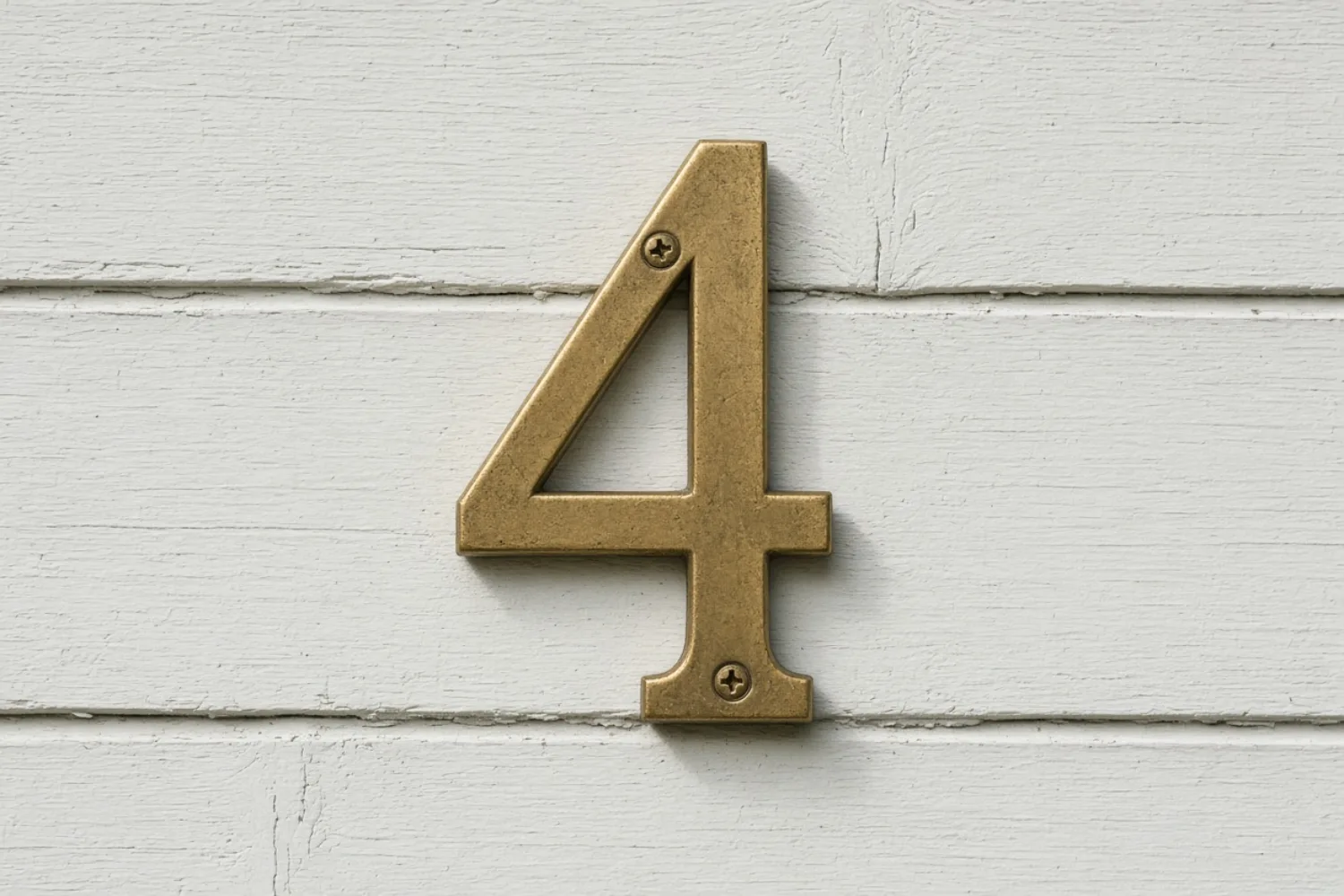
This is the photograph at 1500×1000. The 4 is brass, two screws hold it, and the board is painted a cool off-white. An image resizer does not redraw that digit to hit a new ratio. The next frames are windows cut from this file at one pixel to one pixel.
A larger window is a margin
A shorter window cuts the top off
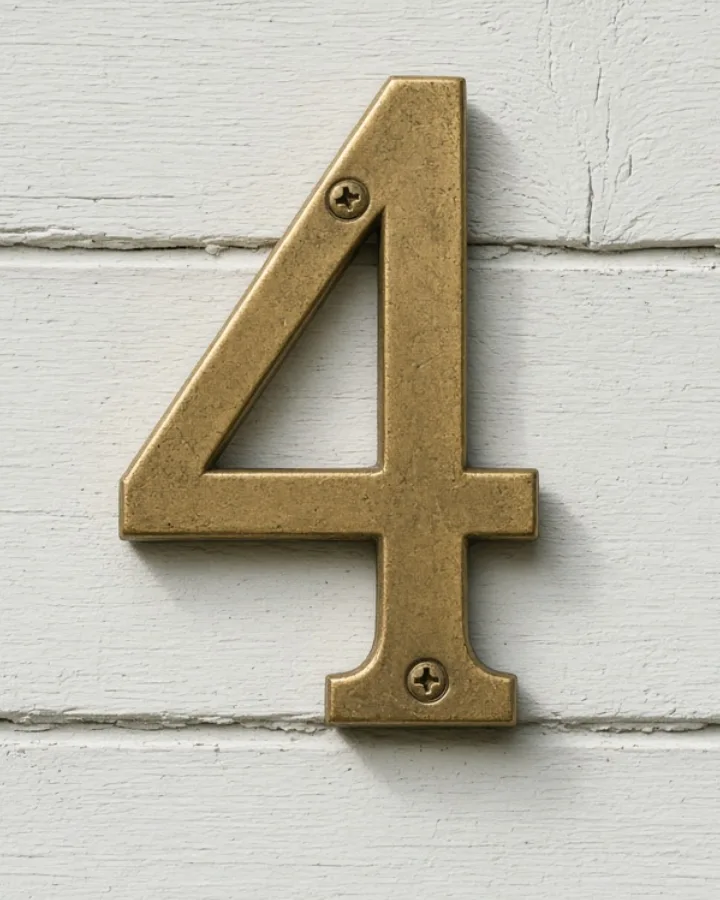
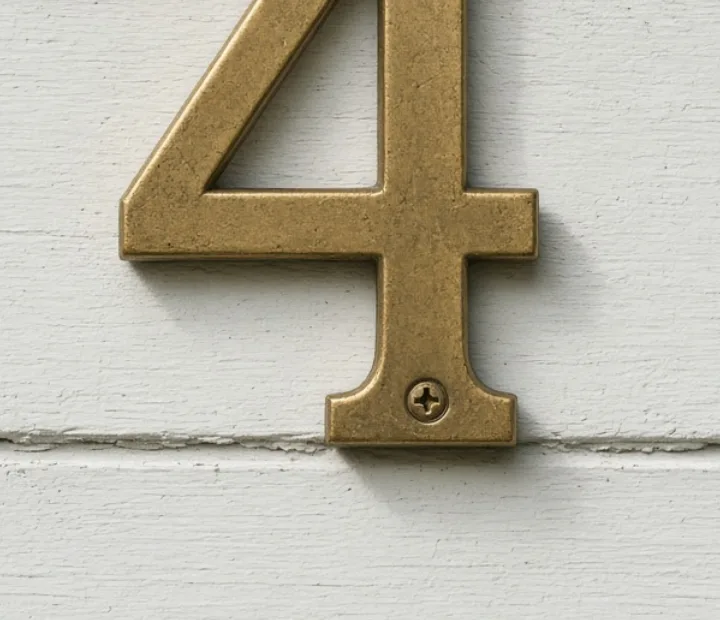
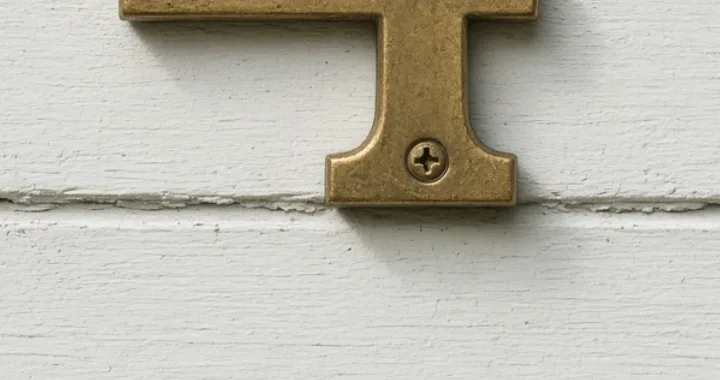
One edge can land on a square
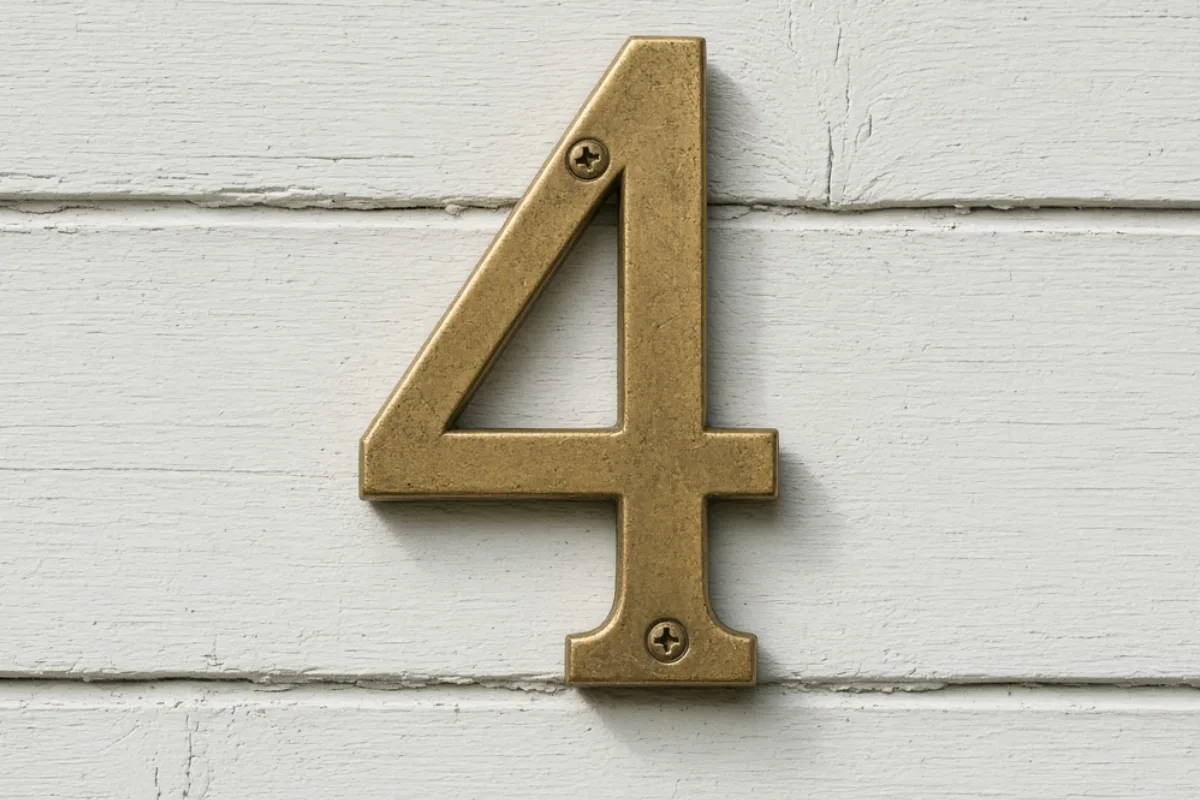
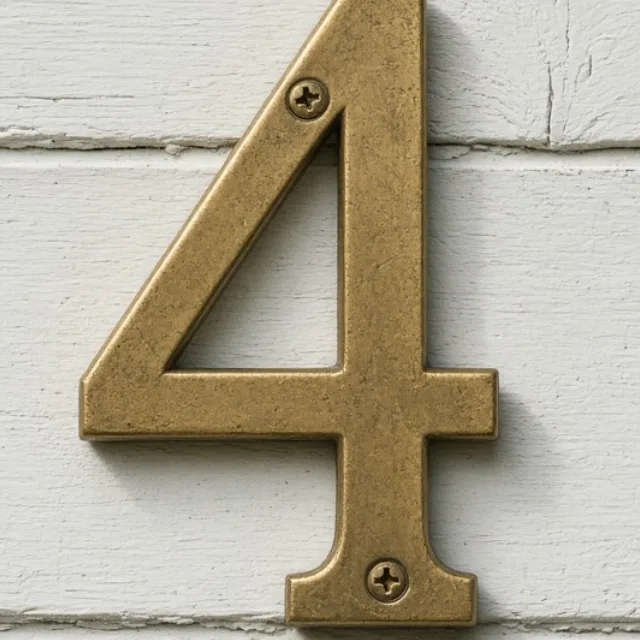
A wide frame here is still one-to-one
How to resize an image
Four steps. The window is the size you type. The photograph inside it does not get pulled to match.
- Step 1
Upload a photo
Drop, paste, or pick a file. The original on disk is left alone. Nothing is sent away for this resize.
- Step 2
Set the window
Type a width and height, or drag the frame. A locked ratio keeps both axes together. An edge can snap square when the two sides meet.
- Step 3
Read the margin
If the window is larger than the photo, choose None, Auto, or a custom color under Fill. None stays clear. JPEG still flattens a clear margin to white on export.
- Step 4
Download
Save PNG, JPEG, or WebP. Batch uses one window size for the set. The photo on screen keeps the position you dragged. The other files in the ZIP are centered.
Image resizer FAQ
- Does this image resizer stretch the photo?
- No. The output is a window on the original pixels. Covered pixels stay one-to-one. A window that is larger than the photo adds a margin. The image stretcher is the tool that fills a box by bending the picture.
- How is this different from crop image?
- Crop keeps only what is inside the frame. This resizer can also make the window larger than the photo, so the download has a margin. A window that sits inside the photo is a one-to-one cut.
- What happens to a transparent margin in JPEG?
- PNG and WebP can keep a None fill transparent. JPEG has no transparency, so that clear margin is flattened to white when you export JPEG. Pick Auto or a custom color when the margin should be a color in every format.
- Do I need an account?
- No. Upload, resize, and download stay on your device. A share link is separate and only happens if you choose it.