How to Stretch Multiple Images at Once
ImageStretcher
Give up to 20 images one shared width and height, preview each frame, and download a ZIP. Stretching stays in the browser.
A listing grid, a week of stories, a stack of scans for the same sheet: the destination is one box, and you already like the pictures. Opening each file, typing the same width and height, and downloading twenty times is the slow version of that job. Batch applies one remap to a queue and packs the results in a ZIP.
The three photographs below are that queue. They are not one picture cut three ways. A cream enamel kettle sits on a maple bench with linen to the left and a closed notebook to the right, 1920×1080. A lime on a plate is 1248×1872. A wooden spool of twine is 1248×1248. The shared box this page uses is 1080×1920, the story size. Every frame below is one of those three files fitted to that box, or a window cut from the kettle file before the fit. Nothing was redrawn.
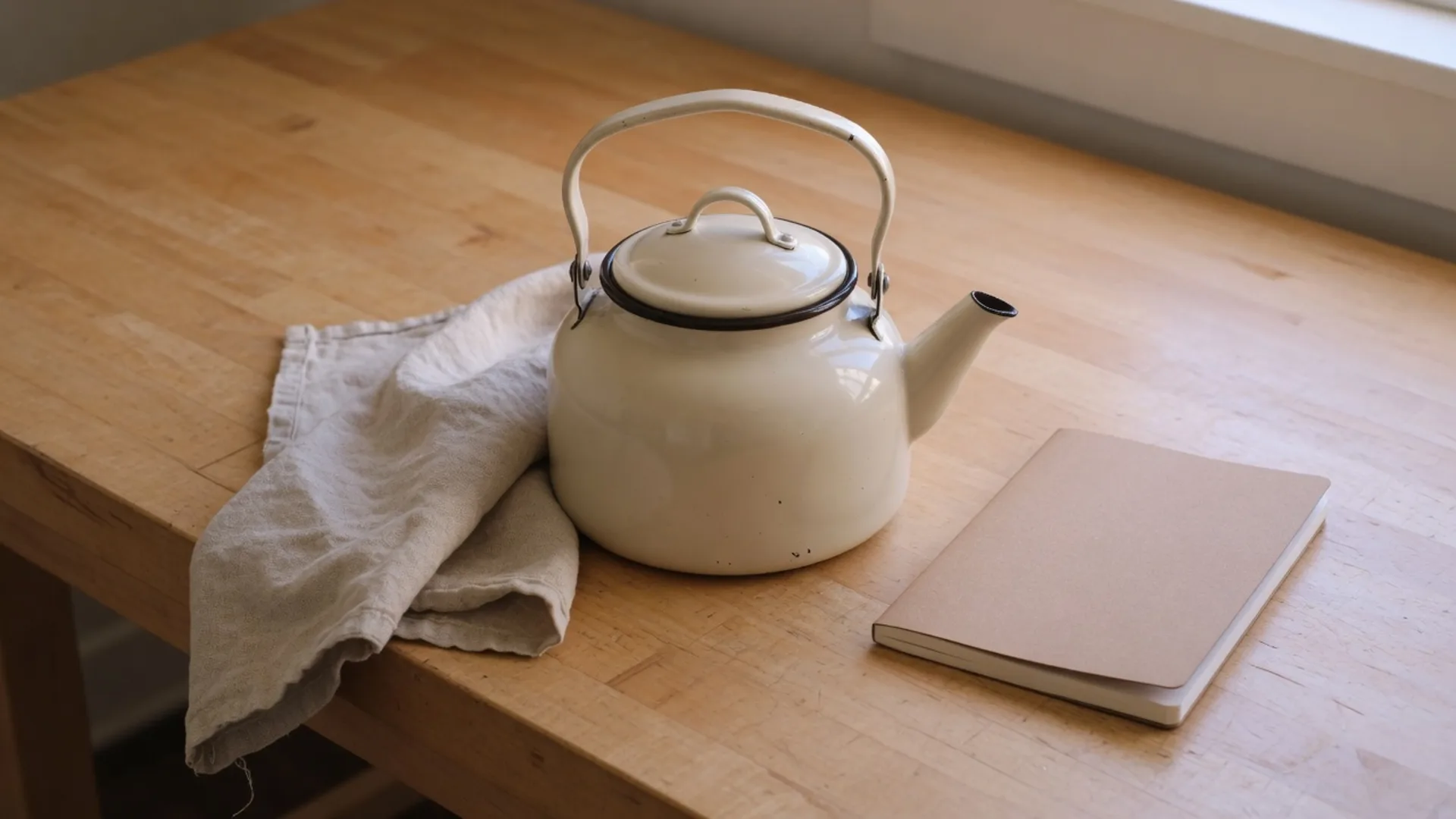
On the kettle file the round belly, lid rim included and spout left out, is a 450×380 box starting at column 736 and row 400. The lime's green body is 333×303, starting at column 474 and row 754. Those two boxes are what the shared story size does to a wide file and a tall file.
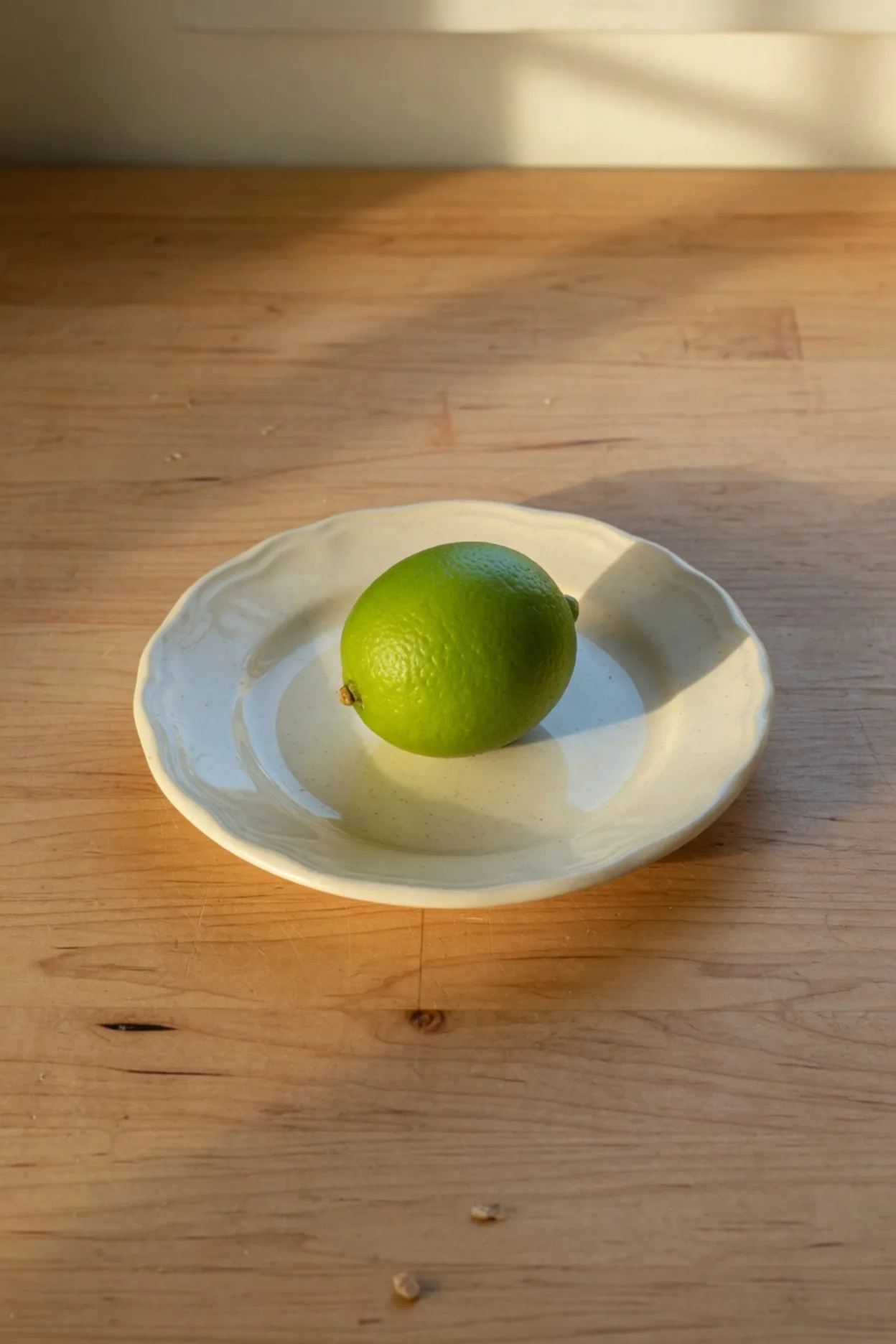
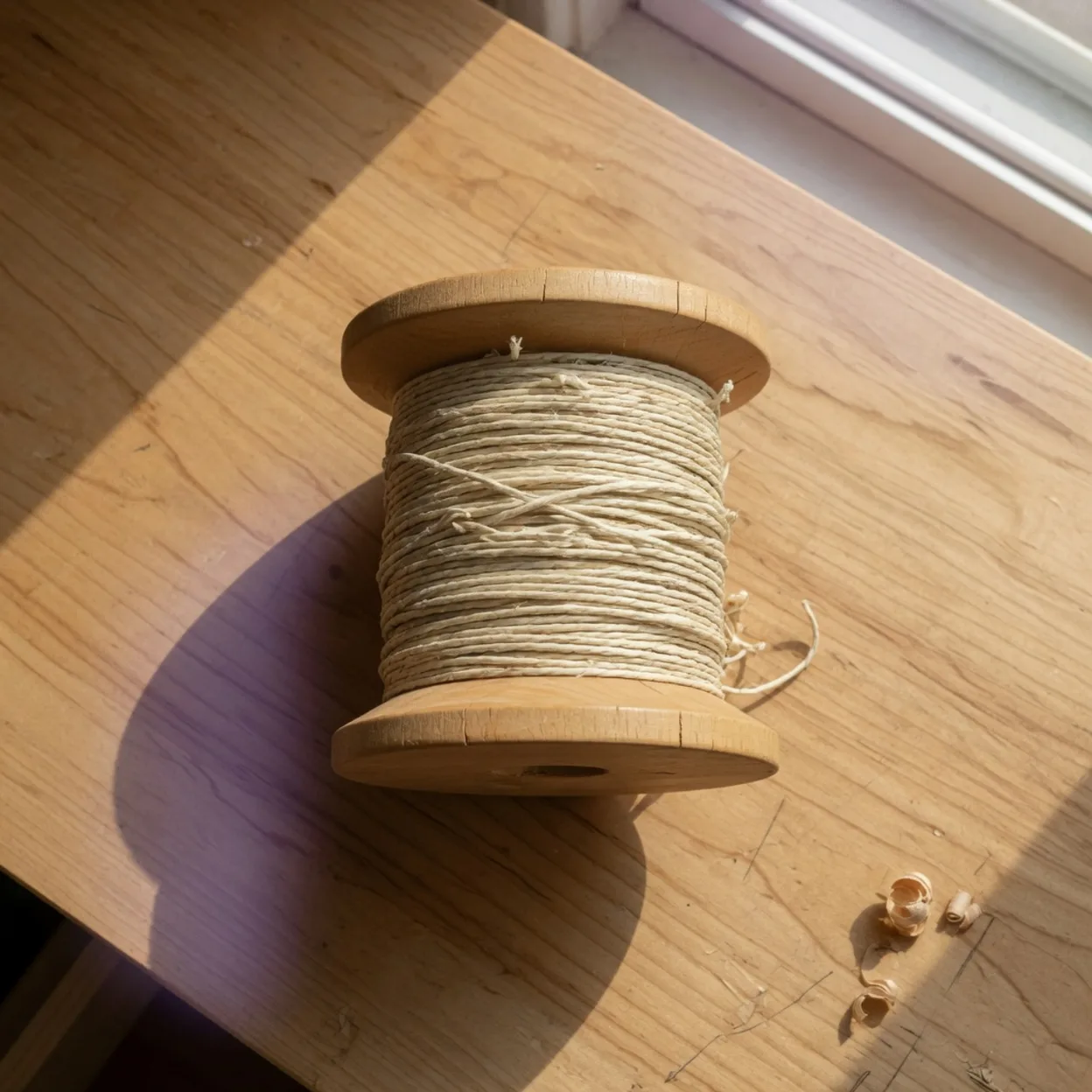
The strip is the folder before Width and Height change. The wide frame is the long one, the lime is the narrow one, and the spool sits between them at one height. JPG, PNG, and WebP can share that strip. Each file still has its own shape until the output box is set.
The page that opens already in Batch is batch stretch images. The home tool can do it too: choose Batch, or open a link with mode=batch. The cap is 20 files in one queue. Stretch and the ZIP stay on the device. No account.
What one size for the set actually does
The queue shares the output box. A tall product shot and a wide banner both land on the width and height you set. That is the point when a catalog tile or a story slot has to match. It is the wrong move when two files need different boxes. Single is faster than fighting the shared controls.
Crop and Replace still hit only the selected frame in the filmstrip. The size, aspect lock, template, and export format apply to everyone. Share link is off in Batch on purpose. A public copy is an explicit action on a single image, not something a ZIP should do because a toggle was left on.
Free under Aspect is what lets Width and Height disagree, which is the whole of a 1080×1920 story when the source is not already 9:16. Unlock stretch ratio is the other control, the one on the stretch factors. It does not give each file its own box, and it does not type the story size for you.
Here the box is 1080×1920 for all three. The kettle's width is multiplied by 1080÷1920, which is 0.5625, and its height by 1920÷1080, which is 1.778. The 450×380 belly becomes 253×676. The lime's width is multiplied by 1080÷1248, about 0.865, and its height by 1920÷1872, about 1.026. The 333×303 fruit becomes 288×311. The spool's square is pulled the long way: width ×0.865, height ×1.538, because 1920÷1248 is the tall scale and there is no second box hiding in the queue.
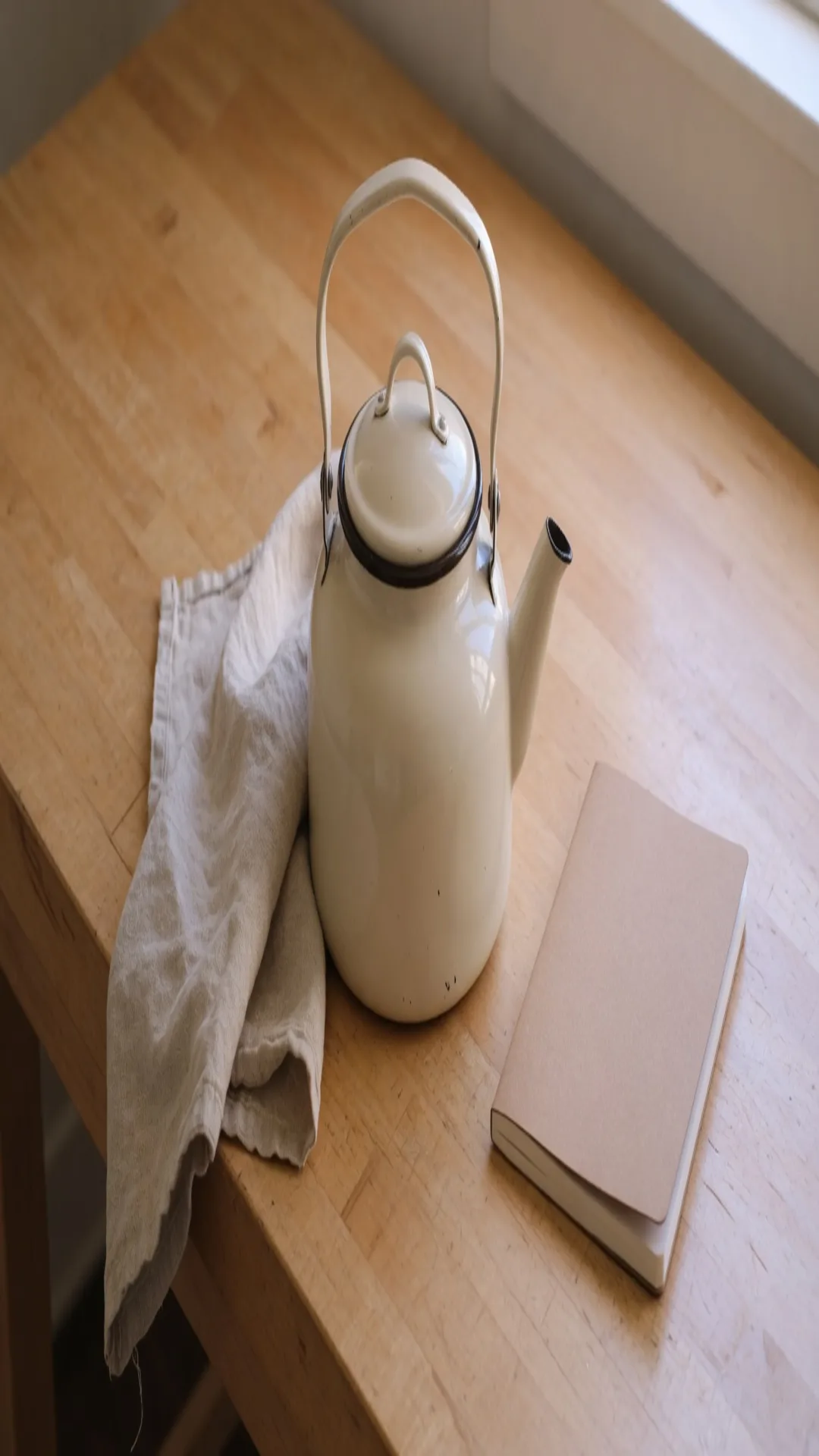
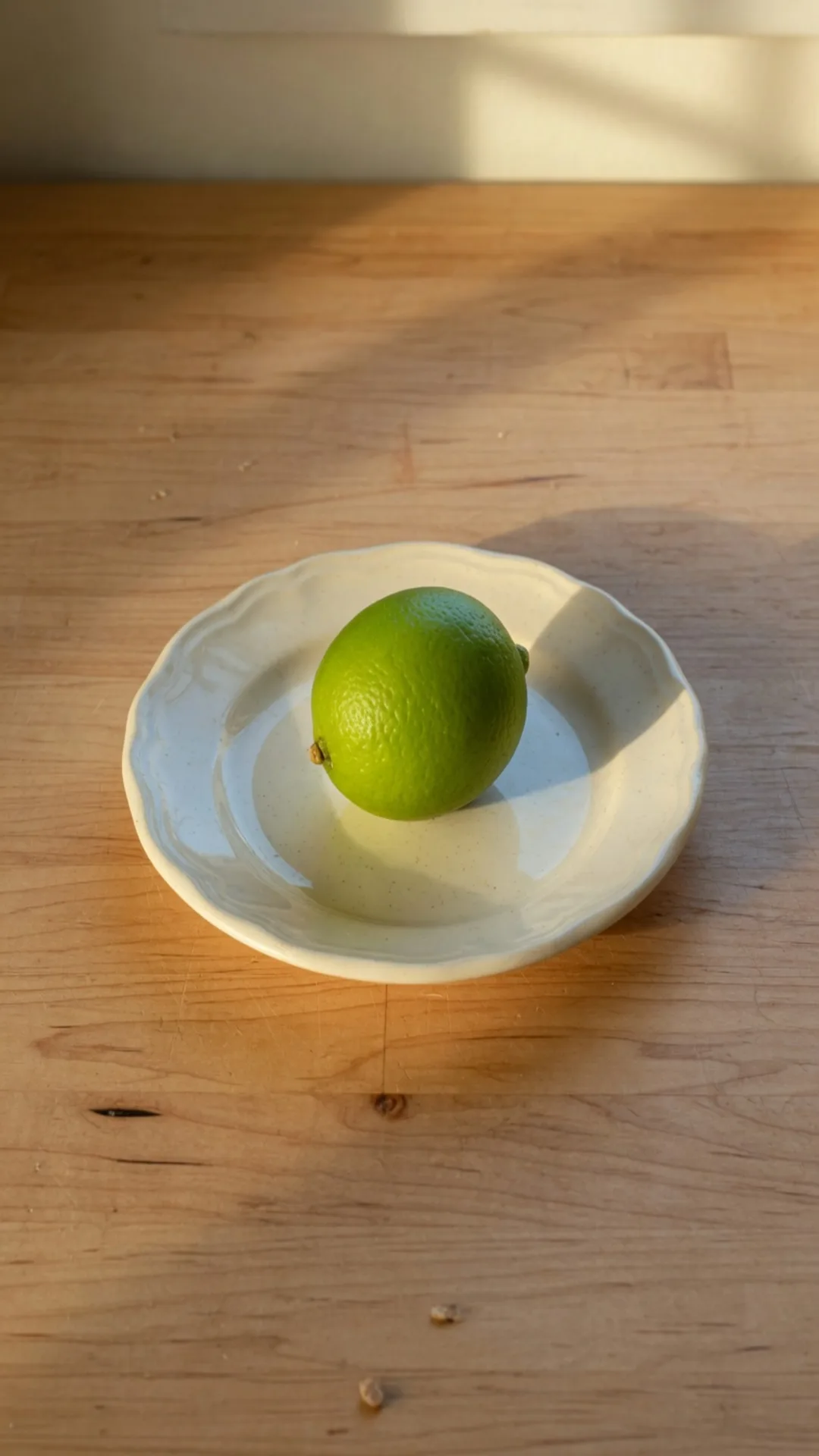
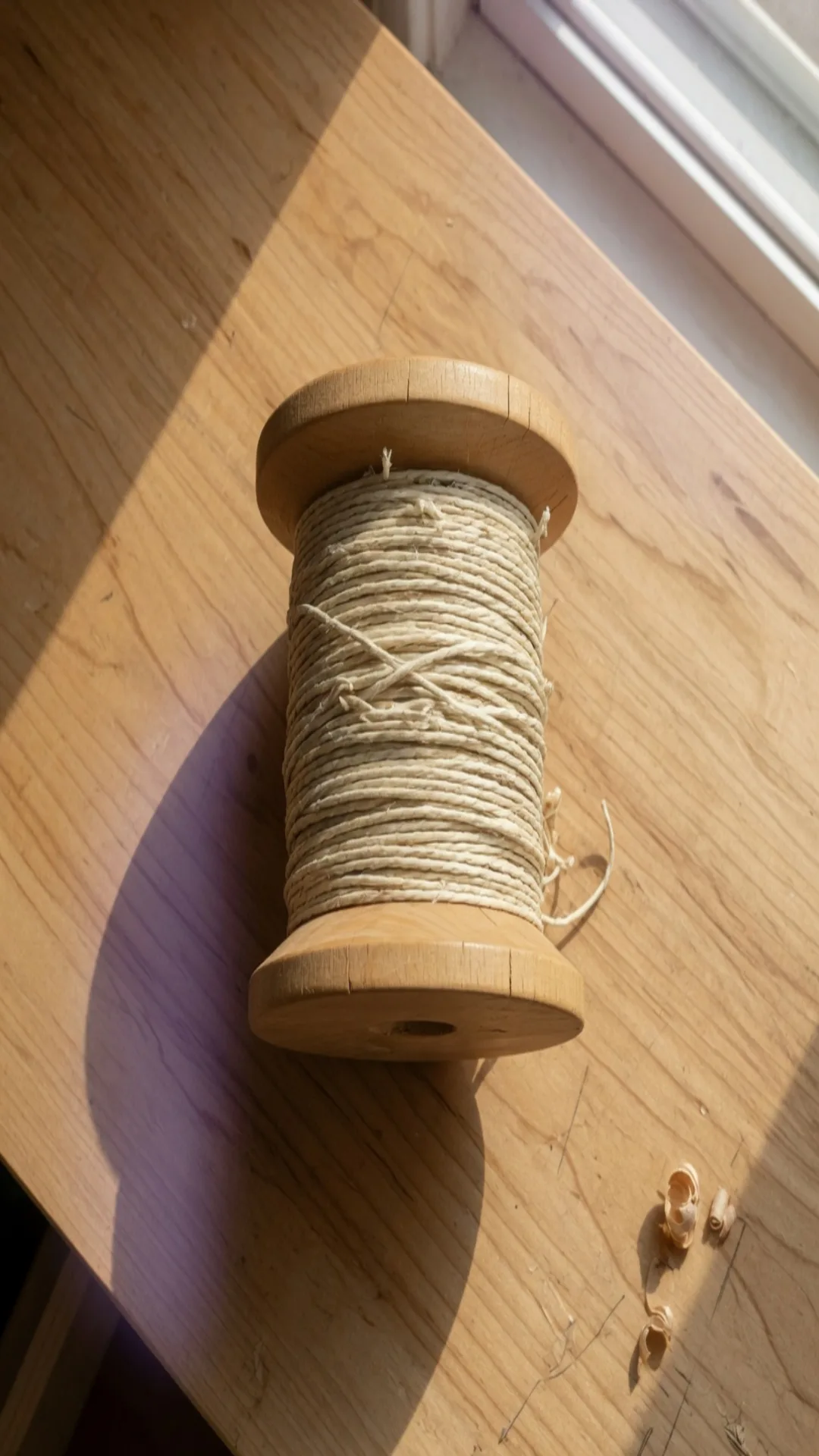
Three finished files, one width, one height. The lime is the control: a source that was already near 9:16 does not grow a new shape just because it sat in the queue. The kettle and the spool are the files to check. A preview that only shows the lime will pack the other two anyway.
Steps
Desktop has a drop zone. On a phone, the picker allows multiple files. The stretch after that is the same.
- Open batch stretch images. The tool is already in Batch.
- Drop up to 20 JPG, PNG, or WebP files. The strip under the preview is the queue. Tap a frame to select it, tap × to remove it, tap + to add more until you hit 20.
- Set the box once. Use Select Template when the slot has a name. Otherwise choose Free, then type Width and Height.
- Move through the strip. A mild pull that looks fine on the lime can pinch the kettle once you select it. Fix the outlier before you pack the ZIP, or remove it and do that one in Single.
- Leave Target File Size empty unless every file in the set must also land under a kilobyte cap. JPEG and WebP still have a quality control. PNG keeps hard edges.
- Choose Download ZIP. Each file keeps its original name stem, with a timestamp so two stems do not collide. The archive name starts with
imagestretcherIO-and the local time.
Paste and a URL add one image at a time. That is how you fill a gap in the queue, not how you load the folder.
The 20-file line
Twenty is the queue length, not a daily allowance. Finish the ZIP, then drop the next 20. There is no server folder holding the rest overnight, because the files were never uploaded for the stretch.
A set of 20 A4 exports is heavy in memory. A4 at the Print template is 2480×3508 pixels. Twenty of those, plus the previews, can stall an older phone. If the strip lags, split the job into smaller queues or start from sources that are already near the output size. The pixel targets for paper are listed in how to stretch an image for printing.
Mixed shapes in one queue
This is the failure mode Batch makes easy to miss. You set 1080×1920 because the set is “stories.” The lime looks fine. The kettle, which was 16:9, becomes the tall poster in the stack above. The ZIP will contain both, and only the preview of the kettle would have warned you.
The other way through the same pixels is a cut, still one file at a time. A 9:16 window that uses the full 1080-pixel height of the kettle file is 608 pixels wide, because 1080×9÷16 rounds to 608. Centered, it starts at column 656. Both edges of that window then scale by 1080÷608, about 1.776, into 1080×1920. The 450×380 belly becomes 799×675. 450÷380 and 799÷675 are the same ratio, 1.18. The belly stays wide. It does not become the 253×676 ellipse.
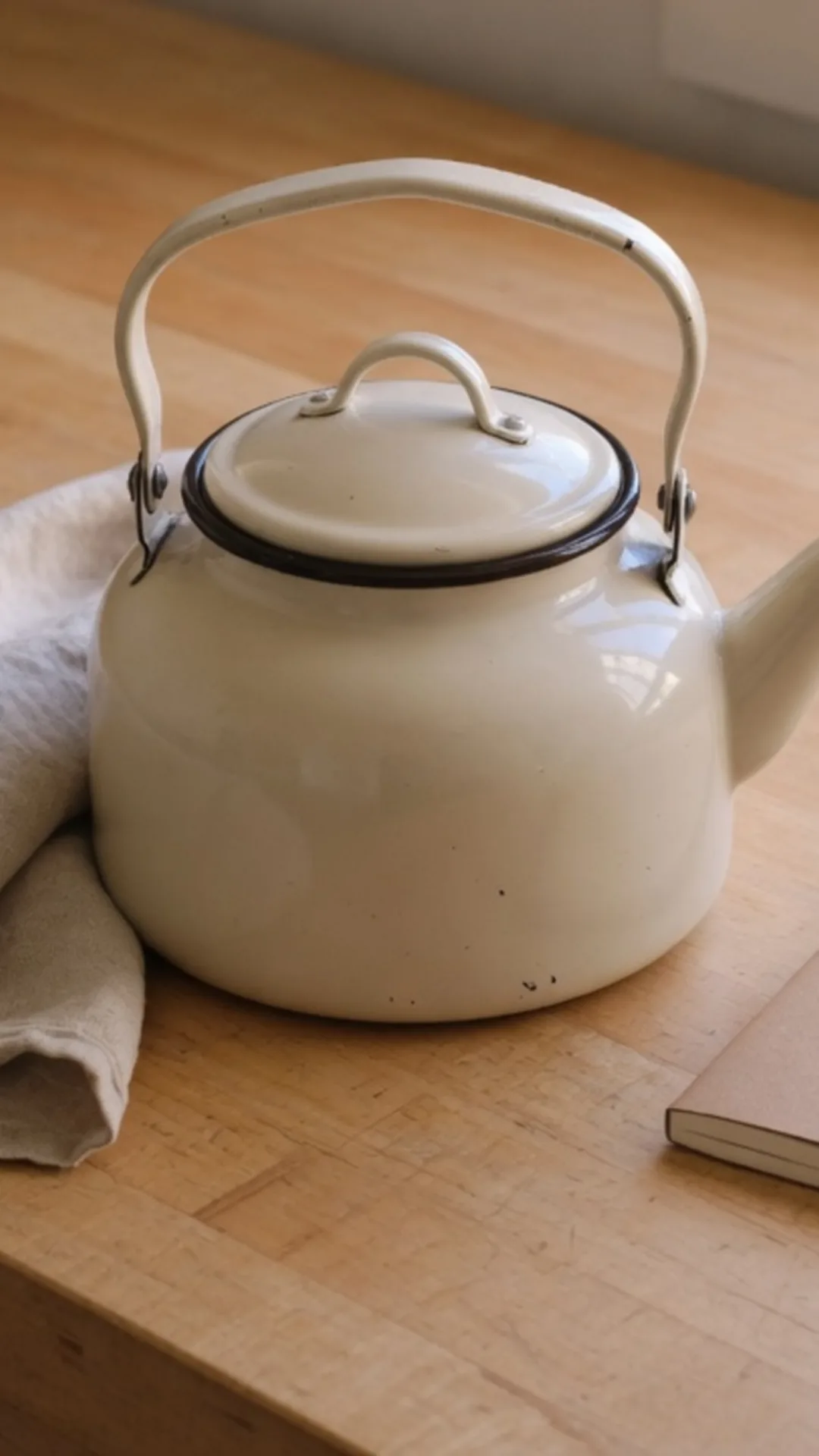
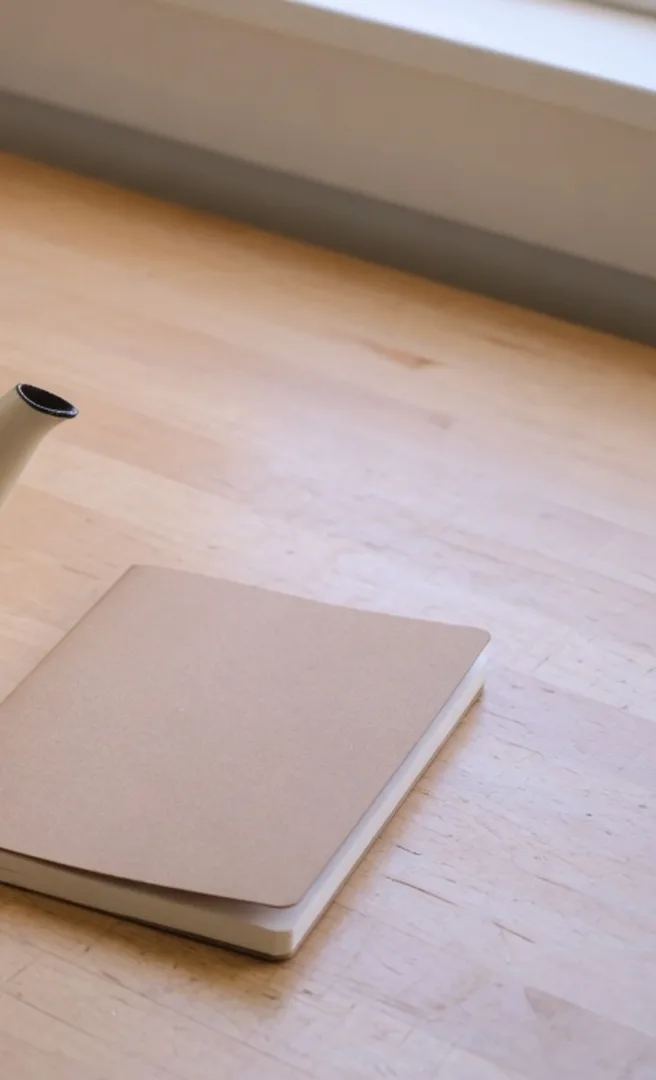
The right-hand frame is what the window threw away: the notebook, and the tip of the spout. The linen stays on the left of the crop. Batch will not make this cut for you. Crop on the selected frame can, and it leaves the lime and the spool alone. Walk the strip once before Download ZIP. For any frame that must not warp, remove it and crop that file to the slot, or stretch it alone with Free so you can stop early. One queue, one output size.
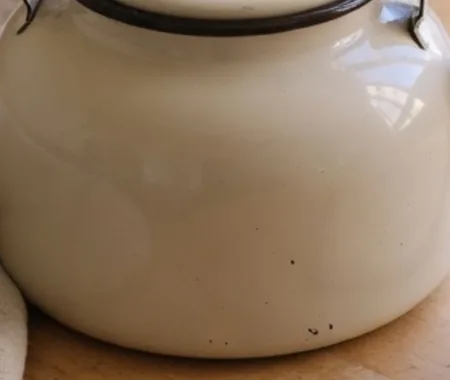
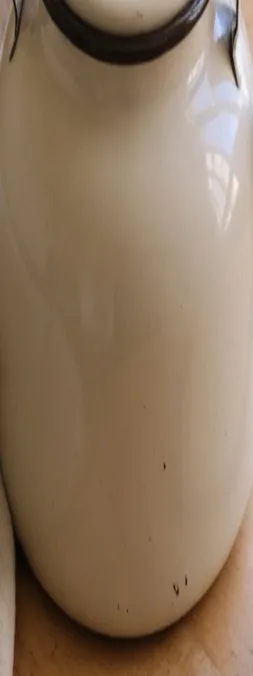
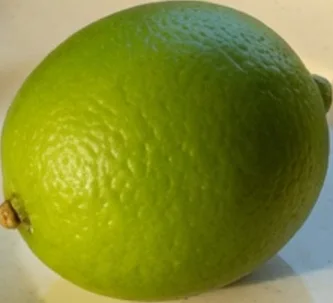
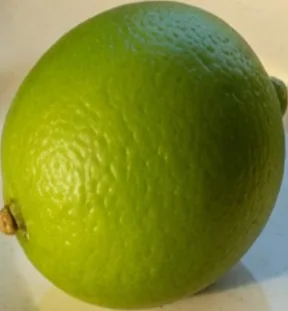
Put the two pairs together and the queue stops being abstract. The kettle's belly is the file that fought 1080×1920. The lime is the file that already lived near it. Selecting only the lime, then downloading, still writes the kettle.
What the ZIP is for, and what it is not
The ZIP is a folder of finished bitmaps at the shared size. It does not upload them to a network, rename them to a slot’s official filename, or add bleed marks. You unpack it and upload the images yourself.
Catalog tiles that must all be one square, a stack of scans headed for the same Letter or A4 pixel box, and story frames that can tolerate a mild pull at 1080×1920 are the jobs the archive is for. One hero image belongs in Single. A file that only needs fewer kilobytes, with the same width and height, belongs in compress image. Faces and logos that cannot warp belong in crop, per file, before they rejoin a queue.
Camera-roll shots are still photos. The photo stretcher is the same canvas when the brief is one camera still. Batch is the folder version of that remap.
Format and quality for the whole set
Pick the format before the ZIP, because it applies to every frame. PNG is the pick when the set is UI, flat color, or a master you will edit again. The archive gets large, which matches the pixel box. JPEG is the pick when the destination is a photo upload and a quality around the default is enough. WebP is the pick when you want a smaller photo file and the next tool accepts it.
Target File Size, if you fill it in, hunts a JPEG or WebP quality that lands near that size for each frame. Different source photos will not share one quality number. Leave the field empty when the brief is only the pixel box. The kettle, the lime, and the spool would each hunt their own quality if a kilobyte cap were set, and the 1080×1920 box would stay.
If a name or a slot is missing
Templates cover the sizes already in the catalog. A custom width and height still apply to the whole queue. Social slot rows, and which of them are actually the same shape, are in how to stretch an image for social media. When a network should have a card and does not, request a template and keep the current job on typed pixels.
Open batch stretch images, set 1080 and 1920 once, check the kettle before you trust the lime, and download the ZIP.