How to Stretch an Image for Printing Without Cropping
ImageStretcher
Turn a camera photo into an A4, Letter, A5, A6, or Tabloid pixel box at 300 DPI without cutting the subject off the sheet.
A phone photo and a sheet of paper almost never share a shape. A4 is taller than 16:9. US Letter is close to A4 and still not the same. Cropping to the paper ratio deletes the margin the sheet was supposed to keep. Locking the aspect leaves white bars the printer will reproduce. Stretching remaps the whole picture onto the paper’s pixel box, so the sheet fills to the trim and the round thing in the middle stops being round.
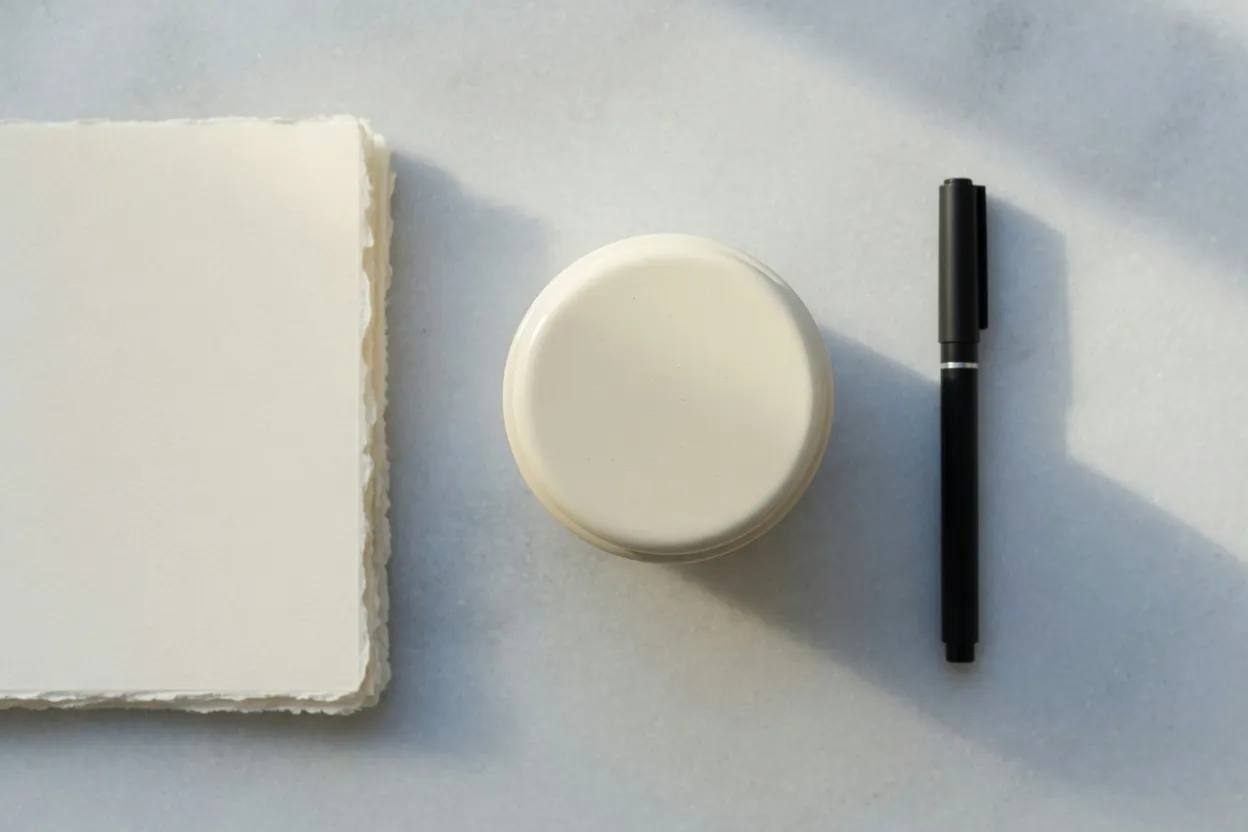
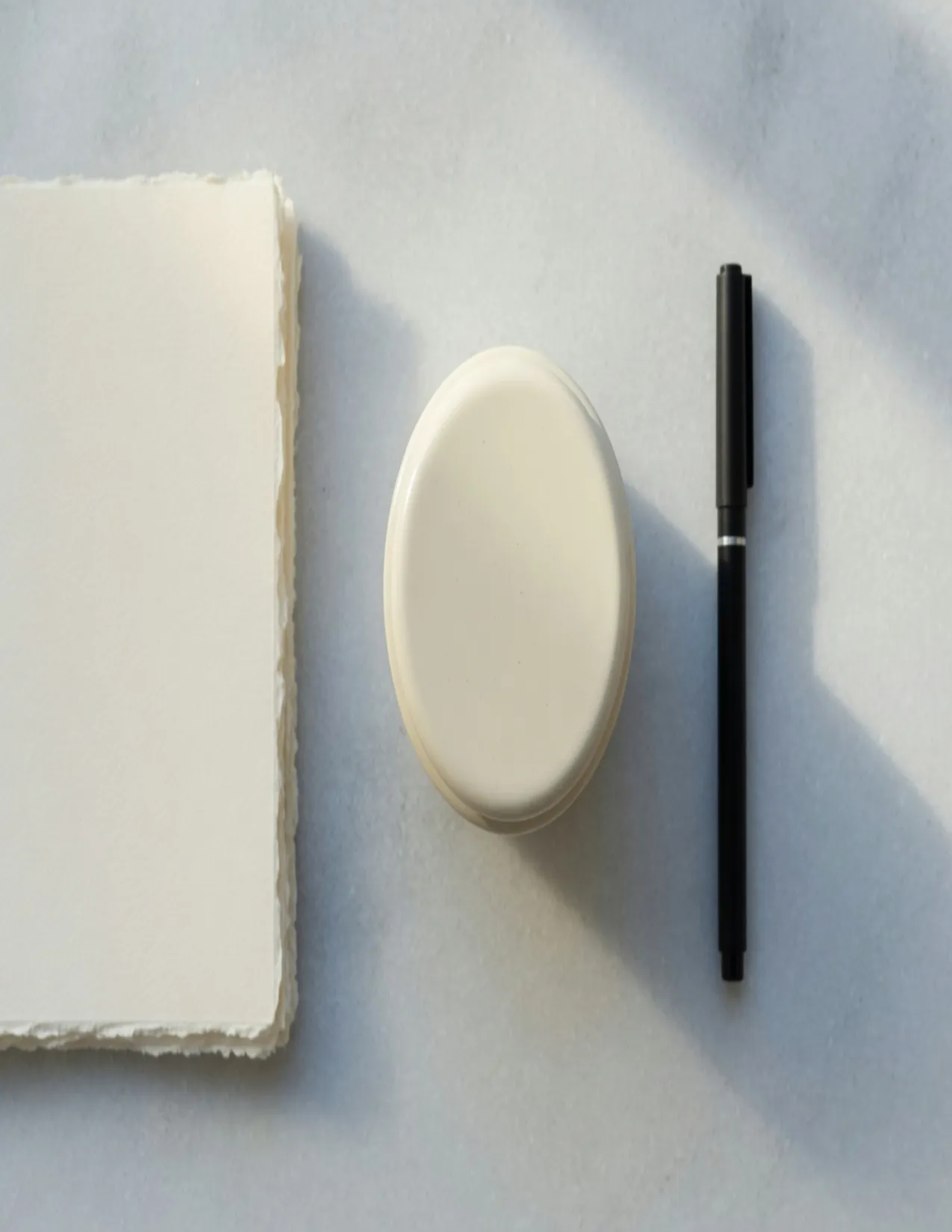
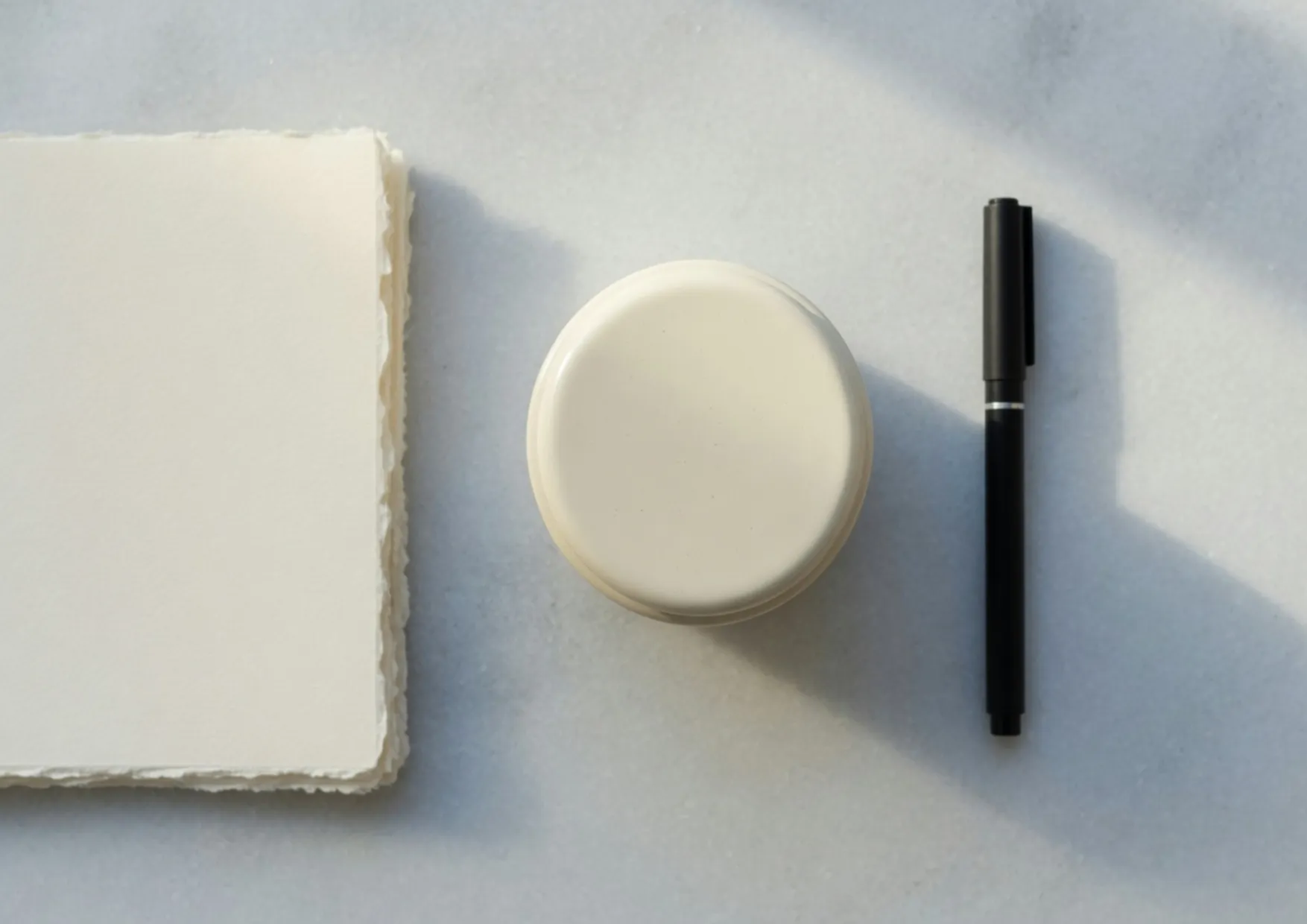
The frames below are one overhead still, then that still resampled. Blank cotton paper sits on the left, a round enamel lid in the middle, a capped pen with nothing written on it at the right. Nothing here is a second drawing of a stretched lid. The files on this page are half the 300 DPI templates, so the ratio is the print box and the download from the tool is the full count. A4 on the page is 1240×1754. The Print template is 2480×3508.
The chart that lists these sheets, generated from the same numbers, is stretch image for printing.
The pixel boxes at 300 DPI
300 DPI means 300 pixels along each inch of paper. Multiply the sheet in inches by 300 and you get the template. These are portrait boxes, width × height. The pictures further down use half of each pair, which keeps the ratio and halves both sides.
| Sheet | Inches | Pixels at 300 DPI | Reduced ratio | Half-size file on this page |
|---|---|---|---|---|
| A4 | 8.27 × 11.69 | 2480 × 3508 | 620:877 | 1240 × 1754 |
| A5 | 5.83 × 8.27 | 1748 × 2480 | 437:620 | same shape as A4, not a separate frame |
| A6 | 4.13 × 5.83 | 1240 × 1748 | 310:437 | same family, not a separate frame |
| US Letter | 8.5 × 11 | 2550 × 3300 | 17:22 | 1275 × 1650 |
| Tabloid | 11 × 17 | 3300 × 5100 | 11:17 | 1650 × 2550 |
A4 and Letter look interchangeable in conversation and are not. Letter is 2550×3300. A4 is 2480×3508. A file exported for one will not satisfy a shop that asked for the other. Tabloid is the 11:17 family, the flat size of two Letter sheets, and a much taller pull than A4. A5 is half an A4 sheet in area. Its reduced ratio, 437:620, sits within a percent of A4’s 620:877, so a lid stretched to A5 looks like the A4 oval. The pixel count is 1748×2480, not an A4 master saved with a smaller export setting. A6, 310:437, is the same kind of near-match at 1240×1748.
If you think in inches, centimeters, or millimeters first, the unit walkthrough is stretch in inches, cm, or mm. The ratio and unit picker lives on aspects and units.
A4 filled, and A4 cropped
Both of the next files are 1240×1754, half of 2480×3508. One remapped the whole 1248×832 still. The other cut a 588-pixel-wide window and then enlarged it.
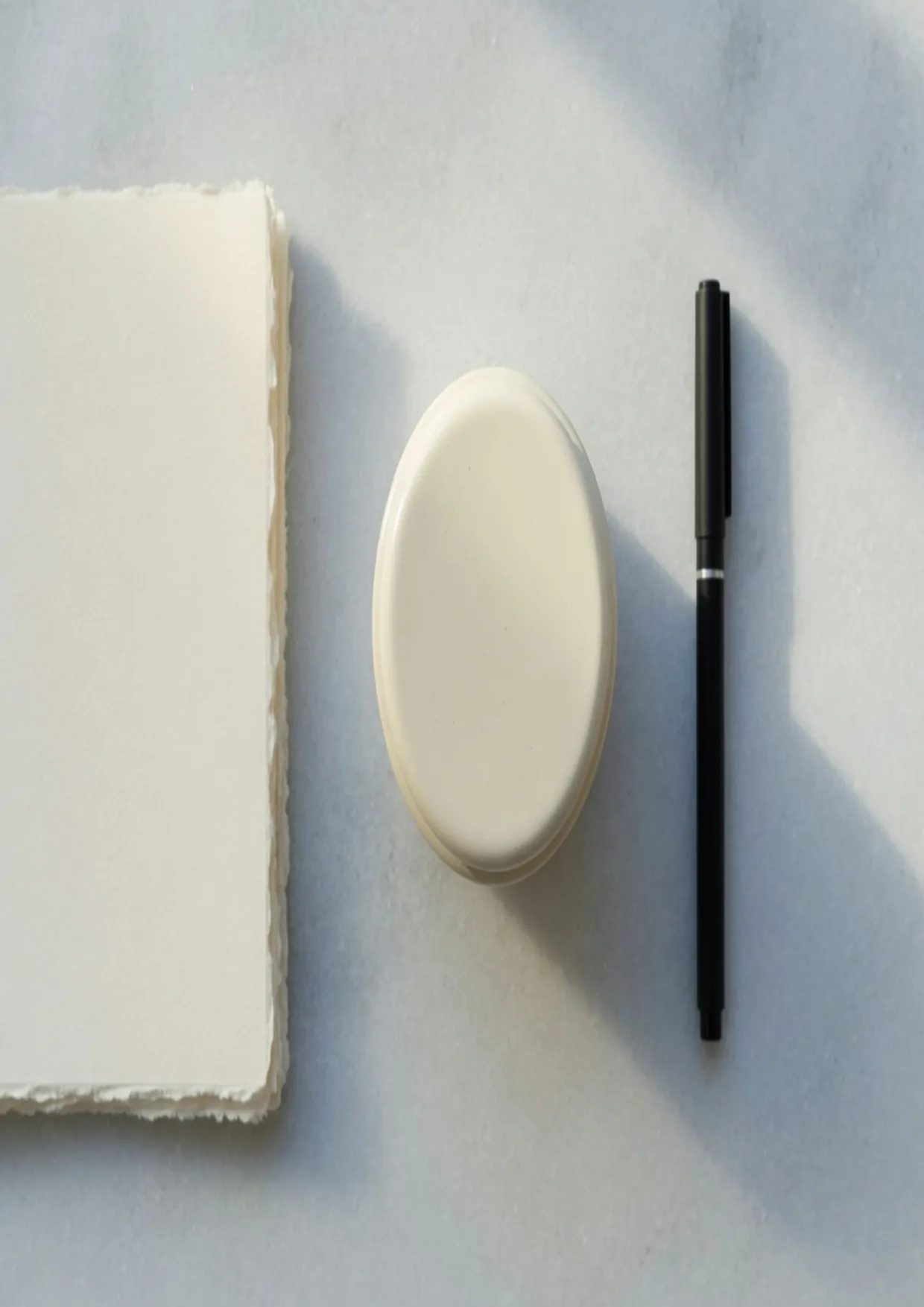
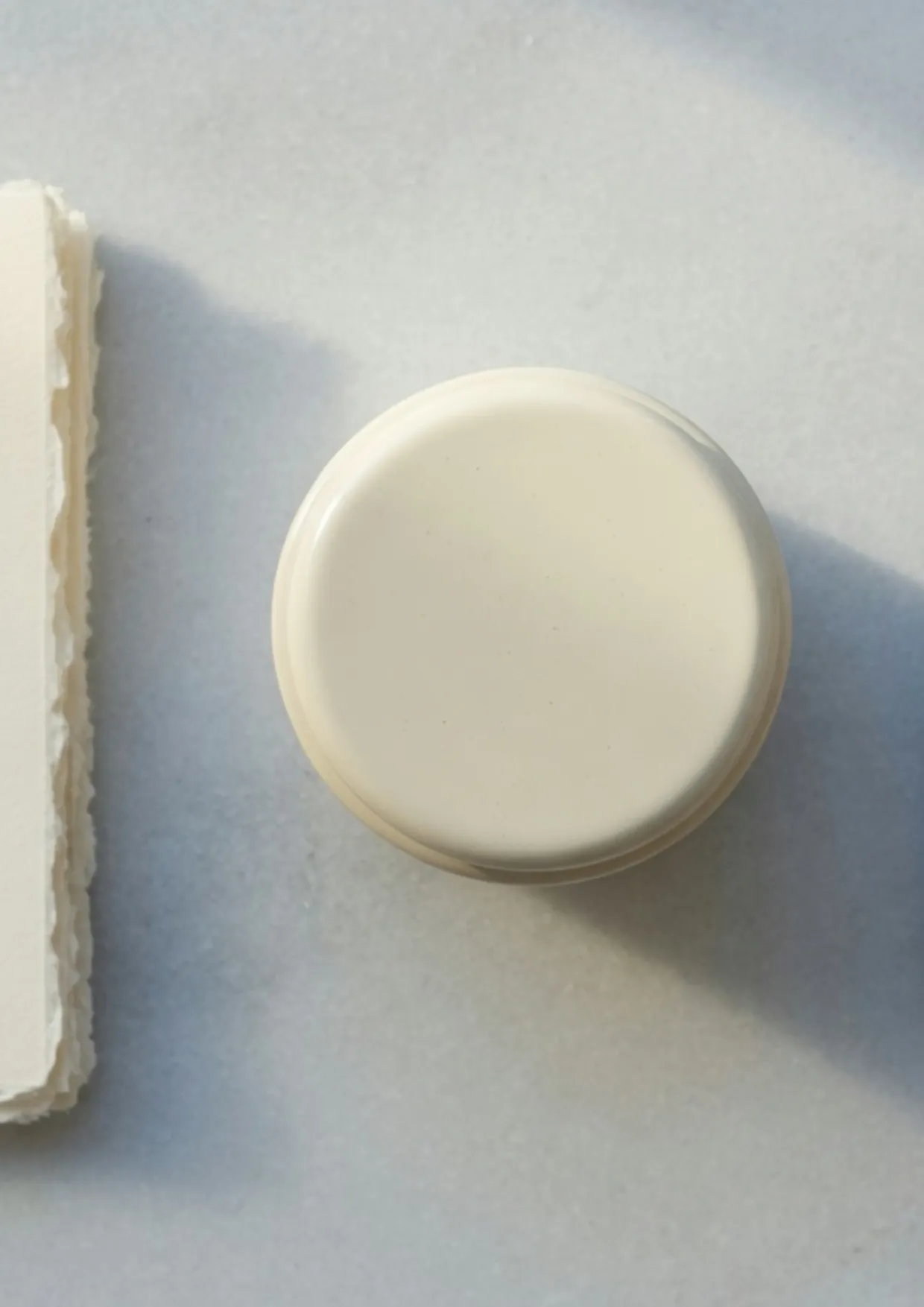
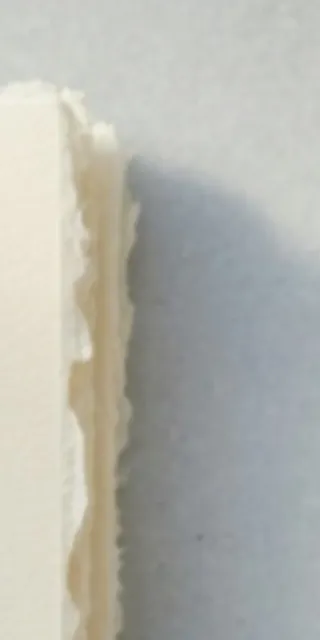
The stack ends at x=383, so 54 pixels of deckle stay inside that window and the rest of the paper is gone. That sliver is the left edge of the crop, enlarged. The stretch keeps the whole stack and pulls it tall.
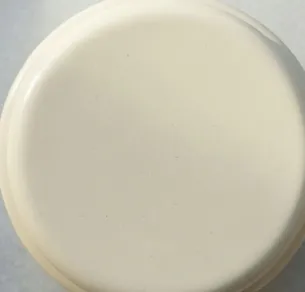
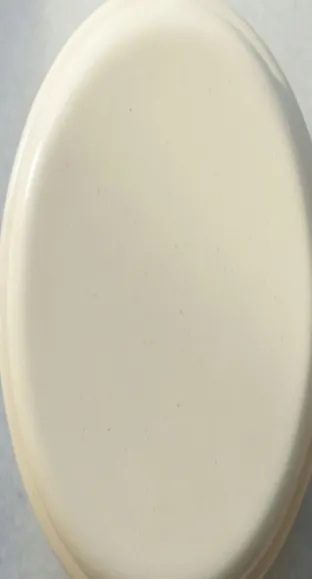
The lid alone repeats the split. The left patch is the source rectangle, 305×292. The right patch is that same rectangle after the A4 stretch, 303×616.
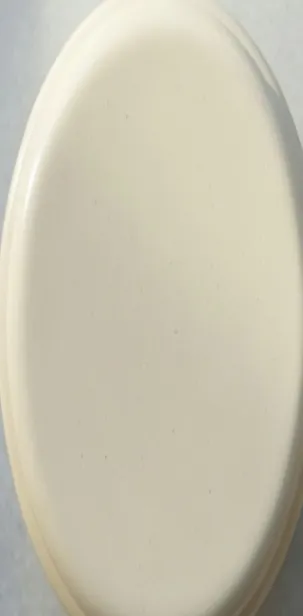
On the printing page, choose Free under Aspect and set width 2480 and height 3508. That is the left file at the real template size. The right file is crop image at this paper ratio, then a locked scale up. Unlock stretch ratio moves the stretch-factor sliders. It does not make width and height independent.
Letter is a different box
Letter on this page is 1275×1650, half of 2550×3300. The lid maps to 312×579. That is taller than the source and shorter than the A4 oval of 303×616. A shop ticket that says Letter is asking for 17:22, not for 620:877.
The sheet on its side
The templates in the table are portrait. A landscape A4 is the same pair swapped, 3508×2480, shown here at 1754×1240. This photo is 3:2, and landscape A4 is close to that, so the lid moves from 305×292 to 429×435. It stays nearly round. Portrait A4 is the pull that shows. Swapping is not a different DPI and it does not need a second template. With Free selected, width 3508 and height 2480 lay the sheet on its side. Letter on its side is 3300×2550.
Tabloid, and a file that was never that large
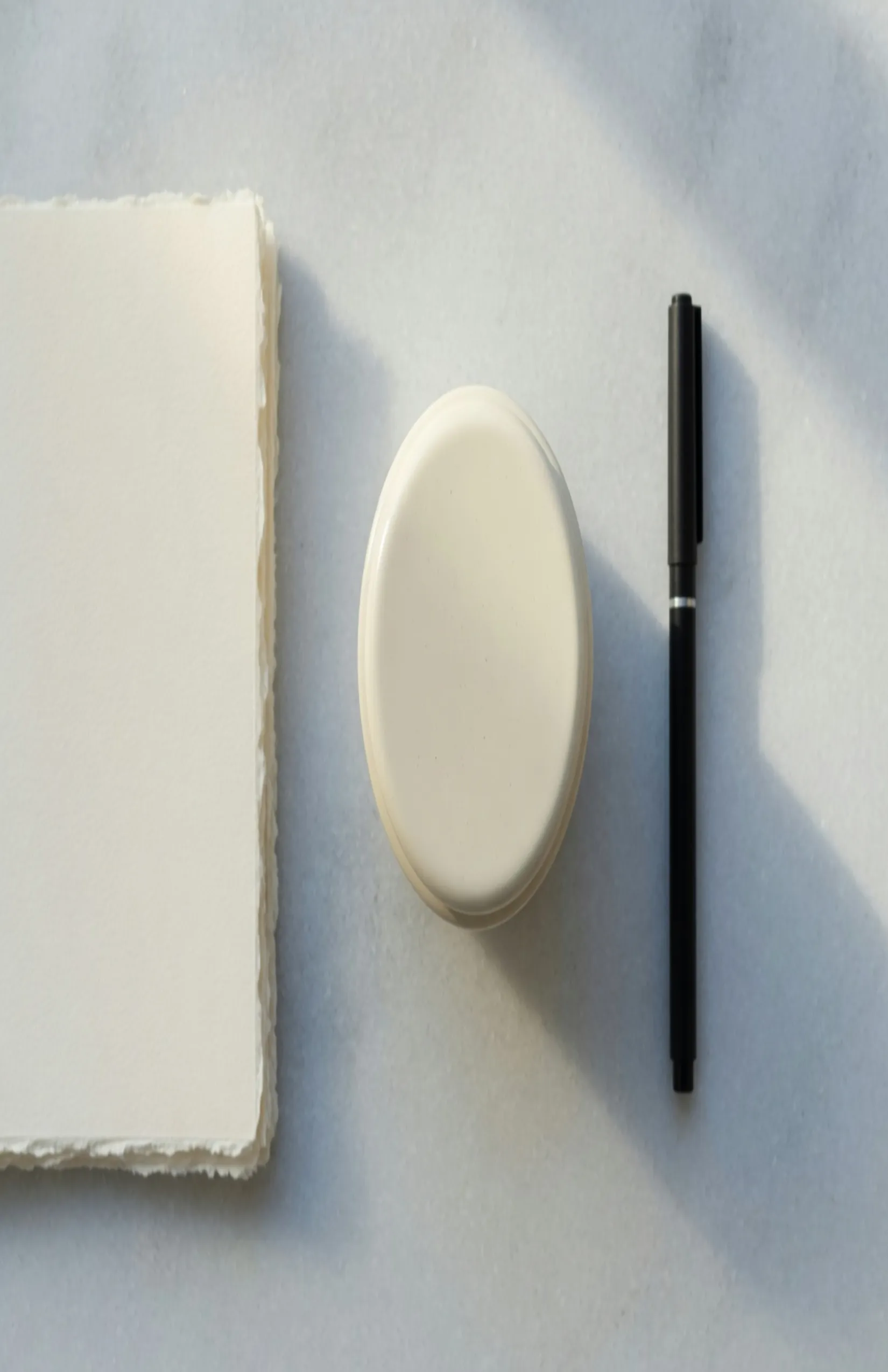
Tabloid at half size is 1650×2550, half of 3300×5100. Height scale from the 832-pixel source is 2550/832. The lid becomes 403×895. The stack and the pen survive, both of them long.
DPI on these templates is the conversion from paper inches to pixels. It is not a sharpness guarantee. The next file is the same A4 ratio as the sharp stretch above, rebuilt from a copy that was first reduced to 160×107. Width then scales by 7.75 and height by 16.39 to reach 1240×1754. The box matches. The deckle and the pen edge are what a small photo looks like after that enlargement.
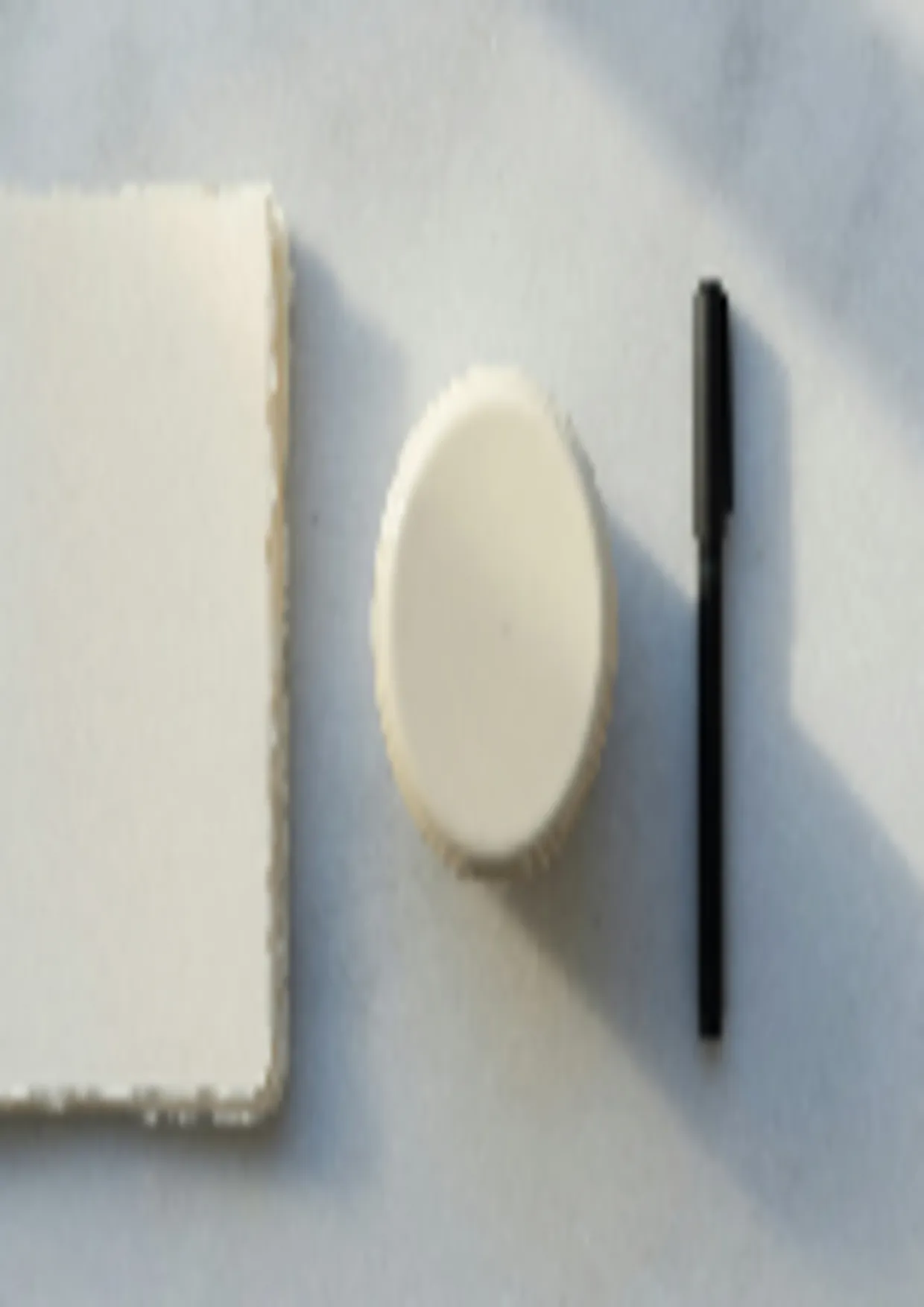
A source already near or above the template, a 4000-pixel-wide photo into A4, can take a mild stretch and still look like a photograph. A screenshot or a social graphic taken up to Tabloid looks like the soft file. That is the pixel count. Passport and visa frames are smaller on purpose. US passport in this catalog is 600×600, on the passport size chart. Stretch only fills that print box. It does not place a face or replace a background.
Use the stretch when the sheet has to be full and a change of proportion is cheaper than rebuilding the layout: a flyer that has to reach the trim, a product photo whose label would be cut by a paper-ratio crop, a scan that is already composed and only the paper box is wrong, a proof you will hold at arm’s length where a small vertical pull disappears. Skip it when the print is a face, a logo, a measured drawing, or type a client will compare with the original. Those go through a crop to the paper ratio, or a locked scale that accepts the margins.
Bleed stays off this file
A stretch export is the image at the pixel size you set. It does not paint crop marks, a bleed margin, or a safe zone. A printer who wants 3 mm of bleed is asking for paper outside the trim, and that margin is added in the layout before or after this step. Stretching to 2480×3508 fills A4 trim size. It does not invent the 3 mm. A tri-fold Letter is still 2550×3300 when that is the flat sheet. The fold guides are a layout problem. Get the flat pixel box right first.
Steps
- Open stretch image for printing. The tool on that page is filtered to Print sizes.
- Drop the photo. Stretch and download stay in the browser. Nothing is stored as part of the stretch.
- Pick A4, Letter, A5, A6, or Tabloid from the list, or type the pixel pair from the table when you already know it.
- Choose Free under Aspect when the photo’s shape and the sheet’s shape differ, then set Width and Height. Leave the aspect locked only when you are scaling, not filling. Unlock stretch ratio is the factor control, not this switch.
- Read the preview at the paper’s proportion. A 3:2 still pulled to portrait A4 turns a round lid into the 303×616 oval. A face that looks wrong is a crop on crop image first, then a return if the crop still misses the pixel box.
- Download PNG for a shop that wants an uncompressed master, or JPEG when the brief includes a file-size limit. PNG at A4 is a large file. That is 2480×3508 pixels of lossless color.
You can also start from the home tool, open Select Template, and choose the Print category. The landing is the shorter path because the size chart is already on the page.
Before you export, the named sheet has to match the shop ticket, the pixel pair has to match 300 DPI for that sheet unless you knowingly typed another DPI, and the preview still has to contain the edge you refused to crop. Faces and logos you cannot warp have already been cropped. PNG is the master. JPEG is the smaller upload. Social slots are a different brief. Feed sizes are in how to stretch an image for social media. The sheet in front of you is one row of that print table.