Image stretcher
Stretch an Etsy shop banner to 3360×840
Etsy’s big shop banner is 3360×840, a wide strip. Two smaller shop banners share that shape. Search, the shop icon, and the team logo do not.
Etsy banner, search preview, and icon
The big shop banner is one wide strip. Search is a tile. The shop icon and the profile photo are two squares.
Size chart
Pixel width, height, and the reduced ratio for every template on this page.
| Template | Width | Height | Ratio |
|---|---|---|---|
| Shop Banner (big) | 3360 | 840 | 4:1 |
| Shop Banner (mini) | 1200 | 300 | 4:1 |
| Shop Icon | 500 | 500 | 1:1 |
| Profile Photo | 400 | 400 | 1:1 |
| Search Preview | 570 | 456 | 5:4 |
| Team Logo | 170 | 100 | 17:10 |
| Shop Banner | 1600 | 400 | 4:1 |
A table photo becomes the shop header
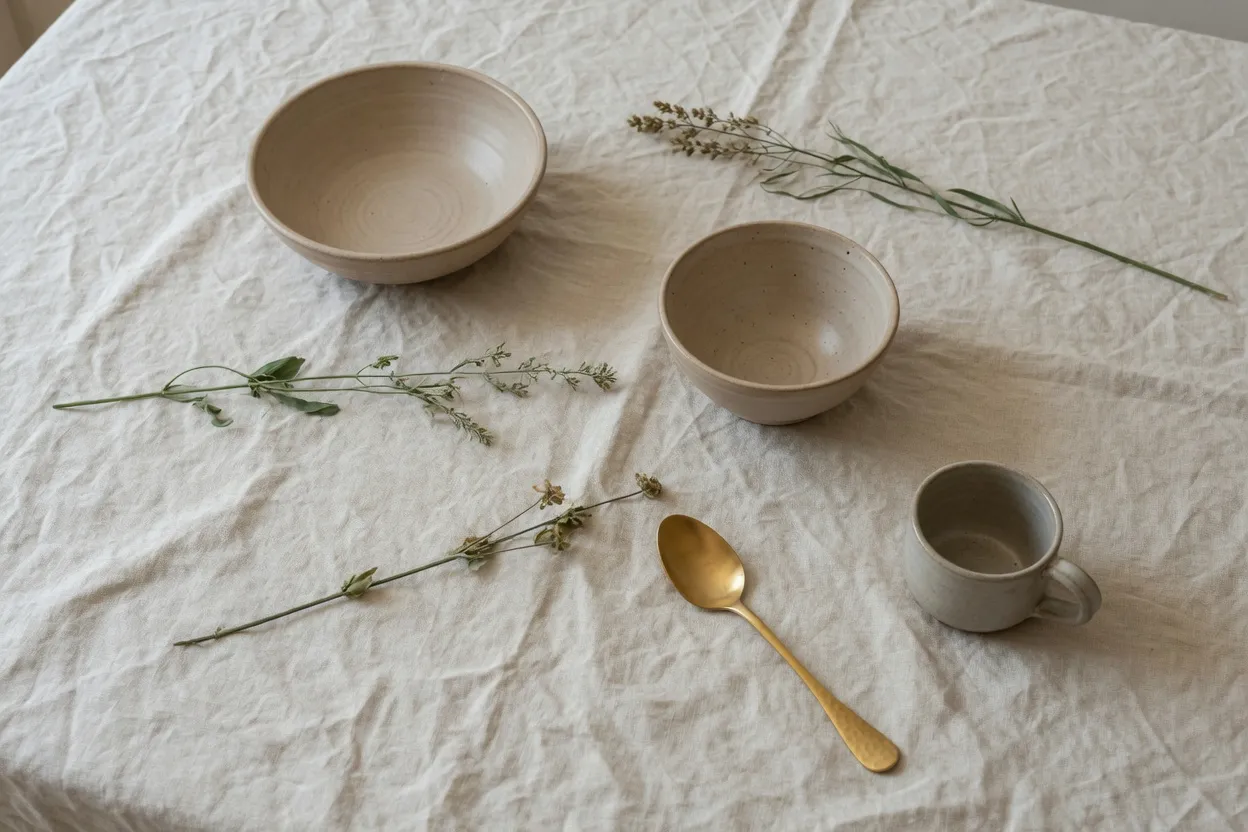
The table before the banner stretch. Still a 3:2 photo.
The photo on the table is still a normal landscape. Bowls, linen, and the spoon sit apart from each other. Nothing in this frame is a shop header yet. This is the file you stretch, not a screenshot of Etsy.
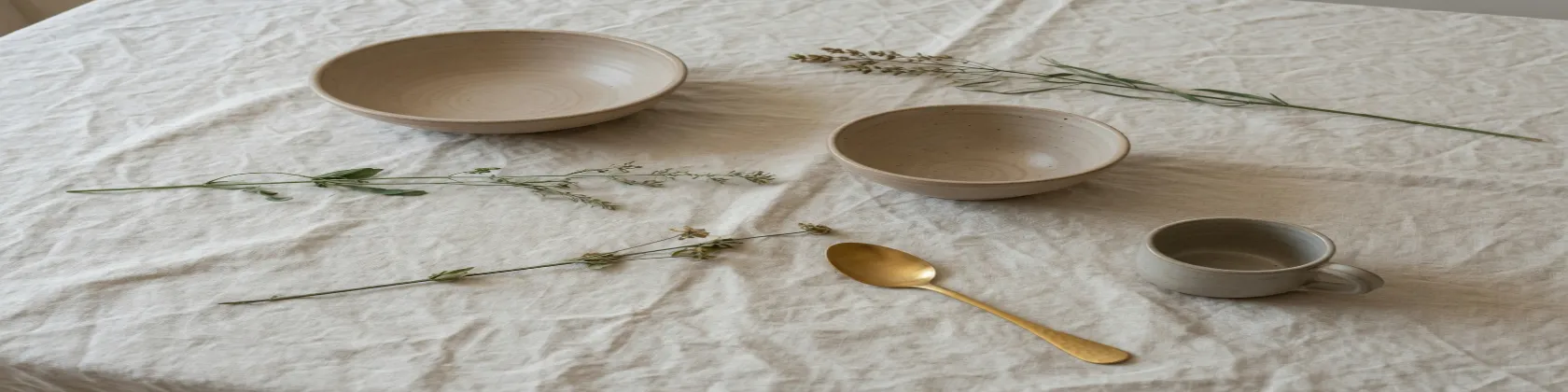
Shop banner (big), 3360×840. The table is now a short band.
Pulling that landscape into the header turns the bowls into a band. The shop name sits on this strip, so set the letters after the photo is wide. Type that is baked into the photo stretches with the clay.
A photographic header can be JPEG when the PNG is huge. The icon, the profile, and the team mark stay PNG.
Three banners are one 4:1 shape
The widest of the three lines. Same file as the header above.
The top line of this stack is the large header again, set on the same left edge as the two shorter lines. It is one picture shown at three widths, not three crops.
Shop banner, 1600×400. Same 4:1 shape, fewer pixels.
The middle line is the regular shop banner. Same proportion as the large header, a shorter file. Use it when that row asks for the middle width.
Mini shop banner, 1200×300.
The shortest line is the mini banner. A master that exists only at this width goes soft if you scale it up to the large header. Set the shop name at the final width.
These three lines are one file on this page so the shared shape is obvious. Etsy still wants a separate upload when a row asks for a different pixel size.
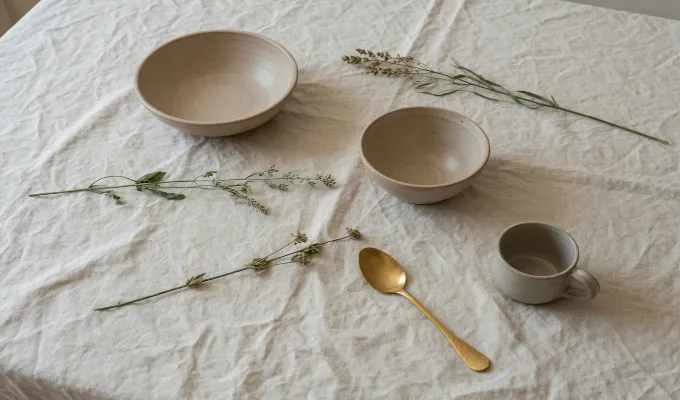
Team logo, 170×100. A 17:10 chip, not a 4:1 banner.
The team mark is a small wide chip under the banners. It is not the banner shape, and it is not a square. Detail from the header does not survive in a mark this small. Export it as its own PNG.
Build the team mark from the table only if you accept the squash, and keep the type out of the file.
Search preview is not a slice of the banner
Match the row Etsy asked for. Sharing a shape family is not the same upload.
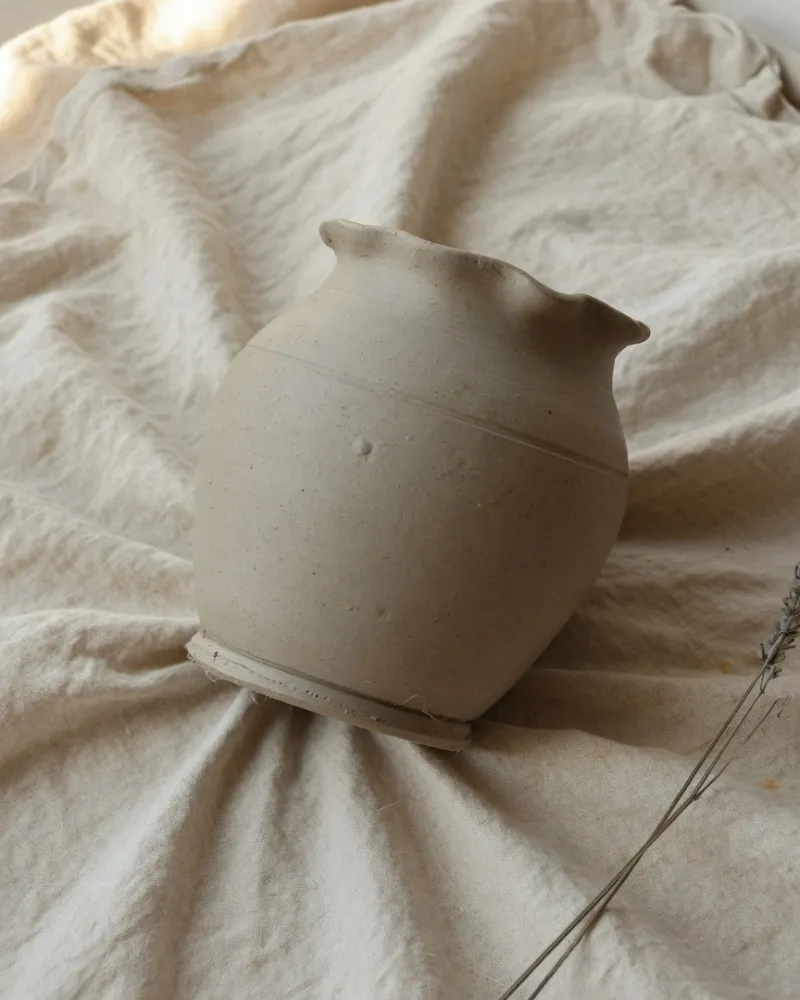
The listing photo. One vessel, a different file from the table.
The vessel is a listing photo. It is a different file from the table. Stretching the listing into the header is what makes the product a band. This file stays the product.
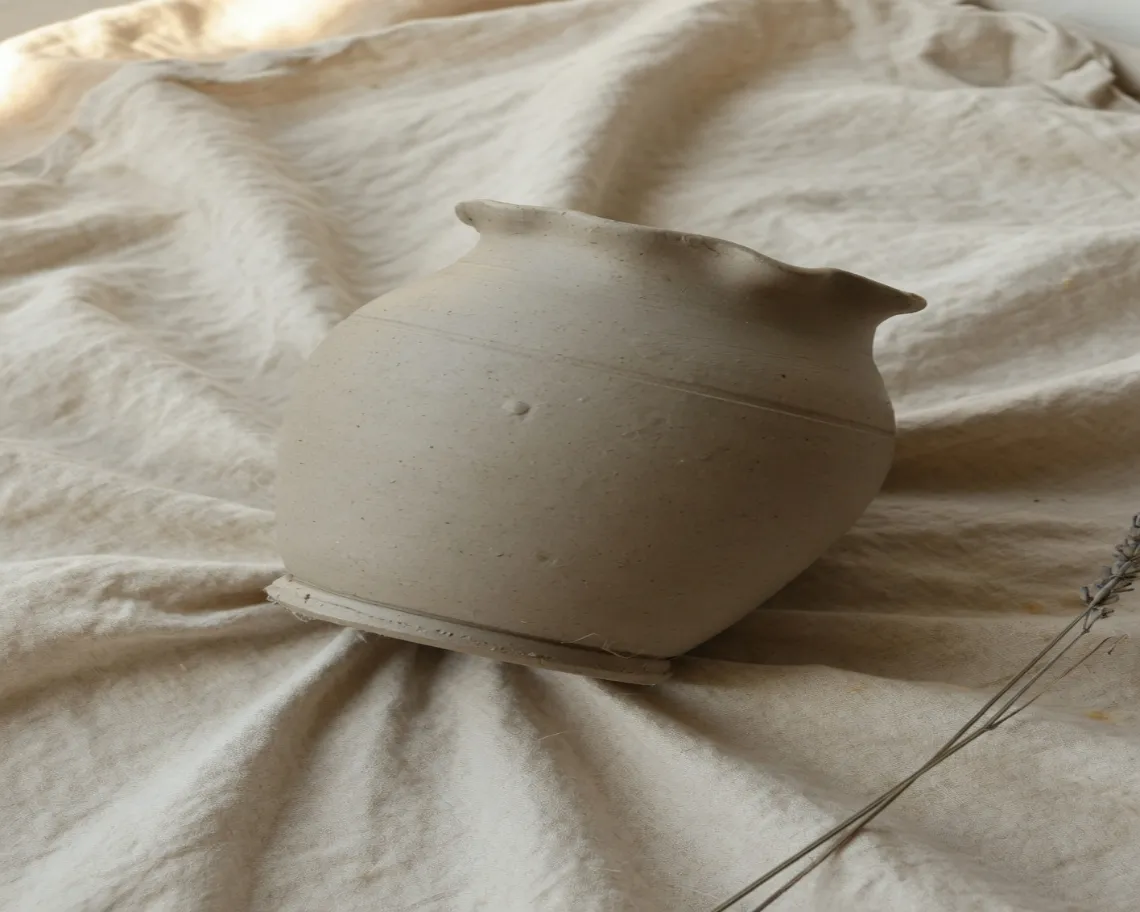
Search preview, 570×456.
Search shows the listing, not the shop header. A banner file dropped into search is squeezed from a very wide strip into a tile. Make the search image from the listing.
Search is the frame a buyer meets before the shop page. The header never appears in that grid.
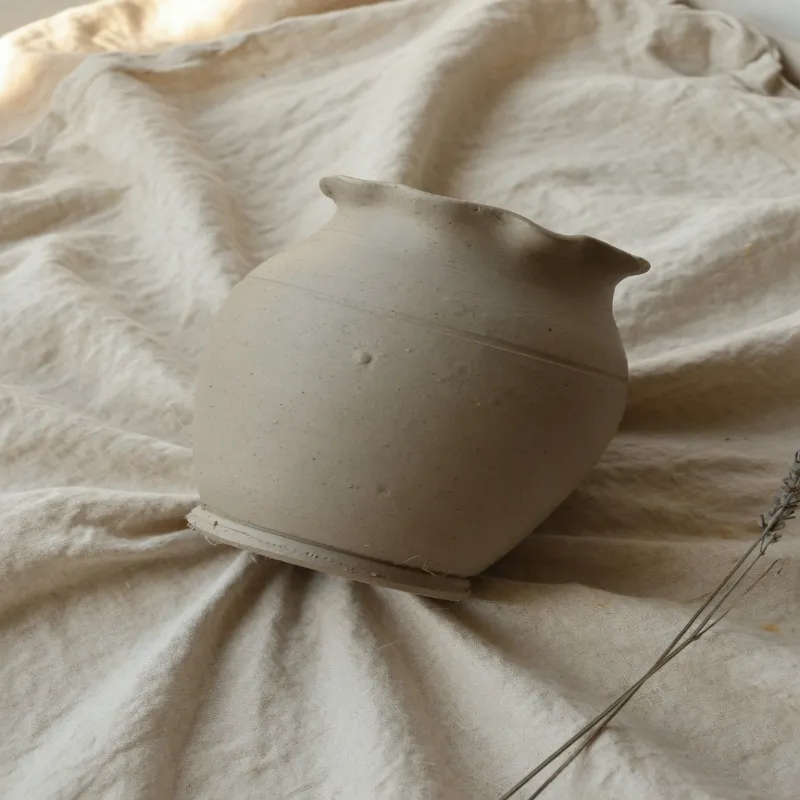
Shop icon, 500×500.
The shop icon is the square buyers see beside the shop name. It is not a circle cut out of the header, and it is not a crop of the search tile. Download PNG so the edge of the mark stays clean.
This square sits beside the search tile, not on the banner. The shop name is set next to it, outside the file.
Some shop pages later draw a circle from whatever square you uploaded. The file this row accepts is still the square, corners included.
Profile photo, 400×400.
The profile photo is its own square upload. The shop icon and the profile ask for different pixel counts, so one saved square does not finish both rows.
On this page the second square is drawn smaller. That size difference is only the layout. The upload row still asks for its own file.
How to stretch an image for an Etsy frame
Pick the Etsy row by the pixel size the slot asked for.
- Step 1
Open the photo that matches the slot
Use the table photo for the banners and the team mark. Use the vessel for search, the shop icon, and the profile photo.
- Step 2
Pick the Etsy row
Big shop banner is 3360×840. Shop banner is 1600×400. Mini shop banner is 1200×300. Search preview is 570×456. Shop icon is 500×500. Profile photo is 400×400. Team logo is 170×100.
- Step 3
Export the shape that row uses
The three shop banners share one proportion. Search is a tile only a little wider than it is tall. The icon and the profile are squares. The team logo is a short wide mark. Cropping a banner down to the search grid does not make the search file.
- Step 4
Choose JPEG or PNG
JPEG for a photographic banner when PNG is heavy. PNG for the icon, the profile, the team logo, and any banner that is mostly type.
Etsy 3360×840 banner FAQ
- What size is the big Etsy shop banner?
- The big shop banner is 3360×840. A listing photo stretched into it becomes a band across the header. Set the shop name after the photo is at that width, or the letters stretch with the picture.
- Are the smaller Etsy banners the same shape?
- The shop banner is 1600×400 and the mini banner is 1200×300. Both match the big banner’s proportion. A file that exists only at the mini width goes soft if you scale it up for the large header.
- What size is the Etsy search preview?
- Search preview is 570×456. Buyers see that tile in search, not the shop header. The banner will not fill it without a hard vertical squeeze.
- What size are the Etsy shop icon and profile photo?
- The shop icon is 500×500. The profile photo is 400×400. They are two square uploads. The icon is not a circle cut from the header.
- What should I download for the Etsy team logo?
- PNG for the 170×100 team logo. Use PNG for the icon and the profile too. Use JPEG for a photographic banner when PNG is heavy.