Image stretcher
Stretch image for printing on A4 and Letter
Stretch image for printing when the sheet is the target: A4 at 300 DPI is 2480×3508, and US Letter is 2550×3300. Those two counts are different sheets.
Paper at 300 DPI, in pixels
ISO sheets share one shape. Letter and Tabloid do not.
Size chart
Pixel width, height, and the reduced ratio for every template on this page.
| Template | Width | Height | Ratio |
|---|---|---|---|
| A4 | 2480 | 3508 | 620:877 |
| A5 | 1748 | 2480 | 437:620 |
| A6 | 1240 | 1748 | 310:437 |
| Letter (US) | 2550 | 3300 | 17:22 |
| Tabloid | 3300 | 5100 | 11:17 |
| A1 | 5786 | 8192 | 2893:4096 |
| A2 | 4961 | 7016 | 4961:7016 |
| A3 | 3508 | 4961 | 3508:4961 |
A 3:2 file is not a sheet of paper
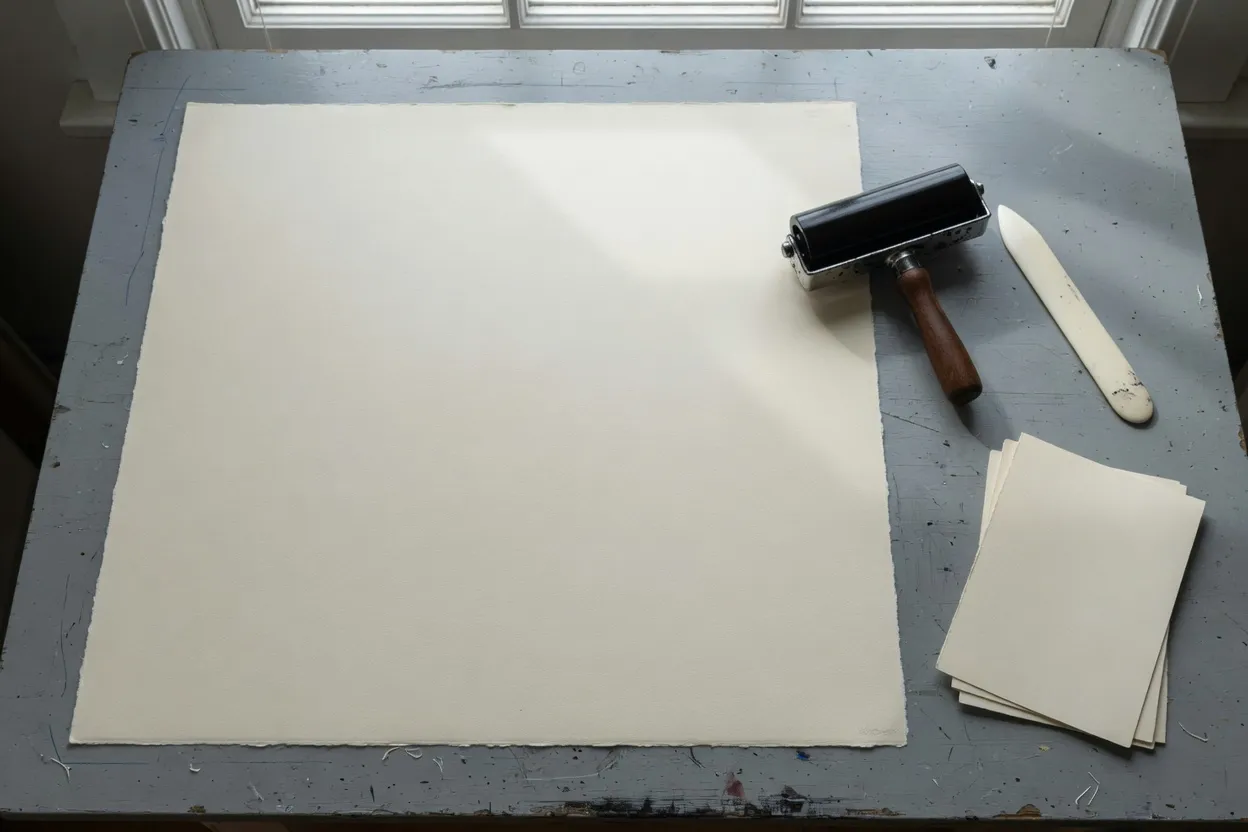
The bench. The sheet is still blank.
The bench is the sheet before any file is stretched onto it. Cotton paper, a brayer, and a bone folder do not have a pixel size. The counts on this page are what 300 DPI asks for once you name the sheet. A screen file can be forced up to those counts, and the print still goes soft if the source never held that many pixels.
Pick the sheet in the template list, then export that one file. An A-series file and a US file are not interchangeable just because both are called paper.
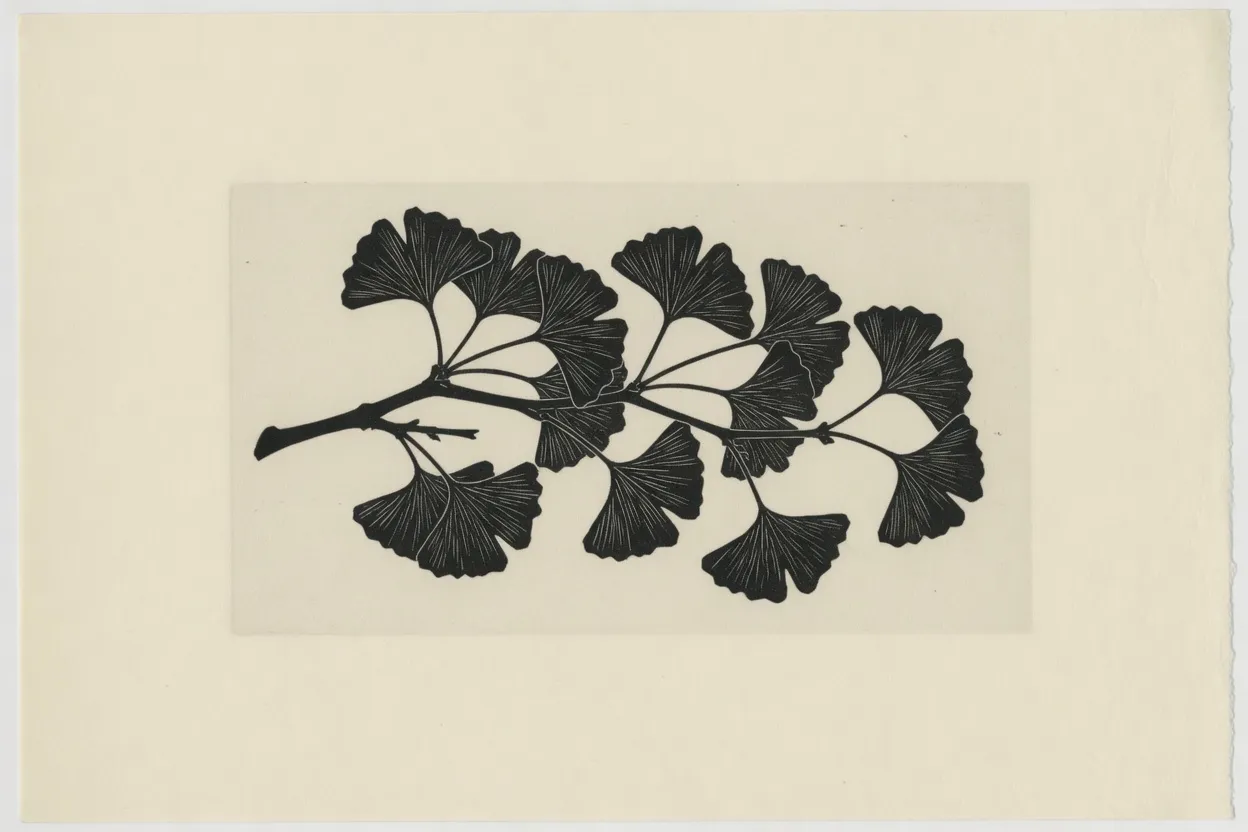
The print, still 3:2. Nothing has been pulled yet.
This print is still 3:2. The branch has not been asked to become a sheet. Every portrait below is this same file pulled to a paper ratio, so the leaves get taller and the margin gets narrower. That warp is the stretch.
A texture can survive that pull. A face, a logo, or a line of type on a flyer will not. When the shape of the subject matters more than a full-bleed sheet, crop instead of stretching.
A4, Letter, and Tabloid do not share a blade height
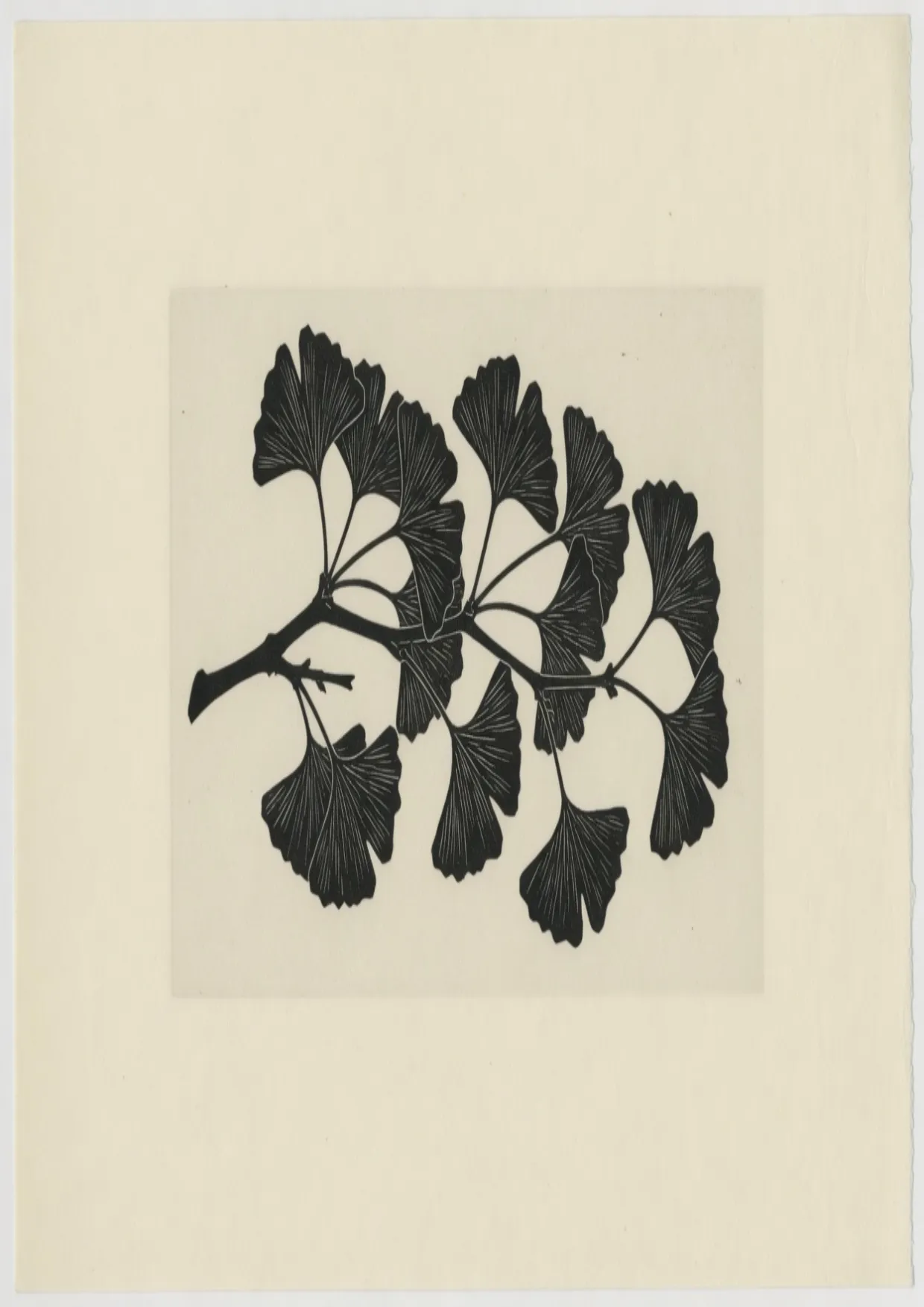
A4 at 300 DPI is 2480×3508. The branch is taller than it was.
A4 is the ISO portrait in this row. A5 and A6 are the same shape at a smaller size, so they are not standing here. This row is the three ratios that are not halves of each other.
Stand the three sheets on one cutter. A4's short edge is 210 mm. At the same scale, Letter's short edge is 8.5 inches, about 216 mm, and Tabloid's is 11 inches. The height difference is the ratio, not a zoom.
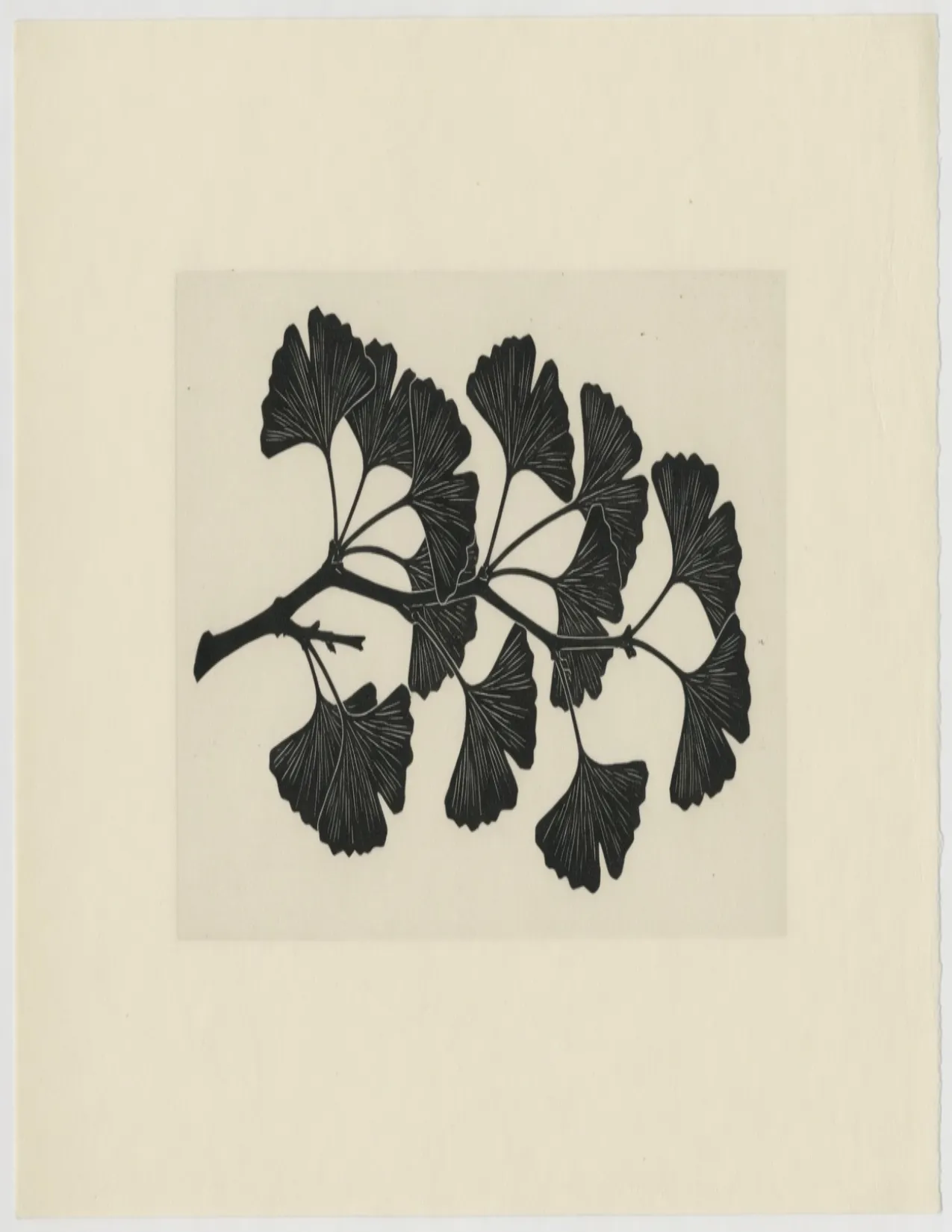
US Letter is 2550×3300. Wider than A4, and shorter.
Letter shares the cutter with A4 and still misses it. The sheet is wider and shorter, so a mark that sat in the middle of the A4 branch shifts once the same file is pulled onto Letter. Print the sheet you actually chose.
A file stretched for A4 leaves a gap or a clip on Letter. They are close enough that a proof can look fine on screen and still be the wrong box at the printer. Export one sheet per file.
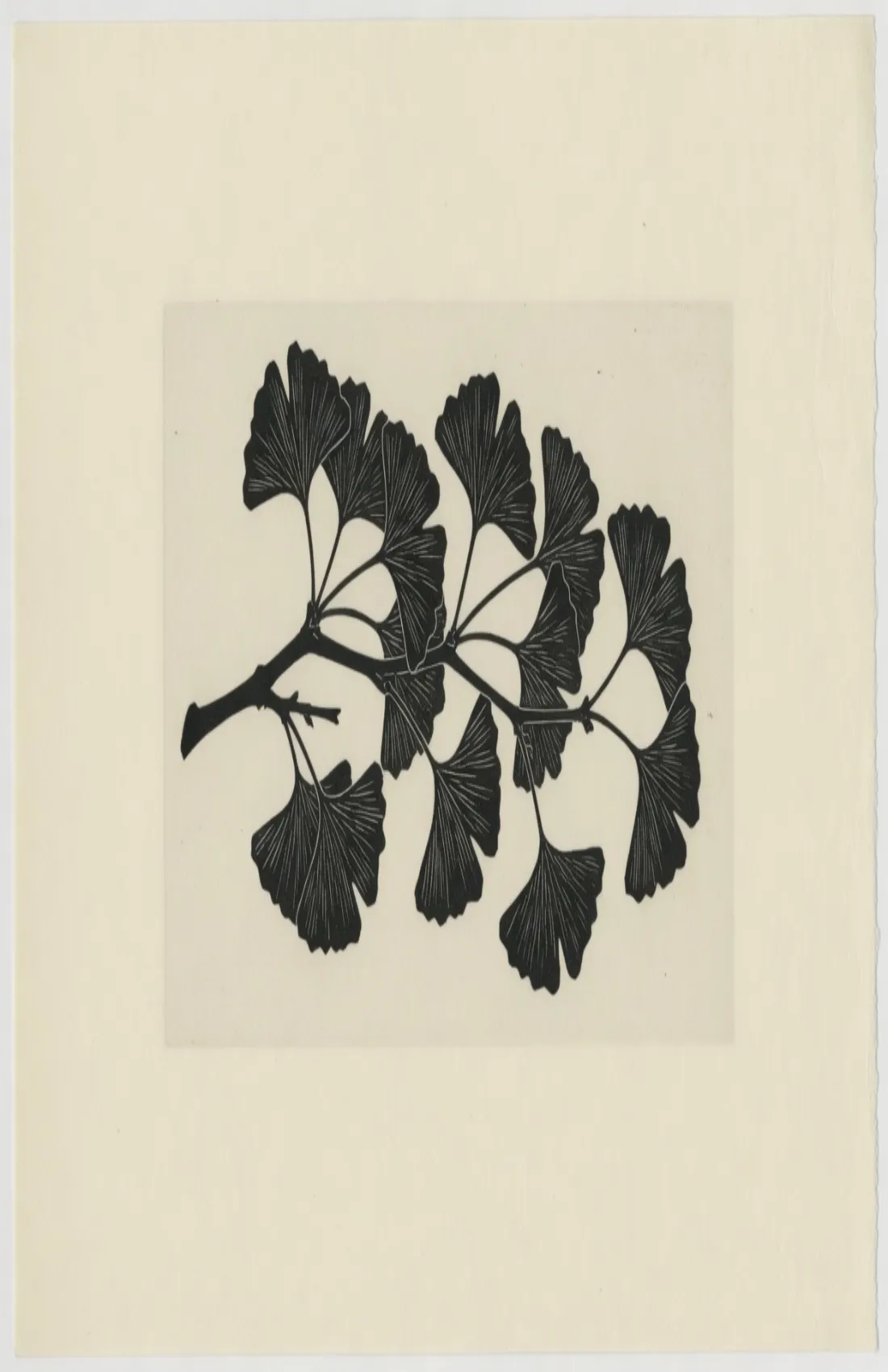
Tabloid is 3300×5100. The same print, pulled taller than A4.
Tabloid is 11 by 17 inches. It is not a large Letter and it is not an A3. A Letter file will not fill it, and scaling an A4 file up to it goes soft because those pixels were never in the source.
The three portraits use the short edge of the real sheet as their width. Tabloid towers over the other two because 17 inches is a longer page, not because the layout zoomed it.
A5 is A4 cut in half
The same A4 file, as the sheet you fold.
Fold an A4 parallel to the short edge and the page is A5. Fold again and it is A6. The long side of the smaller sheet is the short side of the one you just folded. The branch does not change shape.
A5 is 1748×2480. Half of A4. Its long side is A4's short side.
A signature uses A5 because the folded A4 page is A5. Sending an A4 file for that page prints the branch across a sheet that will be folded, and the live area is wrong even though the shape matched.
A6 is 1240×1748. Half of A5, still A4's shape.
A6 is the postcard end of the same nest. It is not Letter, and it is not a social square that happens to be small. The branch is the A4 branch, with fewer pixels.
Bigger sheets keep A4's shape, until the long side hits 8192
A3 is 3508×4961. Twice A4's area, the same ratio.
A3 has twice the area of A4, not twice the width. Each edge grows by the square root of two. The branch looks unchanged beside A4 because the ratio did not move. The file is simply larger.
A2 is 4961×7016. Same shape, one step larger.
A2 is the poster step in this ladder. It is still the A4 ratio. A Letter file stretched up to A2 is the wrong shape and a soft print. Start from the A-series file if the brief names A2.
This site's A1 is 5786×8192. A full 300 DPI A1 is 7016×9933. The long side stops at 8192.
The cap is a pixel ceiling, not a crop. The long side stops where the canvas limit is, and the short side is scaled so the sheet stays A4's shape. The branch is not sliced. A large print from this file goes softer than one from a sheet whose file holds the full 300 DPI count.
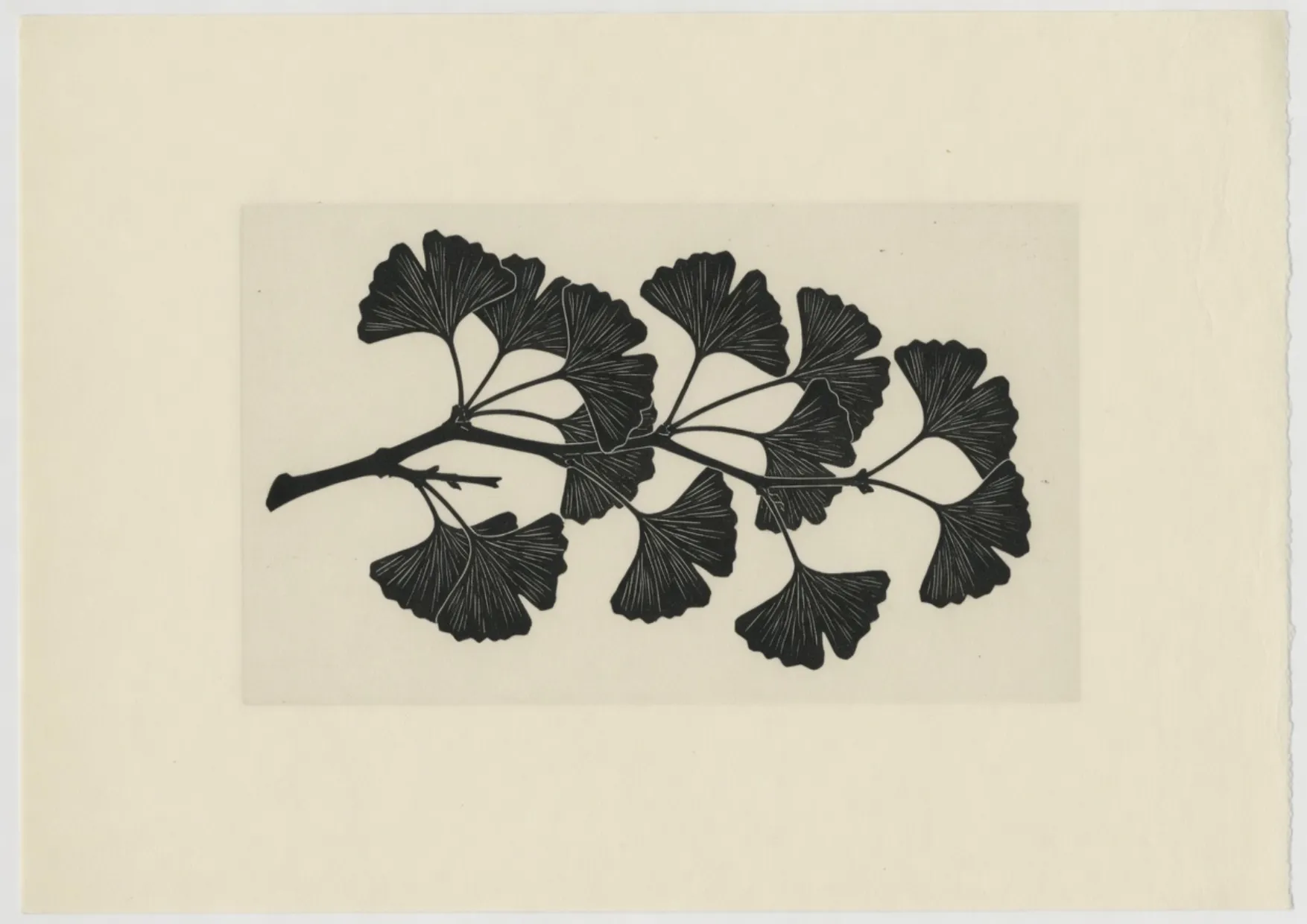
A4 turned on its side is 3508×2480. The chart lists the portrait.
Landscape A4 is the portrait file with width and height exchanged. It is still one sheet. Export the wide file when the branch was composed for the wide sheet. Rotating the portrait in a print dialog is a different composition.
How to stretch an image for printing
Name the sheet first. The rows below are paper at 300 DPI. A screen-sized file is not one of them.
- Step 1
Open a file that can survive the sheet
A 1920×1080 screenshot stretched up to a paper frame looks soft. Start from the largest photo you have. The sheet sizes are the target, not pixels a small file can invent.
- Step 2
Pick the sheet, not a social frame
A5 and A6 are smaller A4 sheets: 1748×2480 and 1240×1748. Letter and Tabloid are different ratios. The menu is the sheet name. A 1080-wide social export is a different job.
- Step 3
Decide whether the subject may warp
The branch on this page gets taller on every portrait sheet. That is acceptable for a texture and wrong for a face or a line of type. Crop when the subject's shape matters more than filling the sheet.
- Step 4
Download the sheet you named
PNG keeps flat color and type cleaner at print size. JPEG is reasonable for a photographic poster if the quality stays high. One sheet per export.
Stretch image for printing FAQ
- What does stretch image for printing mean here?
- It means pulling width and height so the file fills a named sheet. A4 at 300 DPI is 2480×3508. The stretch runs in the browser. The file is not uploaded.
- Does an A4 file also fill US Letter?
- No. Letter is 2550×3300. It is wider and shorter. A file made for one sheet leaves a gap or a clip on the other.
- Are A5 and A6 just smaller A4?
- They share A4's shape. Folding is the test: the long side of A5 is the short side of A4. Letter is a different shape.
- Is the A1 template a full 300 DPI sheet?
- No. This site stops the long side at 8192, so A1 is 5786×8192. A full 300 DPI A1 is 7016×9933. The ratio matches A4. The file has fewer pixels than that full sheet.
- PNG or JPEG for a print stretch?
- PNG when the sheet has type or flat color. JPEG for a photographic poster if PNG is too heavy. Keep the quality high, and export the sheet you named.