Image stretcher
Stretch a Roblox shirt template to 585×559
Roblox shirt and pants templates are 585×559, an unwrap of the torso and limbs, not a profile photo. A game icon is 512×512, the thumbnail is 1920×1080, a group emblem is 420×420, and a game pass icon is 150×150.
Roblox shirt, icon, and thumbnail
Five rows. The shirt template is the unwrap. The thumbnail is the only wide file.
Size chart
Pixel width, height, and the reduced ratio for every template on this page.
| Template | Width | Height | Ratio |
|---|---|---|---|
| Game Icon | 512 | 512 | 1:1 |
| Game Thumbnail | 1920 | 1080 | 16:9 |
| Group Emblem | 420 | 420 | 1:1 |
| Shirt / Pants Template | 585 | 559 | 45:43 |
| Game Pass Icon | 150 | 150 | 1:1 |
A 585×559 shirt sheet is a little larger than a square
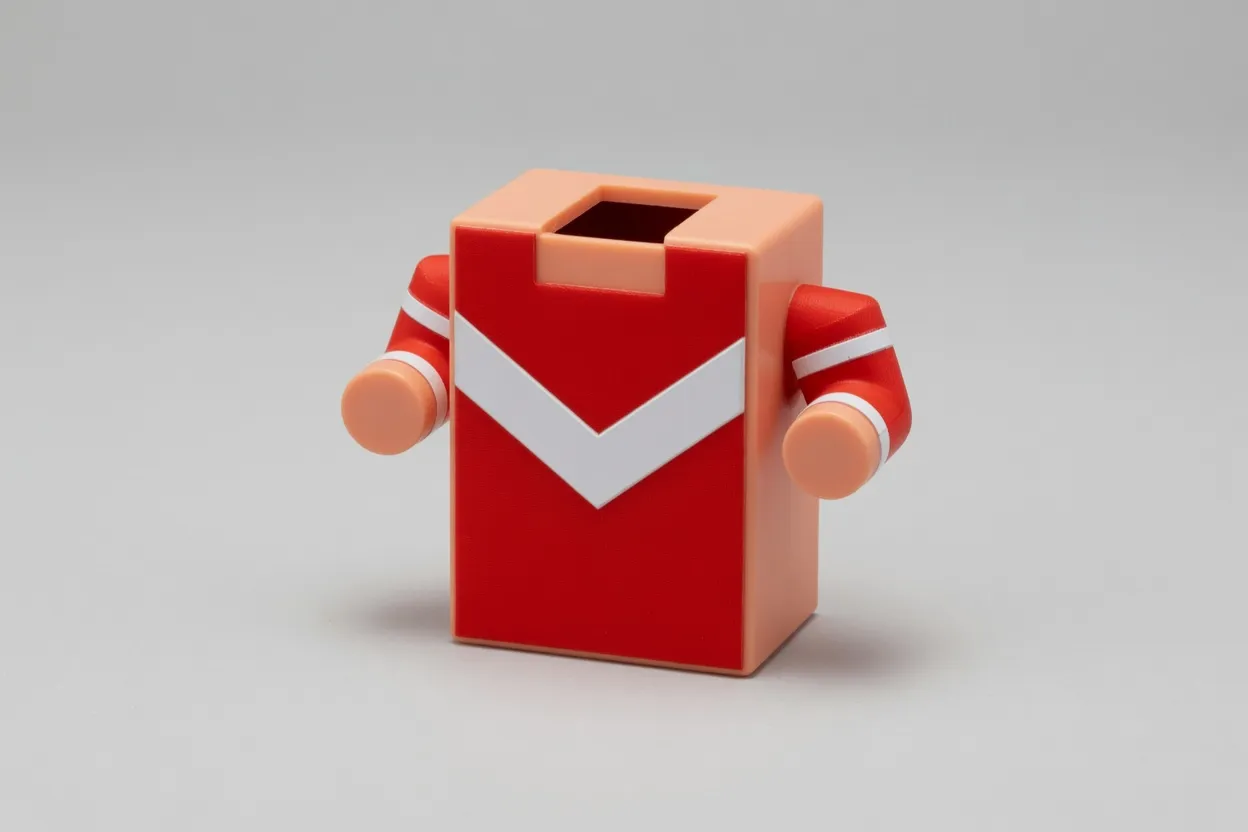
This is the shirt photo, 3:2, before a Roblox box is applied.
The block torso is the source for the clothing files. A red jersey with a white chevron sits on a rectangular body and two cylindrical arms, in a 3:2 photo. The shirt sheet, the square beside it, and the wide strip under them are this photo forced into three Roblox boxes. The baseplate photograph further down is a different file, and it is the one that becomes the thumbnail and the icons.
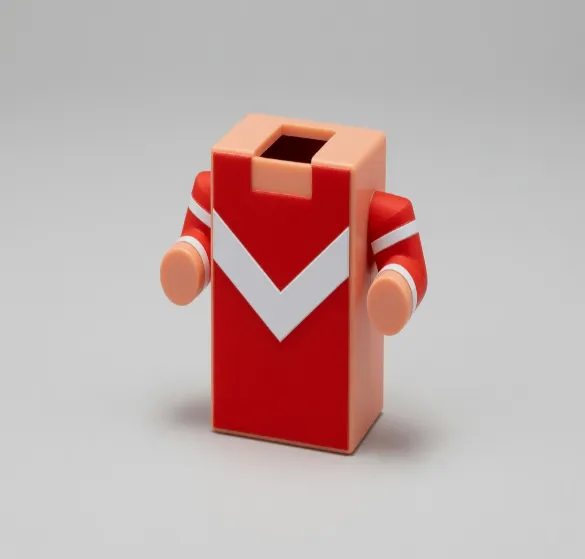
This file is 585×559. The jersey is pulled, not cropped into a square.
The shirt and pants template is 585×559. Set beside a 512 square at the same scale, the sheet is 26 pixels wider and 47 pixels taller, so the jersey is pulled rather than cropped. Classic clothing packs that canvas from four panel sizes: 128×128 for the front and back, 64×128 for the sides of the torso and the limbs, 128×64 for the top and bottom, and 64×64 for the limb caps. Pants use this same pixel box with another arrangement of those panels. A classic T-shirt is a front patch on its own square, and it is a different upload from this sheet.
Download the shirt and pants template as PNG. Flat color along a panel edge shows JPEG blocks. Paint on Roblox's own template image, where the panel lines are already drawn. This page does not redraw those lines.
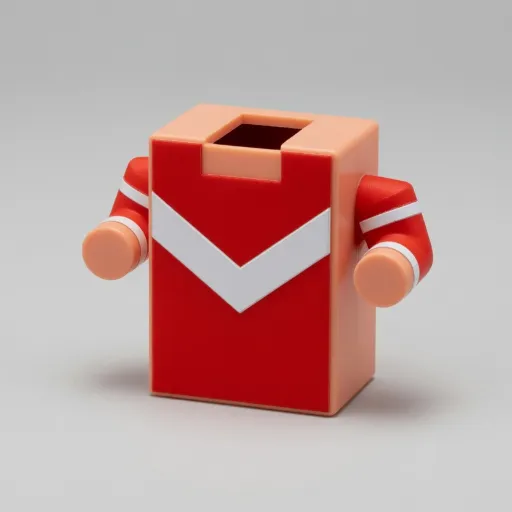
This file is 512×512 of the same jersey. It shows the icon box. It is not the game icon.
This 512×512 square is the middle of the jersey, scaled to the game-icon box so the template can sit next to a true square. It is the shirt, measured. The game icon is the baseplate photograph, cut and scaled on its own. Uploading this jersey square as the game icon would put the chevron in the games list.
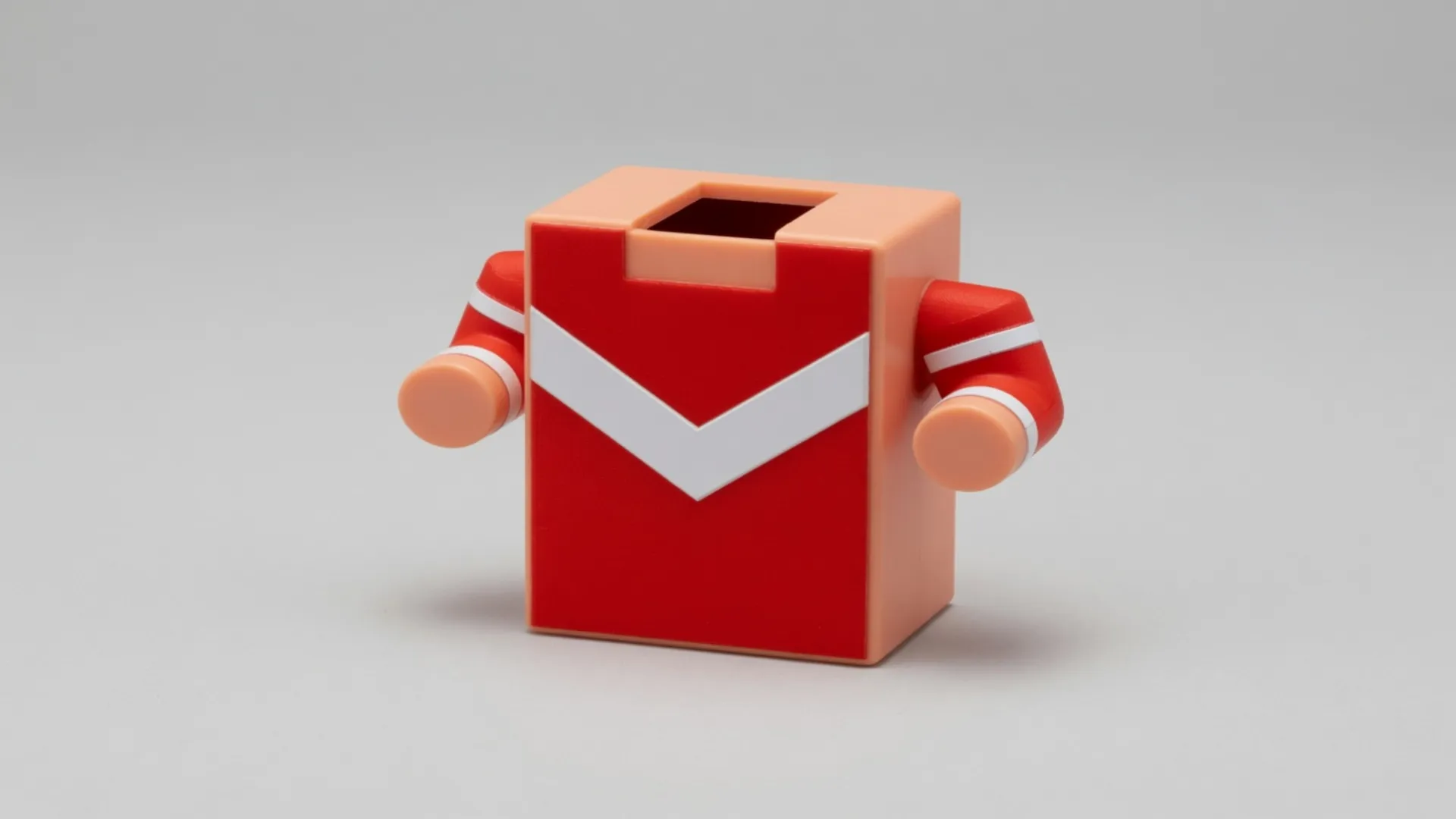
This file is 1920×1080. The shirt photo has been pulled into the thumbnail shape.
The wide strip is the jersey at 1920×1080. That is the thumbnail's shape filled with the shirt photo. The chevron smears, and the arms stretch. A shirt template sent through the thumbnail row looks like this. The thumbnail wants the baseplate.
The thumbnail is 16:9. The icon is a square cut from the baseplate
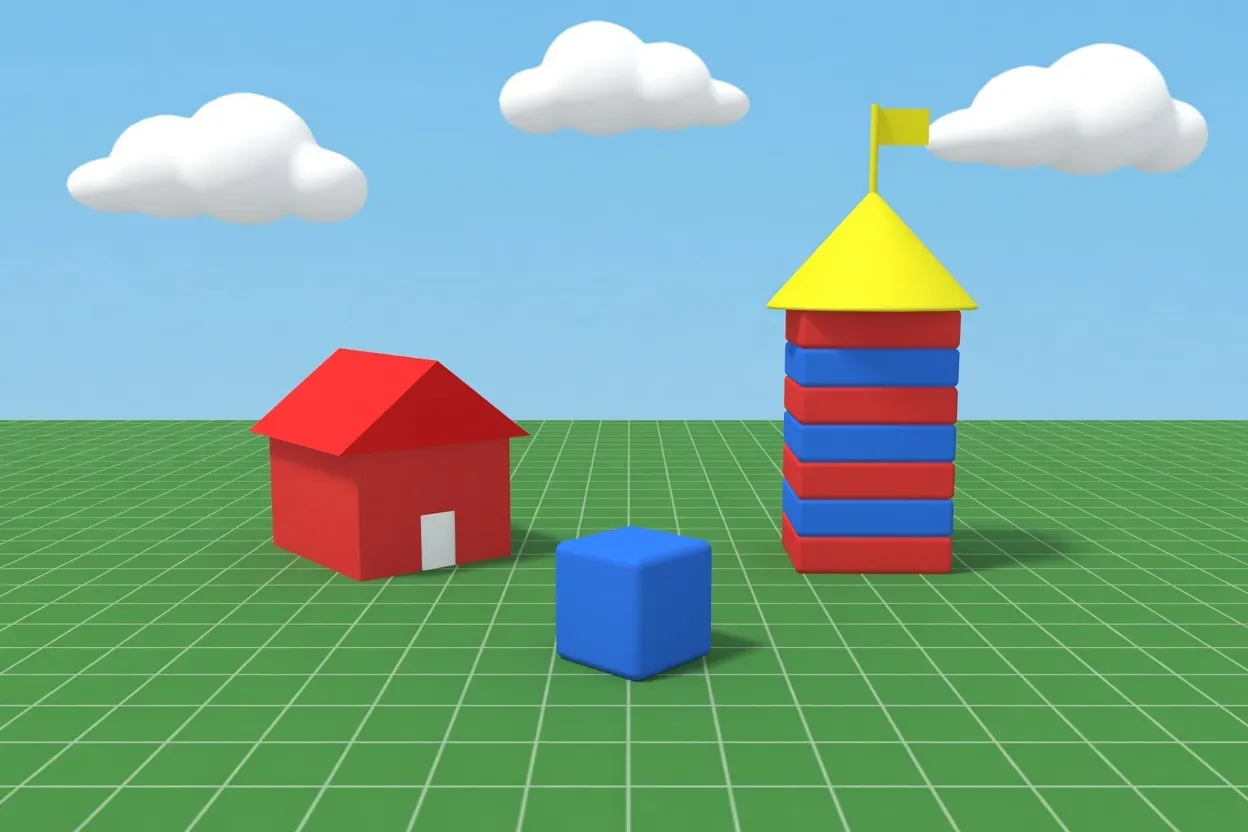
This is the baseplate photo, 3:2. The thumbnail and the icons start here.
The baseplate is a second photograph: a green grid, a red house, a blue cube, and a striped tower. The game thumbnail and the game icon both start from this file. The jersey files above stay with the shirt template. One stretch does not feed both jobs.
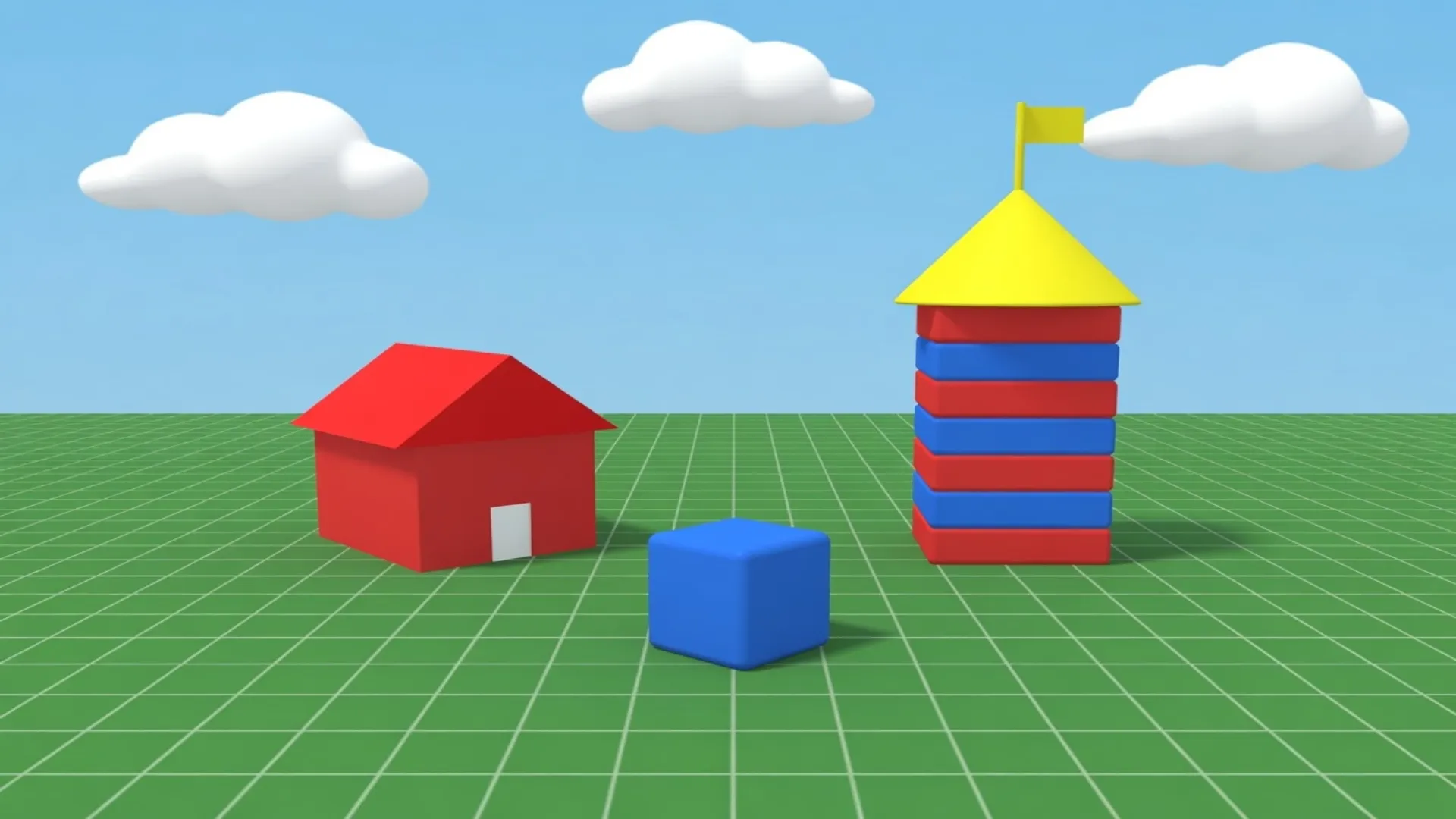
This file is 1920×1080. The baseplate is already the shape Roblox will display.
The game thumbnail is 1920×1080. Roblox shows thumbnails at 16:9 and stretches another upload into that shape, so a 3:2 baseplate becomes this wider frame on the game page. Export 1920×1080 when the tower should land where you placed it.
Six squares share one pixel scale. Two are 512 files, the next is the 420 file, and the three small ones are drawn at 150. Two of those small drawings are larger files shown small. The pass is a file that was saved at 150.
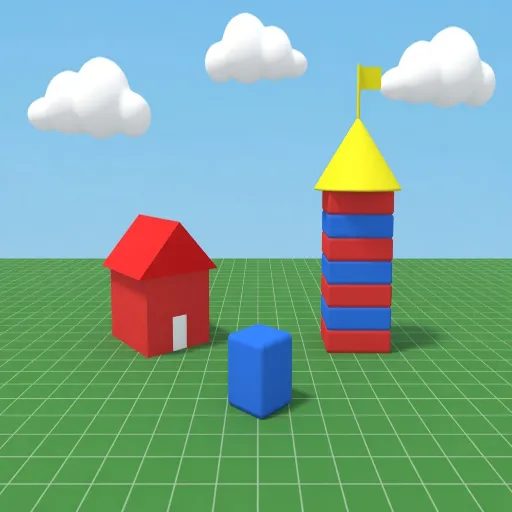
This file is 512×512. The 16:9 thumbnail was filled into the icon box.
This square is the 1920×1080 thumbnail squeezed into 512×512. The tower gets shorter and the house gets wider. That is what happens when the wide file is asked to become the game icon. The games list wants a square cut from the scene, then a scale.
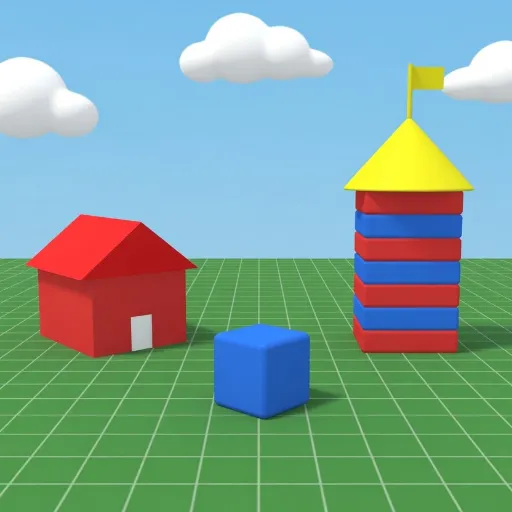
This file is 512×512. A square was cut from the baseplate, then scaled.
The game icon is 512×512. This one is the middle of the baseplate, scaled up to the upload size Roblox asks for. The site then draws that same file smaller in places, including a 150 view. Fine lines that only read at 512 disappear in that smaller drawing, which is why the row ends with the icon shown small.
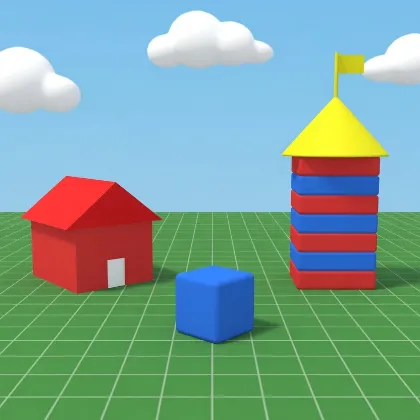
This file is 420×420. Same center as the game icon, fewer pixels.
The group emblem on this page is 420×420, the same center of the baseplate with fewer pixels than the game icon. Roblox also serves a group icon at 150×150. That smaller drawing is the last square in this row, and it is still this file, not a second design.
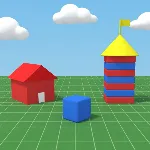
This file is 150×150. The pass is authored at this size.
The game pass icon is its own 150×150 file, a further shrink of the baseplate's center. It sits at the same screen size as the two shrunk files beside it so the pixels can be compared. A pass that started as the thumbnail has already thrown away the detail those two files still keep.
Same 512×512 file, drawn here at 150×150.
This is the 512×512 game icon drawn at 150×150, a size Roblox uses when the icon is scaled down. The file did not change. A pass icon is authored at 150×150, so its pixels were discarded when the file was saved. Preview the icon at this size before you rely on small shapes.
Same 420×420 file, drawn here at 150×150.
The last small square is the 420×420 group emblem drawn at 150×150. It is the same file as the larger emblem, the other size Roblox serves for a group icon. On screen it lines up with the pass icon, and it is still the baseplate.
Pick the Roblox row before you stretch
The chart above is five uploads. The shirt row is the unwrap. The thumbnail row is the wide scene. The three square rows do not share a file.
- Step 1
Open the photograph that matches the row
The jersey photo feeds the shirt template. The baseplate photo feeds the thumbnail and the icons. The shirt row on this page is 585×559.
- Step 2
Choose one row in the chart
Game icon, game thumbnail, group emblem, shirt and pants template, or game pass. A square row stays square. The thumbnail row is the wide one.
- Step 3
Cut a square, then scale the icon
An icon is the middle of the scene, then a scale. Filling the icon box with the wide thumbnail squeezes the tower and the house.
- Step 4
Save the file that row expects
PNG keeps flat color on the template, the icon, the emblem, and the pass. JPEG is enough for a photographic thumbnail.
Roblox 585×559 template FAQ
- What is the Roblox shirt template size?
- Shirt and pants templates are 585×559. The sheet is built from 128×128, 64×128, 128×64, and 64×64 panels, and pants reuse the canvas with another map. A classic T-shirt is a front patch, not this unwrap. Roblox documents the panels at https://create.roblox.com/docs/art/classic-clothing
- Why does a Roblox thumbnail look stretched?
- The game thumbnail is 1920×1080. Roblox displays thumbnails at 16:9 and stretches other shapes to match, so the wide file should already be that size before upload. The thumbnail notes are at https://create.roblox.com/docs/production/publishing/thumbnails
- Can the game icon be the thumbnail squeezed into a square?
- The game icon is a square of at least 512×512. Roblox then draws that icon smaller, including at 150×150, which is a scale of the same file. Squeezing 1920×1080 into the square warps the scene. Icon upload notes are at https://create.roblox.com/docs/production/publishing/experience-icons
- How is the group emblem different from the game pass?
- This page's group emblem is 420×420, and Roblox also serves that icon at 150×150. The game pass icon is a separate file saved at 150×150. The two can share a screen size and still be different files.
- What should I download for a Roblox upload?
- PNG for the shirt template, the game icon, the group emblem, and the game pass. JPEG is reasonable for a photographic thumbnail. The stretch stays in the browser until you save the file.