Image stretcher
Stretch a Shopify product photo to 2048×2048
A Shopify product photo on this page is 2048×2048. The store image is 1200×1200 and the collection image is 1024×1024. The slideshow is 1920×1200, the banner is 1920×1080, and the blog image is 1200×628. The logo is 400×100. The favicon is 32×32.
Shopify product, slideshow, and logo
The chart is the row picker. The pictures below follow the order a storefront uses: header, catalog, then the campaign.
Size chart
Pixel width, height, and the reduced ratio for every template on this page.
| Template | Width | Height | Ratio |
|---|---|---|---|
| Banner | 1920 | 1080 | 16:9 |
| Slideshow | 1920 | 1200 | 8:5 |
| Product Photo | 2048 | 2048 | 1:1 |
| Store Image | 1200 | 1200 | 1:1 |
| Collection Image | 1024 | 1024 | 1:1 |
| Blog Post Image | 1200 | 628 | 300:157 |
| Logo | 400 | 100 | 4:1 |
| Favicon | 32 | 32 | 1:1 |
The header wants a bar, not the product square

This file is 400×100. The header slot is a bar, and the product photo is what got pulled.
The header slot is four times as wide as it is tall. The box, the brass cylinder, and the twine in this bar are the product photo pulled sideways until they fit. A wordmark belongs in that slot. A pack shot does not. The edges of a wordmark stay hard as PNG. A photographic smear does not become a logo by being saved smaller.
The smear is the lesson, not an asset to upload. If the header needs a wordmark, set type on a transparent PNG in this bar's shape. Do not run the product photo through the stretch and send the result up as the logo.

This file is 32×32. Shown larger here so the loss is visible. The tab draws it at this pixel count.
The browser tab draws this square at its real pixel count. The same product photo, reduced until the box is only a few pixels across, no longer reads as a box. Draw a separate mark. Do not export the header bar down into this square and expect the word to survive.
A wide wordmark squeezed into the tab icon loses the letters. The square product file loses the object. Either way the tab gets a speck. Build the icon as its own PNG, with one simple shape and no sentence on it.
Three squares, three pixel counts
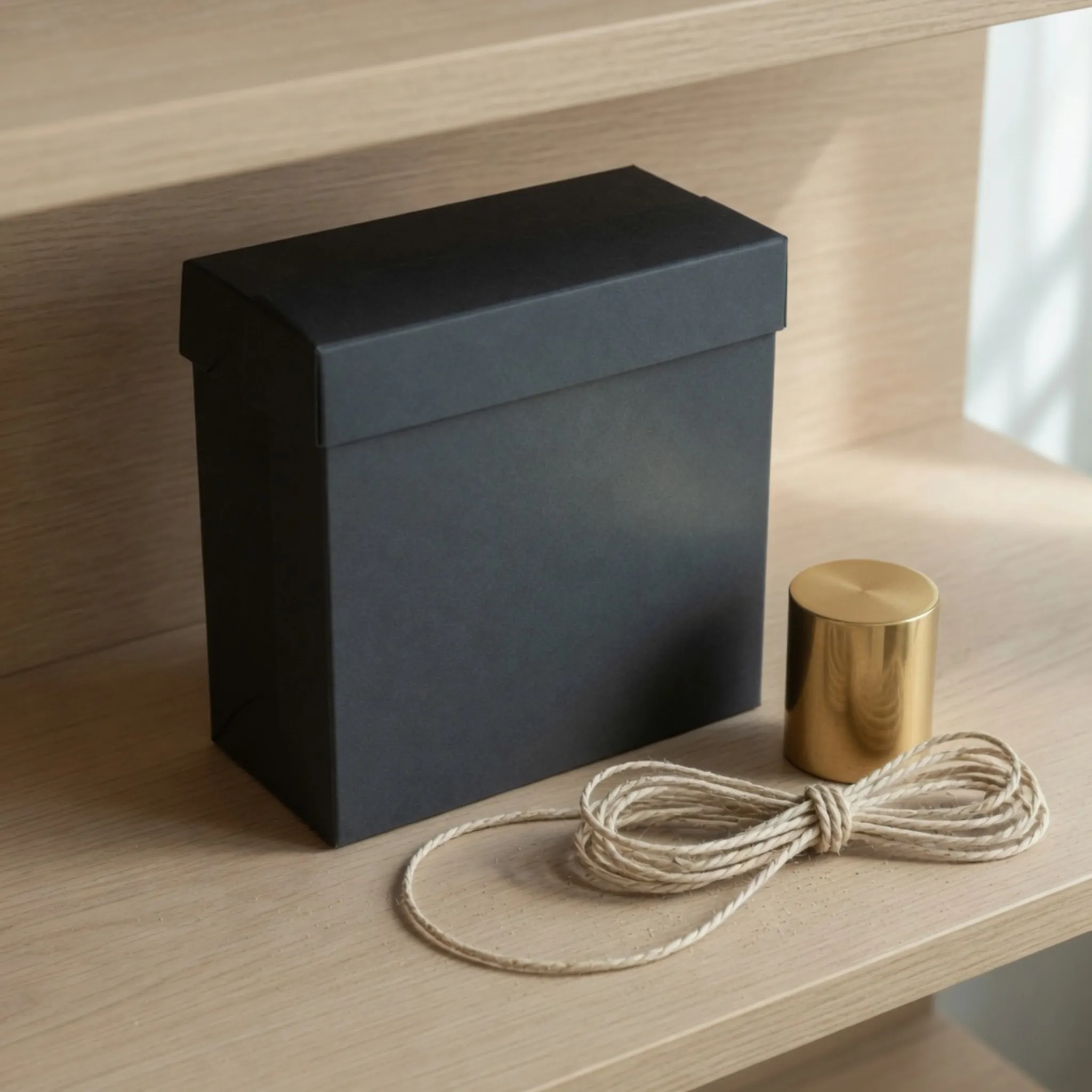
This file is 2048×2048. The shape was already square. The row only adds pixels.
The master behind this picture is already square, so this row does not change the shape. It only adds pixels. A small square enlarged until it fills the product row goes soft. Start from a file at least this large when the listing has to stay sharp.
The object in a square listing can stay square. Stretch a wide lifestyle shot into this row and the box gets taller than the shelf it sat on. Crop the wide shot when the object has to keep its proportions.
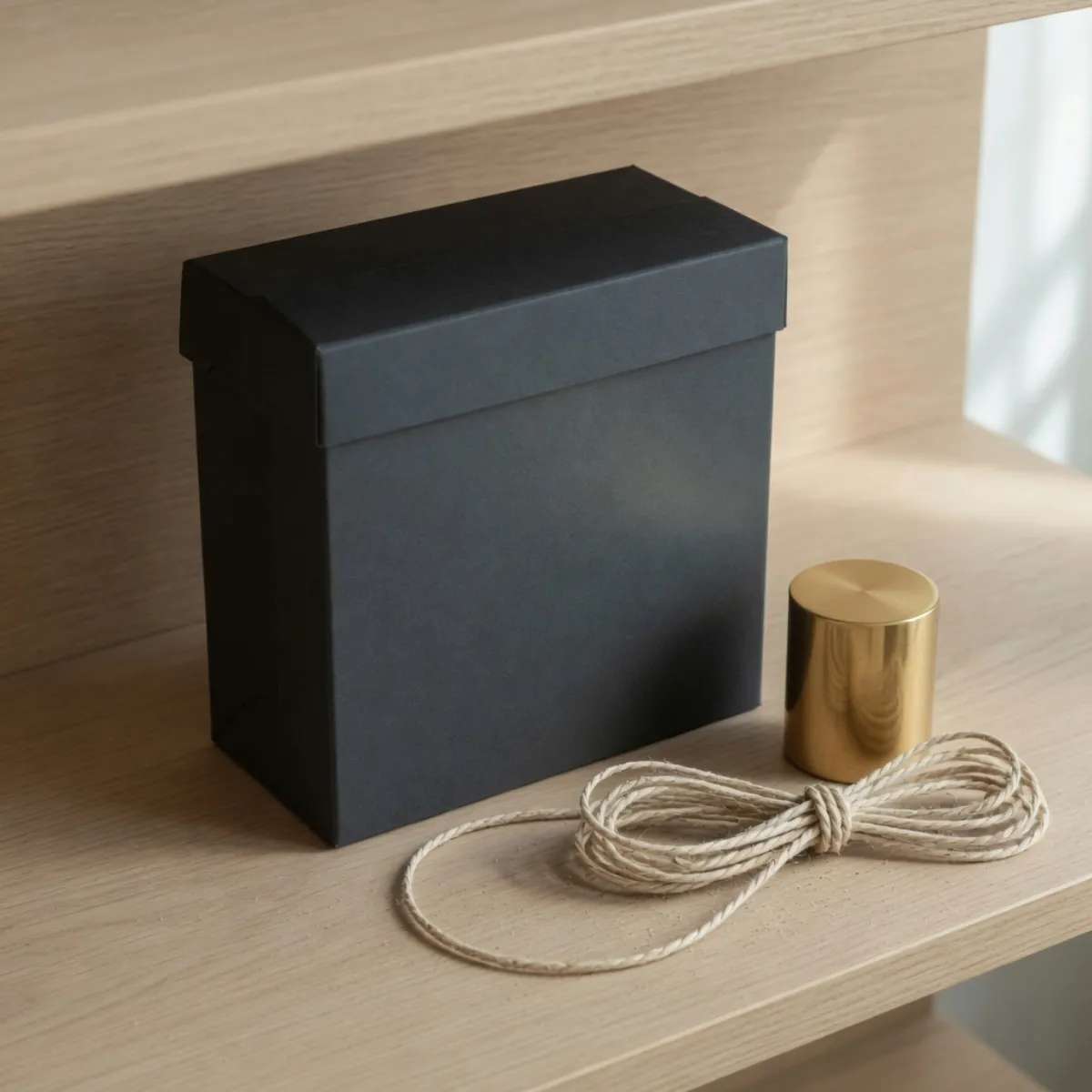
This file is 1200×1200. Same picture as the product square, a smaller pixel count.
Use this where the theme asks for a store image. It is the product square with fewer pixels, not a new crop and not a new object. Export this size when the theme wants the file itself, rather than shrinking the product row in the browser and hoping the upload matches.
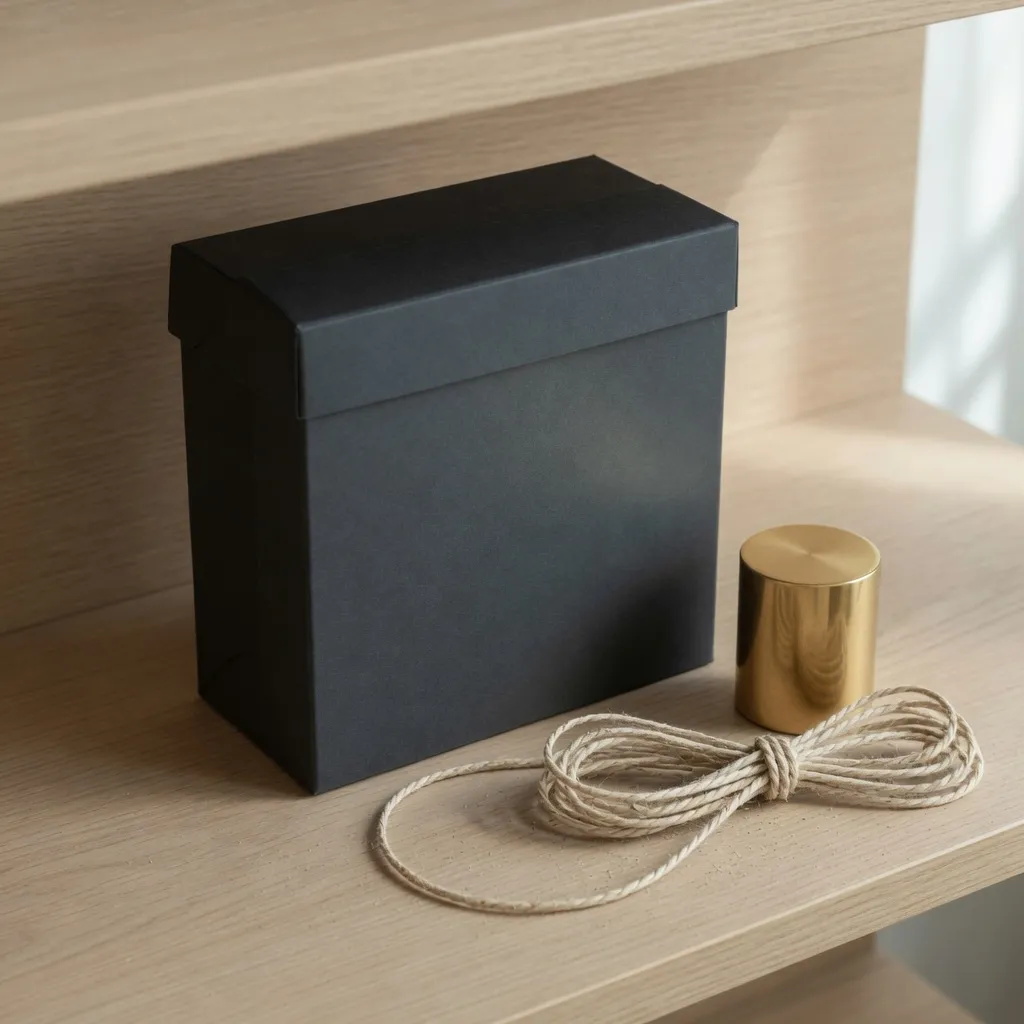
This file is 1024×1024. It matches the square master, so nothing was enlarged.
A collection tile that looks identical to the product photo is expected. Nothing was cropped and nothing was enlarged. The difference is the pixel count. A collection that needs its own scene is a second photograph, not a stretch of this one.
The slideshow is a taller hero than the banner
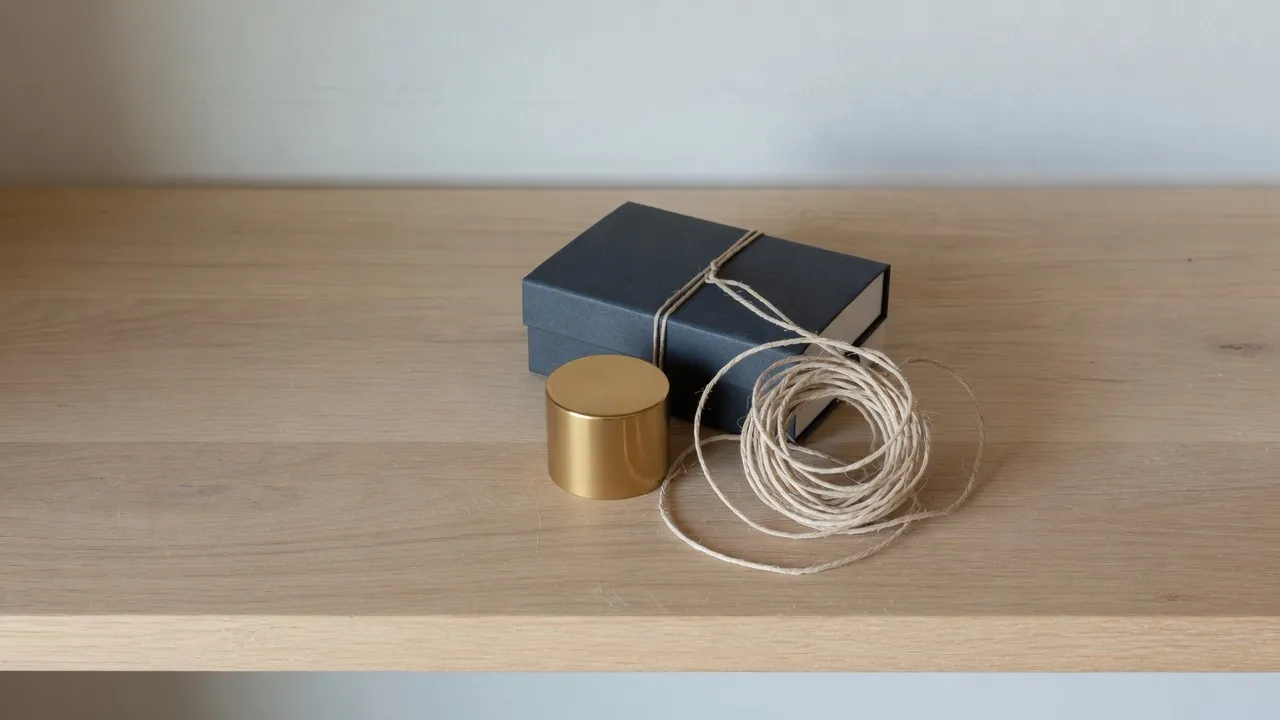
This is the campaign photo, 16:9. The banner, the slideshow, and the blog image come from this file, not from the product square.
Empty shelf at both ends is the part a taller or wider export will pull. Keep the box near the middle.
This wide file is not the product square laid on its side. The banner, the slideshow, and the blog image are stretches of this shelf. Swap in the square and every hero becomes the header-bar problem at a larger size.
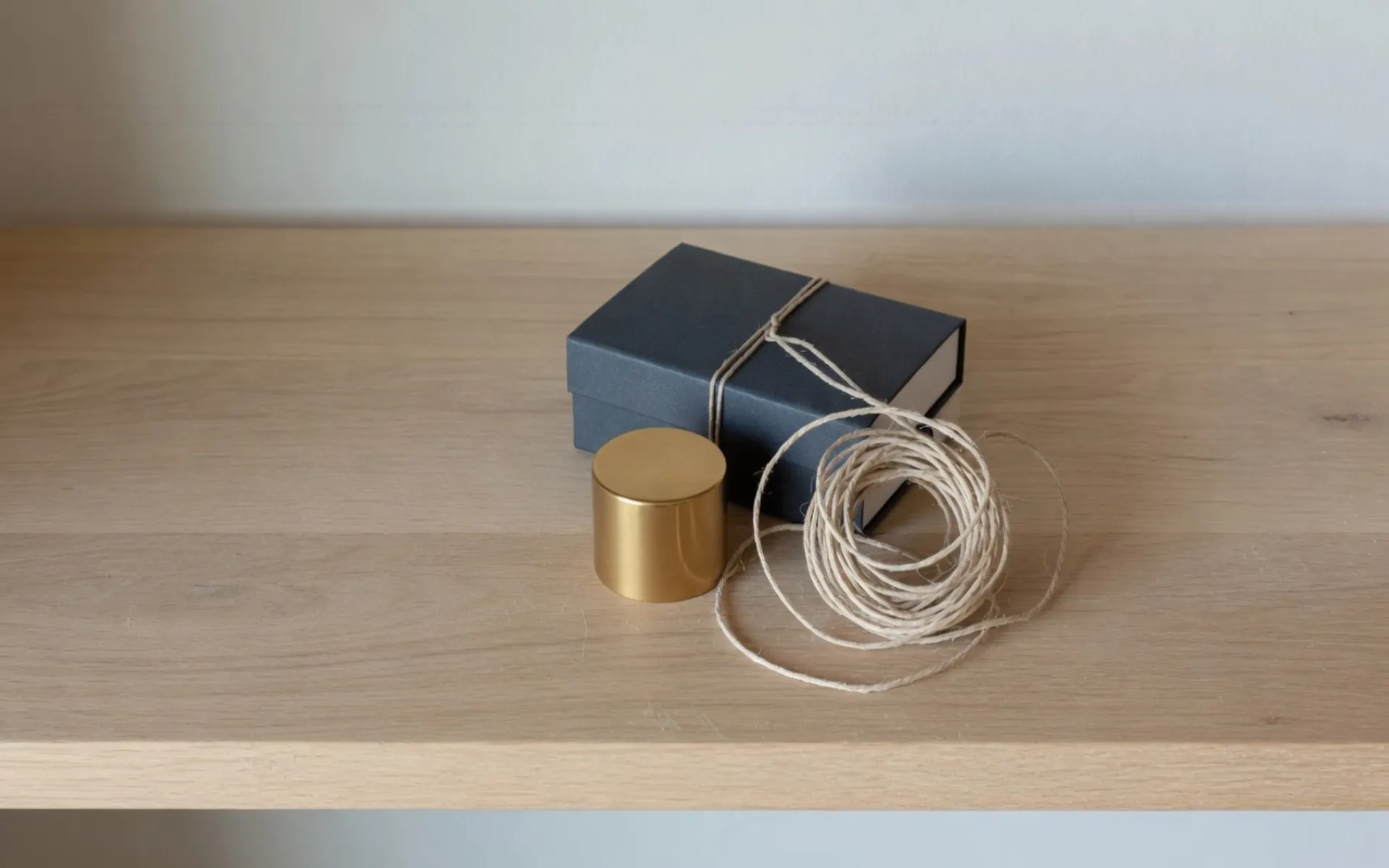
This file is 1920×1200. Same width as the banner, and taller.
Both heroes share a width. This one is taller, so a 16:9 campaign photo has to grow on the vertical axis. The box and the shelf get taller. A banner export leaves a gap, or the theme crops the extra height this file was made to fill.
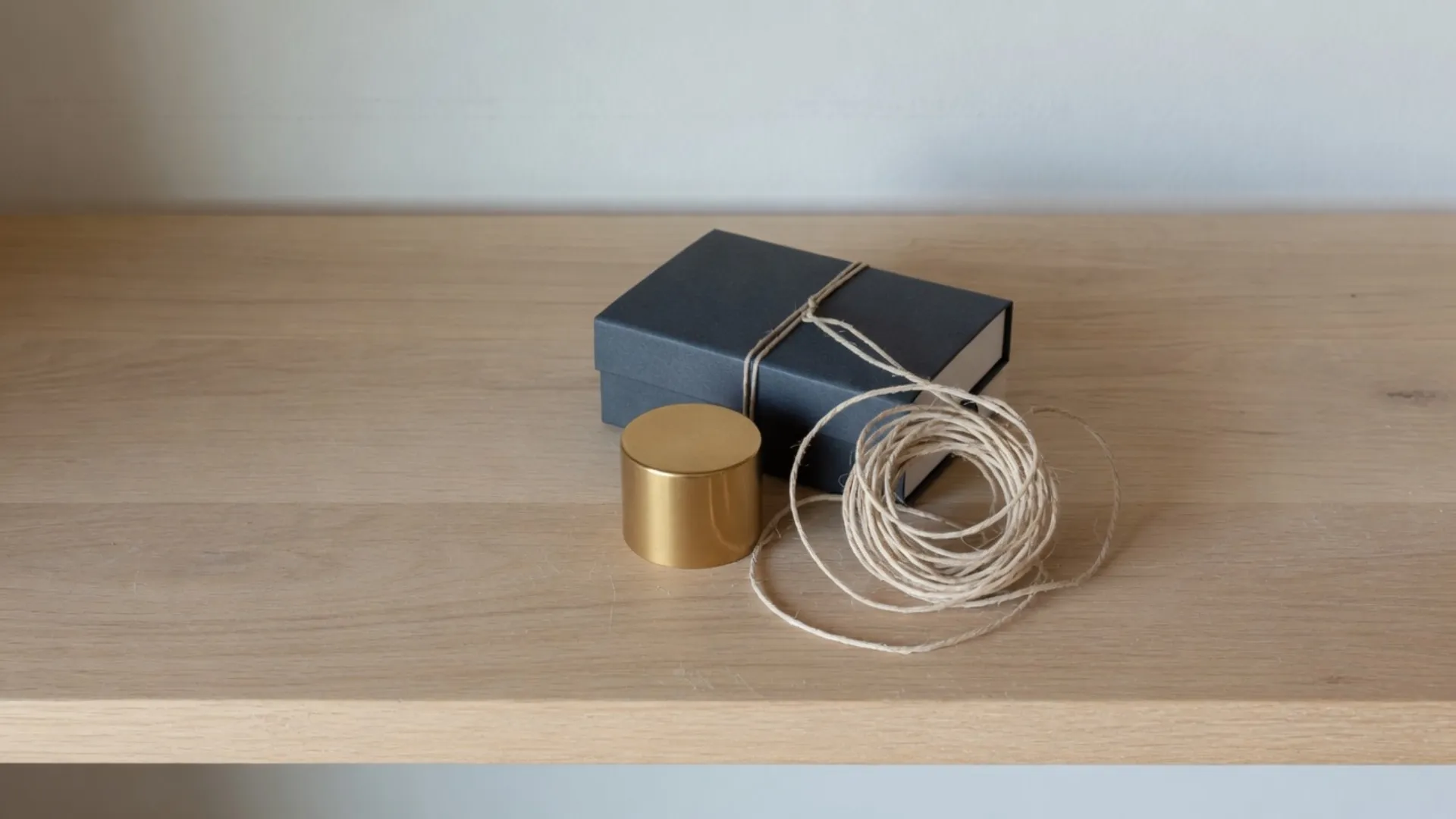
This file is 1920×1080. Same shape as the campaign photo, more pixels.
This hero keeps the campaign photo's shape and only adds pixels, so the box does not get taller. Put it in the slideshow slot and the theme will letterbox it or crop the height the taller file was carrying. They are neighbors in the chart and they are not interchangeable.
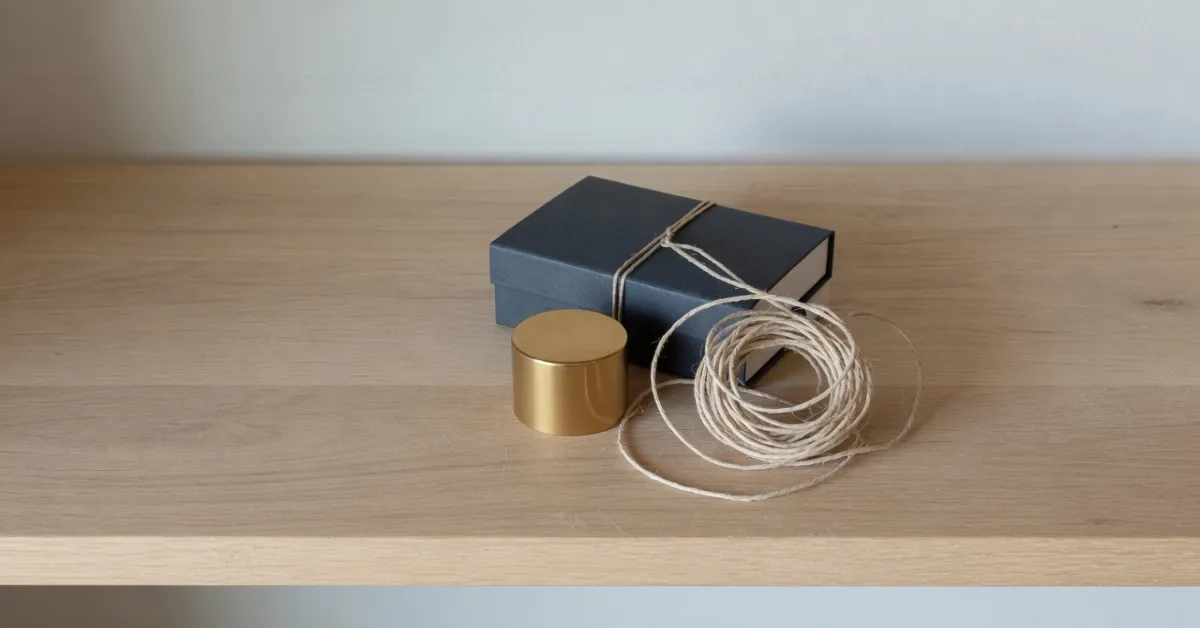
This file is 1200×628. Wider than the banner relative to its height, the shape of a link card.
A link card is wider, relative to its height, than the banner. The campaign photo has to be pulled sideways to fill it. The product square will not fill this card without that same sideways pull, and this card will not fill the taller hero.
JPEG is enough for the photographic heroes and the product squares. The header bar and the tab icon fall apart as JPEG. Those two stay PNG.
Pick the Shopify row before you stretch
The chart is the menu. Each row is a different file. The note under that picture says which edge moves.
- Step 1
Open the still that matches the job
Catalog squares come from a square master. The heroes come from a wide campaign photo. Those are two files. One export will not fill both.
- Step 2
Square rows
Product, store image, and collection keep the square. Read the note under each picture before you enlarge a small master. A wide lifestyle shot needs a crop when the object has to stay itself.
- Step 3
Hero rows
The slideshow row is the taller hero. The banner row keeps the campaign photo's shape. The blog row is a wider card. The notes under those three files say which edge moves.
- Step 4
Header bar and tab icon
Keep both as PNG. The note under the bar and the note beside the small square say why a product photo fails in each slot.
Shopify image size FAQ
- Which Shopify sizes can I stretch on this page?
- Banner 1920×1080, slideshow 1920×1200, product 2048×2048, store image 1200×1200, collection 1024×1024, blog image 1200×628, logo 400×100, favicon 32×32.
- Do the Shopify banner and slideshow match?
- They share a width. The slideshow is the taller of the two heroes. The campaign section stacks them so the extra height is visible.
- Should a product photo be stretched to square?
- Only when the source is not already square. The product picture on this page keeps its shape and only changes the pixel count. Crop a wide shot when the object has to stay undistorted.
- Can the logo become the favicon?
- A wide bar squeezed into the tab icon is unreadable, and so is the product photo. Draw a separate mark for the tab.
- What should I download for Shopify?
- JPEG for product photos and photographic heroes. PNG for the logo and the favicon.