Image stretcher
Stretch a Snapchat geofilter to 1080×2340
Snapchat story, Spotlight, and ad images on this page are 1080×1920. A geofilter is taller, at 1080×2340. The profile icon is 320×320, a square that does not come from either tall frame.
Snapchat story, Spotlight, and geofilter
Width matches on the tall rows. Height is the decision.
Size chart
Pixel width, height, and the reduced ratio for every template on this page.
| Template | Width | Height | Ratio |
|---|---|---|---|
| Story | 1080 | 1920 | 9:16 |
| Profile Icon | 320 | 320 | 1:1 |
| Spotlight | 1080 | 1920 | 9:16 |
| Ad Image | 1080 | 1920 | 9:16 |
| Geofilter | 1080 | 2340 | 6:13 |
What 1080×2340 adds beyond a 1080×1920 story
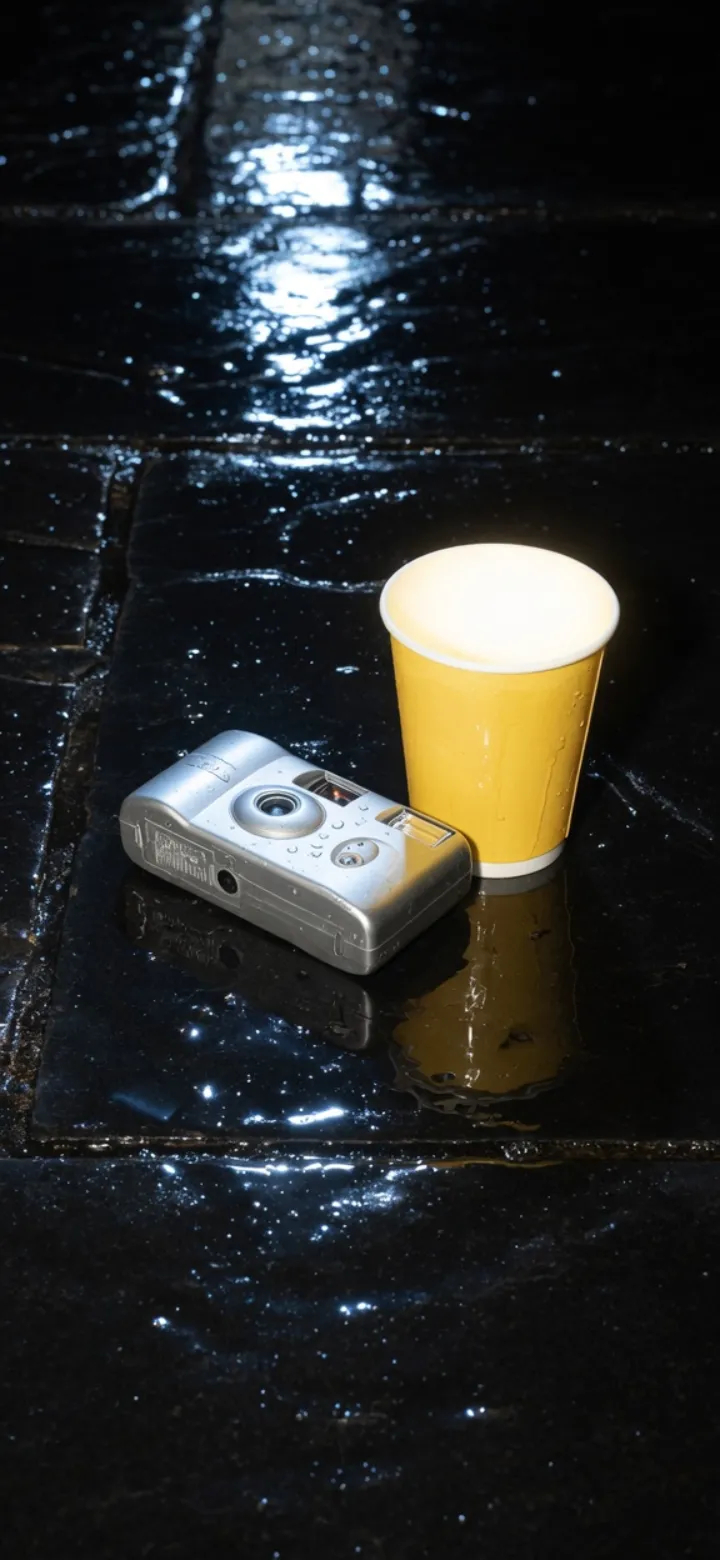
This second file is 1080×2340. The dark ends are the 420 pixels a story file does not have.
The dark ends mark the part a story export does not include. That extra height is split across the top and the bottom, about 210 pixels each. On this page the bands only show the gap. They are not picture you can keep, and they are not an empty margin inside the file Snapchat expects.
Stretching a 1080×1920 story until it fills 1080×2340 pulls every pixel. The subject gets taller. Nothing new appears at the ends, and the stretch does not insert a clean band. Export the geofilter as its own file.
A geofilter drawn with a hard edge belongs in PNG. JPEG will blur that edge when the file is small.
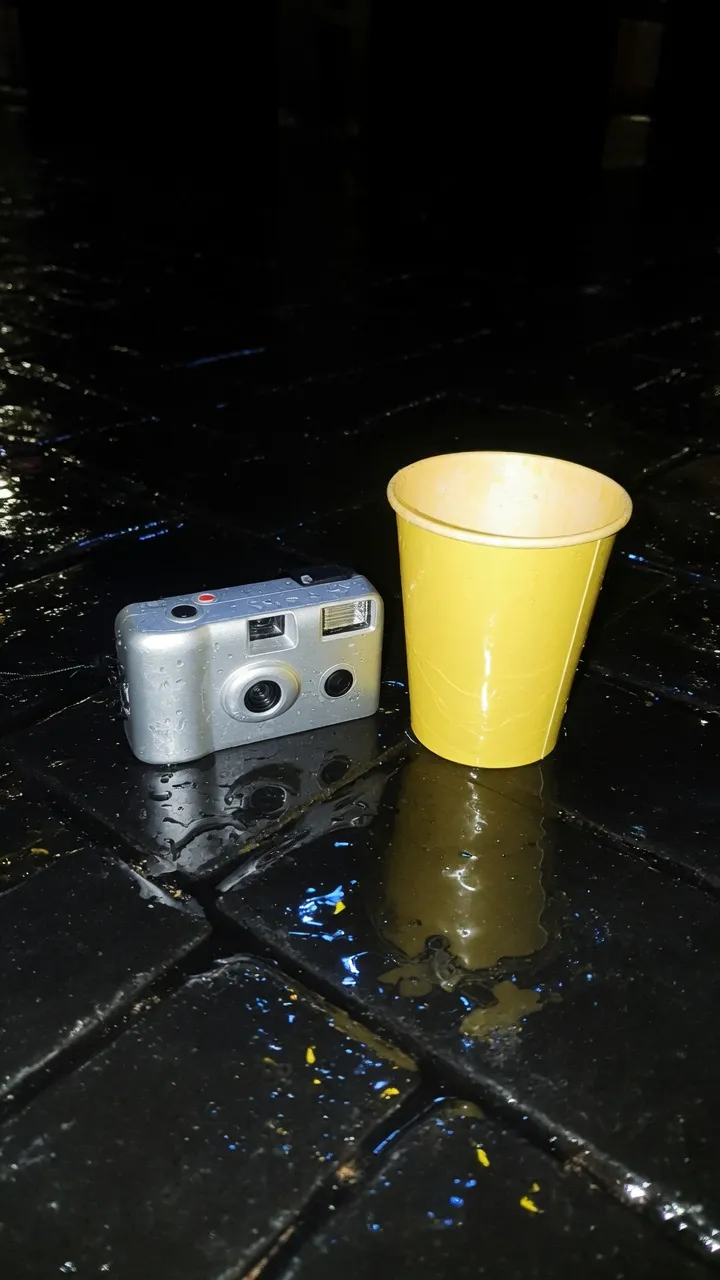
This file is 1080×1920. Spotlight and the ad image use the same box. The name sits at the top and the reply bar sits at the bottom.
Caption tools sit on this picture. Keep the subject in the middle, where the name and the reply bar do not cover it. Spotlight uses this same frame when you post a still. The chart does not give Spotlight a second row.
On an ad, Snap asks for 150px clear of logos at the top and the bottom. Stretching the photo does not check that clearance, and it does not move type out of the reply bar. An ad image on this page is this tall frame, not a landscape banner.
A photographic story can be JPEG. Keep that file separate from the geofilter. One download does not fill both rows on the chart.
The 320×320 icon is drawn as a circle
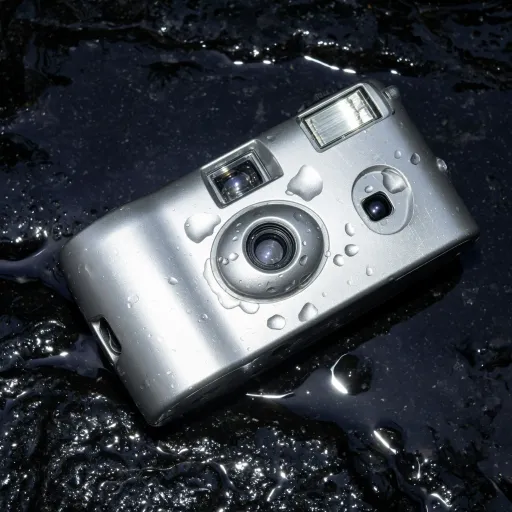
This file is 320×320. The app draws a circle, so the square corners stay hidden.
It is not a frame taken from the story, and it is not a crop of the geofilter. Export this square on its own. Crop a face into the circle instead of stretching one until it fills the square.
Shrinking the story until it fits the icon turns the mark muddy. The circle is small, and a frame that was pulled and then reduced goes soft. The corners the circle hides were never a safe place for the mark.
A story widened to landscape fits neither the geofilter nor this square. The icon needs a file drawn for 320×320, not a resized tall frame.
Snapchat uses this square for the profile, and it draws the circle in the app. It is not a sticker you place on the story, and it does not come along when you export the tall frame.
Snapchat files that share 1080 wide and then diverge
The same 1080×2340 file with both ends left visible. It is still 420 pixels taller than the story.
Taller than the story. A pulled story is not a clean band.
The 1080×1920 file on its own. Spotlight uses this box. It is not a crop of the geofilter.
Crop the person. Stretch is for graphics and scenes that can absorb the warp.
Pick the Snapchat row before you stretch
The chart is the menu. Each row is a different file. The notes under the pictures say what that file has to contain.
- Step 1
Open the still
Use a graphic or a scene. Crop a face. Do not stretch it.
- Step 2
Story row
Story, Spotlight, and Ad Image share one row. Place logos in the clear area described under the story file.
- Step 3
Geofilter row
It is taller than the story by 420 pixels. Stretching the story pulls the picture. Read the note under the taller file before you export.
- Step 4
Profile row
Keep the icon as its own square. Do not shrink the story and call it the icon. The note beside the circle says why.
Snapchat geofilter and story FAQ
- Is a Snapchat geofilter the same file as a story?
- No. The filter is taller. Pulling the story to fill it warps the picture.
- Do Spotlight and the ad image match the story here?
- Yes. They share the story row on this chart.
- Should I stretch a face into a snap?
- No. Crop the person into the story frame.
- What should I download?
- JPEG for a photographic story. PNG for a geofilter graphic and for the icon.
- Can one export fill every Snapchat row?
- No. Save the story and the filter as two files, and export the icon on its own.