Image stretcher
Stretch a SoundCloud profile banner to 2480×520
A SoundCloud profile banner is 2480×520, a very wide strip. The track cover is 800×800. A square cover stretched into that banner becomes a thin band, and the track art does not replace the banner.
SoundCloud banner and track cover
The profile banner is 2480×520. The track cover is 800×800.
Size chart
Pixel width, height, and the reduced ratio for every template on this page.
| Template | Width | Height | Ratio |
|---|---|---|---|
| Profile Banner | 2480 | 520 | 62:13 |
| Track Cover | 800 | 800 | 1:1 |
What 2480×520 does to an 800×800 track cover
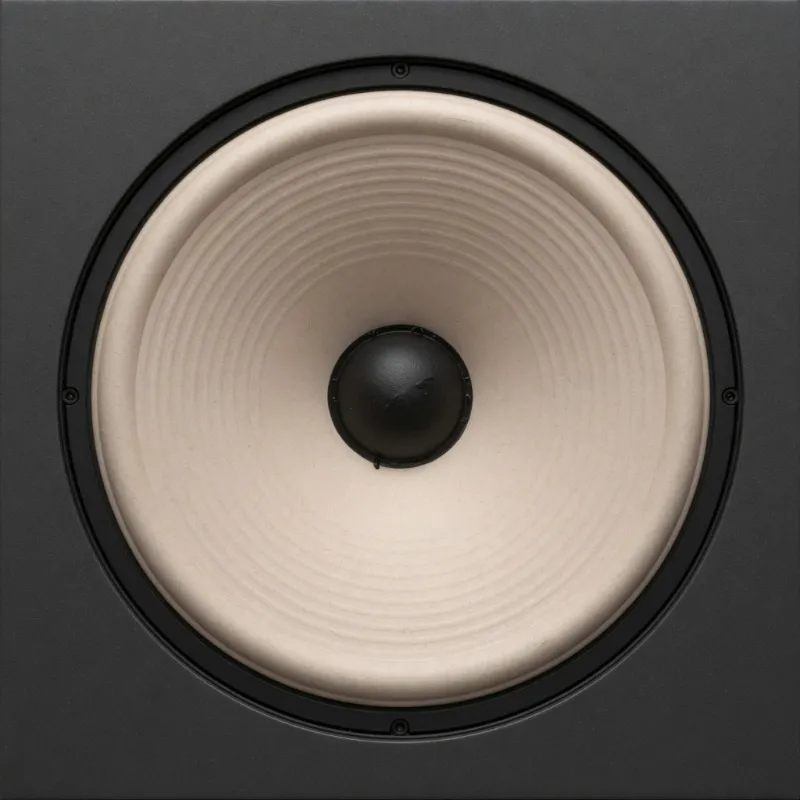
This file stays square at 800×800. It is the track cover. In the player it sits beside the waveform, so the profile header still needs its own file.
The banner is about five times as wide as it is tall. An 800×800 cover pulled sideways to 2480×520 squashes the artwork into a strip.
Listeners see the track cover in the player. They see the banner on the profile. One file cannot be both without a second stretch.
The square file is the track cover. The wide file is a second photo fitted to the profile banner. Listeners still meet the square in the player.
The player keeps the square
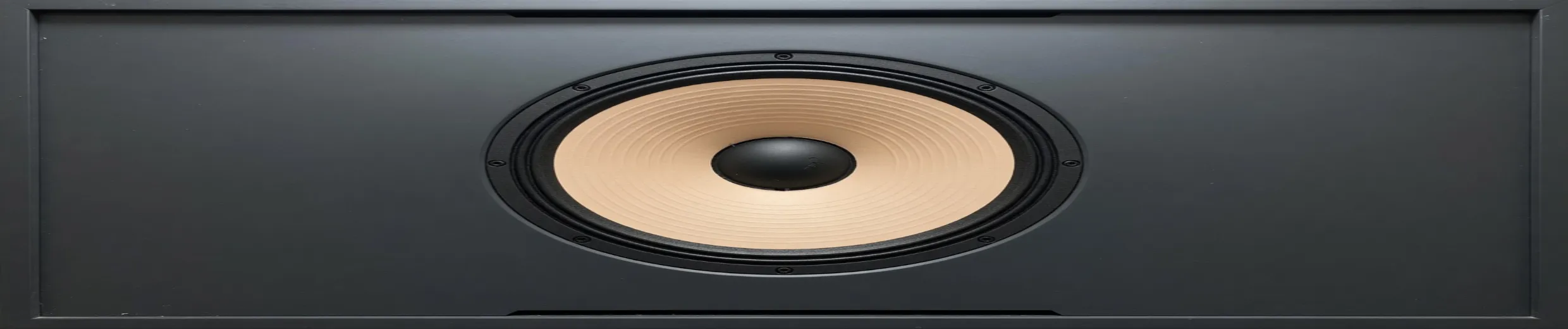
This second file is fitted to 2480×520. On a 1280-pixel window the round profile photo is a 198-pixel circle, 28 pixels in from the left. It does not cover the middle. On the profile the cone is an ellipse, and a name in that left circle is hidden.
The round profile photo sits on the left of that strip, not the middle. The strip is only 520 pixels tall.
Type on the banner has to stay inside 520 pixels of height. A title that fits an 800×800 cover often will not fit that strip.

The 800×800 cover pulled to 2480×520. The cone is a flat ellipse. This is not the banner file.
A track cover is 800×800 and sits in the player. Stretching that square into the 2480×520 banner smears the artwork.
Scaling the square up and sideways is not a clean 2480×520 banner.
The avatar sits on the banner
The banner again. The circle sits on the left of this strip, over the second photo, not over the middle.
SoundCloud places the round profile photo on the left of the 2480×520 banner. Leave that corner clear of type.
The cover file drawn as that circle. It is 198 pixels on a 1280-pixel window, 28 pixels in from the left edge.
Flat track art at 800×800 keeps its edges as PNG. A photographic profile banner at 2480×520 can be JPEG.
Playlist grids
The same square, the size a playlist uses. A slice of the banner makes a bad cover.
The flattened cover once more, at the same height as a narrower banner. The ellipse does not match the second photo.
The track cover is the square listeners see. A banner slice makes a bad 800×800.
Download PNG for a SoundCloud track cover at 800×800 when it is illustrated. Download JPEG for a photographic 2480×520 banner.
How to stretch an image for a SoundCloud frame
This page has two SoundCloud files: a very wide profile banner and a square track cover. There is no story size here.
- Step 1
Open the banner artwork wide
Profile banner is 2480×520. That is a strip, close to 5:1. A square album cover will not fill it without a hard horizontal stretch.
- Step 2
Pick the SoundCloud row
Profile banner is 2480×520. Track cover is 800×800.
- Step 3
Leave the banner’s left for the avatar
The round profile photo sits on the left of the 2480×520 banner. A title in that left circle is covered.
- Step 4
Export the track cover as its own square
800×800 is the art beside the waveform. Download PNG for type and illustrated covers, JPEG for a photo. Do not scale the banner down and crop a square out of the blur.
SoundCloud 2480×520 banner FAQ
- Which SoundCloud sizes can I stretch on this page?
- Profile banner is 2480×520. Track cover is 800×800.
- Will a square album cover fill the SoundCloud banner?
- Only if you stretch it to 2480×520, which flattens the art. Design the banner as a strip.
- Is the track cover 1:1?
- Yes. 800×800. The banner is not.
- Where should the artist name sit on the banner?
- On the left. A 1280-pixel window shows a 198-pixel circle about 28 pixels in from the banner's left edge, not over the middle. Add the name after the photo is stretched, and keep it clear of that circle.
- What should I download for SoundCloud?
- PNG for an illustrated 800×800 cover and for a type-led banner. JPEG if the banner is a photograph and PNG is heavy.