Image stretcher
Stretch a Telegram channel banner to 1280×720
A Telegram channel banner is 1280×720. Profile picture, DP, sticker, channel photo, and bot avatar on this page are all 512×512. The banner is the only wide file, and a sticker stretched into it is no longer a sticker.
Telegram banner and 512×512 avatars
The channel banner is 1280×720. Profile, sticker, channel photo, and bot avatar are 512×512.
Size chart
Pixel width, height, and the reduced ratio for every template on this page.
| Template | Width | Height | Ratio |
|---|---|---|---|
| Profile picture | 512 | 512 | 1:1 |
| DP | 512 | 512 | 1:1 |
| Sticker | 512 | 512 | 1:1 |
| Channel photo | 512 | 512 | 1:1 |
| Channel banner | 1280 | 720 | 16:9 |
| Bot avatar | 512 | 512 | 1:1 |
The channel banner is the only wide file
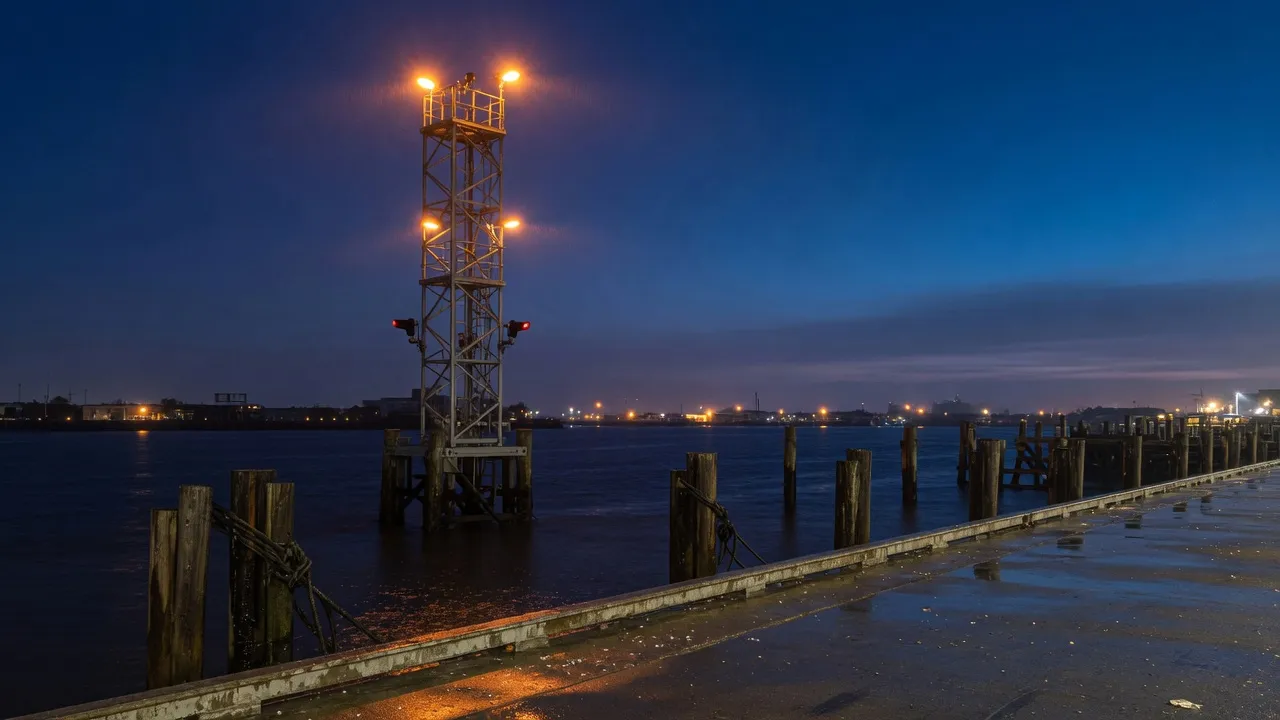
This file is the channel banner, 1280×720.
The night harbor is the channel header. The mast, the wet quay, and the amber lamps stay in the wide picture. A chat does not crop this file into a tall story, and it does not punch a circle out of the middle.
The channel photo is a circle over the lamp. The channel banner is the wide harbor. They are different files.
The chat list draws a circle. The sticker stays square.
Three rows in the list are the same pixel box with different pictures. The square is the file. The circle is the chat. DP shares the profile file, so it does not get a fourth row.
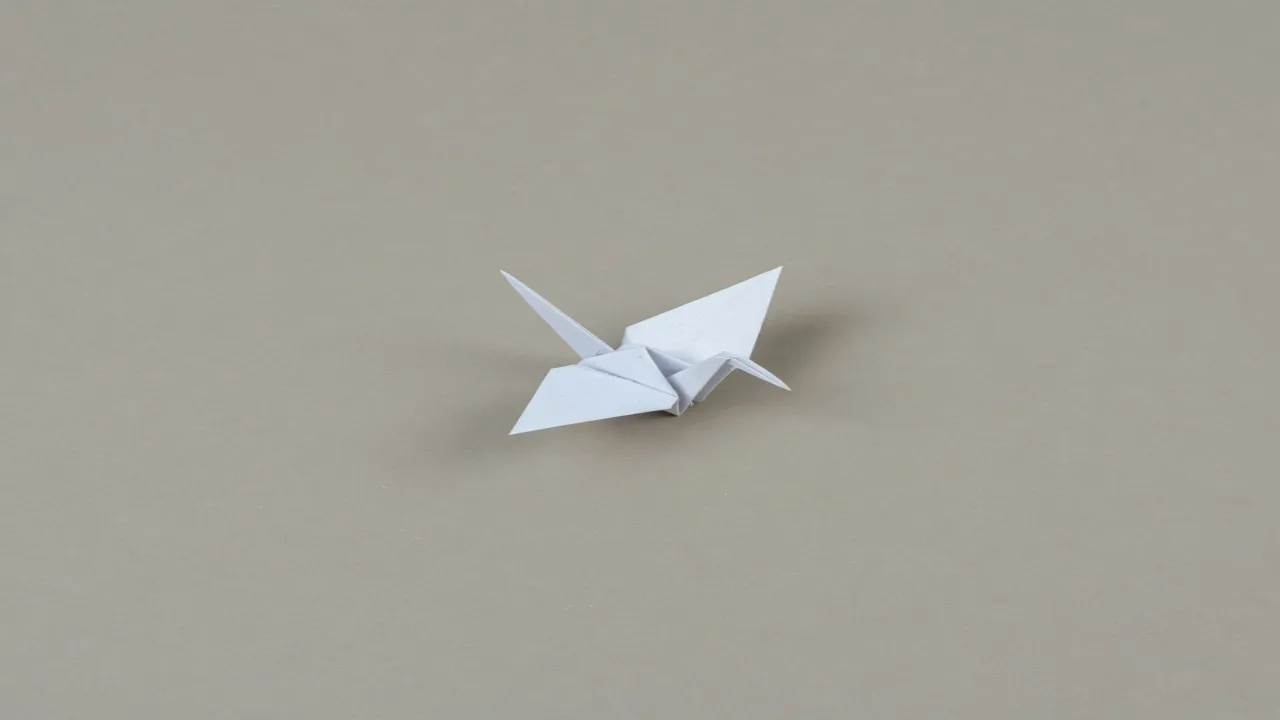
This is the sticker pulled to 1280×720.
The paper crane here is the sticker file pulled sideways until it matches the banner's shape. The empty gray margin collapses and the crane becomes a smear. That file is no longer a sticker, and it is the wrong header.
There is no tall story size on this chart. A 1080×1920 file from another app is not a Telegram row here.

Channel photo file, 512×512.
The same lamp, drawn as the channel circle.
The lamp is the channel photo. The square is the file you export. The circle beside it is the channel header. The lamp sits in the middle, so the circle keeps the glass and drops the corners of the night.
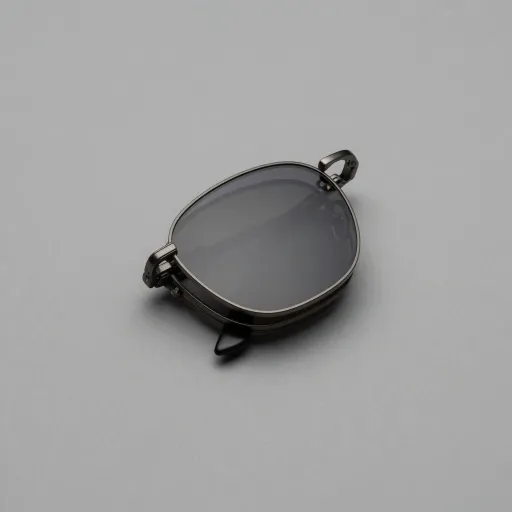
Profile and DP file, 512×512.
The same glasses, drawn as the chat circle.
The sunglasses are the profile and the DP. Both names on this chart are this one square. The chat list draws the circle. The frames stay in the middle, so the circle still reads as glasses.
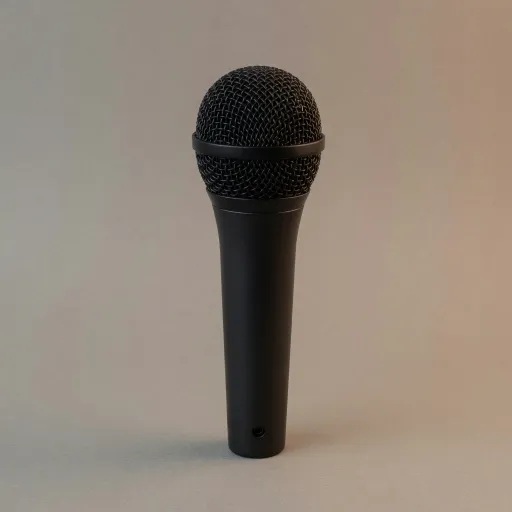
Bot avatar file, 512×512.
The same microphone, drawn as the chat circle.
The microphone is the bot avatar. It is a square file drawn as a circle in the chat list. It is not the harbor, and it is not the crane.
A bot avatar is the microphone, shown as a circle in the chat list. It is not the channel banner.
A sticker or a bot avatar with a flat mark belongs in PNG. A photographic channel banner can be JPEG. The crane and the microphone are not the harbor.
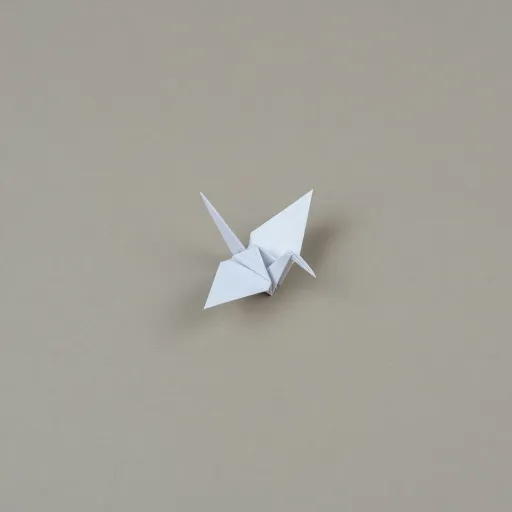
Sticker file, 512×512, with the margin still empty.
The crane sits in the middle of a wide gray field. That empty margin is the sticker: a chat background shows through it. The circle in the list would eat the margin and leave only the bird, which is how a profile behaves, not how a sticker behaves.
Leave the gray field around the crane. A sticker pack wants that quiet edge so the bird can sit on any chat wallpaper. Filling the square edge to edge makes a photo, not a sticker.
A sticker keeps a margin. Detail stays off the edges because the chat does not crop the sticker to a circle.
Download PNG for the sticker. The crane's empty field should stay empty. Download JPEG for the photographic harbor.
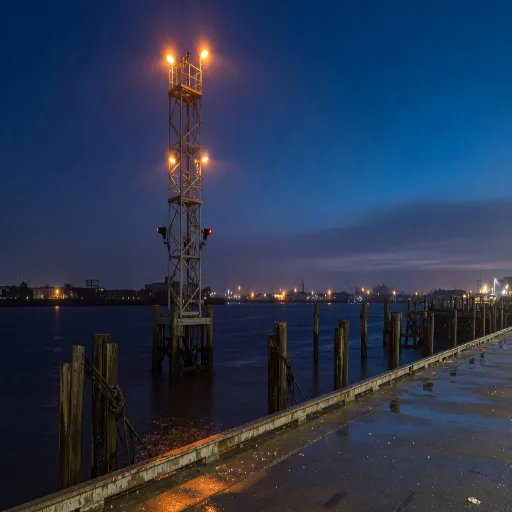
The banner squeezed into 512×512.
The harbor squeezed into a square shortens the mast. That is the channel photo you get if you reuse the banner. The lamp file above is the square that belongs in the circle.
A square mark will not fill the header without stretching width and height on their own. The smeared crane is that stretch.
Reuse one square master only when the picture works as both a profile and a sticker. The banner still needs the harbor, not a stretched crane.
How to stretch an image for a Telegram frame
The banner is a wide photograph. The sticker, the channel photo, the profile, and the bot avatar are squares. One file cannot be both.
- Step 1
Open the file that matches the job
The harbor is the banner. The crane is the sticker. The lamp, the sunglasses, and the microphone are the three circles. Open that picture, not a neighbor.
- Step 2
Pick the Telegram row
Channel banner is 1280×720. Profile picture, DP, sticker, channel photo, and bot avatar are 512×512.
- Step 3
Circles eat the corners, stickers do not
Channel photo, profile, and bot avatar are shown as circles. Keep the mark in the middle of the square. The sticker stays square, with empty edges, because the chat does not mask it.
- Step 4
Export the sticker and the banner apart
Download PNG for the crane so the empty field stays empty. Download JPEG for the photographic harbor. The microphone can ride along as PNG.
Telegram channel banner and sticker FAQ
- Which Telegram sizes can I stretch on this page?
- Channel banner is 1280×720. Profile, DP, channel photo, bot avatar, and sticker are 512×512.
- Is the Telegram channel photo the banner?
- No. The channel photo is the lamp, shown as a circle. The banner is the wide harbor.
- Do the sticker and the profile share a pixel size?
- Yes. The sticker still needs the empty margin around the crane. The profile is the sunglasses, masked to a circle.
- Will a square logo fill the channel banner?
- Only by stretching it, which flattens the mark. The smeared crane is that mistake. Build the banner as its own wide file.
- What should I download for Telegram?
- PNG for the sticker and for a flat bot avatar. JPEG for the photographic banner.