ImageStretcher

Image stretcher

Stretch a LinkedIn cover to 1584×396

A LinkedIn personal cover is 1584×396. The company cover is a shorter strip at 1192×220, and the company banner is 1128×376. The article cover is 1280×720. That 16:9 still will not sit in the personal strip without flattening.

Preview
Controls

LinkedIn personal, company, and article frames

Personal, company, and article rows are different files. The chart is the list.

Size chart

Pixel width, height, and the reduced ratio for every template on this page.

TemplateWidthHeightRatio
Post1200627400:209
Profile Photo4004001:1
Cover photo15843964:1
Banner15843964:1
Background15843964:1
Company logo4004001:1
Article post1200644300:161
Event Cover17764444:1
Newsletter Cover3003001:1
Article Cover128072016:9
Company Banner11283763:1
Company Cover1192220298:55

Company, personal, and company banner are three heights

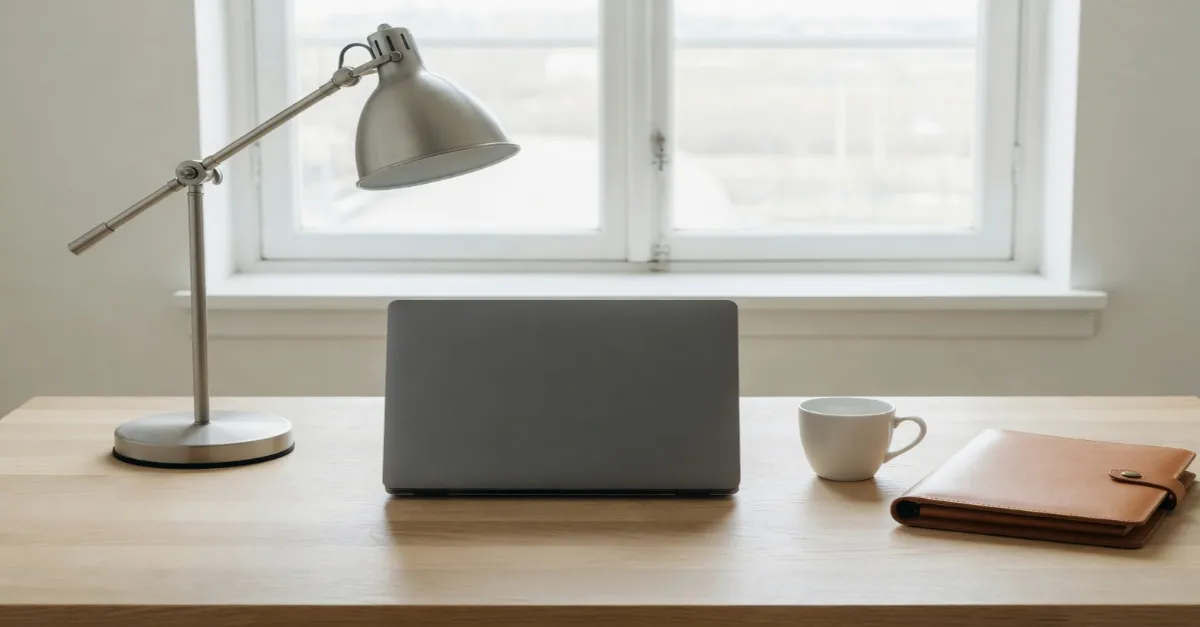
The top ribbon is the company cover. The middle ribbon is the personal cover, with the round profile on its lower left. The bottom ribbon is the company banner. They share a width here, so the height is the difference.

On the company page this is the top strip. The banner below it is a second file, and this cover does not fill that banner.

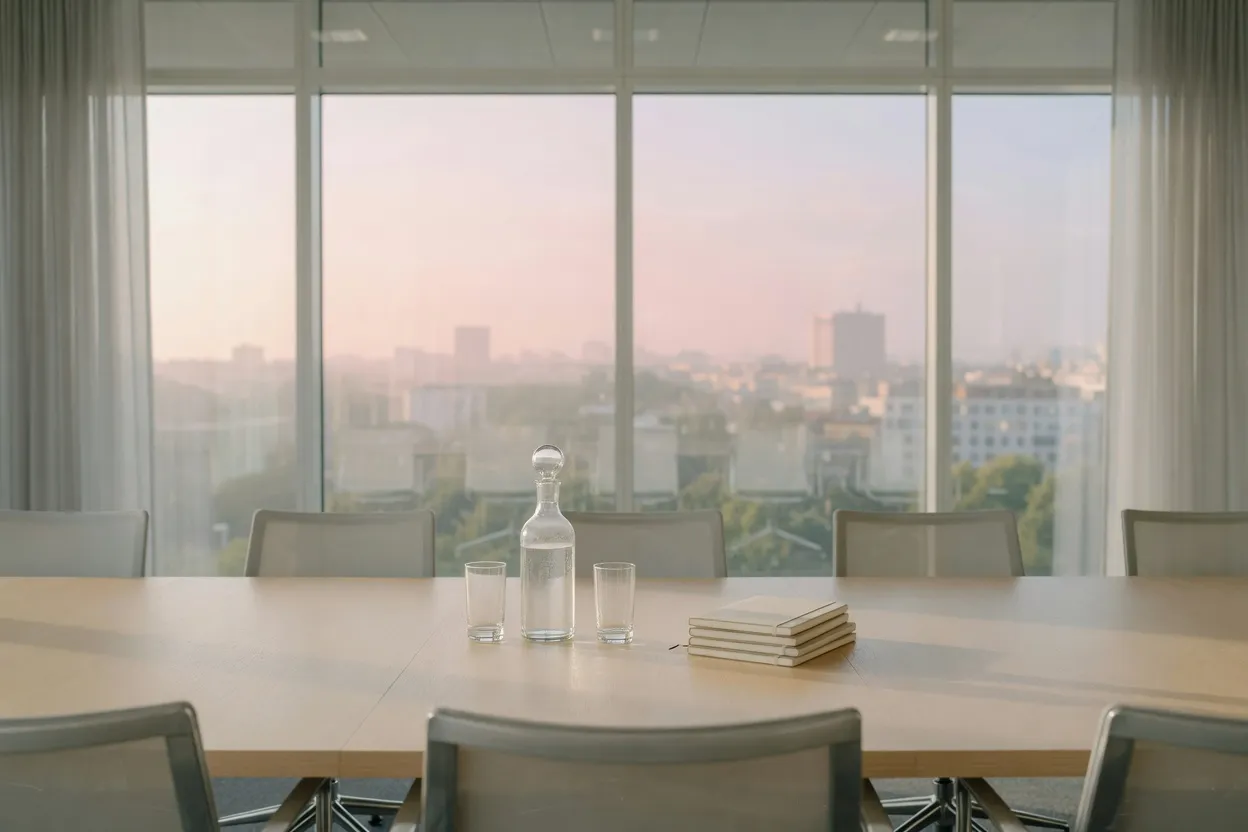
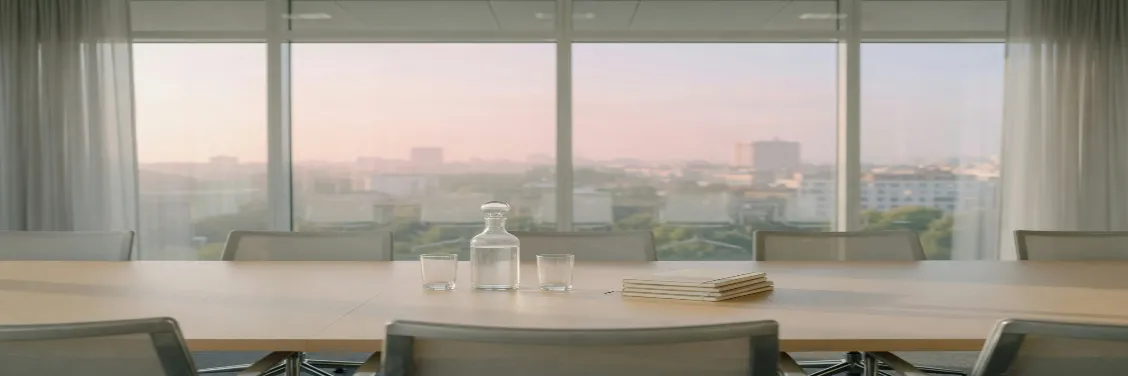
Meeting table with a carafe and notebooks stretched to a LinkedIn company cover
The meeting table stretched to the company cover, 1192×220.

The round profile covers the lower left. Type placed there disappears.

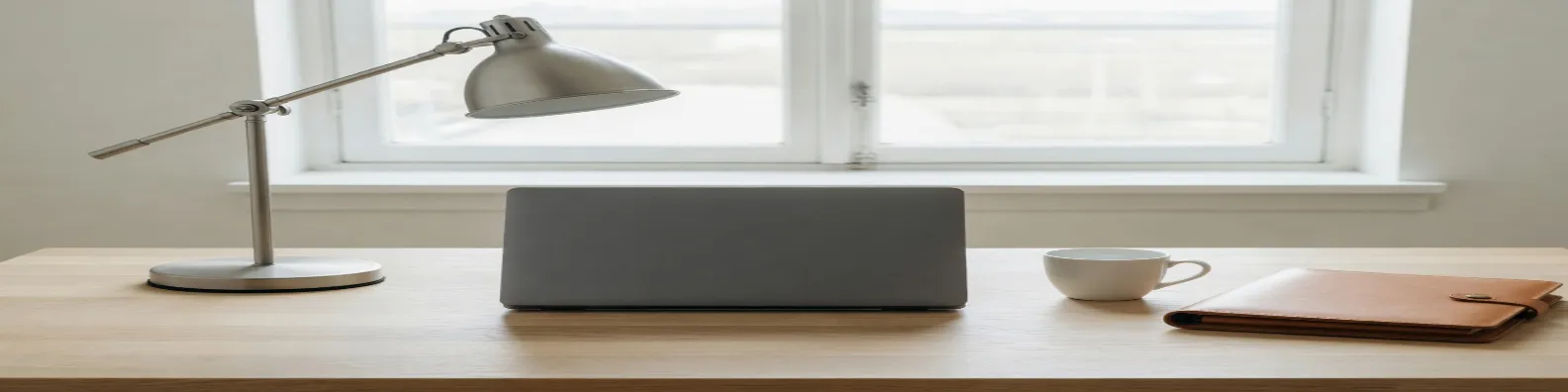
Same desk stretched to a LinkedIn personal cover at 1584×396
Same desk stretched to a square and masked to a circle, a LinkedIn profile at 400×400
The same desk stretched to the personal cover, 1584×396.The round profile is 400×400, the same square as the company logo.

A file stretched for the personal strip leaves the wrong height on the company page.

Meeting table stretched to a LinkedIn company banner at 1128×376
The meeting table stretched to the company banner, 1128×376.

How to stretch an image for a LinkedIn frame

Personal covers, company covers, and life-event banners on LinkedIn are all short and wide, and they are not the same short-and-wide.

  1. Step 1

    Open the banner art

    A square headshot is a poor start for the personal strip. Open the wide artwork, or accept that stretching a portrait sideways will pull the face.

  2. Step 2

    Choose the LinkedIn row

    Personal cover, banner, and background are 1584×396. Company banner is 1128×376. Company cover is 1192×220. Event cover is 1776×444. Post is 1200×627. Article post is 1200×644. Article cover is 1280×720. Profile and company logo are 400×400. Newsletter cover is 300×300.

  3. Step 3

    Mind the name sitting on the cover

    The profile photo overlaps the lower left of a personal cover. Stretch important type into that corner and the avatar hides it.

  4. Step 4

    Export the post on its own

    The feed post is close to 16:9 and nothing like the personal strip. Download the cover, then stretch again for the post.

Browse stretch templates

The article image is not one of those strips

LinkedIn places this wide picture across the top of the article. The square beside it is the newsletter tile, a separate file.
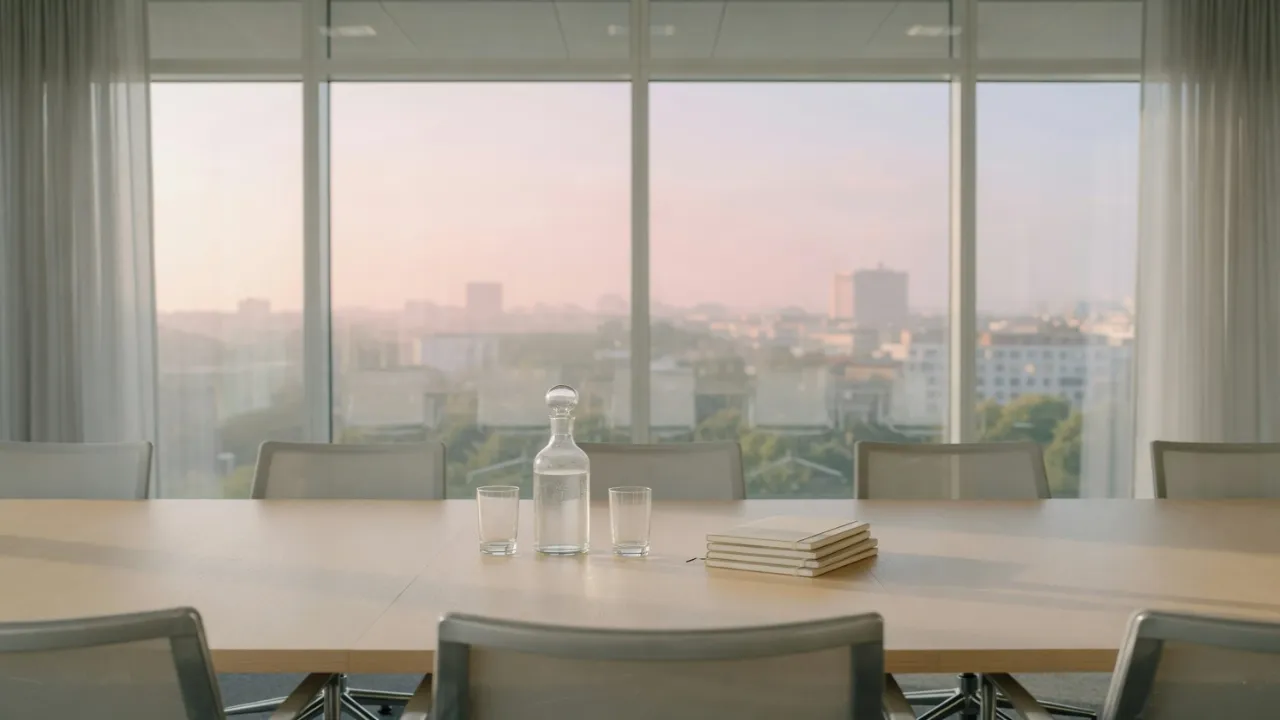
Meeting table stretched to a LinkedIn article cover at 1280×720
The meeting table stretched to the article cover, 1280×720.

This square is the newsletter tile. Stretching the article image down into it cuts the sides off the meeting table.
Same desk stretched to a square for a LinkedIn newsletter cover at 300×300
The newsletter cover is 300×300.

The event ribbon is the same shape as the personal cover and a wider file. The feed post does not fill it.

This strip is the event cover. The newsletter square is not a piece cut out of it.
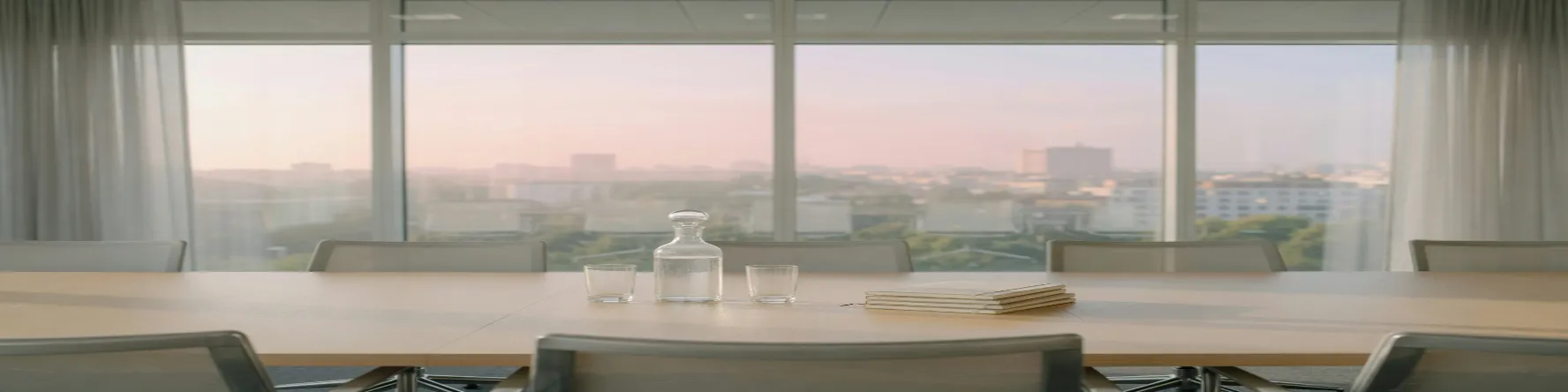
Meeting table stretched to a LinkedIn event cover at 1776×444
The meeting table stretched to the event cover, 1776×444.

LinkedIn banners that look similar and are not

The picture below is the feed post. The two photos under it are the files those rows start from.

The feed post below is its own file. The article post is a few pixels taller than that post and still not the article cover.

This is the feed post. It does not fill the article header or a personal cover.

Same desk stretched to a LinkedIn feed post at 1200×627
The same desk stretched to the feed post, 1200×627.

Company rows start from the meeting table. Personal rows start from the desk.

Meeting table with a carafe and notebooks before a LinkedIn company cover
The meeting table before that stretch.
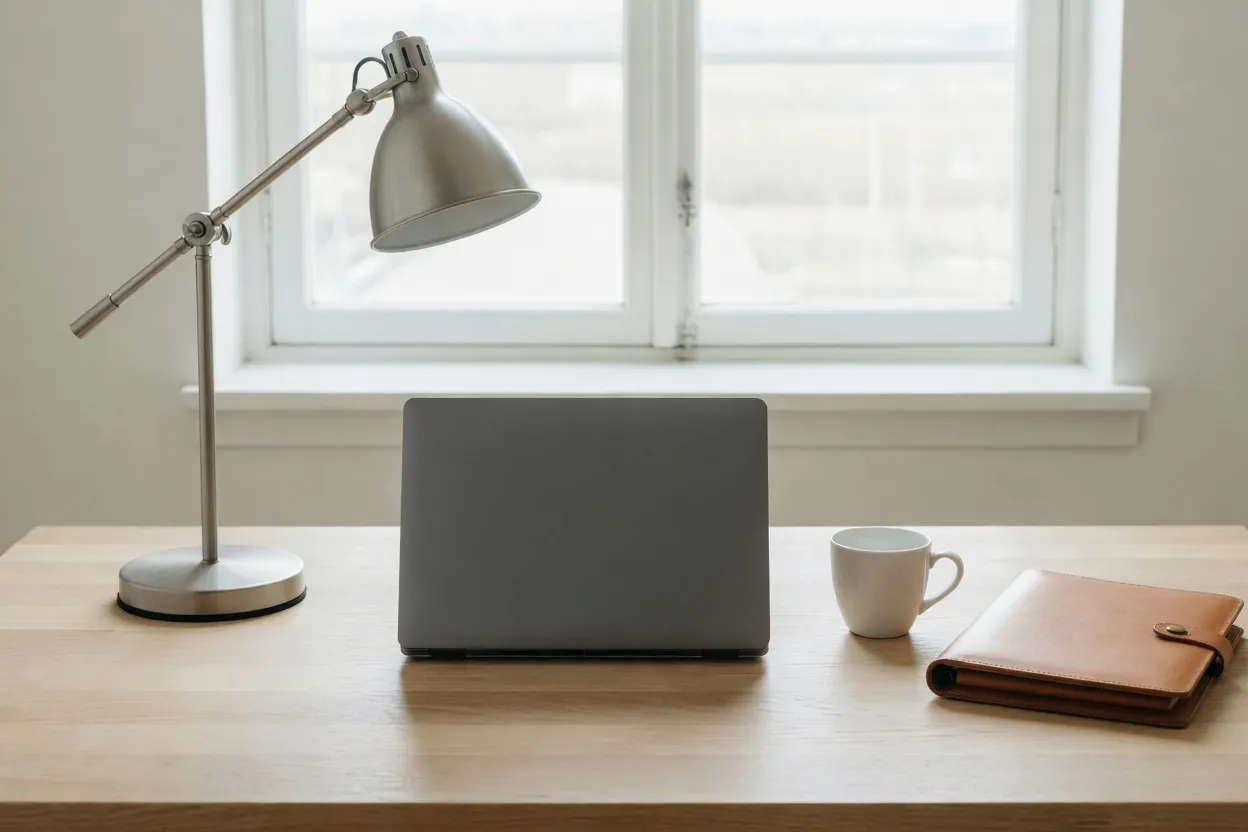
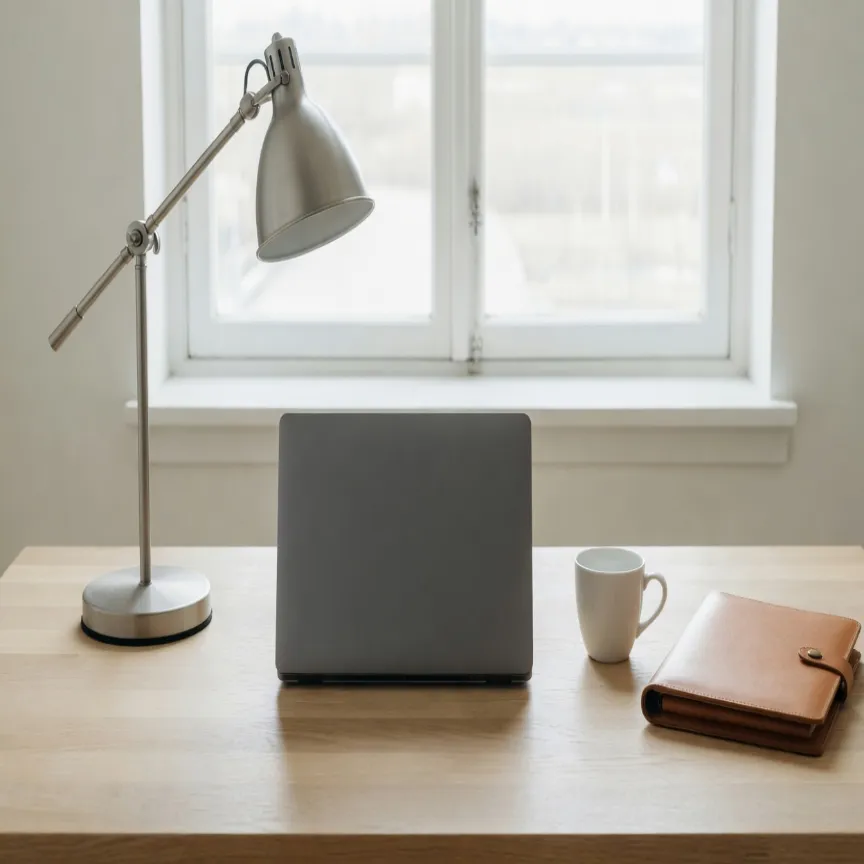
Office desk with a lamp, a closed laptop, a cup, and a portfolio before a LinkedIn stretch
The desk before that stretch.

LinkedIn personal and company cover FAQ

Which LinkedIn sizes can I stretch on this page?
Each row in the chart on this page. The personal cover, the company cover, and the company banner are three different strips.
Is a LinkedIn company cover the same as a personal cover?
No. Personal cover is 1584×396. Company cover is 1192×220. Company banner is 1128×376. Stretch each row from the original.
Where does the profile photo cover the banner?
On the lower left of the personal cover. Keep type and faces out of that overlap before you stretch the width.
Will a 16:9 slide fill the LinkedIn cover?
No. The article cover is 16:9. The personal strip is far wider, and stretching the article image into it flattens the picture.
What should I download for LinkedIn?
PNG for a logo or a type-led cover. JPEG for a photographic post.